Replace 3 tools with 1 simple workflow.
Transcribe, translate, and burn in subtitles — all in one app, all on your Mac.


Chinese | English
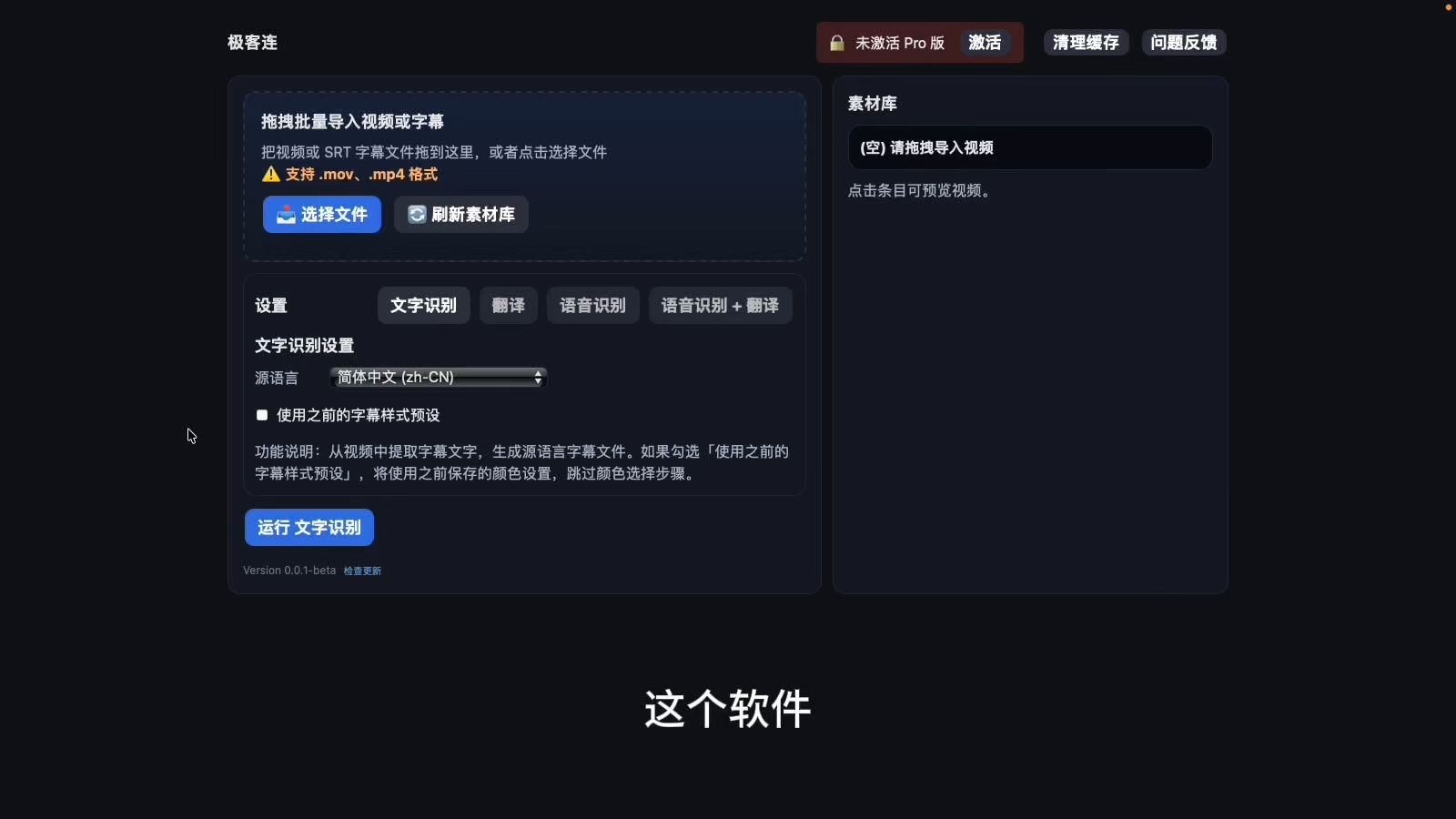
Before GeekLink, subtitling a video meant juggling 3 separate tools: one to transcribe, one to translate, one to burn in. Each with its own UI, its own export format, its own learning curve. Multiply that by 50 videos and you've lost a week.
GeekLink replaces that entire stack with one drag-and-drop pipeline. Import your videos, pick the languages, click Run. Speech recognition, AI translation, subtitle editing, styling, and export — all happen in sequence, automatically, for every video at once.
Import 2 videos or 200. Configure once. Walk away.
Batch-First Workflow
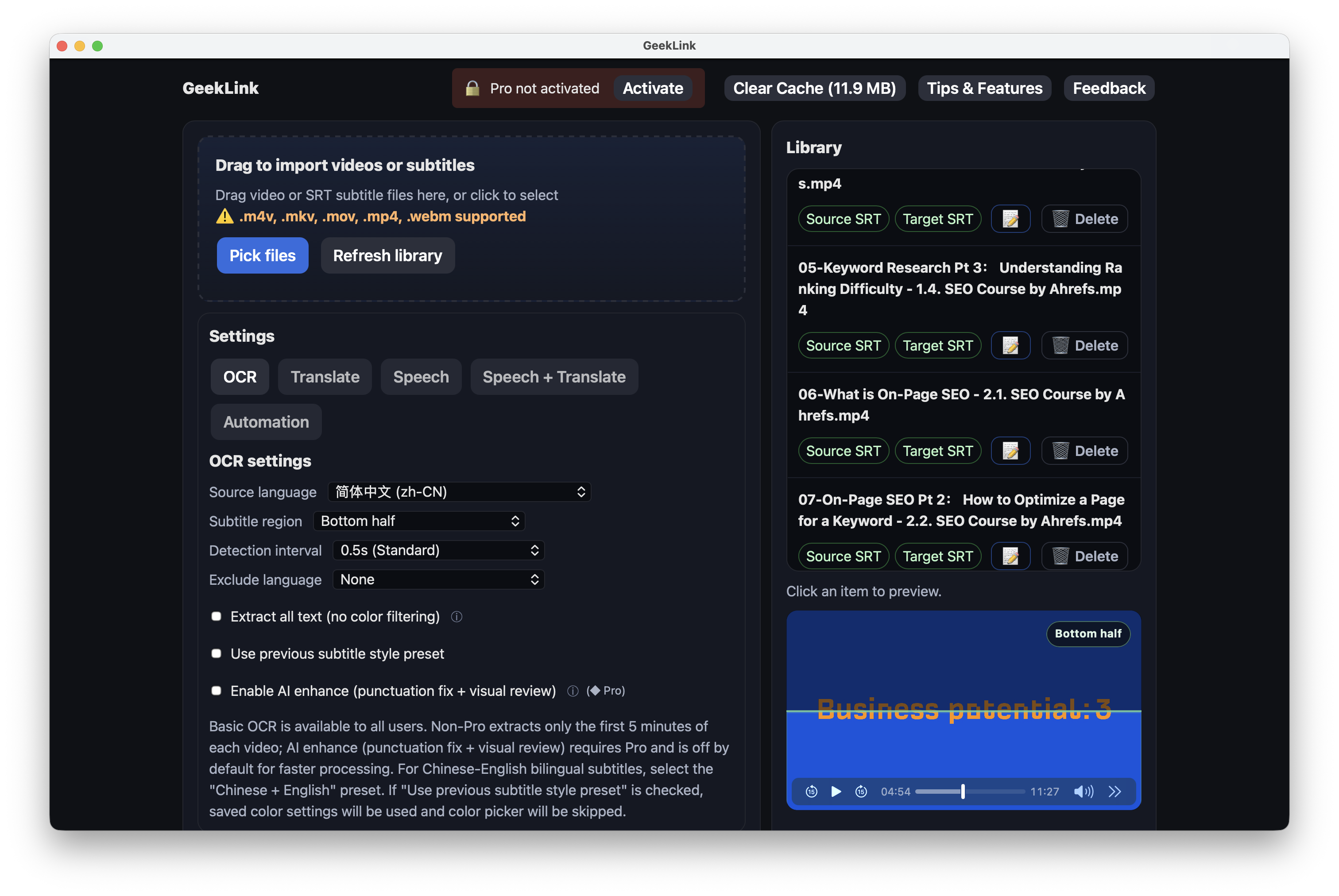
- Import your entire video library at once (MP4, MOV, MKV, M4V, WebM)
- One progress bar across all videos — no more watching it reset for each one
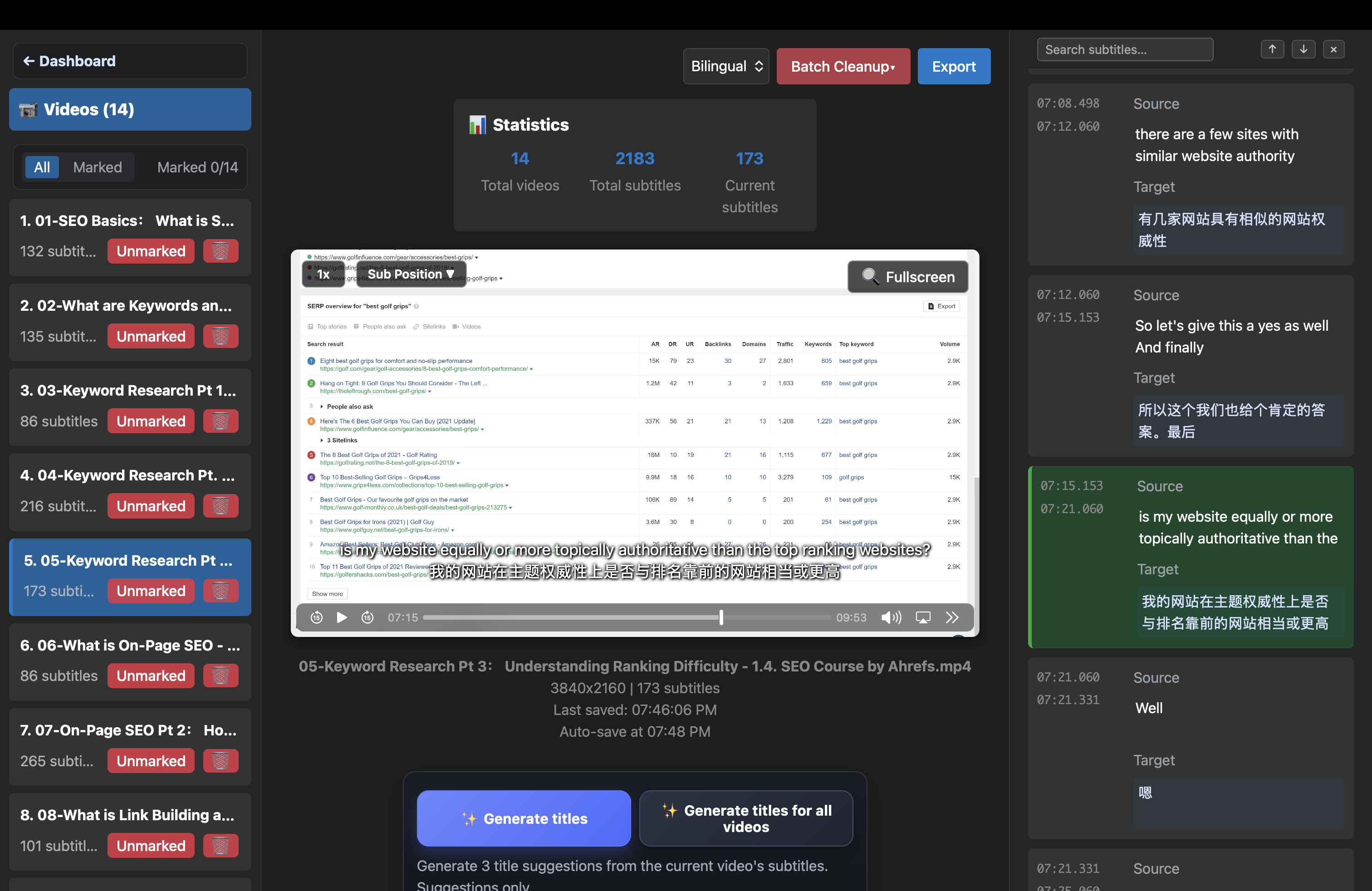
- Batch subtitle editor: review and refine all videos in one interface
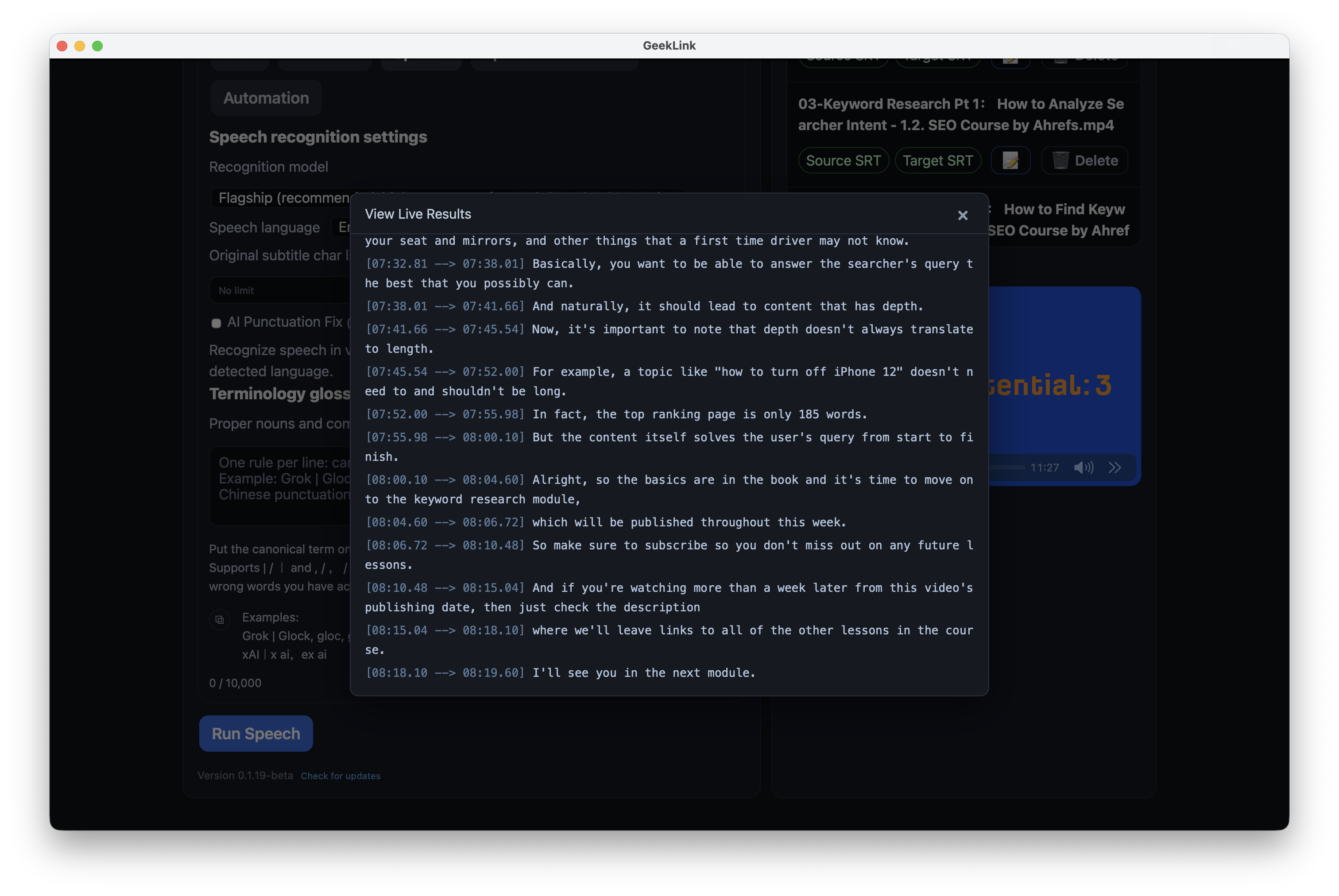
AI Speech Recognition
- Built-in multilingual engine (14 languages) + FunASR (Chinese-optimized)
- Silero VAD pre-filter eliminates phantom subtitles from background music
Multi-Engine Translation
- Google Translate (free) / DeepSeek AI (context-aware)
- 14 language pairs supported
- Custom AI translation prompts per project
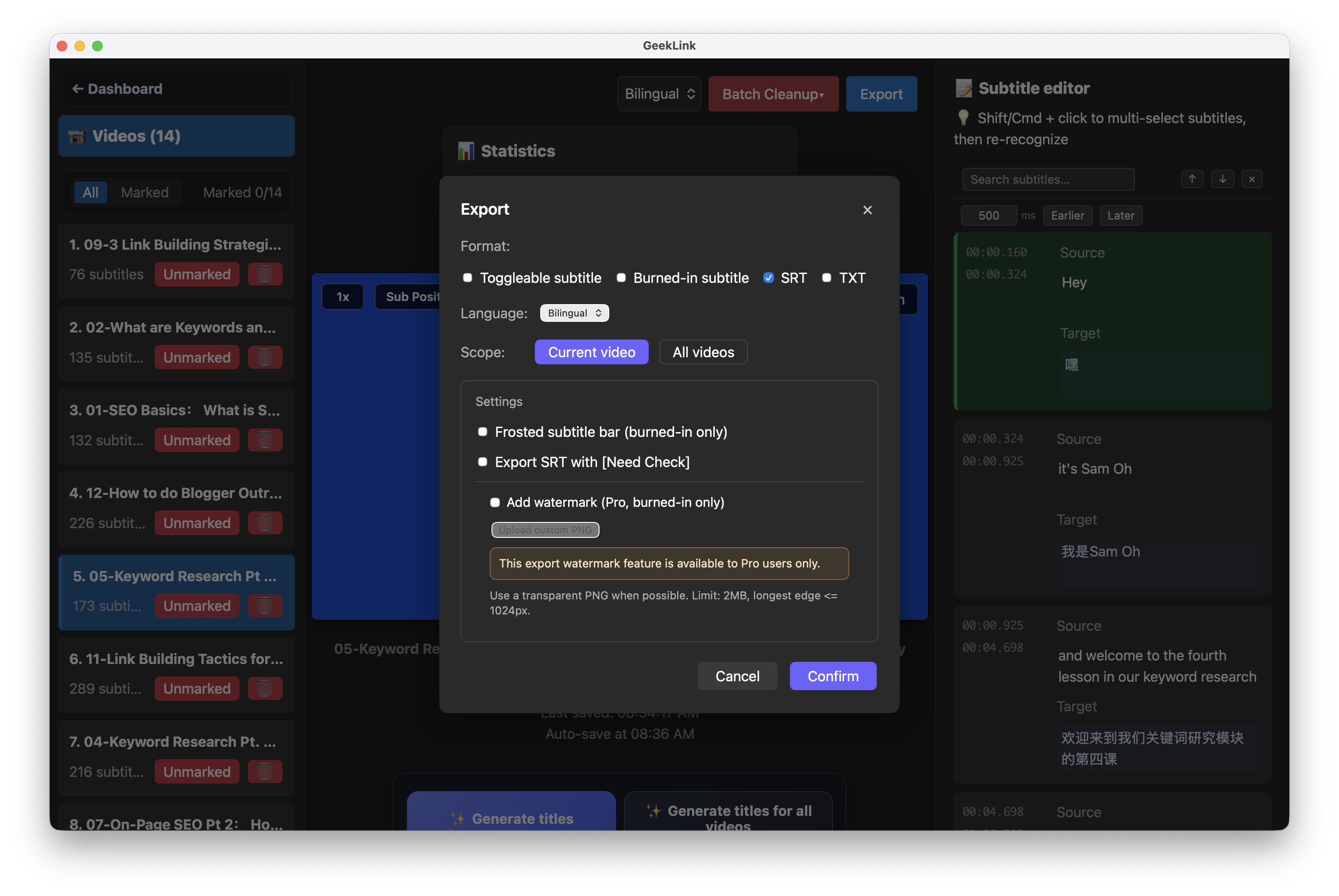
Two Export Modes
- Burned-in subtitles — permanent, plays on any device
- Toggleable subtitles — viewer can turn on/off
WYSIWYG Style Editor
- Font, size, color, outline, shadow, position
- Frosted glass bar background
- Live preview before export
100% Local & Private
- Your videos never leave your Mac
- No cloud uploads, no per-minute fees
- Runs on Apple Silicon (M1/M2/M3/M4)
| Dashboard | Speech Recognition |
|---|---|
 |
 |
| Subtitle Editor | Export |
|---|---|
 |
 |
- Download the latest
.dmgfrom Releases - Drag
GeekLink.appto Applications - Open the app, drag in your videos
- Choose language settings, click Run
- Review subtitles in the editor, then export
| Language | Speech Recognition | Translation |
|---|---|---|
| Chinese (Simplified/Traditional) | ✓ + FunASR | Google / DeepSeek |
| English | ✓ | Google / DeepSeek |
| Japanese | ✓ | Google / DeepSeek |
| Korean | ✓ | Google / DeepSeek |
| French | ✓ | Google / DeepSeek |
| German | ✓ | Google / DeepSeek |
| Spanish | ✓ | Google / DeepSeek |
| Italian | ✓ | Google / DeepSeek |
| Portuguese | ✓ | Google / DeepSeek |
| Russian | ✓ | Google / DeepSeek |
| Arabic | ✓ | Google / DeepSeek |
| Thai | ✓ | Google / DeepSeek |
| Vietnamese | ✓ | Google / DeepSeek |
- macOS 13.0+ (Ventura or later)
- Apple Silicon (M1/M2/M3/M4) required
- 8 GB RAM minimum, 16 GB recommended for batch processing
Found a bug or have a feature request? Open an Issue.
Made with care by GeekLink