
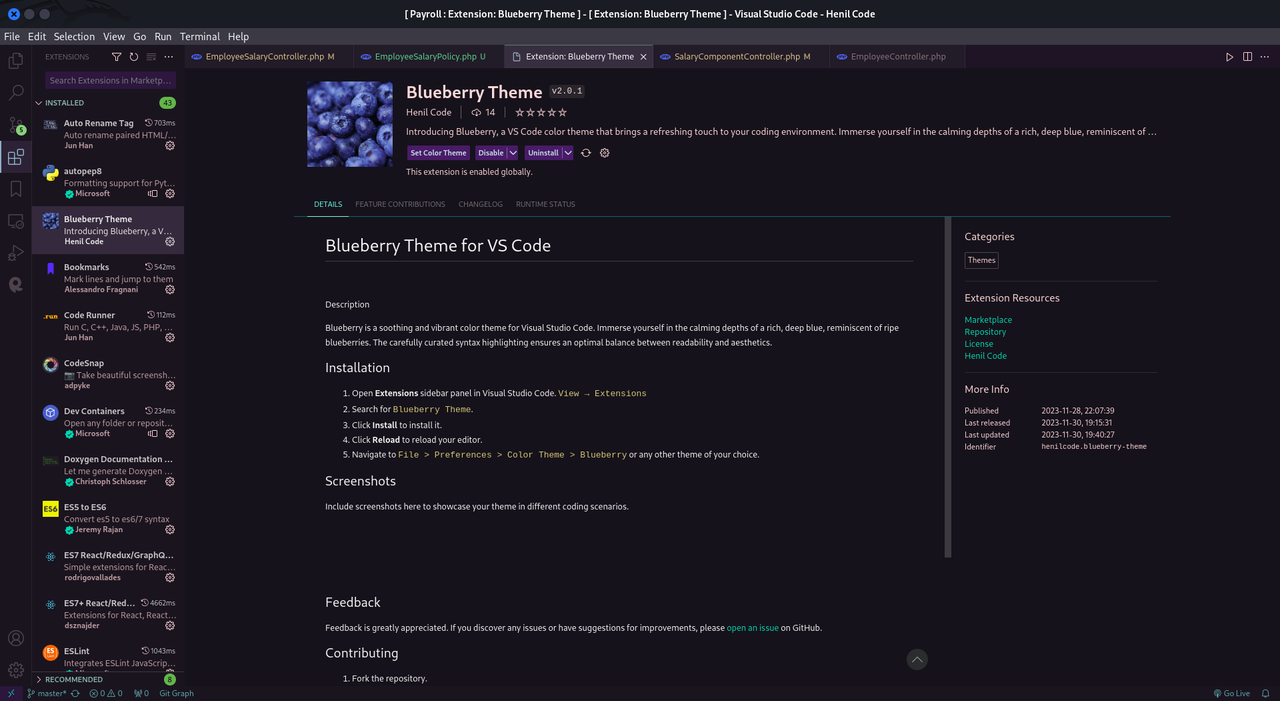
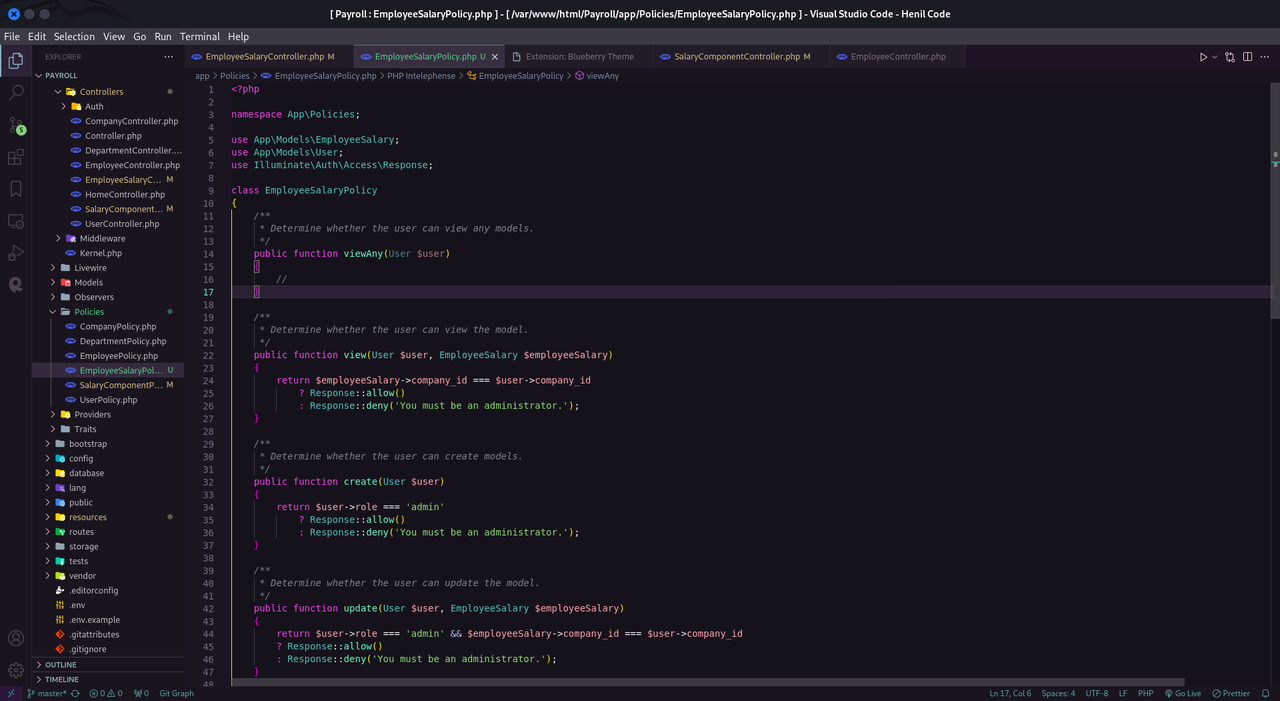
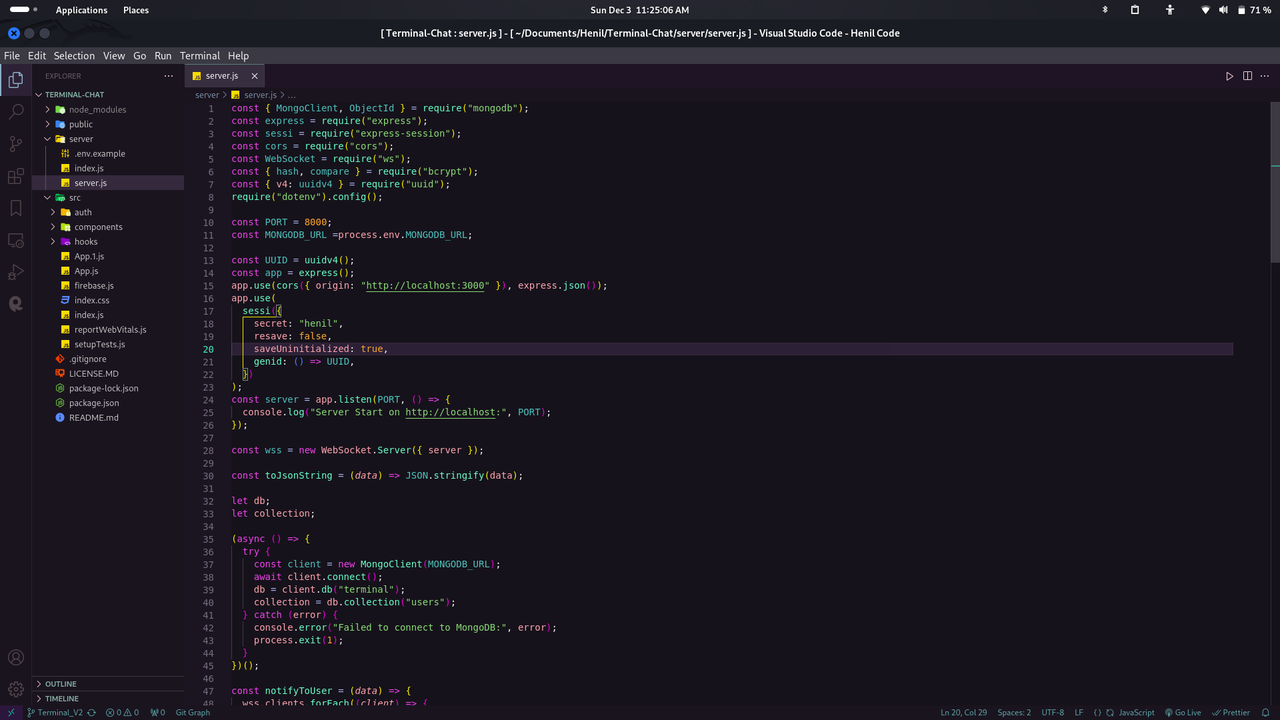
Blueberry is a soothing and vibrant color theme for Visual Studio Code. Immerse yourself in the calming depths of a rich, deep blue, reminiscent of ripe blueberries. The carefully curated syntax highlighting ensures an optimal balance between readability and aesthetics.
- Open Extensions sidebar panel in Visual Studio Code.
View → Extensions - Search for
Blueberry Theme. - Click Install to install it.
- Click Reload to reload your editor.
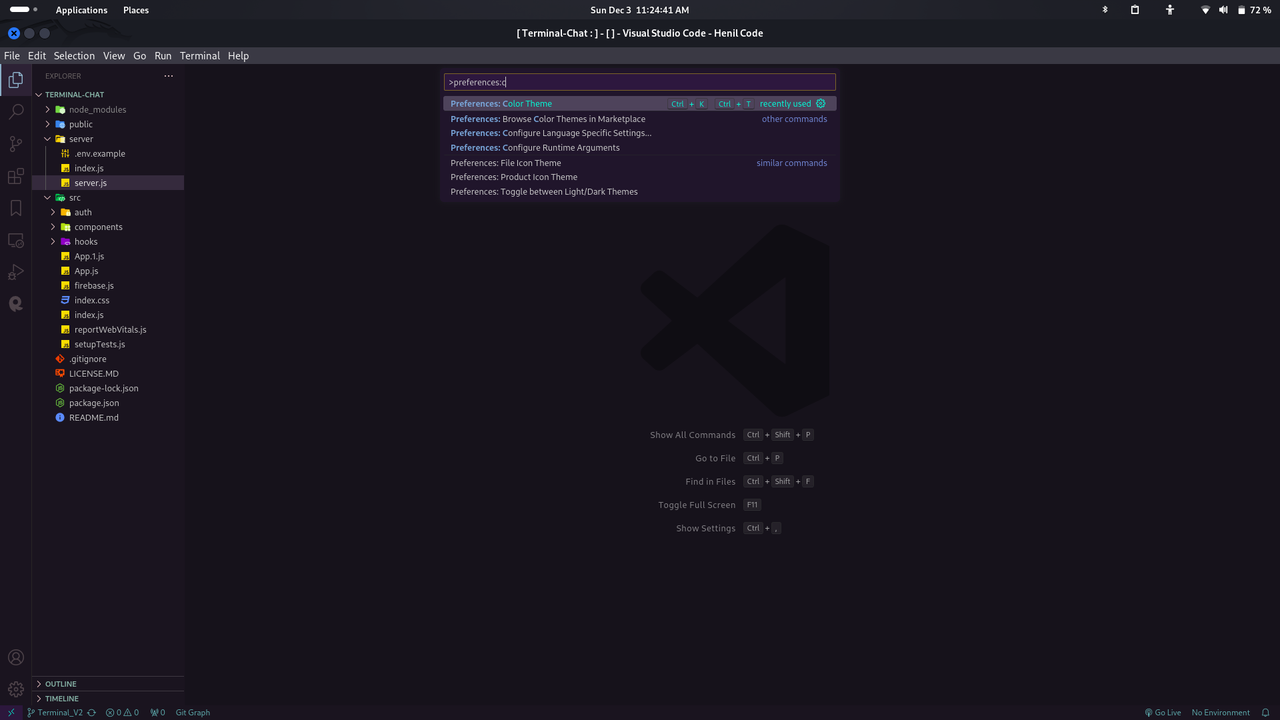
- Navigate to
File > Preferences > Color Theme > Blueberryor any other theme of your choice.
Include screenshots here to showcase your theme in different coding scenarios.
Feedback is greatly appreciated. If you discover any issues or have suggestions for improvements, please open an issue on GitHub.
- Fork the repository.
- Clone your forked repository.
- Make changes.
- Create a pull request.
This project is licensed under the MIT License.
Enjoy coding with the Blueberry theme! 🍇 🍇 🍇