
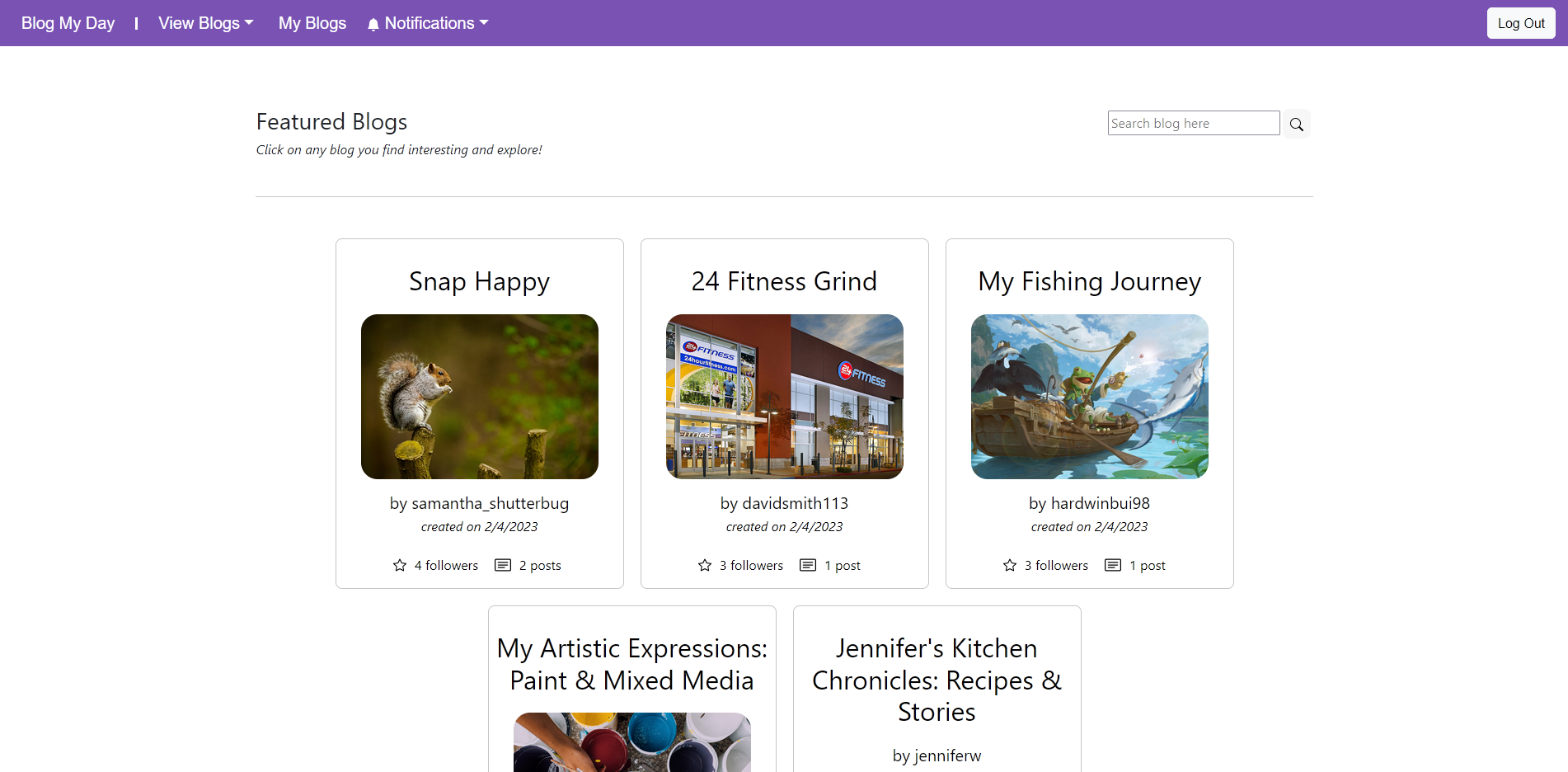
 When users enter the page they will be presented with all of the blogs made by existing users. These blogs are sorted by popularity measured by their followers and posts. From here, users can either look at indiviual blogs or sign up to make some of their own.
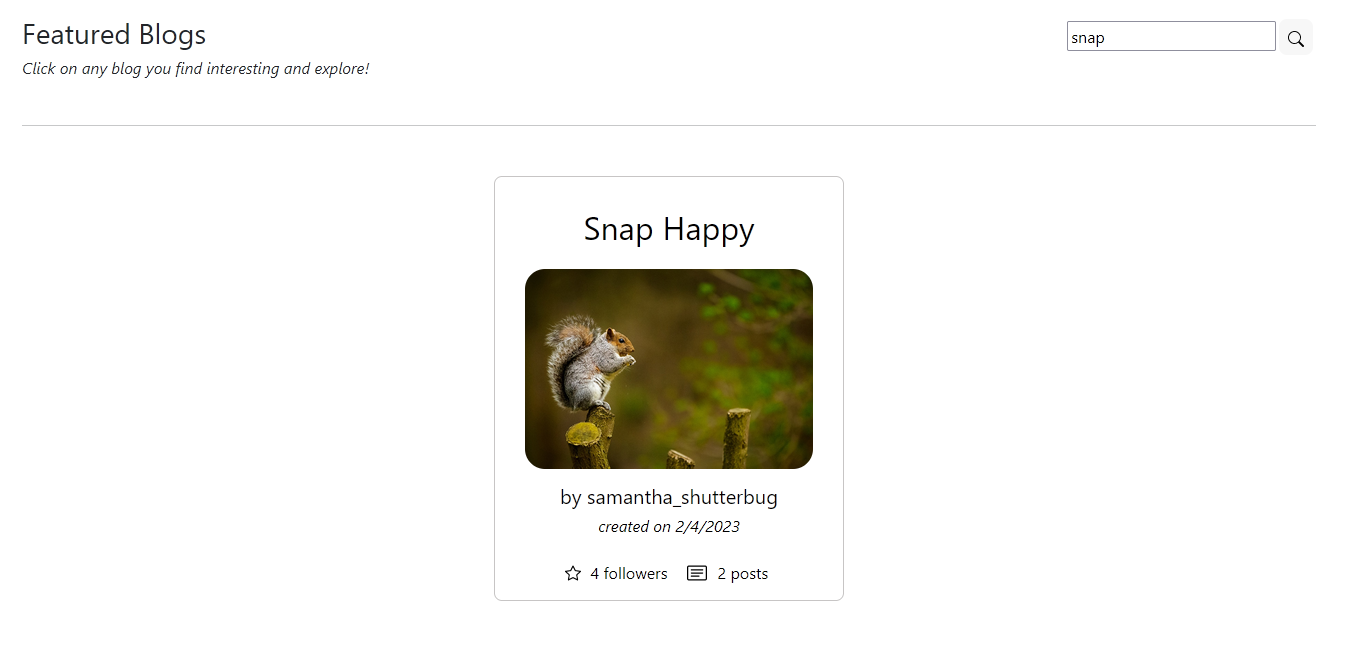 Additionally, users can filter and search specifics blogs by typing part of their title in the searchbar.
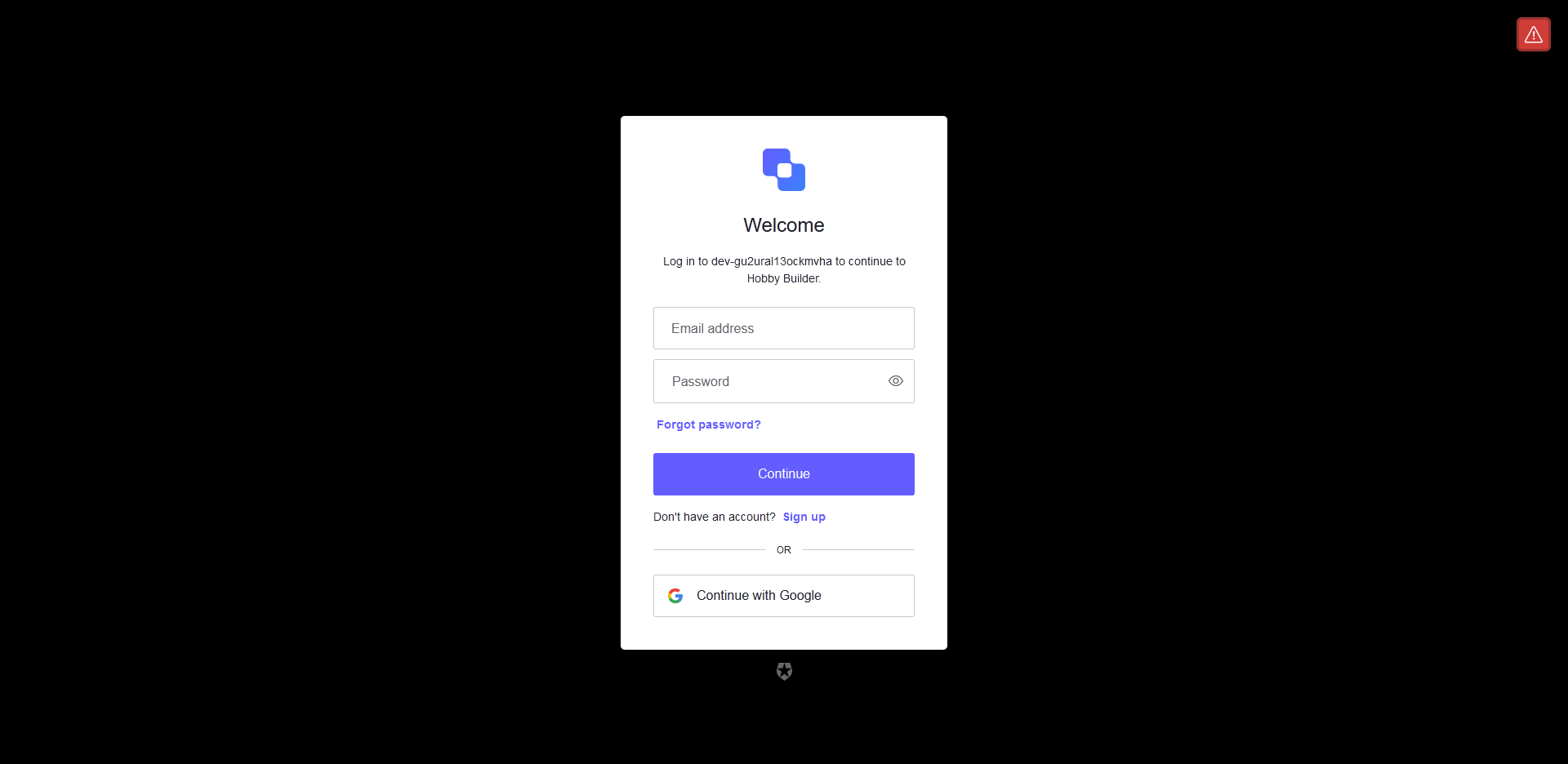
Users are asked to sign up or login with the required information. Auth0 was used for the sign up and login functionalities.
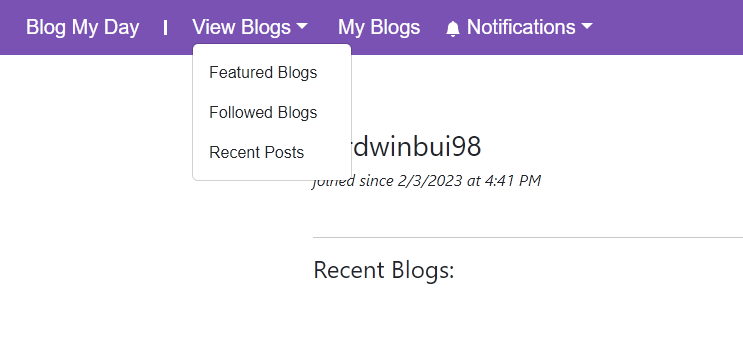
The NavBar has multiple options for the users to pick from. The View Blogs dropdown provides the users with a few different pages where they can see blogs and posts made by the overall userbase. My Blogs will send the user to their personal page.
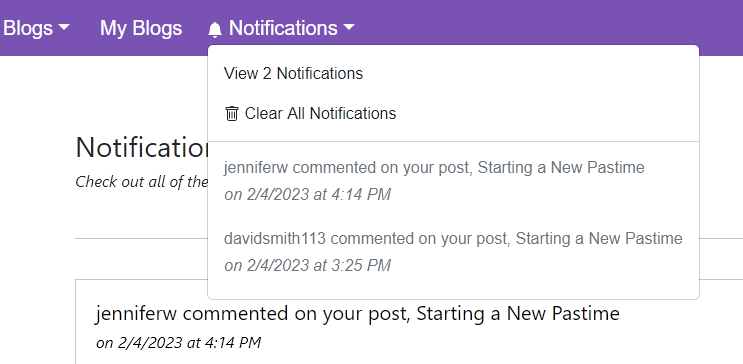
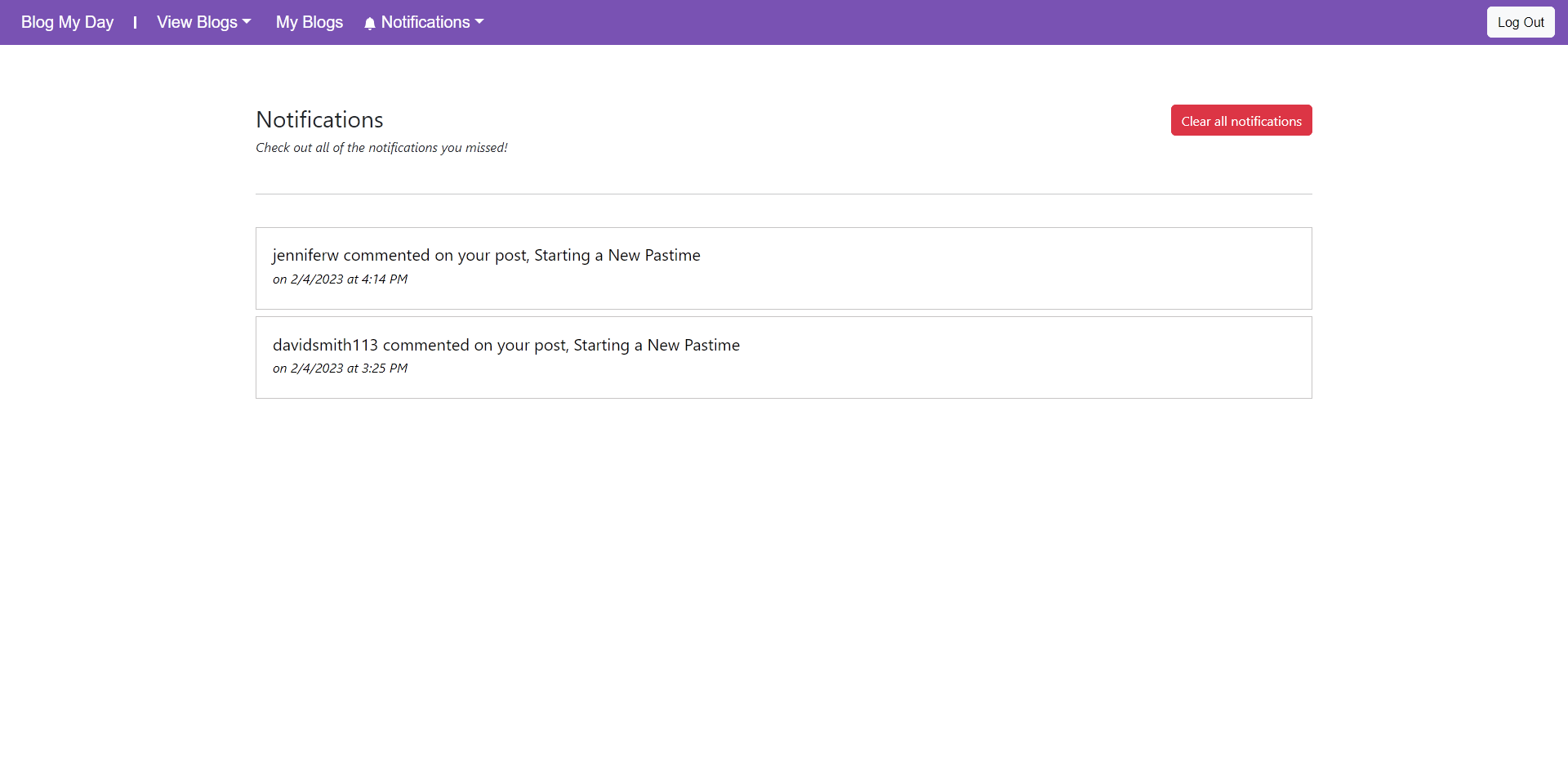
The Notifications bell icon will light up in the NavBar if the users has any notifications. The dropdown will display up to 3 of the lastest notifications they had. From here, they can choose to clear their notifications or view them all in the Notifications page shown below:
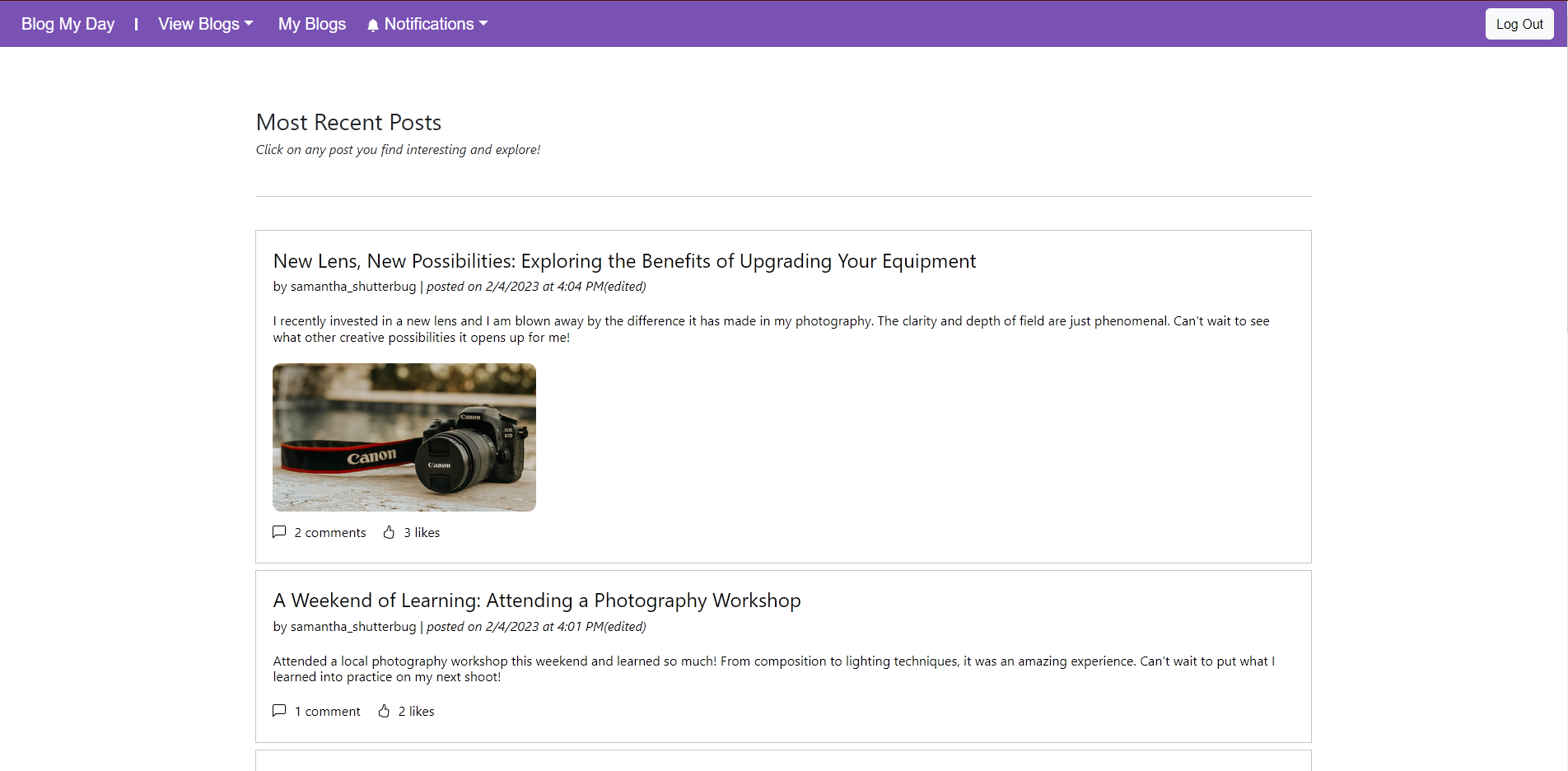
The most recent posts by all users on the website database are shown here.
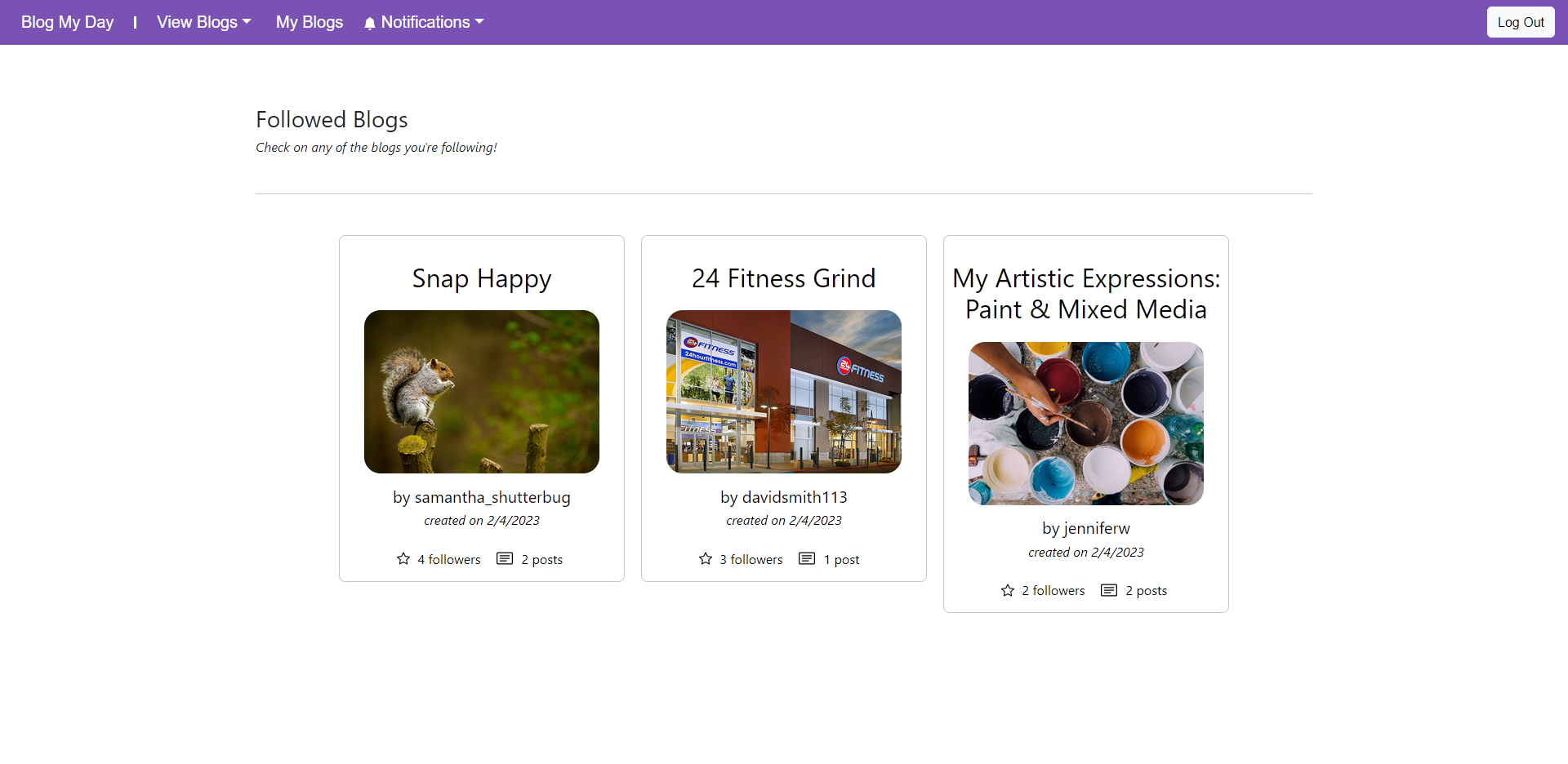
Logged in users can view all of the blogs they're following on this page. Clicking on any of them will allow users to view more of the details of each blog.
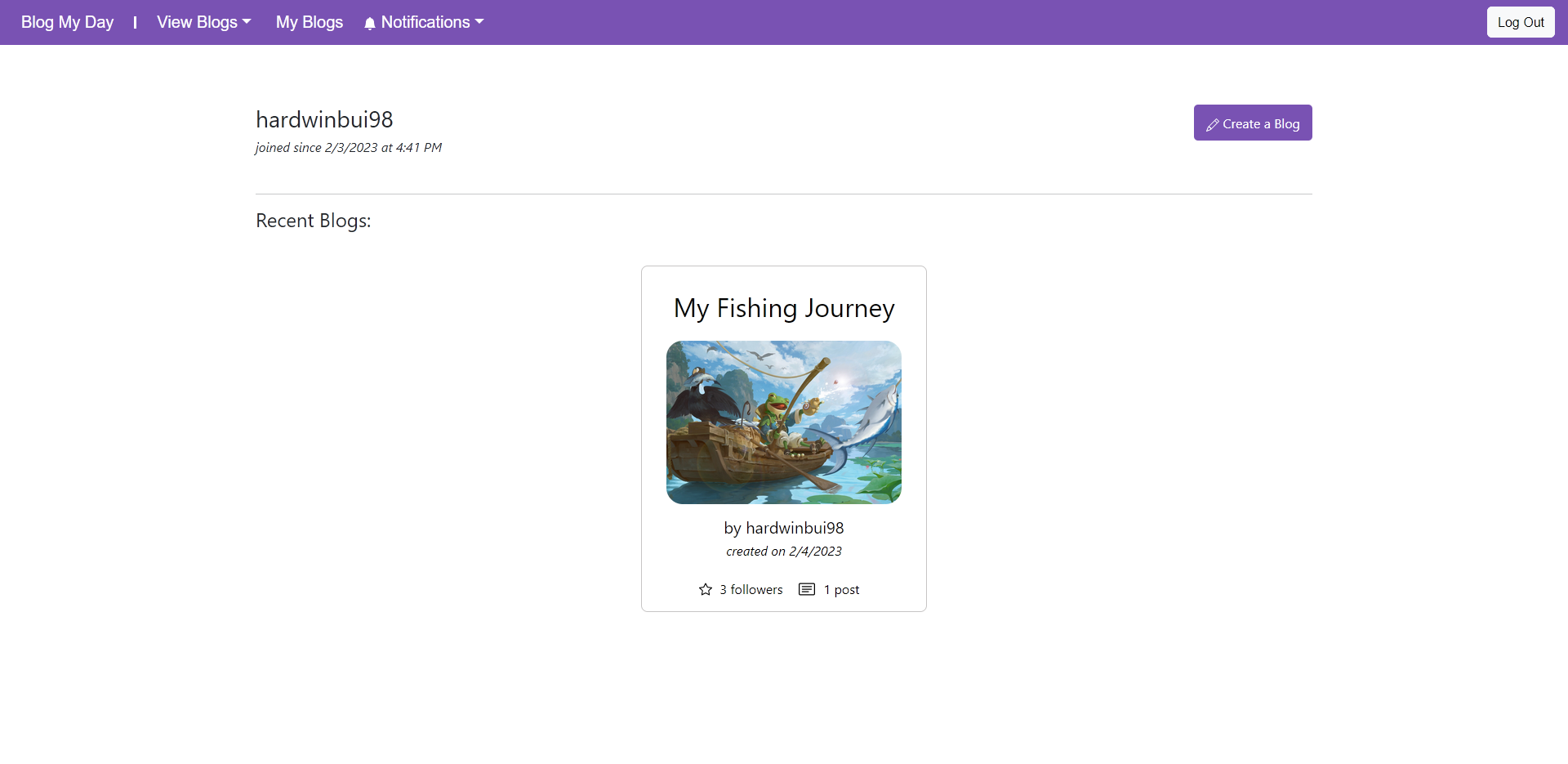
If the user logs into their account, they can access their blog page. Here, they can create a new blog, delete an existing blog, or view any of their blogs.
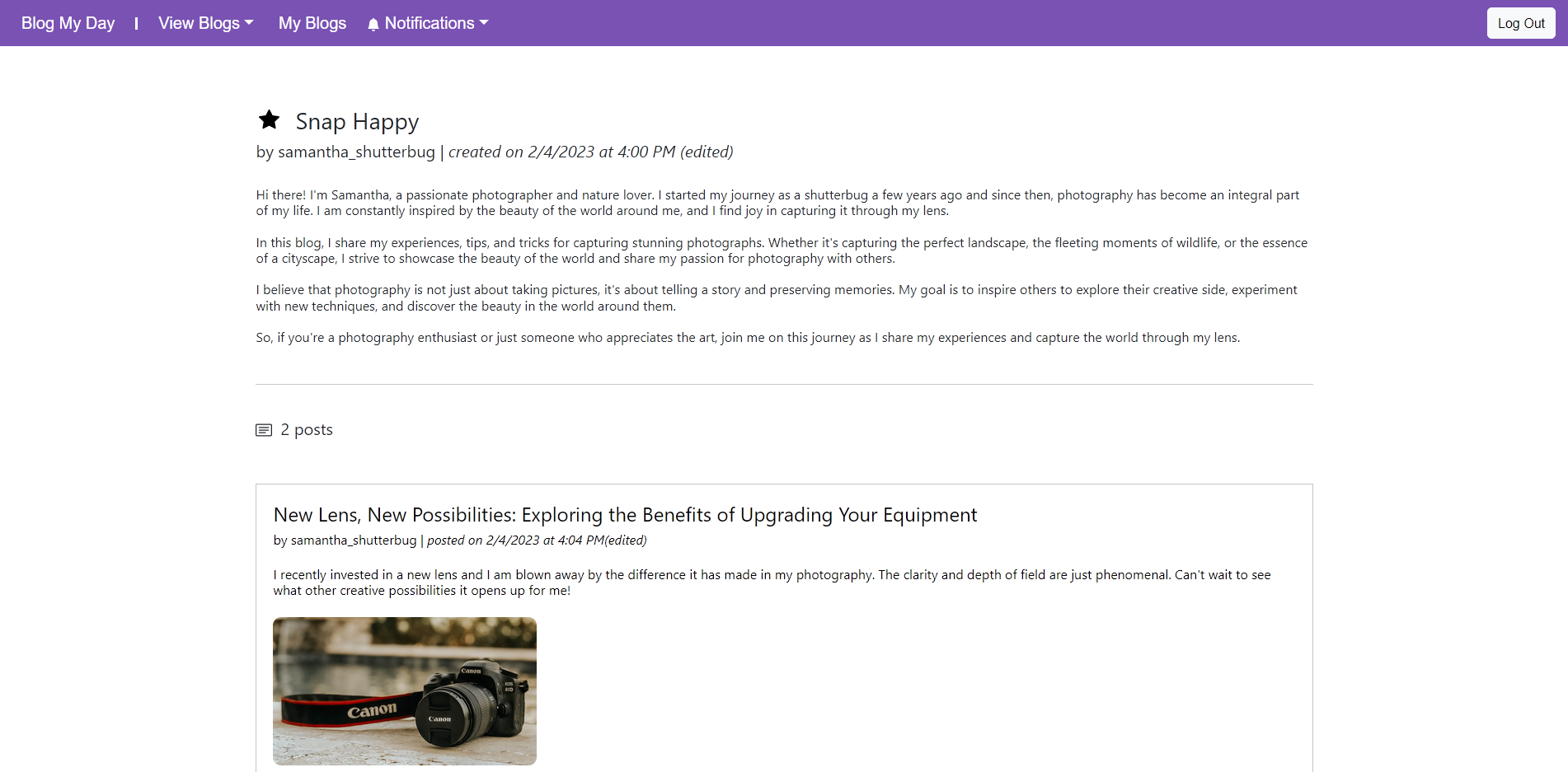
This page allows you to view all the posts made about the blog you're looking at. You can click on any of the posts if you'd like to interact or comment on them. Logged in users can follow the blog by clicking the star icon next to the blog title. If you are the user who created the blog, you have edit, delete, and post creation access on this page.
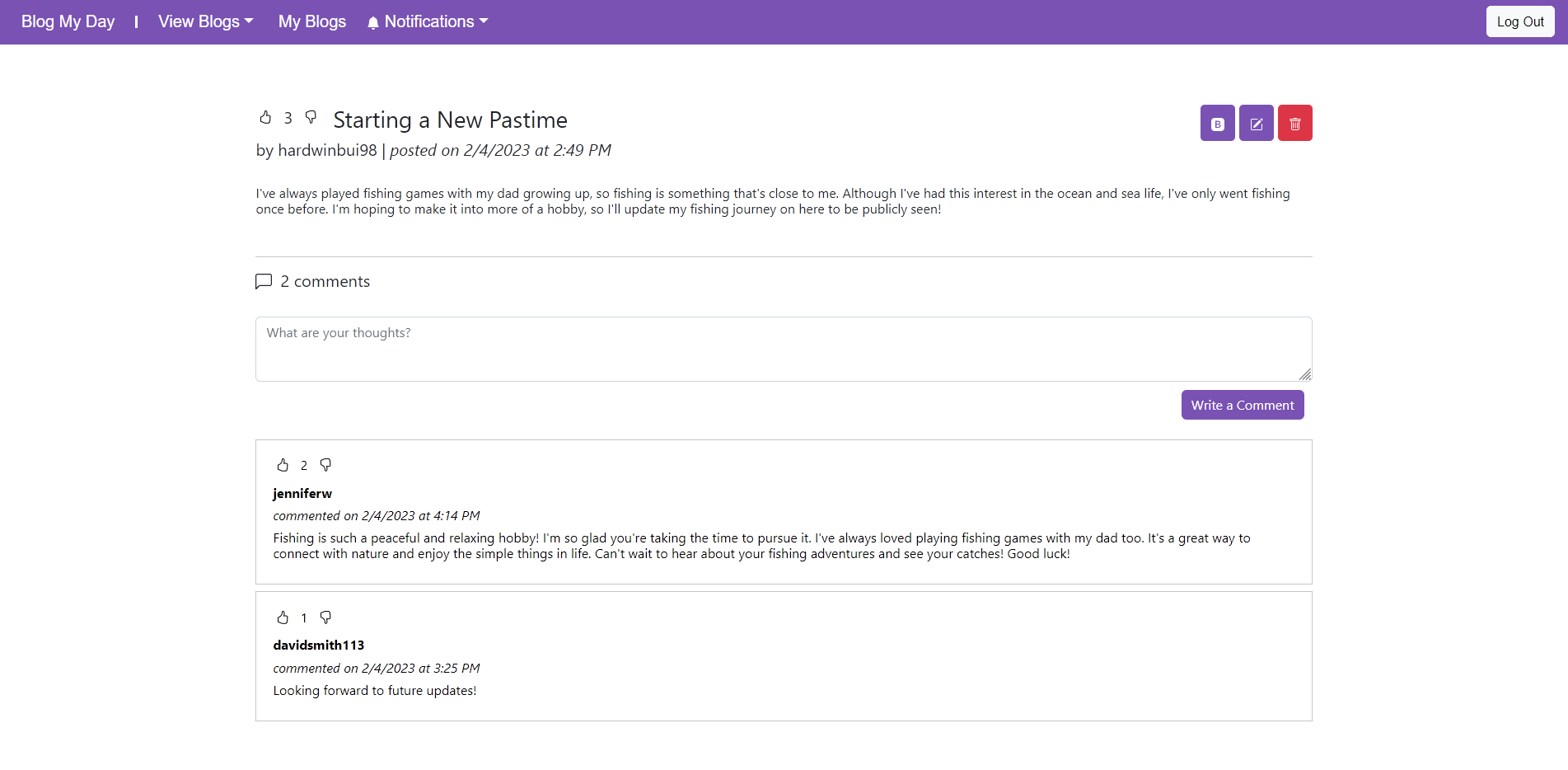
This page contains all the details of the selected post. On this page, logged in users can like/dislike the post or any of the comments in it. They can also comment on the post directly as well. If the logged in user is the owner of the post, they have edit and delete access to it. Users also have access to delete any of their own comments on this page.
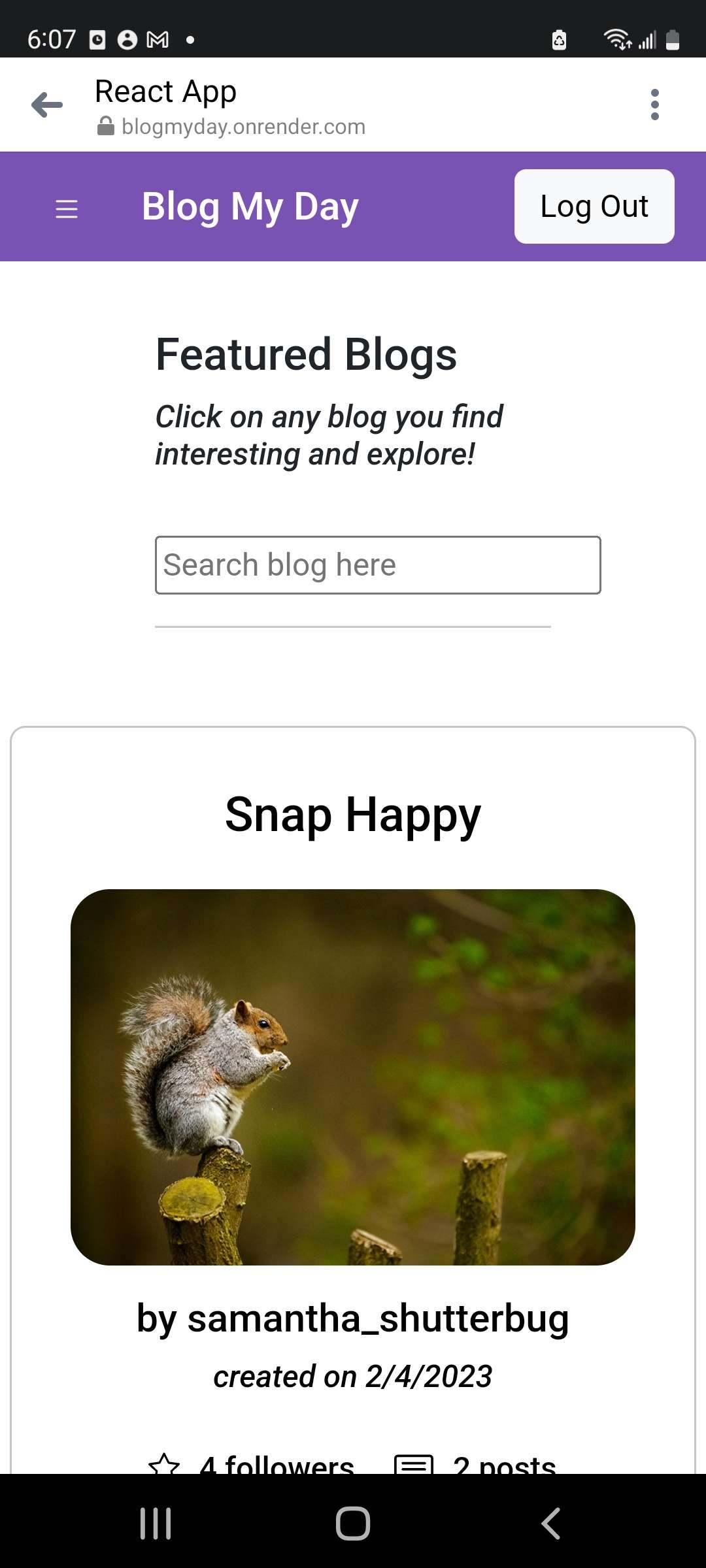
The website is fully responsive and workd for mobile devices.
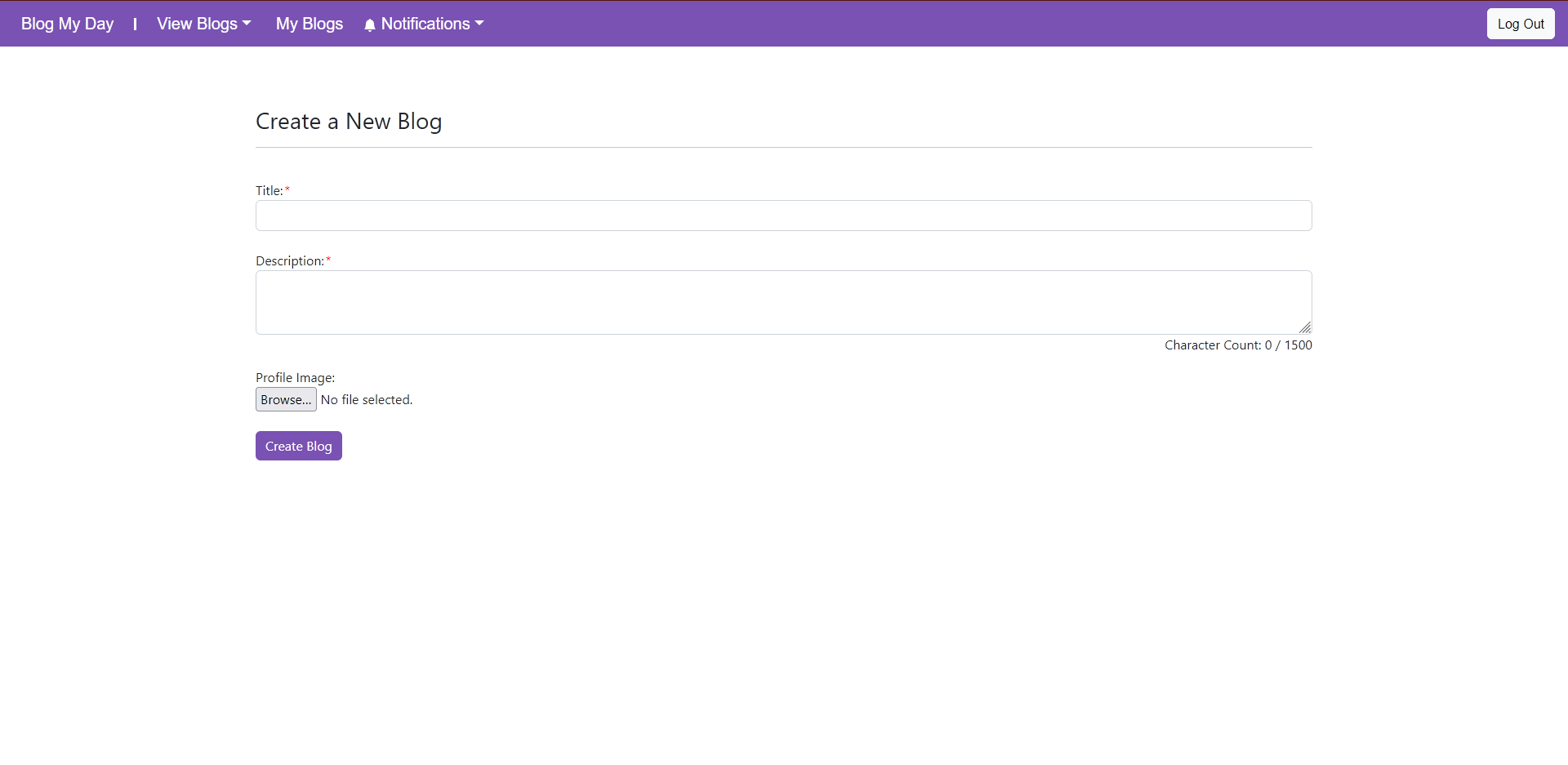
Users can create a blog on this page by entering the necessary data. Currently, users only have to specify the title of the blog.
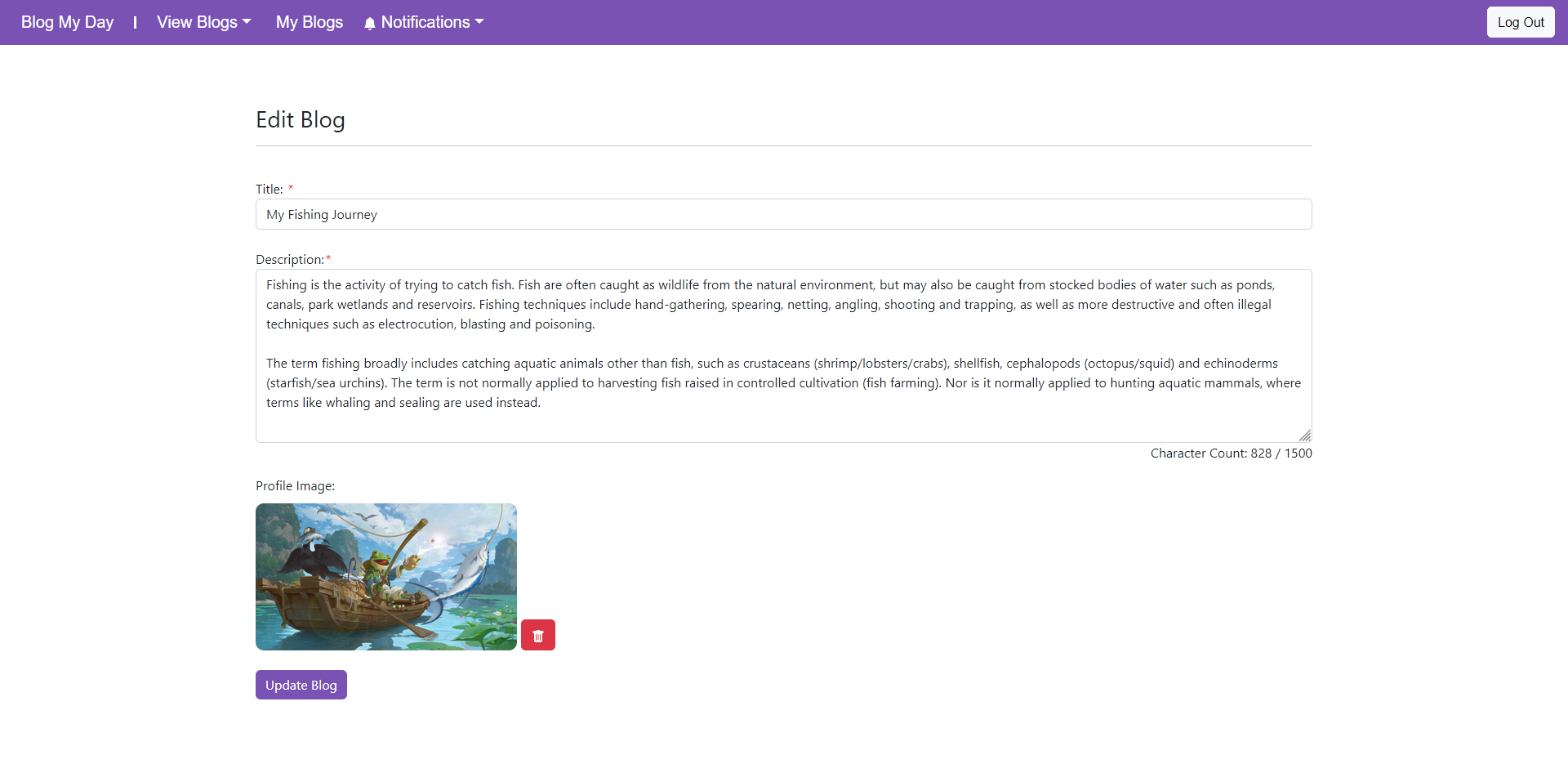
Users can make revisions to an existing post here.
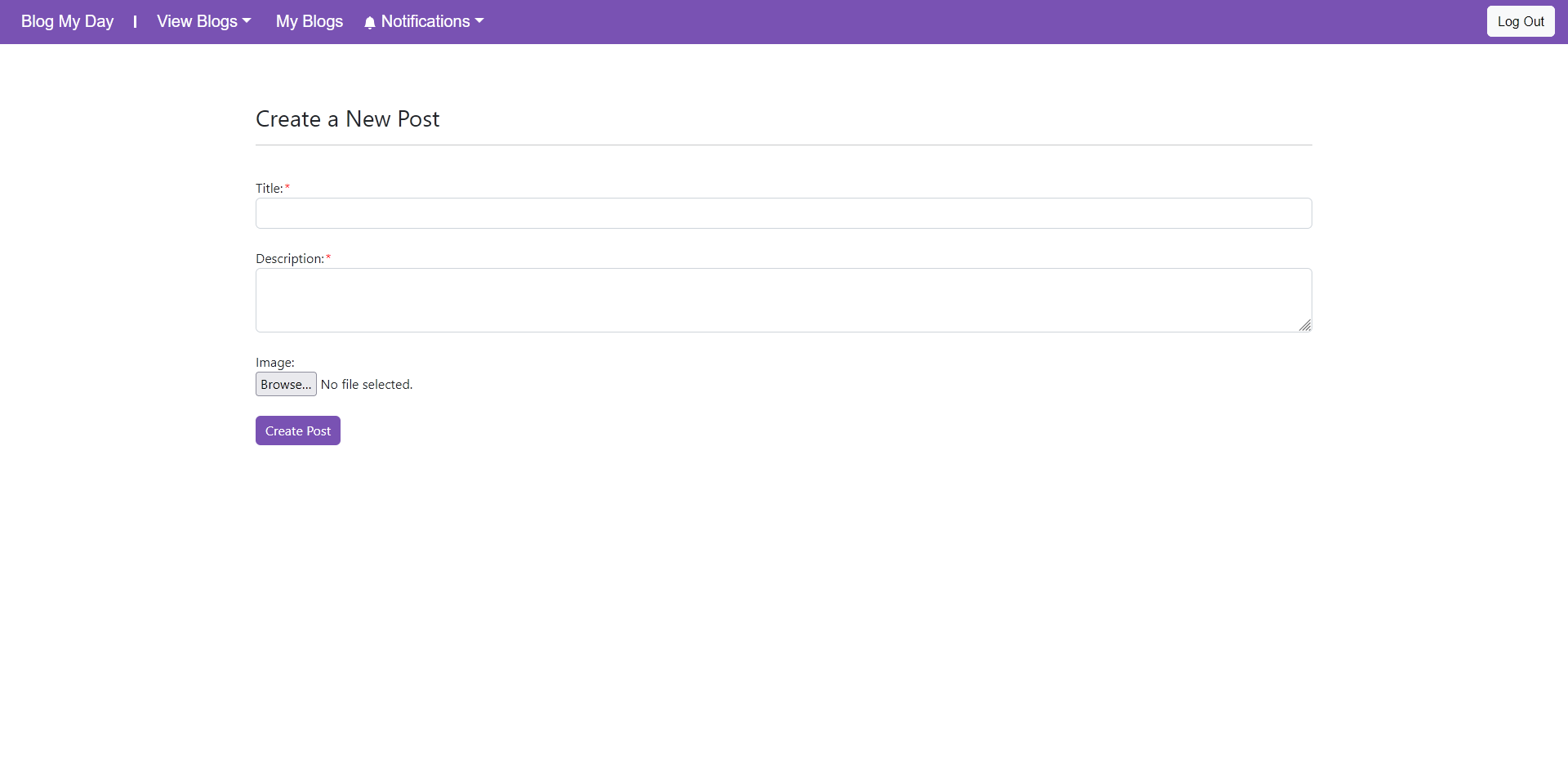
Users can make a post here by specifying its title and content.
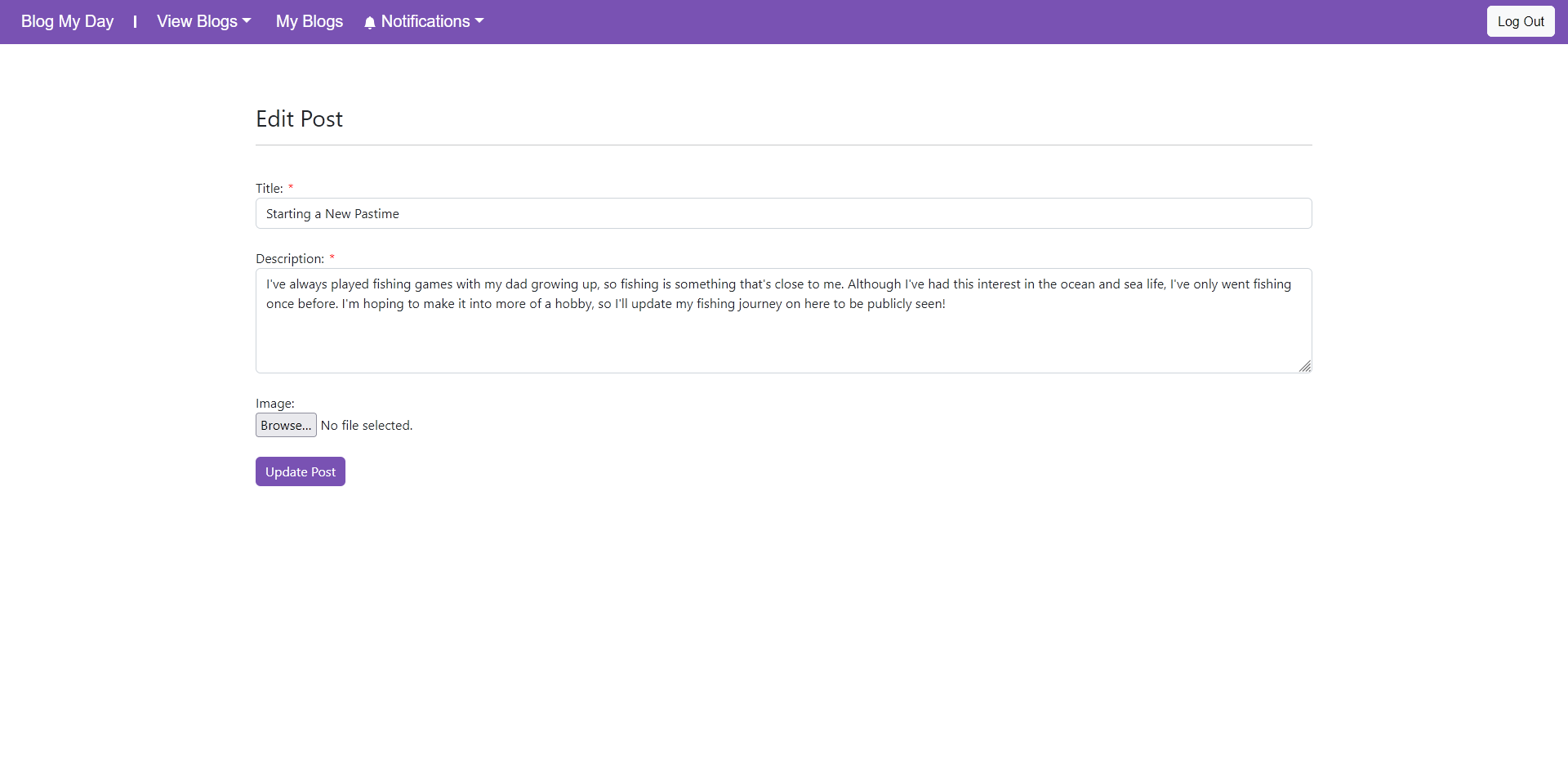
Users can make revisions to an existing post here.