
BlogEm is an application to create content very similar to Medium, with the small difference that it is developed to encourage other developers to learn in a practical way the flow of an application in real life.
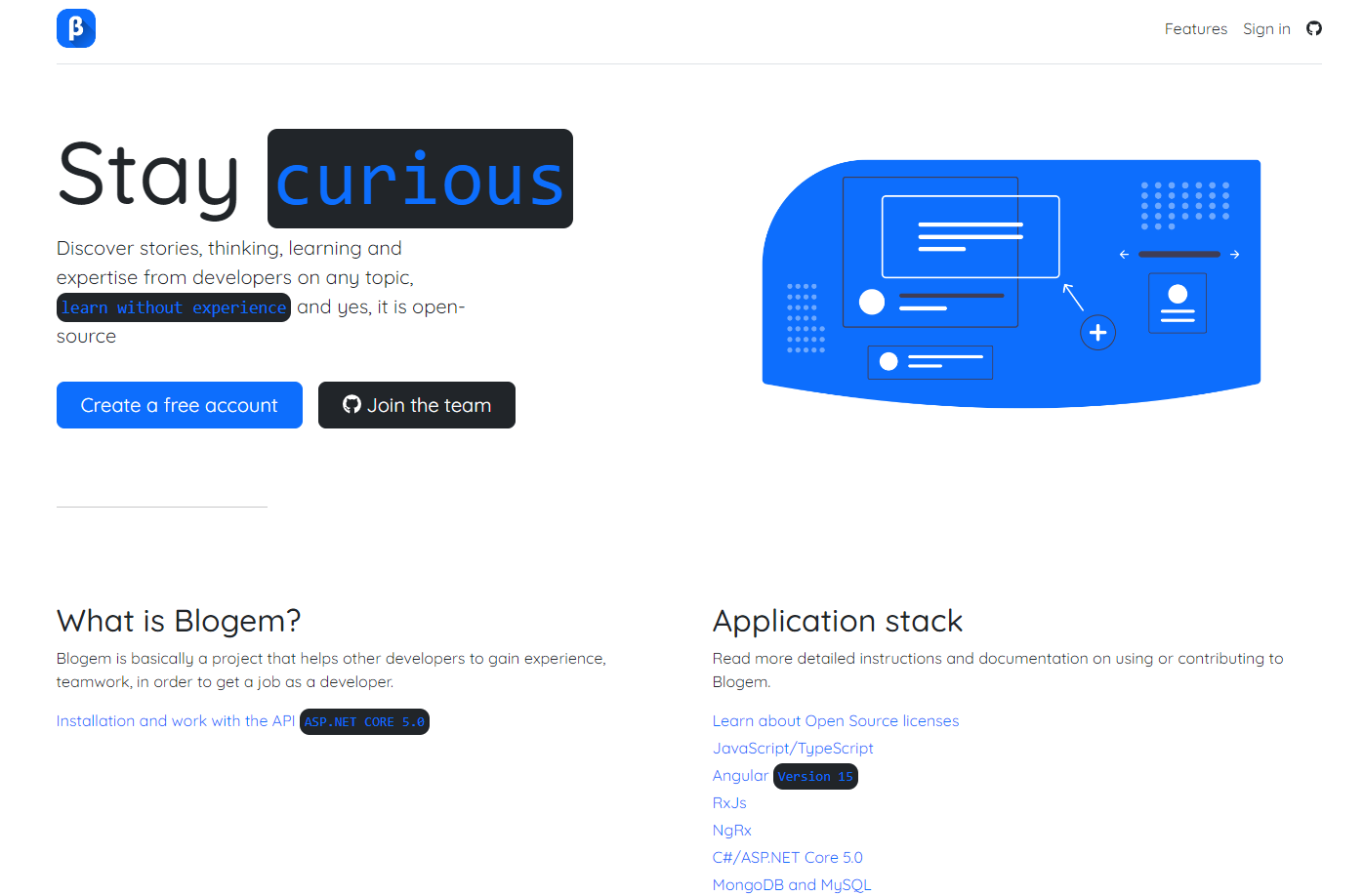
Initially, the idea of this project is that developers can participate in a real (open source) project in which they can gain experience, learn from different methodologies, good practices, understand design patterns and among other topics that are normally covered in a project in real life. As such, the project is totally free, any developer who is part of the team has access to the code and it's totally free. As such, this product is licensed under the MIT license which reads:
THE SOFTWARE IS PROVIDED “AS IS”, WITHOUT WARRANTY OF ANY KIND, EXPRESS OR IMPLIED, INCLUDING BUT NOT LIMITED TO THE WARRANTIES OF MERCHANTABILITY, FITNESS FOR A PARTICULAR PURPOSE AND NONINFRINGEMENT. IN NO EVENT SHALL THE AUTHORS OR COPYRIGHT HOLDERS BE LIABLE FOR ANY CLAIM, DAMAGES OR OTHER LIABILITY, WHETHER IN AN ACTION OF CONTRACT, TORT OR OTHERWISE, ARISING FROM, OUT OF OR IN CONNECTION WITH THE SOFTWARE OR THE USE OR OTHER DEALINGS IN THE SOFTWARE.
Requirements for the project
The technologies are a fundamental part of the project in order to work properly. Since this is a full-stack project we will cover backend, frontend and databases.
- C# https://dotnet.microsoft.com/en-us/learn/csharp
- ASP.NET Core 3.1 https://dotnet.microsoft.com/en-us/learn/aspnet
- AutoMapper: https://docs.automapper.org/en/stable/Getting-started.html
- Security https://owasp.org/www-project-api-security/
- Microservices (minimum) https://learn.microsoft.com/en-us/dotnet/architecture/microservices/
- RabbitMQ https://www.rabbitmq.com/getstarted.html
- JavaScript https://developer.mozilla.org/en-US/docs/Web/JavaScript
- TypeScript https://www.typescriptlang.org/
- Angular https://angular.io/
- RxJS https://rxjs.dev/
- NgRx https://ngrx.io/
- Angular material & cdk https://material.angular.io/
- Bootstrap 5 (Not confirmed yet)
- MongoDb https://learn.mongodb.com/ SQL Choose a folder where your UI and API will be. Both projects must be in the same folder. DO NOT create anything yet.
First of all you need download VS2022 Community Edition. https://visualstudio.microsoft.com/vs/
- Download ASP.NET Core 3.1, 5.0 & 6.0
- https://dotnet.microsoft.com/en-us/download/dotnet/3.1
- https://dotnet.microsoft.com/en-us/download/dotnet/5.0
- https://dotnet.microsoft.com/en-us/download/dotnet/6.0 Once you have you localENV set up, go to <YOUR_LOCATION>\blog-api\blog-api open CMD or PowerShell window and run the following command
dotnet watch run
Important! Remember to install Mongo Compass in order to store your data https://www.mongodb.com/try/download/compass
UI Repo: https://github.com/HeyBaldur/BlogEm.SPA
If you are interested please join our discord channel here
