A high-performance terminal charting SDK built in Rust with native bindings for Python, Node.js, and WebAssembly. Render line charts, candlestick charts, bar charts, histograms, sparklines, and dashboards directly in the terminal using Unicode block and braille characters.
Use from any language — Built in Rust for speed and safety, with first-class SDKs for Python (PyO3), Node.js (NAPI-RS), and the browser (WASM). Same powerful charting engine, native performance, every platform.
| Language | Package | Install |
|---|---|---|
| Rust | termichart-charts / termichart-cli |
cargo add termichart-charts |
| Python | termichart |
pip install termichart |
| Node.js | termichart |
npm install termichart |
| Browser | termichart-wasm |
wasm-pack build |
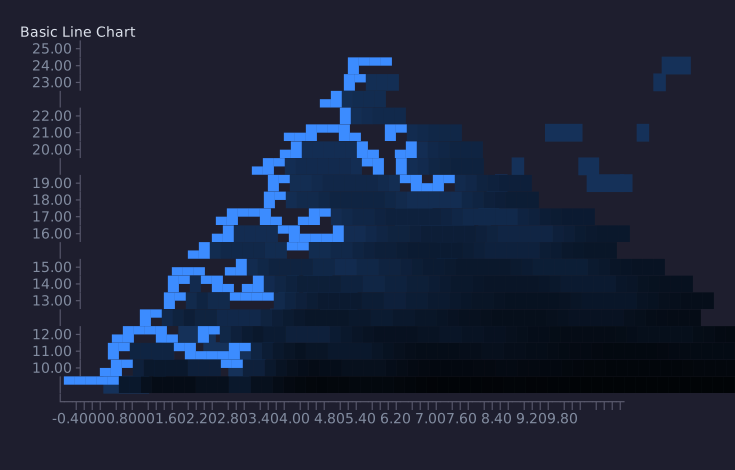
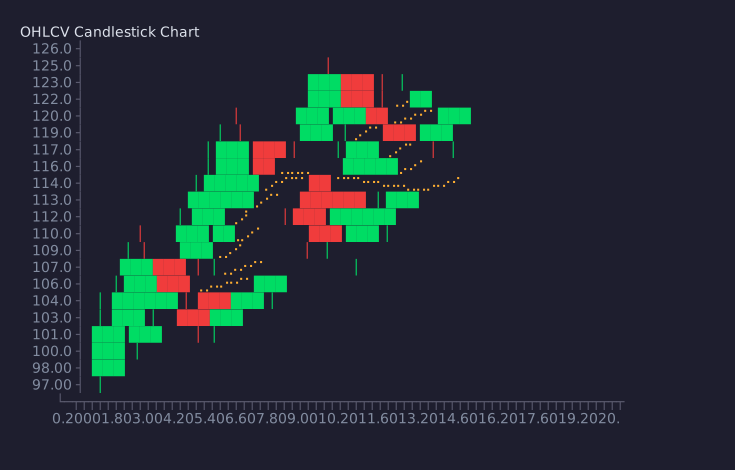
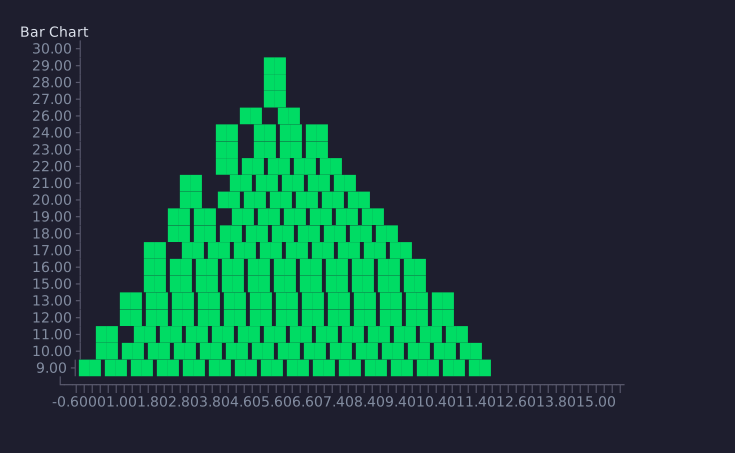
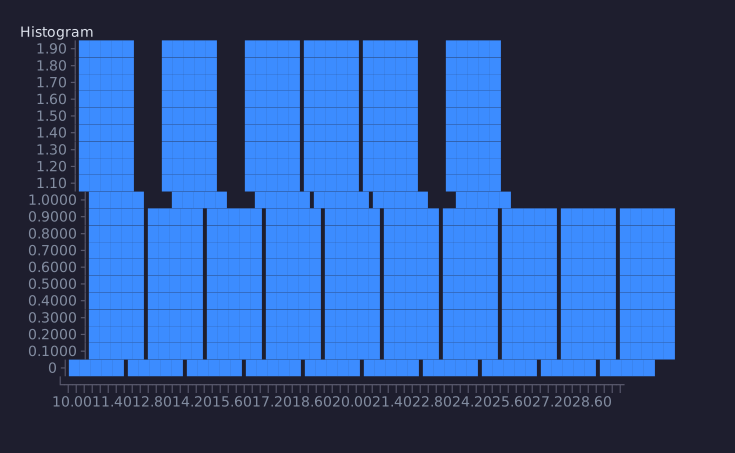
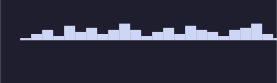
- Chart types — Line, candlestick, bar, histogram, sparkline, and multi-chart dashboards
- Technical indicators — SMA, EMA, VWAP, Bollinger Bands, RSI, MACD overlays
- Themes — Default, Dracula, Catppuccin, Solarized, Nord, Gruvbox
- Live streaming — Real-time chart updates via WebSocket or REST polling
- Exchange clients — Built-in Binance integration for live crypto charts
- Data adapters — JSON, CSV, and streaming data sources
- Heikin-Ashi — Smoothed candlestick transformation
- Interactive mode — Scroll, zoom, and inspect with keyboard controls
- TUI mode — Full-screen terminal application with crossterm
- Export — Save charts to plain text or ANSI-colored files
- Agent API — Structured chart state and query interface for programmatic inspection
- Python SDK — Native Python bindings via PyO3/maturin (
pip install termichart) - Node.js SDK — Native Node.js bindings via NAPI-RS (
npm install termichart) - WASM — WebAssembly support via wasm-bindgen
- Cross-platform — Works on macOS, Linux, and Windows terminals
cargo add termichart-charts    # as a library
cargo install termichart-cli # as a CLI toolpip install termichartnpm install termichartuse termichart_charts::ChartBuilder;
fn main() {
let chart = ChartBuilder::line()
.size(80, 24)
.title("Temperature")
.add_point(0.0, 20.0)
.add_point(1.0, 22.5)
.add_point(2.0, 19.0)
.add_point(3.0, 24.0)
.add_point(4.0, 23.0)
.render()
.unwrap();
println!("{chart}");
}use termichart_core::{Candle, OverlayKind};
use termichart_charts::ChartBuilder;
fn main() {
let candles = vec![
Candle { timestamp: 0, open: 100.0, high: 110.0, low: 95.0, close: 105.0, volume: 1000.0 },
Candle { timestamp: 1, open: 105.0, high: 115.0, low: 100.0, close: 112.0, volume: 1200.0 },
Candle { timestamp: 2, open: 112.0, high: 118.0, low: 108.0, close: 110.0, volume: 900.0 },
];
let chart = ChartBuilder::candlestick()
.size(80, 24)
.title("BTC/USDT")
.candles(candles)
.overlay(OverlayKind::Sma(5))
.render()
.unwrap();
println!("{chart}");
}import termichart
chart = termichart.PyChart("line")
chart.size(80, 20)
chart.set_title("Sensor Data")
for i in range(15):
chart.add_point(float(i), 10.0 + i * 1.5 + (i % 3) * 2.0)
chart.show()const { Chart } = require('termichart');
const chart = new Chart('candlestick');
chart.size(80, 24);
chart.setTitle('BTC/USDT');
chart.addCandle({ time: 0, open: 100, high: 110, low: 95, close: 105, volume: 1000 });
chart.addCandle({ time: 1, open: 105, high: 115, low: 100, close: 112, volume: 1200 });
chart.addSma(5);
chart.show();# Live BTC candlestick chart
termichart demo BTCUSDT
# Render from JSON file
termichart render data.json -t candlestick --title "My Chart"
# Pipe JSON from stdin
cat data.json | termichart render - -t line
# With indicators and export
termichart render data.json -t candlestick --overlay sma:20,ema:12 --export chart.txtTermiChart is organized as a modular workspace of crates:
termichart-core         Core types, traits, colors, and configuration
  |
  +-- termichart-render     Low-level rendering (cell grids, braille, ANSI)
  |     |
  +-- termichart-data       Data adapters, indicators, exchange clients
  |     |
  +-- termichart-terminal   Terminal I/O, raw mode, streaming engine
  |     |
  +-- termichart-charts     Chart implementations (line, candlestick, etc.)
  |     |
  +-- termichart-agent      Structured chart state and query API
  |     |
  +-- termichart-cli        CLI binary (cargo install)
  |
  +-- termichart-python     Python bindings via PyO3 (pip install)
  +-- termichart-node       Node.js bindings via NAPI-RS (npm install)
  +-- termichart-wasm       WebAssembly bindings via wasm-bindgen
MIT
