A visual editor for mklyml documents — source editing, live preview, and style inspector in one view.
Open the Live Editor → · Documentation · GitHub
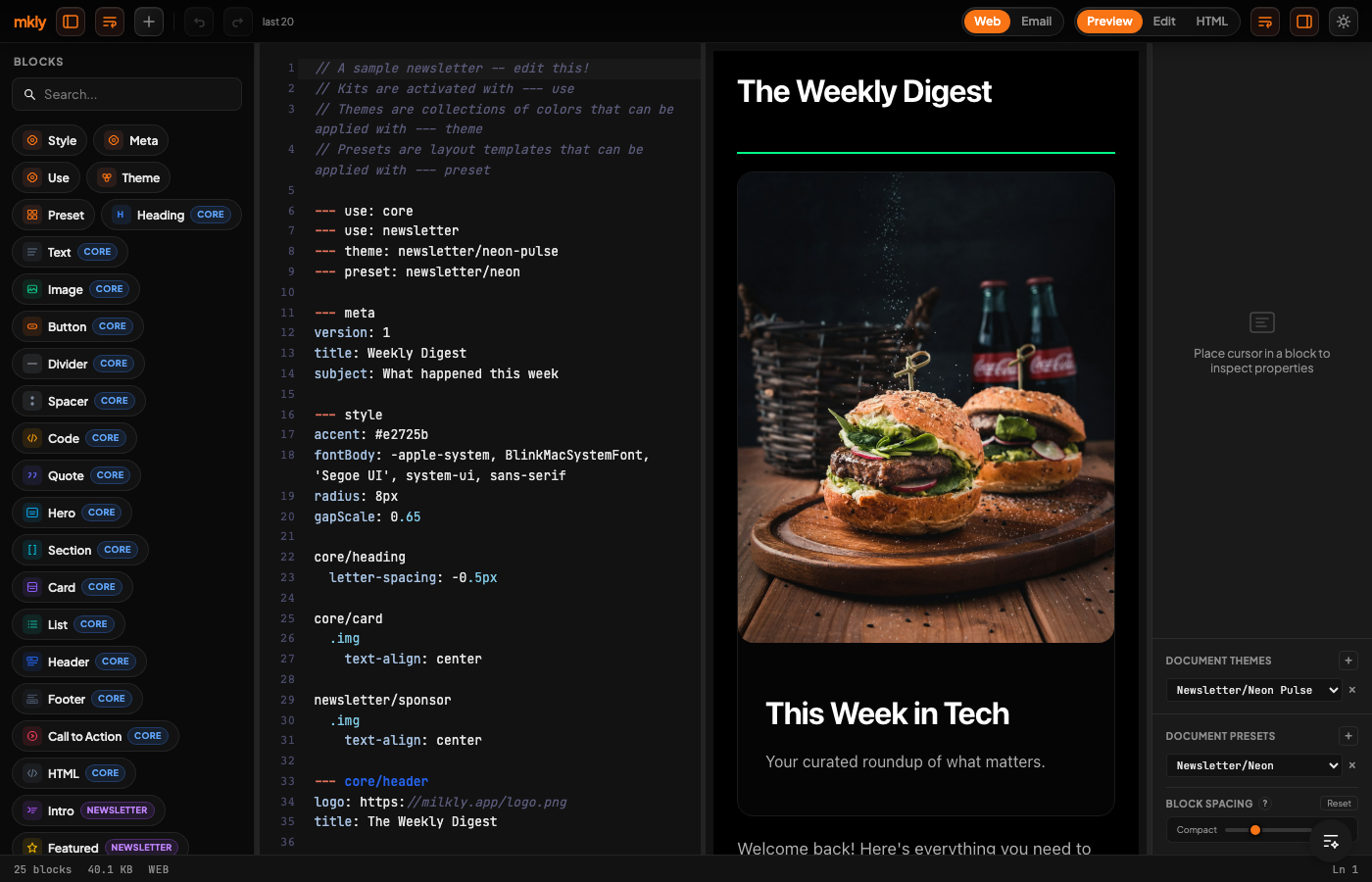
Three panes, all synchronized:
Source — CodeMirror 6 with mklyml syntax highlighting, colored block gutters, autocomplete for block names and properties, inline validation.
Preview — Live rendered HTML in an iframe. Updates as you type. Supports WYSIWYG mode — edit text in the preview and changes are reverse-converted back to mklyml source.
Style Inspector — Context-aware panel that changes based on your cursor. On a block: see its properties. On a style block: see CSS controls — color pickers, spacing inputs, alignment buttons, dropdowns, sliders. The inspector reads each block's styleHints to show only relevant controls.
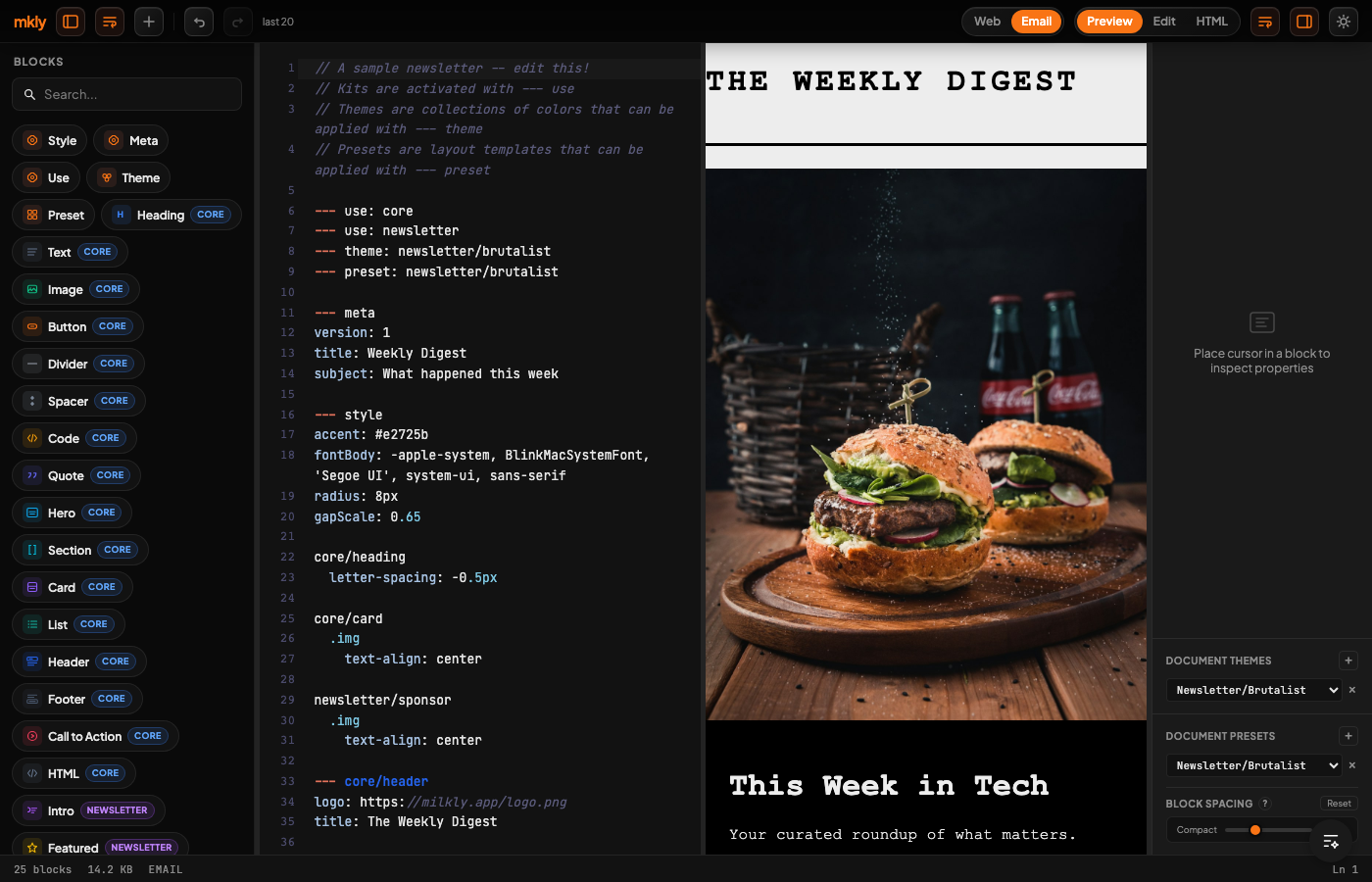
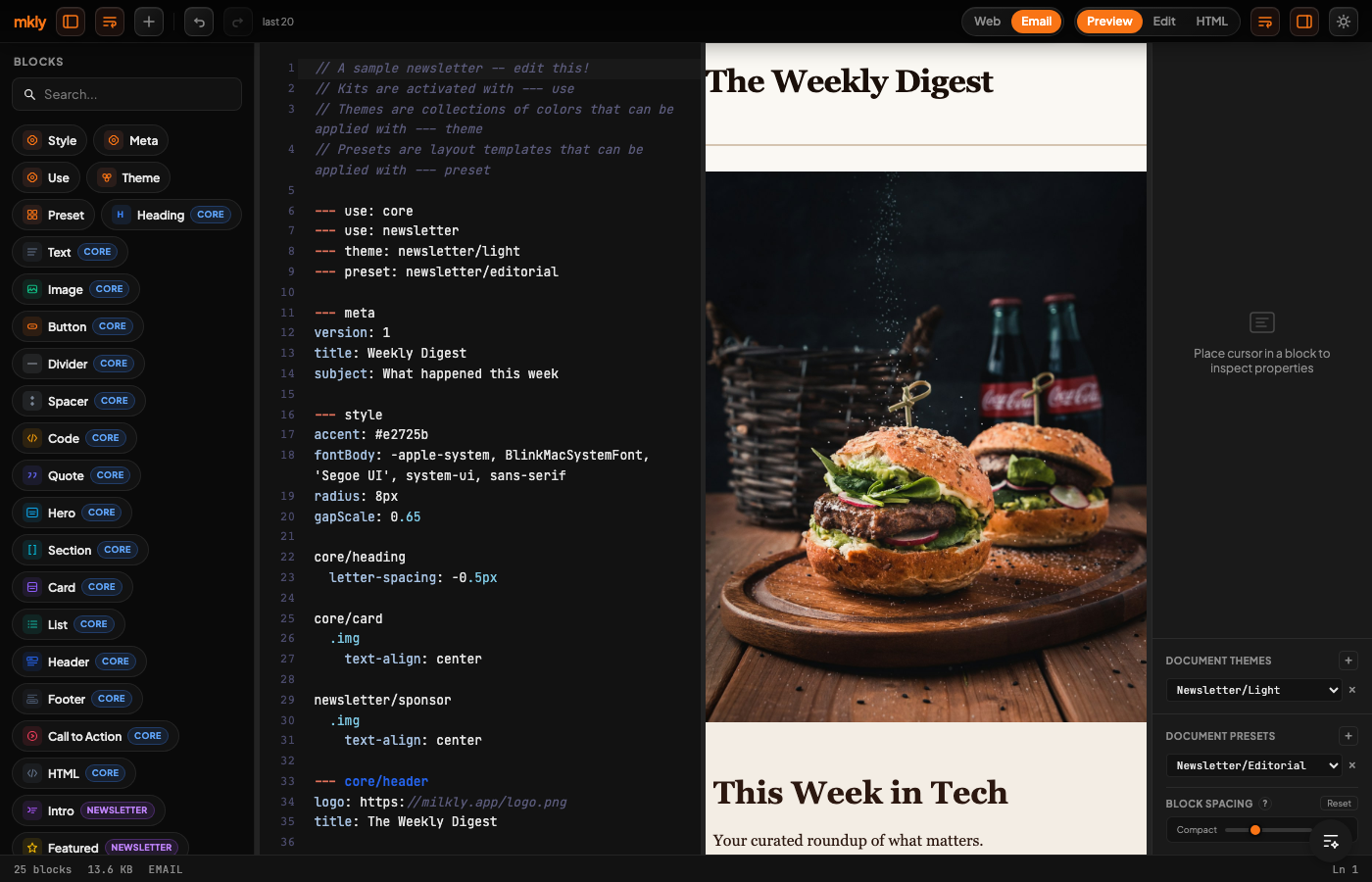
Newsletters — Load the newsletter kit with 14 blocks, 19 themes, and 17 presets. Write a newsletter in the editor, preview it live, compile to email HTML with the email plugin.
Documentation — Load the docs kit with code examples, callouts, tabs, API references. The mklyml docs site is built this way.
Any structured content — Cards, heroes, CTAs, images, lists, quotes. The 16 core blocks cover general-purpose web content.
| Cursor on... | Inspector shows... |
|---|---|
--- newsletter/featured |
Block properties — source, author, link, image |
--- style block |
CSS controls for the targeted block type |
--- meta |
Document metadata — title, subject, preheader |
--- theme: ... |
Theme variables and color palette |
--- preset: ... |
Preset spacing and typography |
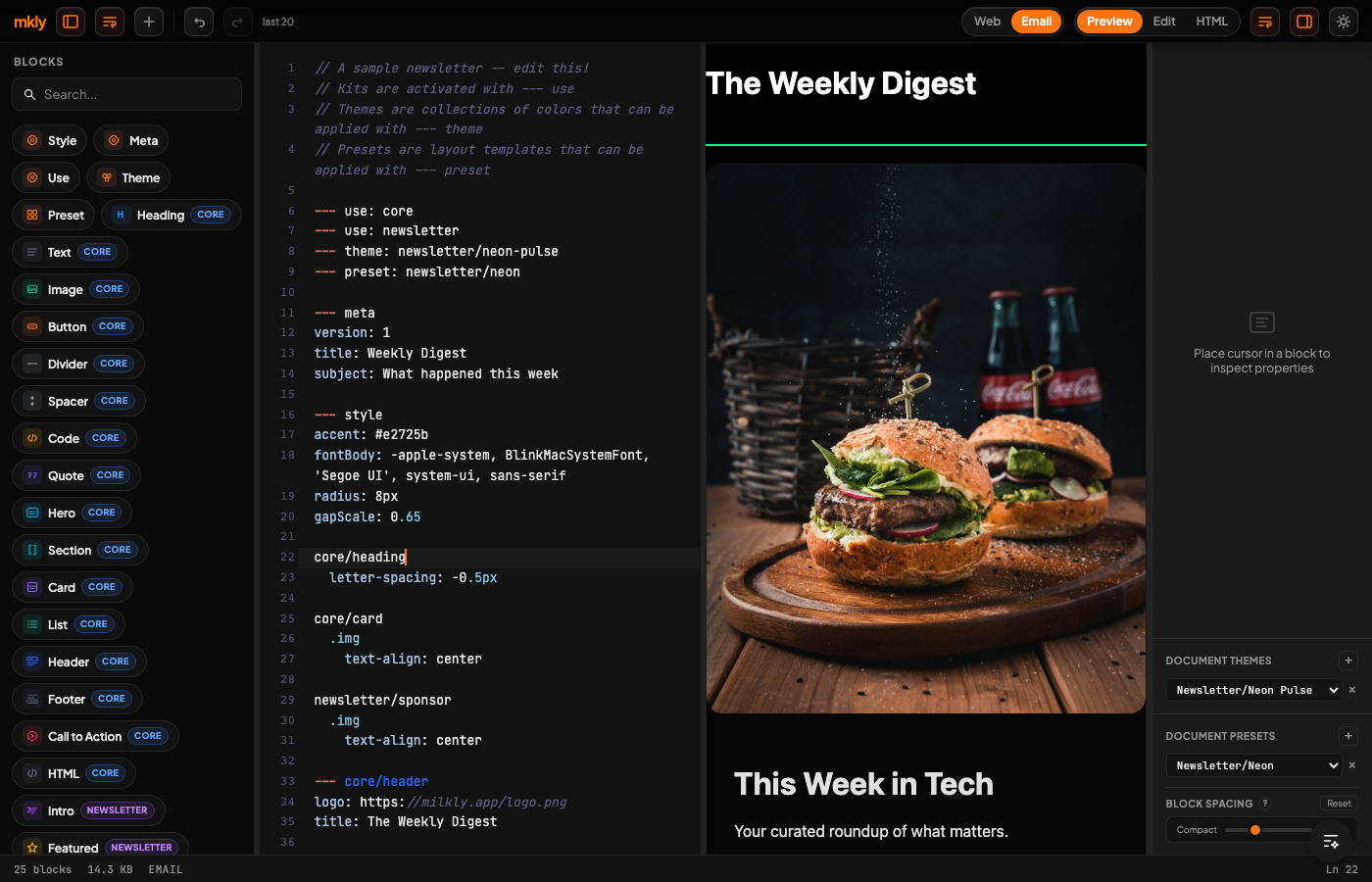
Style controls are generated from a data-driven schema:
- Color pickers for
color,background,border-color - Spacing inputs for
padding,margin,gap - Alignment buttons for
text-align,justify-content - Dropdowns for
display,cursor,overflow,font-family - Sliders for
opacity,border-radius
Every change patches the --- style block in your source — the cursor adjusts by the line delta so the editor doesn't jump.
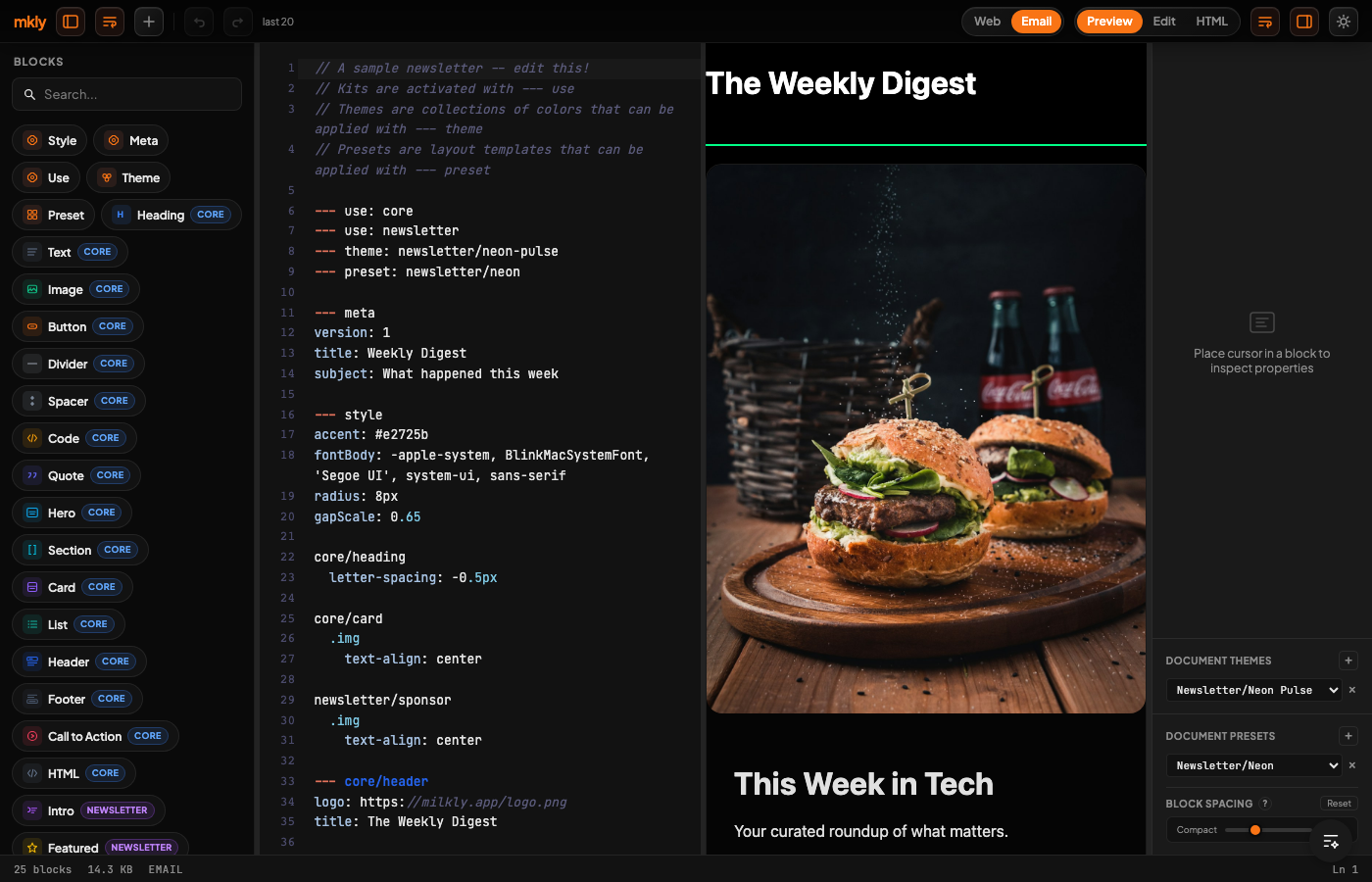
The editor includes output tabs for compiled HTML and email-ready markup. With the email plugin, CSS is inlined and the output is ready for any email service provider.
import { MklymlEditor } from '@mklyml/editor';
import { CORE_KIT } from '@mklyml/core';
import { NEWSLETTER_KIT } from '@mklyml/kits/newsletter';

function App() {
  return (
    <MklymlEditor
      initialSource={source}
      kits={{ core: CORE_KIT, newsletter: NEWSLETTER_KIT }}
      onChange={(source) => console.log(source)}
    />
  );
}Source (CodeMirror) <-> Store (Zustand) <-> Preview (iframe)
|
Style Inspector
|
StyleGraph (immutable)
Source changes trigger recompilation through the mklyml compiler. Inspector changes mutate the StyleGraph immutably and serialize it back into the --- style block. The preview iframe receives compiled HTML + CSS.
# From the workspace root:
docker build -f milkly-mklyml/mkly-editor/Dockerfile -t mklyml-editor .

# Run on port 8080:
docker run -p 8080:80 mklyml-editor
The container serves the static build with nginx (~25MB image).
bun install
bun run dev    # Vite dev server at localhost:4321
bun run build  # production build -> dist/
Built with CodeMirror 6, React 18, Zustand, and Vite.
- mklyml — Core language (parser, compiler, style system)
- mklyml-kits — Newsletter kit (14 blocks, 19 themes, 17 presets) + Docs kit (15 blocks)
- mklyml-plugins — Email plugin (CSS inlining) + Docs plugin (anchors, tabs)
- mklyml-docs — Documentation site