An advanced and complete state machine first person controller asset, made in Godot 4.
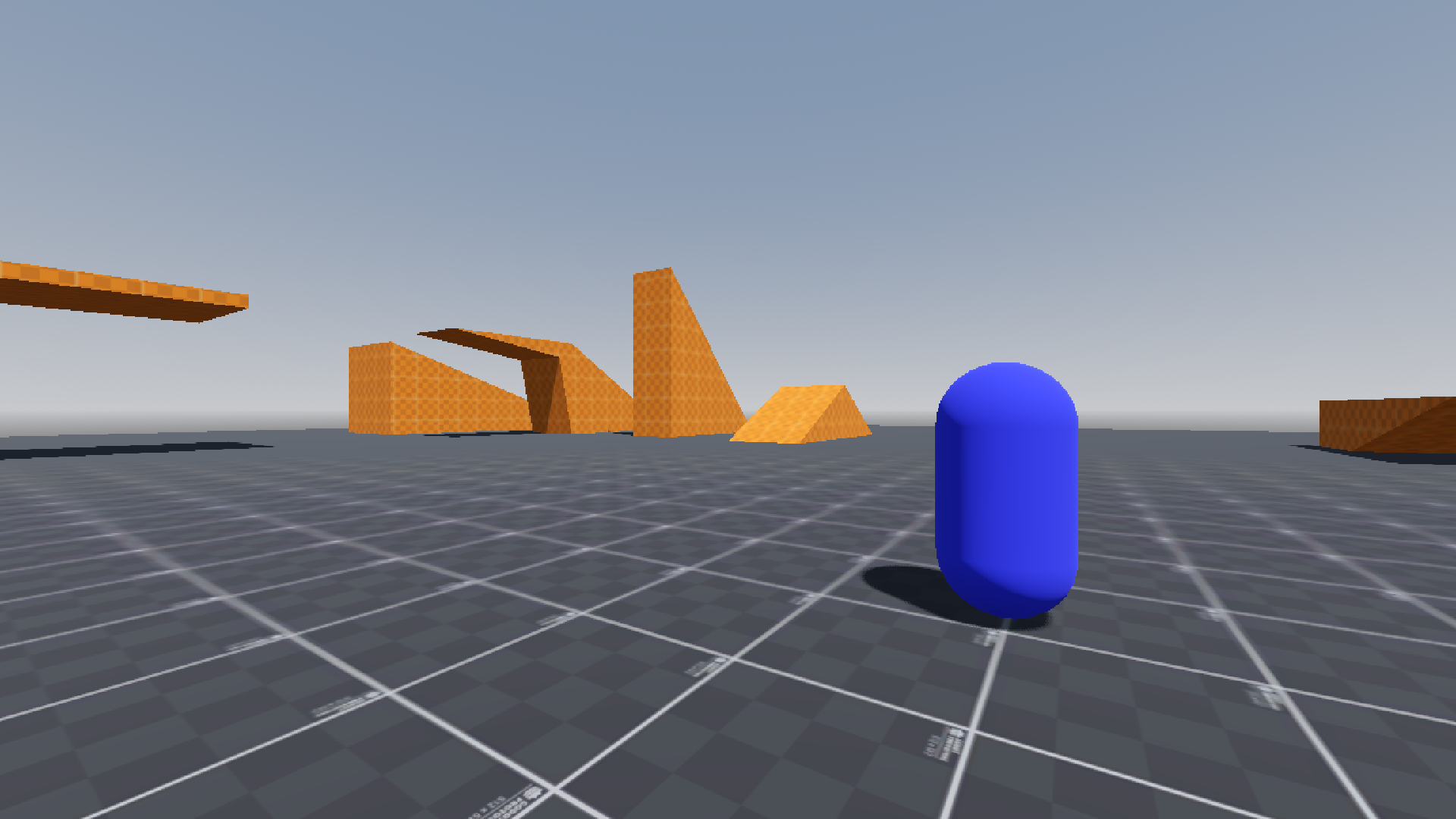
This asset provides a fully commented, finite state machine based first-person controller with a modular camera system and a debug properties HUD. It is 100% written in GDScript and follows GDScript conventions. My main goal with this project is to provide an easy + complete way to manage and modify a controller for first person games.
A test map is included to demonstrate the controller's capabilities, featuring interactive structures such as slopes, spheres, jump pads (vertical and directional), gravity zones, conveyor zones, and slippery zones.
The controller uses a finite state machine architecture where each state has its own script, making it straightforward to add, remove, or modify behaviors. All movement parameters, camera settings, and keybindings are exposed as export variables in the inspector for easy customization.
- Godot 4.4 and 4.5: Fully supported.
- Godot 4.0 - 4.3: Should work, but you will need to delete the
.uidfiles.
Movement
- Finite state machine based controller
- Smooth acceleration and deceleration
- Slope and hill traversal
- Walking
- Crouching (continuous hold or toggle)
- Running (continuous hold or toggle)
- Jumping (configurable multi-jump)
- Jump buffering
- Coyote time
- Air control (customizable via curves)
- Bunny hopping (with optional auto bunny hop)
- Dashing (configurable multi-dash with cooldown)
- Sliding (on flat surfaces and slopes)
- Flying
- Wall running
- Wall jumping
Camera
- Per-state FOV transitions
- Forward and side tilt
- Head bob
- Zoom
- Configurable mouse sensitivity
UI
- Crosshair/reticle
- Debug properties HUD
- Input action checker
Download or clone this repository and copy the addons/ folder into your Godot project's root directory.
The controller requires 12 input actions to be defined in your project's Input Map. If they are not binded, the default keybindings will be used. Go to Project > Project Settings > Input Map and create each of the following actions, then bind them to your preferred keys/buttons.
By default, the key actions are defined as "play_char_{action_name}_action". Do not change this name unless you have configured your own key bindings.
| Input Action Name | Purpose | Default key |
|---|---|---|
play_char_move_forward |
Move forward | W, Up |
play_char_move_backward |
Move backward | S, Down |
play_char_move_left |
Strafe left | A, Left |
play_char_move_right |
Strafe right | D, Right |
play_char_run |
Run / sprint | Shift |
play_char_crouch |
Crouch | C |
play_char_jump |
Jump | Space |
play_char_slide |
Slide | C |
play_char_dash |
Dash | CTRL |
play_char_fly |
Toggle fly mode | F |
play_char_zoom |
Camera zoom | Z |
play_char_mouse_mode |
Toggle mouse capture | Esc |
The controller uses 10 states, each in its own script:
| State | Description |
|---|---|
| Idle | No movement input. Handles jump buffering and coyote time transitions. |
| Walk | Standard movement at base walk speed. |
| Run | Faster movement. Supports continuous hold or toggle mode. |
| Jump | Active jump with air control. Detects walls for wall run transitions. |
| InAir | Airborne without jumping (e.g., walked off an edge). Manages coyote time, jump buffering, and double jumps. |
| Crouch | Reduced height and speed. Checks ceiling clearance before standing. |
| Slide | Momentum-based slide with a configurable duration. Works on flat ground and slopes. |
| Dash | Fast directional burst with limited uses and cooldown. |
| Fly | Free movement in all directions. Boost mode available via the run input. |
| Wallrun | Run along vertical walls with reduced gravity. Supports wall jumping. |
All movement, camera, and state parameters are exposed as export variables in the inspector. Select the PlayerCharacter node to find these groups:
- Movement variables - Base speed, acceleration, deceleration
- Crouch variables - Speed, height, continuous vs. toggle
- Walk variables - Speed, acceleration, deceleration
- Run variables - Speed, acceleration, deceleration, continuous vs. toggle
- Jump variables - Height, time-to-peak, time-to-fall, max jumps, cooldown, coyote time, bunny hop settings
- Slide variables - Speed, duration, max slope angle, continuous vs. toggle
- Dash variables - Speed, duration, max uses, cooldown, reload time
- Wallrun variables - Speed, duration, gravity multiplier, infinite wallrun toggle
- Walljump variables - Height, sideways force, forward force
- Fly variables - Speed, acceleration, deceleration, boost multiplier
- Gravity variables - Calculated automatically from jump parameters
Select the CameraHolder node for camera settings:
- Sensitivity - X and Y axis mouse sensitivity
- FOV - Default and per-state field of view
- Tilt - Forward and side camera tilt amounts and speeds
- Bob - Head bob pitch, roll, frequency, and height
- Zoom - Zoom FOV and transition speed
The test map includes four interactive zone types that can be reused in your own levels:
| Zone | Description | Key Properties |
|---|---|---|
| Conveyor Zone | Pushes the player in a direction | belt_direction, belt_speed |
| Jump Pad | Launches the player upward or in a custom direction | bounce_force, override_velocity, overrided_direction |
| Slippery Zone | Reduces friction and acceleration | friction_multiplier, acceleration_multiplier |
| Gravity Zone | Modifies jump and fall gravity | gravity_multiplier |
- Changes from the latest update: https://www.youtube.com/watch?v=MHr0td5G64M
- Previous major update showcase: https://www.youtube.com/watch?v=4PkR2Z1oxG8
- Bug reports: Open an issue in the Issues section.
- Feature requests: Post in the Discussions section.
- Pull requests: Submit improvements in the Pull Requests section.
- Godot Theme Prototype Textures by PiCode: https://godotengine.org/asset-library/asset/2480
- psychowolf960 (GitHub) - Typo fixes and the following movement modifier zones: vertical jump pad, conveyor area, slippery area, gravity area
- 1000nettles (Github) - Readme file overhaul
- henkehedstrom (Github) - Default keybindings addition