The milestone project serves as a final project for the software development program.
Dungeons & Dragons (DND) is a tabletop role-playing game where players create and control their own characters. DND character is the portal into gameplay. It was first published in 1974, originally designed by Gary Gygax and Dave Arneson.
Our plan is to create a powerful tool specifically designed for both experienced and novice DND character collectors and to digitize various traditional DND elements, including character creation, stat and skills management, equipment inventory, and note-taking. By doing so, we aim to develop a comprehensive online database that provides users with a complete solution for managing and organizing their DND character collection from anywhere, at any time.
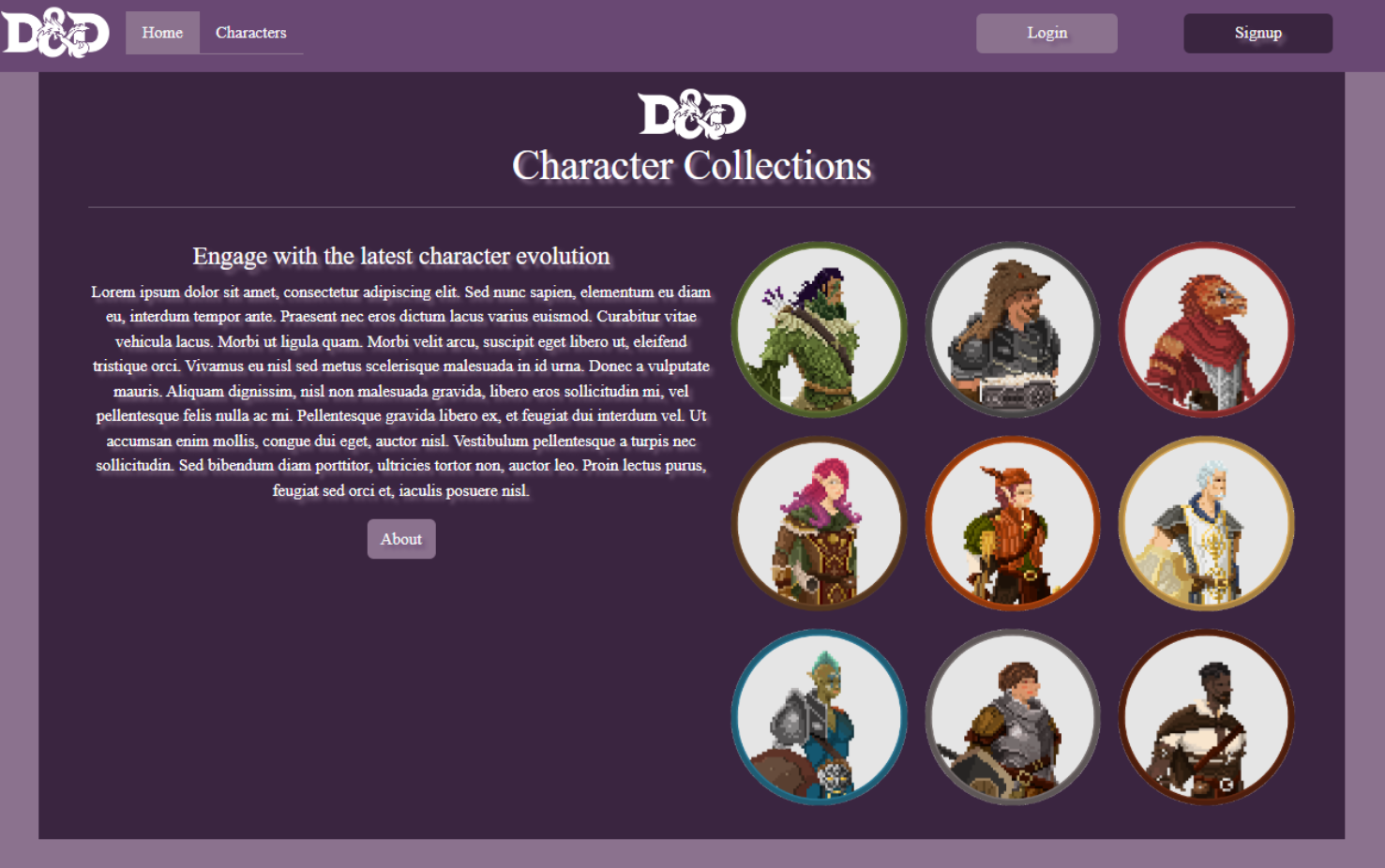
A webpage set as the start-up page or default on a browser directs with navigation menu for About, Login and Signup buttons to another page.
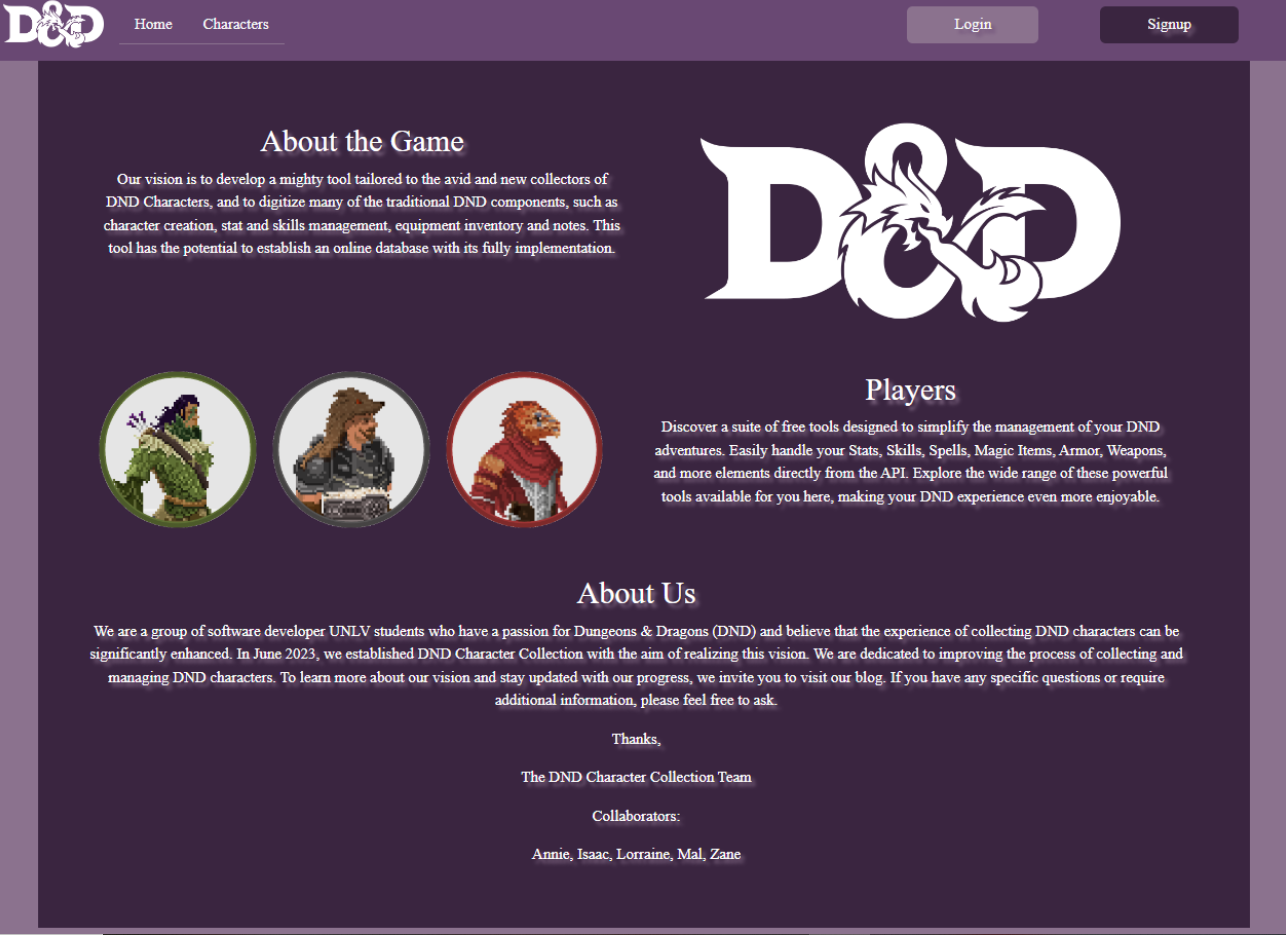
This provides information about DND Character Collection and the collaborators behind the web application.
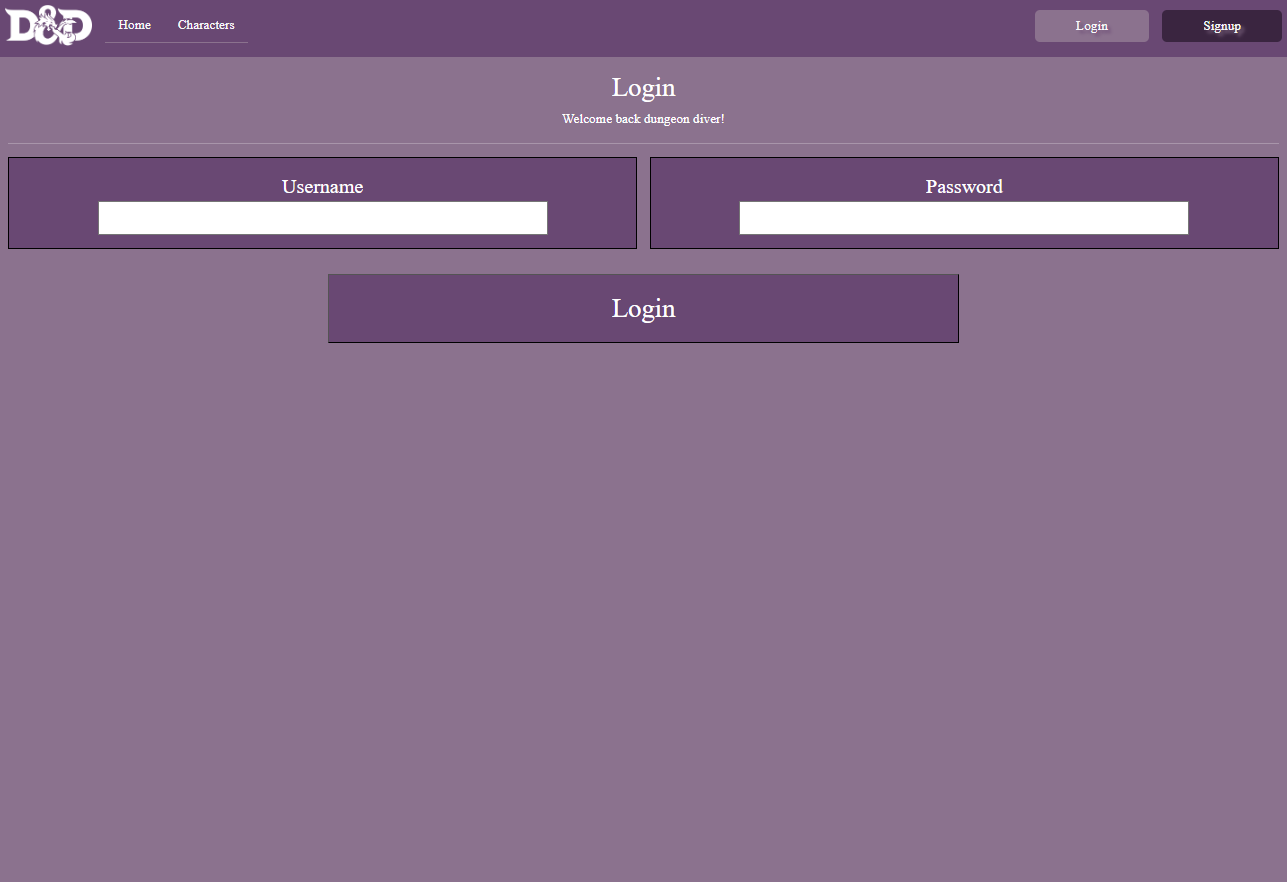
A webpage that allows users to authenticate and gain access to a secure personalized features of the web application.
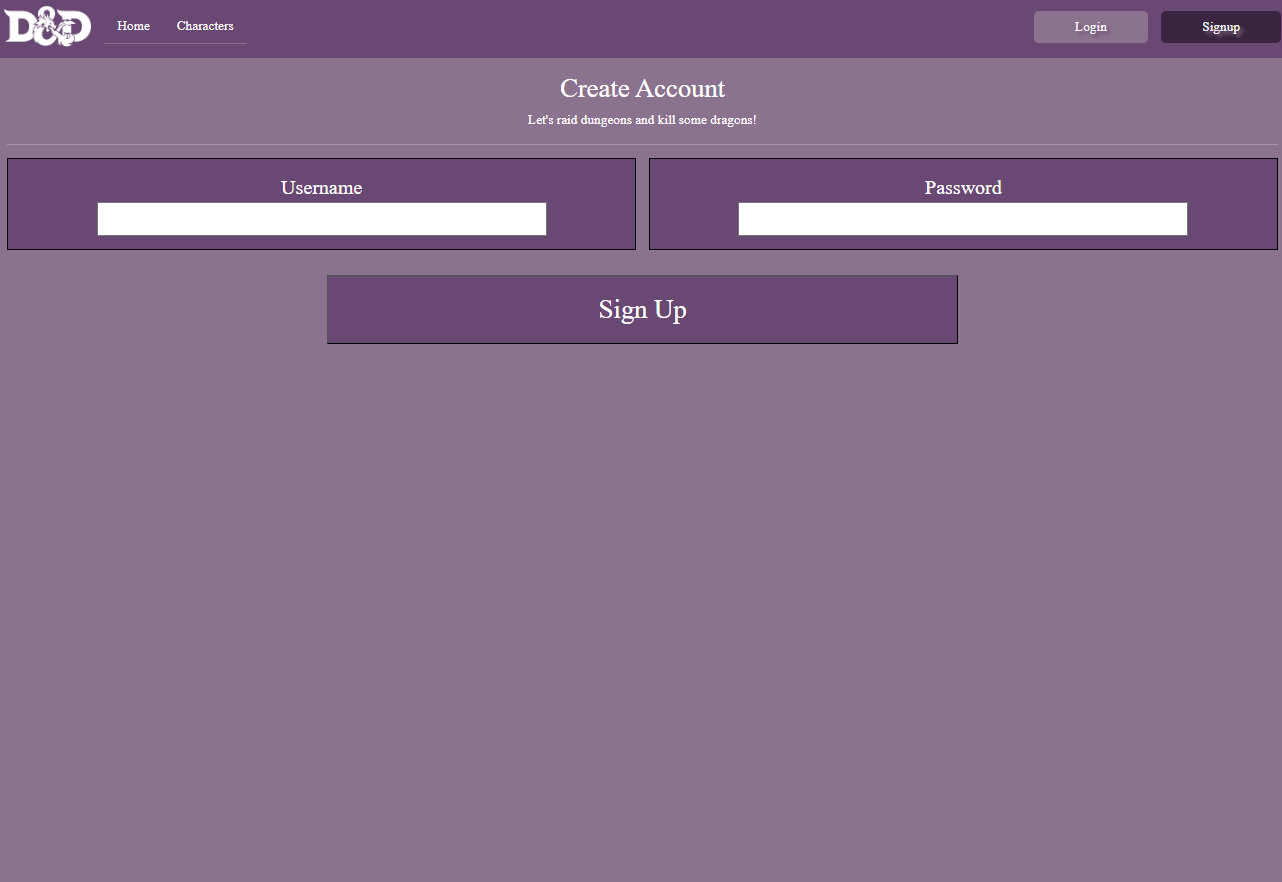
A process of creating a new account for web application to gain access to its features and functionalities.
You are creating your new adventure by providing the details in the form.
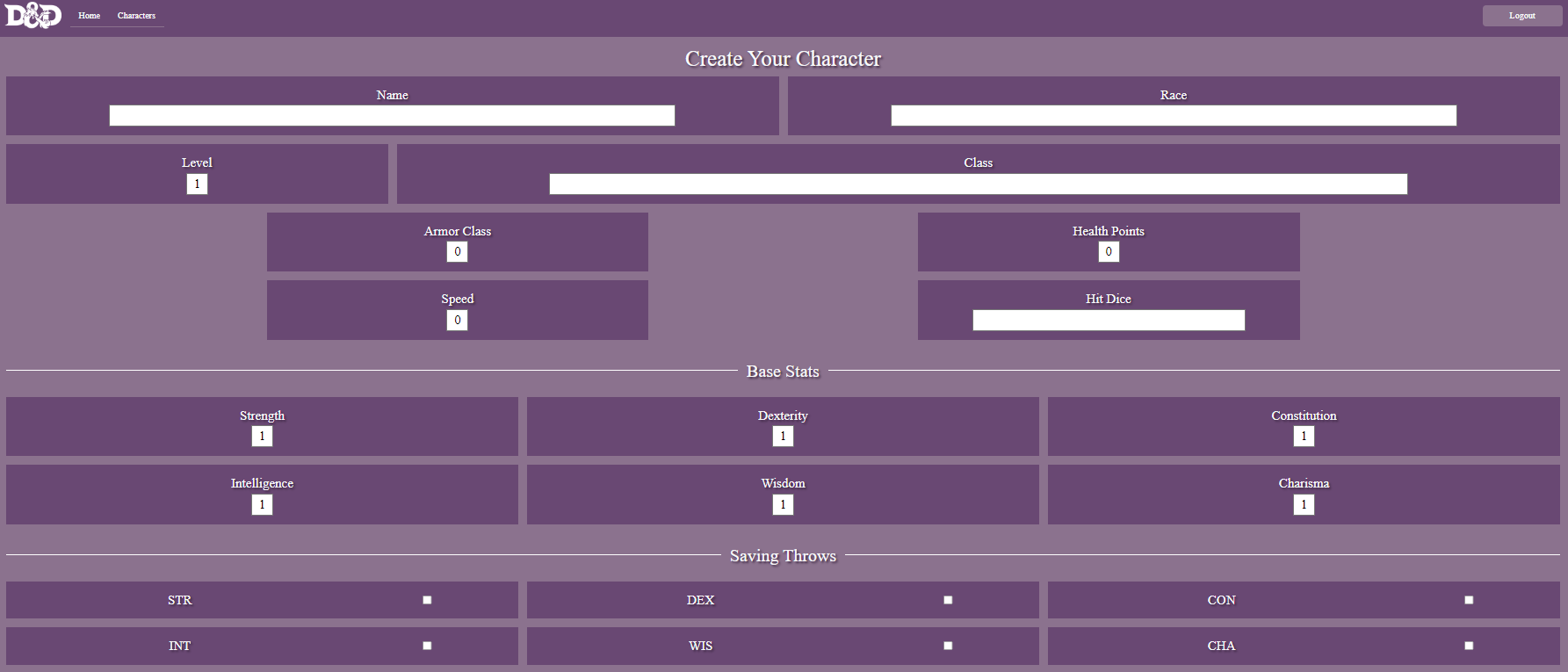
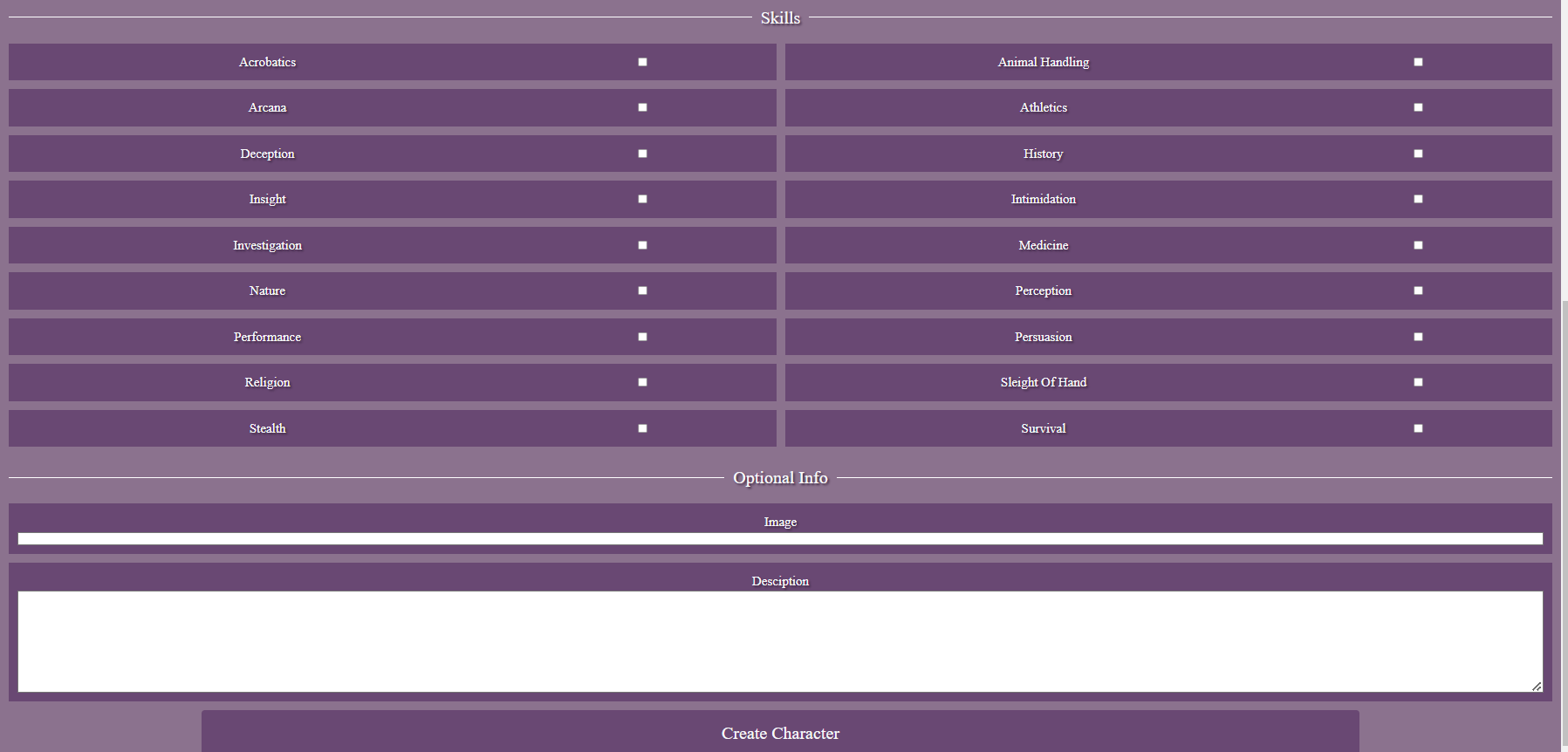
A structured layout that displays various stats, attibutes and information about a player's character.
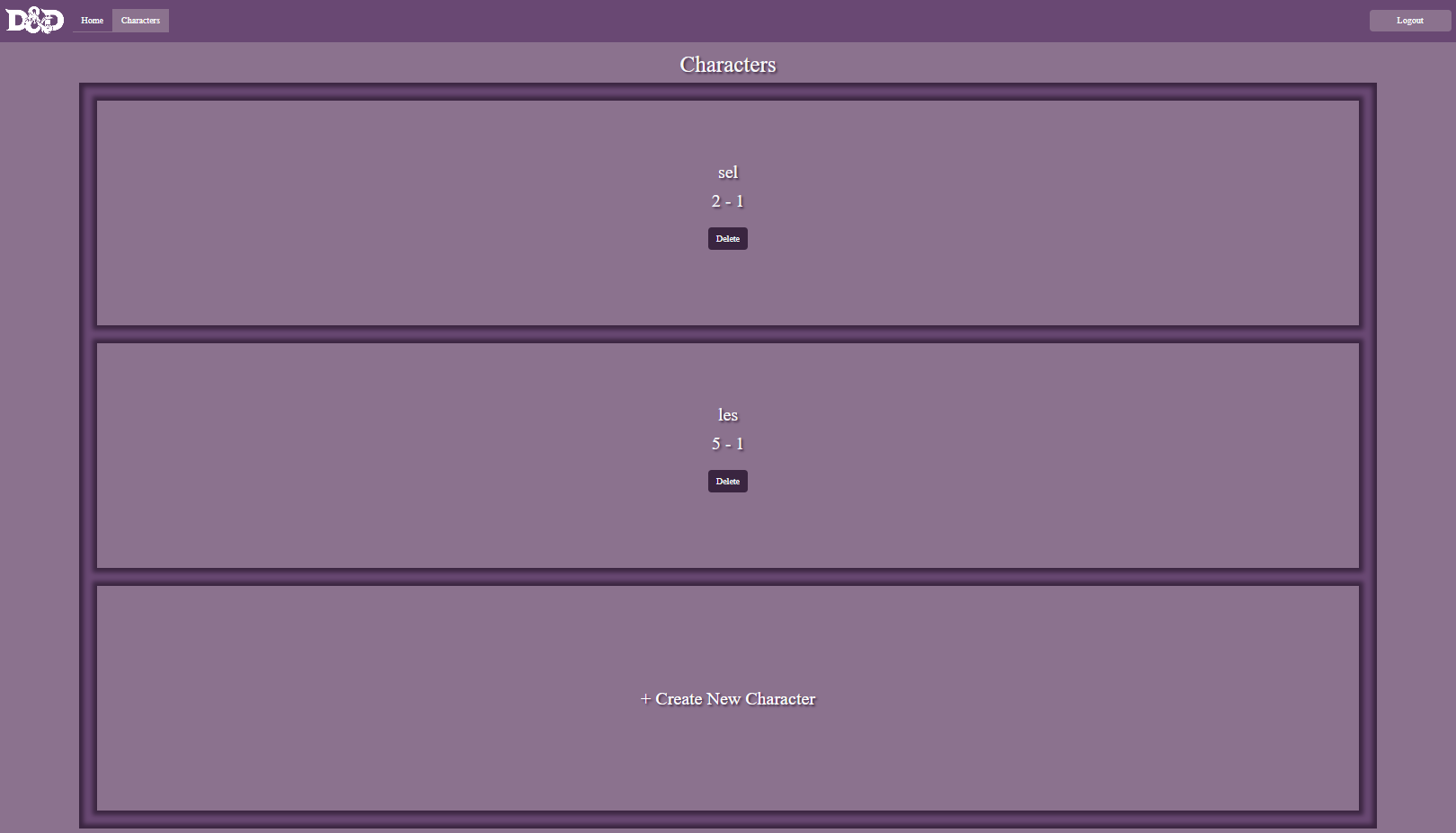
It refers to the interface in a application where a player can see visuals of their characters.
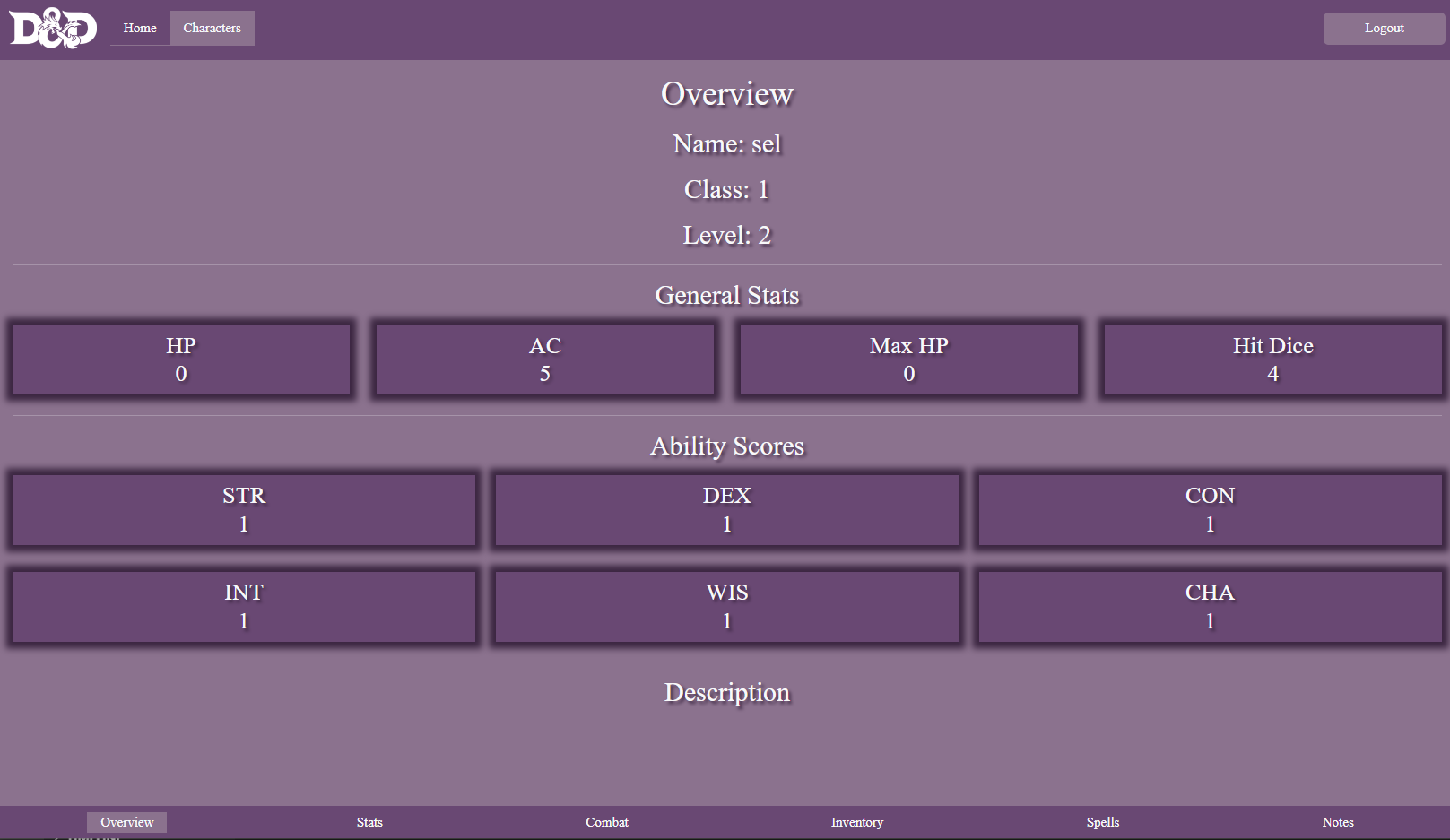
The character statistics hold immense significance in shaping a character's abilities and traits that serve as quantifiable indicators that encompass different facets of a character's proficiencies and prowess.
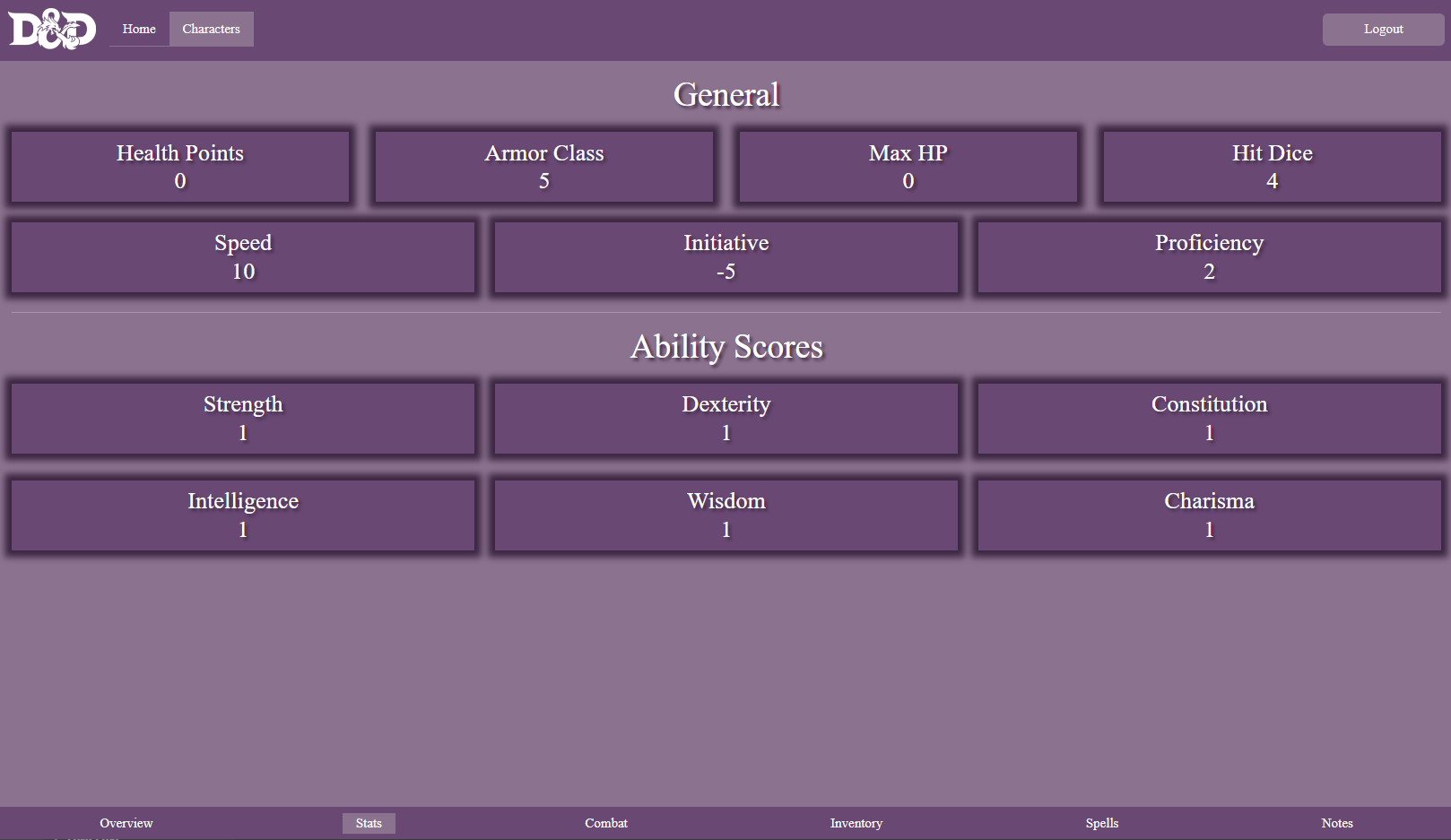
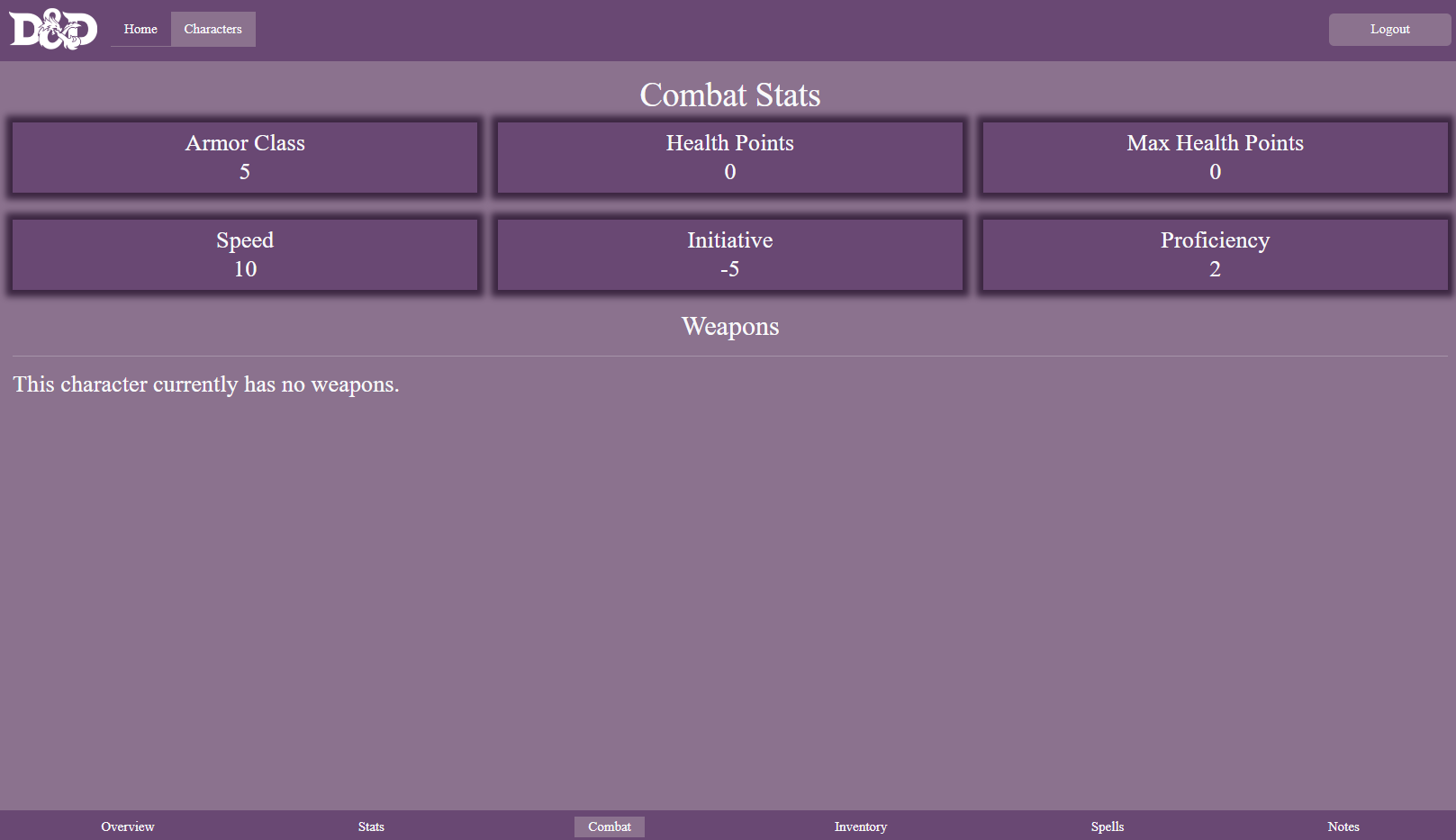
It aims to simulate strategic and exciting battles.
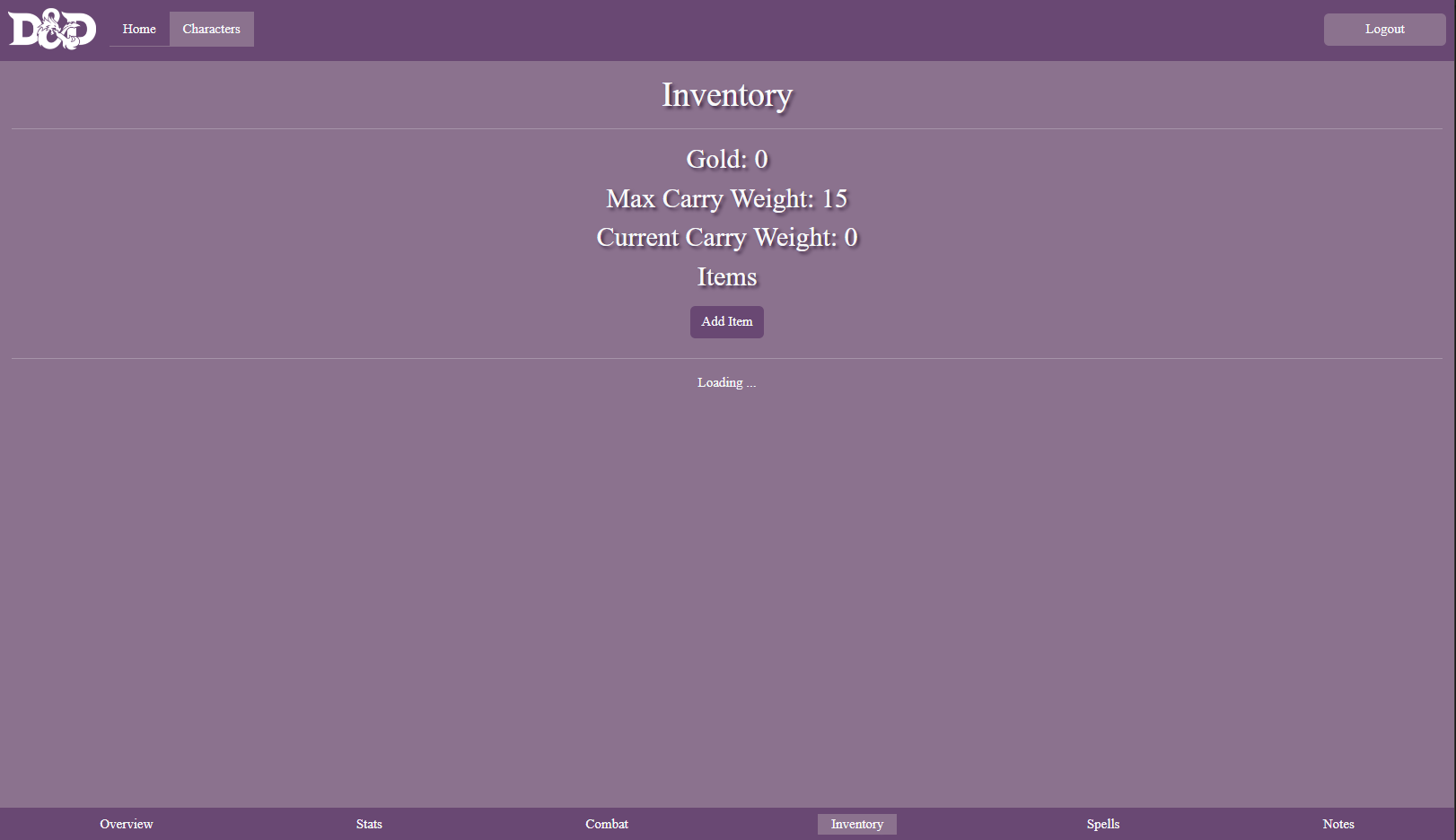
The system allows players to manage and track the character's items, equipment and belongings.
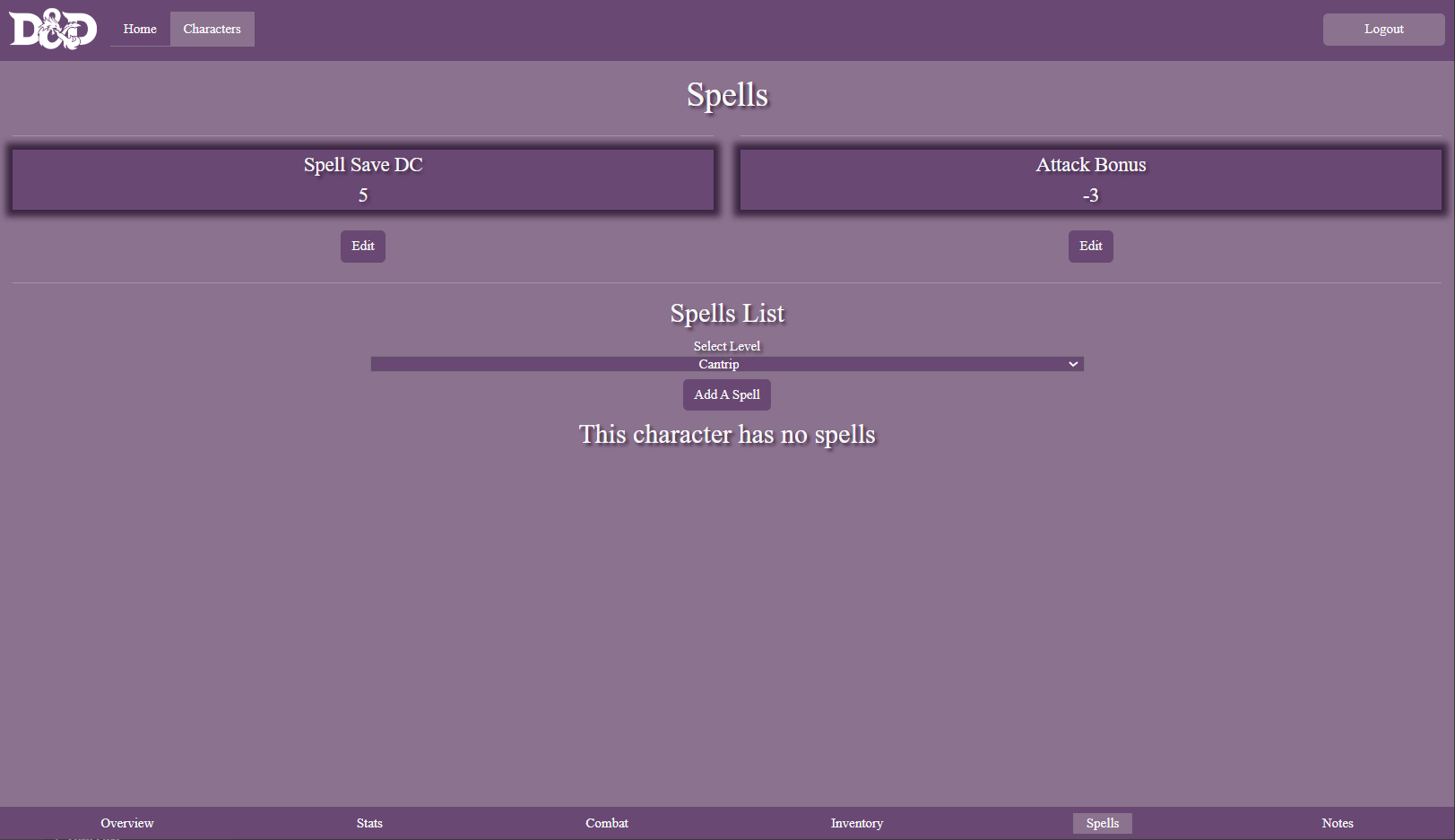
The spells feature allows players to manage and view character's magical abilities and spells available.
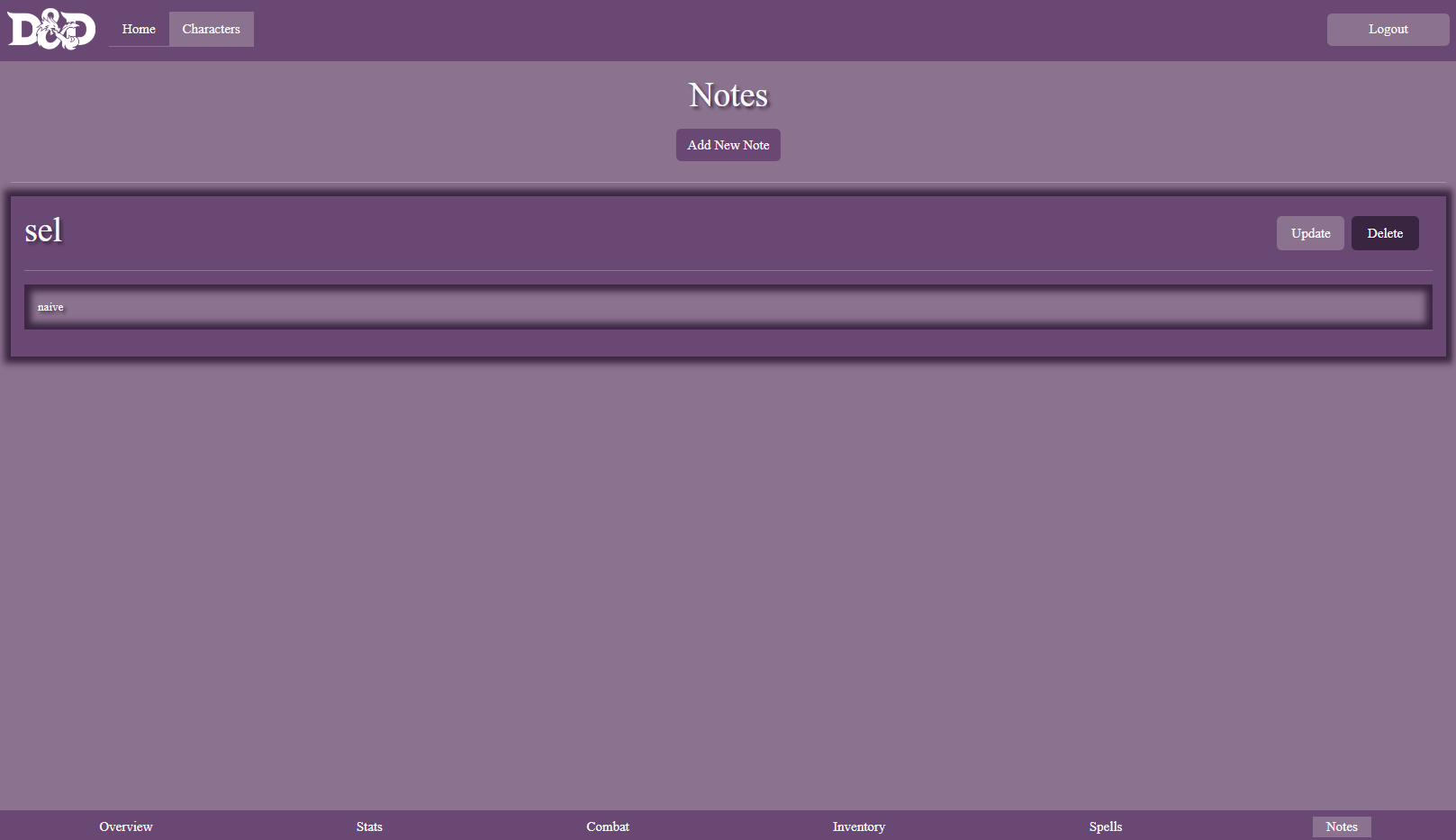
The feature provides a valuable tool for players to manage and keep additional information related to their characters and related significant data.
To immerse yourself in the demonstration, kindly navigate to DND Character Collection. The demo presents an interactive realm where you can access various features, including character creation, stat tracking, equipment management, campaign notes, and much more. Feel free to interact with the demo and familiarize yourself with the functionalities it offers.
Should the DND Character Collection project captivate your interest, and you yearn to collaborate or contribute, we eagerly await your reach-out. Kindly contact Isaac Saettel. We warmly welcome collaborators who share our fervor for enhancing the DND experience and pushing the boundaries of character collection and campaign management.
We extend our heartfelt gratitude for your keen interest in the DND Character Collection project. May the demo ignite your imagination and enthusiasm as we embark on a collaborative journey together.
DnD-Character-Collection website is simple to use! There is a home page that welcomes you to DND Character Collections and tells you about our goal! At the top of the page is a navbar where you can switch from Home, Characters, Login, and Signup. In order to view characters you have to login or create an account. After an account has been created you can either log out or create a new character. In order to create a new character you have to click "create new character". A character creation form will appear. Fill out all of the required information. Once the character has been submitted you can click on the character to view more information. The first page to render is the Overview page. It has all of the general information about your character. At the bottom of the page is another navbar. There are 6 tabs. Overview, Stats, Combat, Inventory, Spells, and Notes. When you click on those tabs information related to that tab will pull up. The overview includes name, image, class, level, general stats, ability scores, and a description. The stats page has general stats and ability scores. The combat page shows combat stats, weapons, and their properties. The inventory page lists the amount of gold you have, max carrying capacity, and current weight. It also includes a list of any items the character has. The spells page includes spell save dc, attack bonus, and a list of spells and information about the spells that you can add to your character. The last tab is notes. There is a button where you can add notes. Once one is added you can either update or delete the note. At any time in the navbar at the top you can still logout or look at Home and characters tab.
The project leverages an array of technologies and dependencies to bring its functionalities to life. The technology stack includes:
React JavaScript frameworks for building user interfaces.
SASS CSS frameworks for styling.
Bootstrap CSS frameworks for styling.
Fetch API Fetch API is a built-in JavaScript API that provides a simple and native way to make HTTP requests.
React-Router-Dom The react-router-dom package contains bindings for using React Router in web applications
Nodemon Nodemon is a tool that helps develop Node.js based applications by automatically restarting the node application when file changes in the directory are detected.
Express.js Web application frameworks for Node.js.
MongoDB Databases for storing character and campaign data.
Mongoose ODM/ORM libraries for working with databases.
Bcrypt A library to help you hash passwords.
Cors A node.js package for providing a Connect/Express middleware that can be used to enable CORS with various options.
dotenv Dotenv is a zero-dependency module that loads environment variables from a .env file into process.env.
JSON-web-tokens An implementation of JSON Web Tokens.
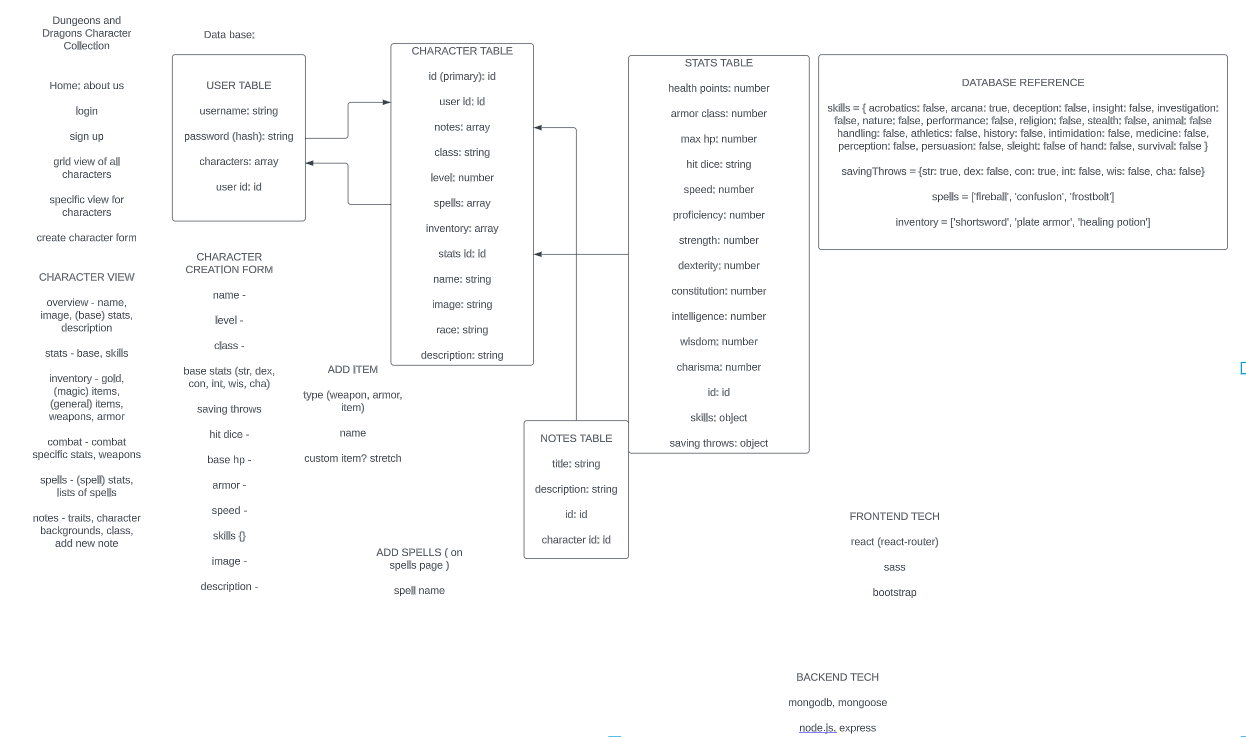
| Field | Type |
|---|---|
| user | Schema.Types.Object |
| classType | String |
| level | Number |
| spells | Array[String] |
| inventory | Array[String] |
| name | String |
| image | String |
| race | String |
| description | String |
| hp | Number |
| ac | Number |
| maxHP | Number |
| hitDice | String |
| speed | Number |
| str | Number |
| dex | Number |
| con | Number |
| int | Number |
| wis | Number |
| cha | Number |
| skills | Object |
| savingThrow | Object |
| Field | Type |
|---|---|
| title | String |
| description | String |
| ref | Character |
| Field | Type |
|---|---|
| username | String |
| password | String |
| Method | Path | Purpose |
|---|---|---|
| GET | / |
The character(s) home page |
| GET | /:id |
Find specific character(s) |
| POST | / |
Create a new character |
| PUT | /:id |
Update character(s) infomation |
| DELETE | /:id |
Delete (s) |
| Method | Path | Purpose |
|---|---|---|
| GET | / |
The login/signup home page |
| GET | /:id |
Find specific user(s) |
| POST | / |
Create a new user |
| PUT | /:id |
Update user(s) infomation |
| DELETE | /:id |
Delete user(s) |
| Method | Path | Purpose |
|---|---|---|
| GET | / |
The notes page |
| GET | /:id |
Find specific note(s) |
| POST | / |
Create a new note(s) |
| PUT | /:id |
Update notes(s) infomation |
| DELETE | /:id |
Delete notes(s) |
Views components being used to render the front end application:
About, CharacterGrid, CharacterNavBar, CharacterView, CharGridItem, Combat, Home, Intro, Inventory, Item, Navbar, Note, NotesGallery, Overview, Spell, SpellDisplay, SpellsPage, Stats, Weapons.
- Clone the repository from DND Character Collection.
- Navigate to the frontend directory: 'cd frontend'.
- Install dependencies: 'npm install'.
- Configure the API endpoint in the project's configuration file.
- Start the development server: 'npm start'.
- Clone the repository from DND Character Collection.
- Navigate to the backend directory: 'cd backend'.
- Install dependencies: 'npm install'.
- Set up the database connection and credentials in the project's configuration file.
- Start the backend server: 'node server.js'.
- Start by forking the DND Character Collection to your GitHub account.
- By using the git clone command, clone the forked repository to your local machine.
- Create a new branch for your contributions before making any changes in forked DND Character Collection repository.
- Make changes or additions to the project and test.
- After you are contented with your changes, commit using descriptive messages.
- Push the changes and create a pull request.
- Get involve in the pull request analysis, consolidation and code review.
- Once the changes pass and issues are resolved, your pull request will be merged into the main DND Character Collection and will be part of the deployment.
-
List of issues:
- Performance optimization.
- Accesibility to users with different abilities.
-
Future features:
- Add dice roll.
- Add parties and combat tracker.
- Dark mode/light mode.