Rodrigo Vieira nº2044518 João Martins nº2047818
A system will be created to support the prescription of medications, treatments and exercise. The main motivation is to dematerialize these types of processes and ensure a more effective control of compliance with the prescribed therapy. The system will be based on a design that ensures the system's extensibility and adaptability to new requirements, whether functional or non-functional. Therefore, the need to find an architecture that allows for easy modification and extensibility of the editor will be taken into account.
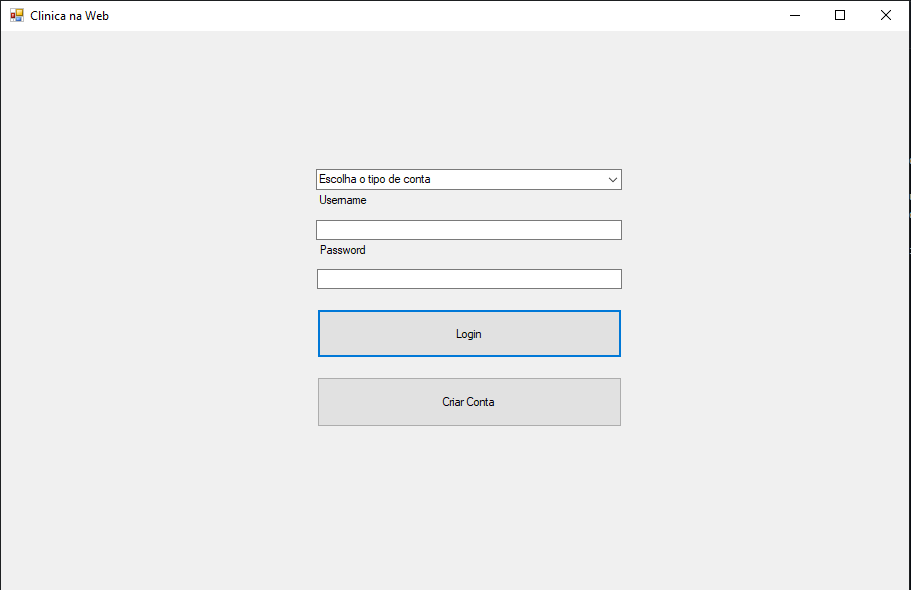
For this we created an authentication page that allows normal use, log in if you are already registered in the system, if that doesn't happen we have the option to create a new user.
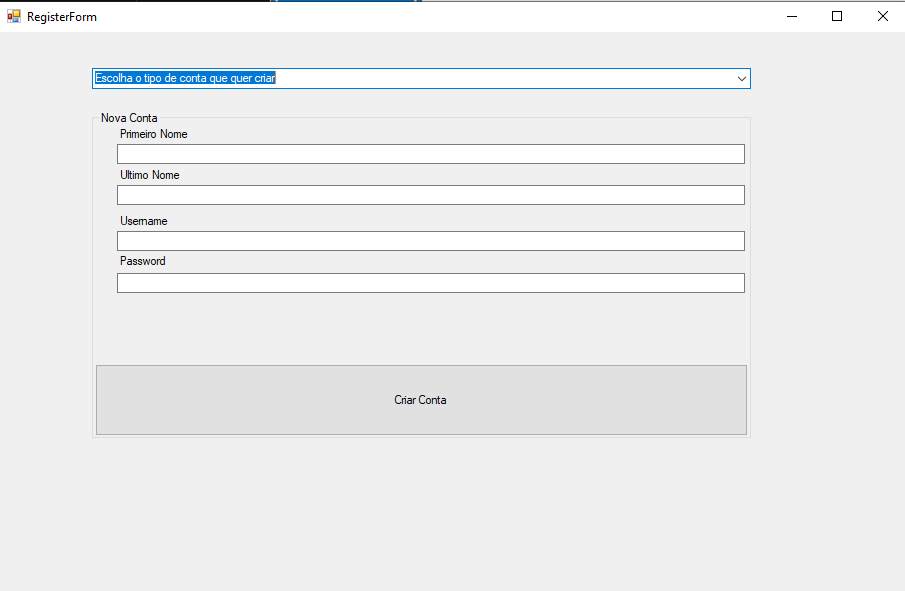
When registering, we can create an account as a therapist or as a client.
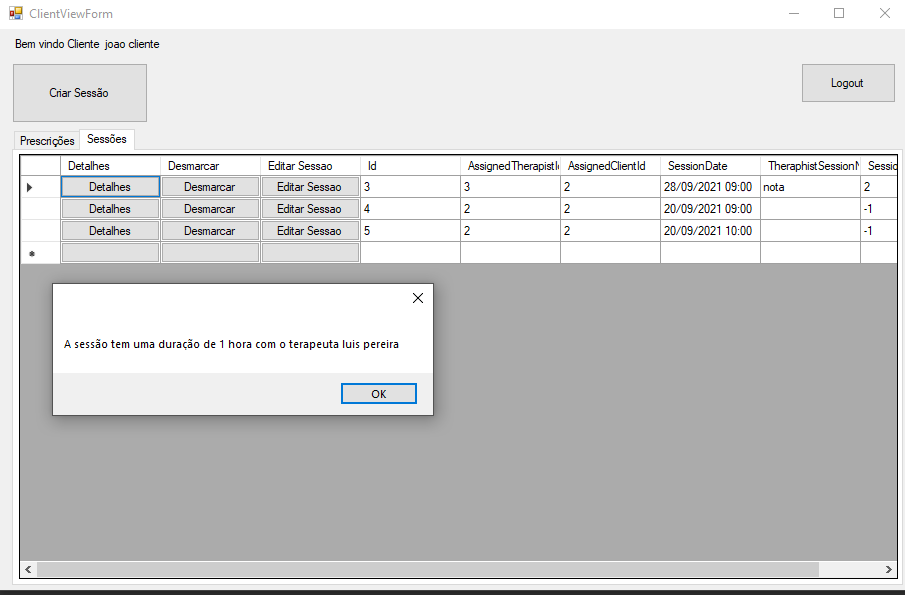
The customer can: create a session
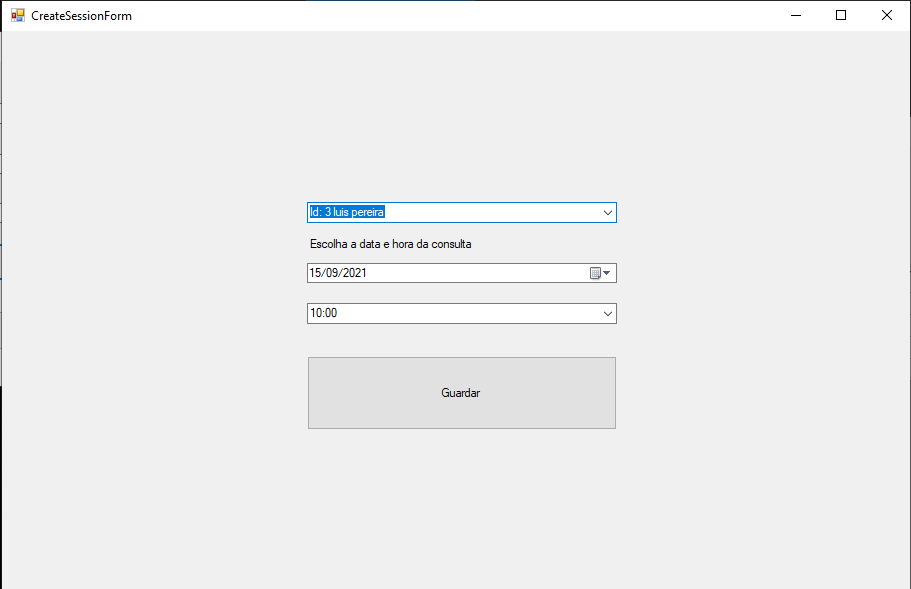
See prescribing information. Give visibility about a certain prescription to another therapist. Know the duration and who the therapist is. Cancel the session. And change the day of the session.
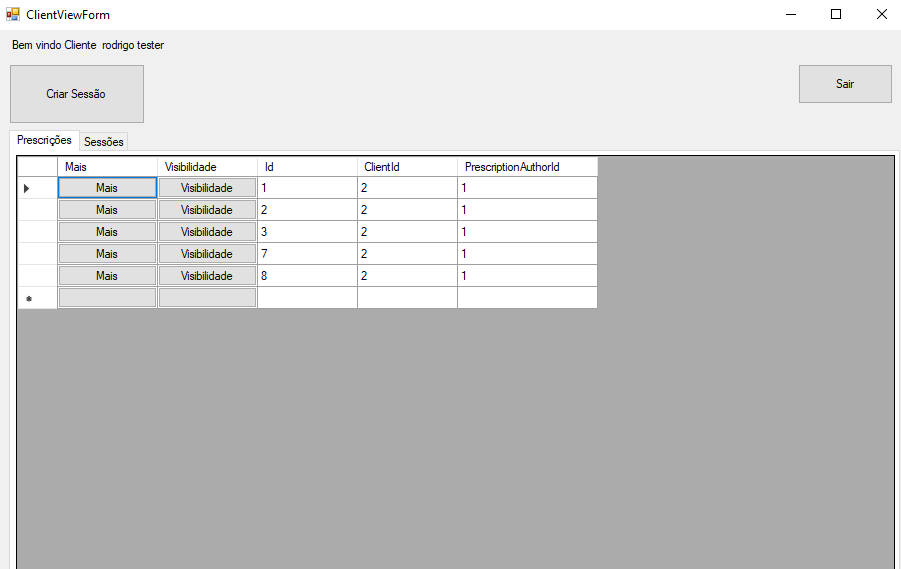
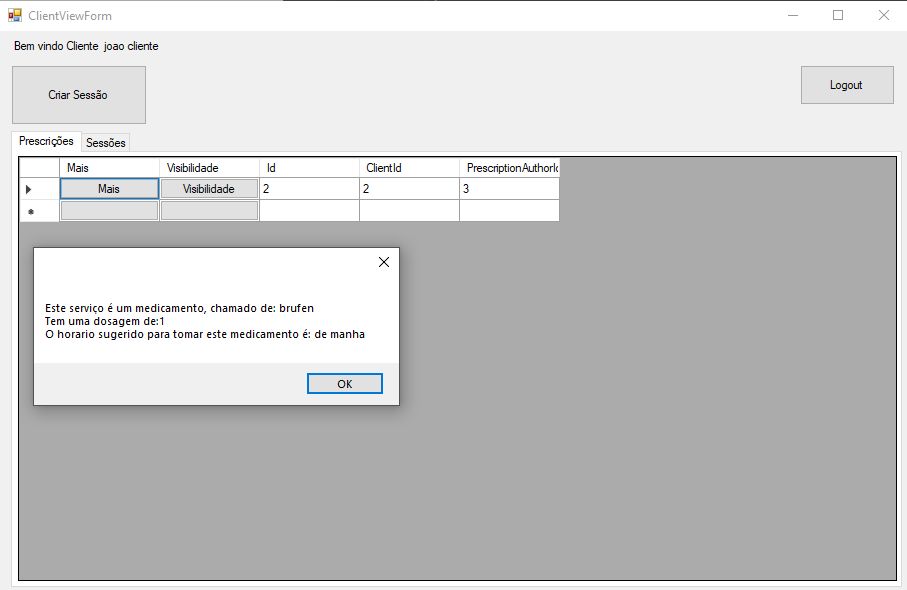
If the client clicks on the "Mais" (more) button, he can see the prescription information.
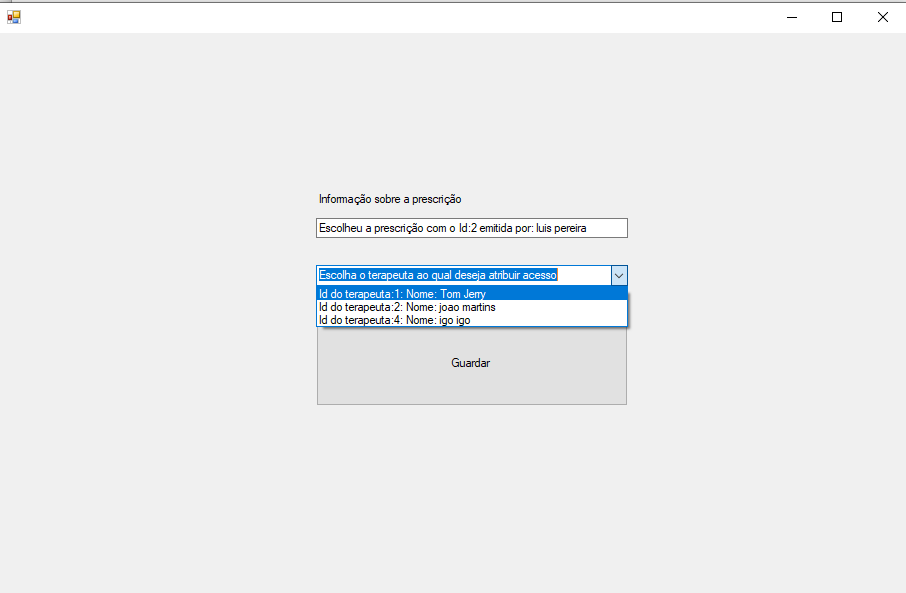
The client can give visibility to another therapist for their prescriptions.
The client also can get appointment details from "Detalhes" button.
Therapist View
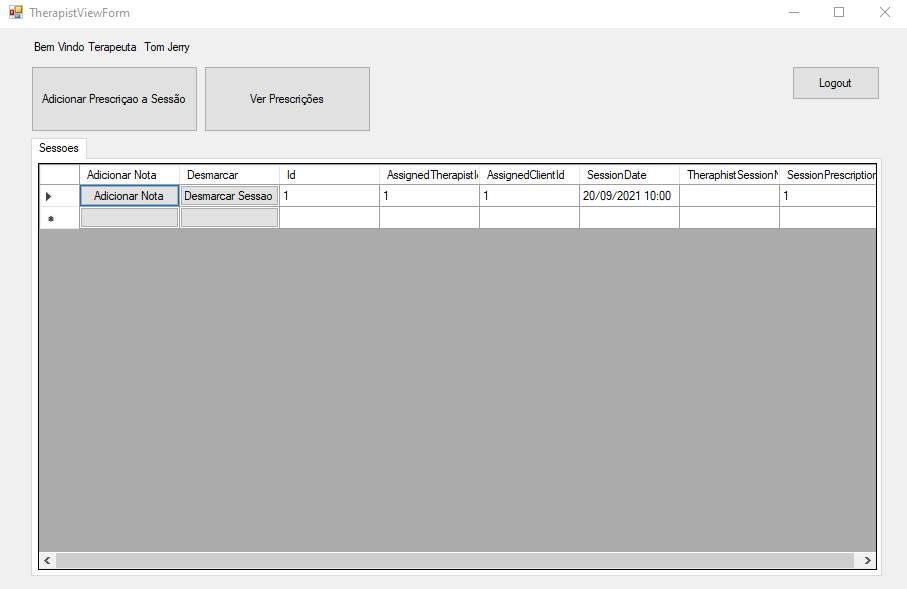
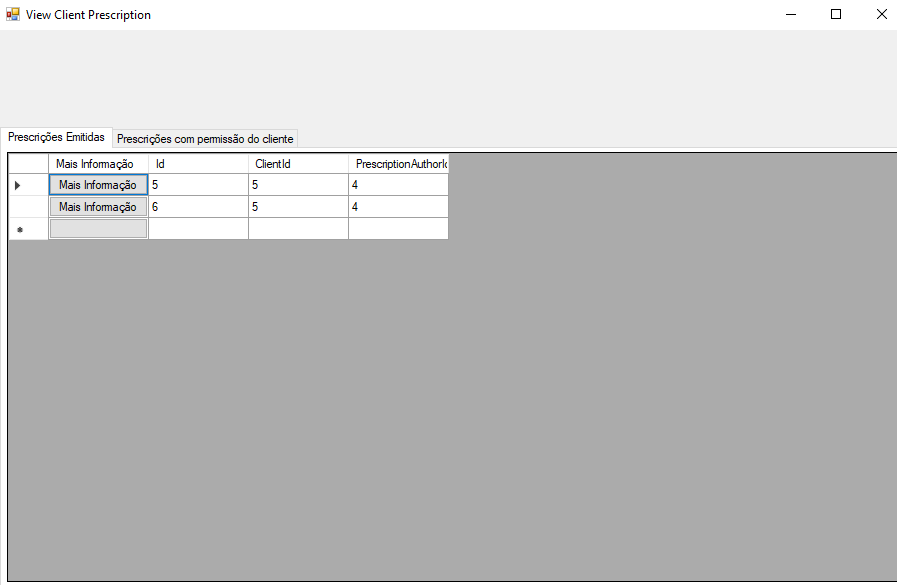
The therapist can: Cancel the session. It is possible for the therapist to add a note to the session. The therapist has the possibility to add a prescription to the session. And see the issued prescriptions and those that have access from other clients
Therapsit can also create a service to add to the prescription, like medicines, exercicies and treatments
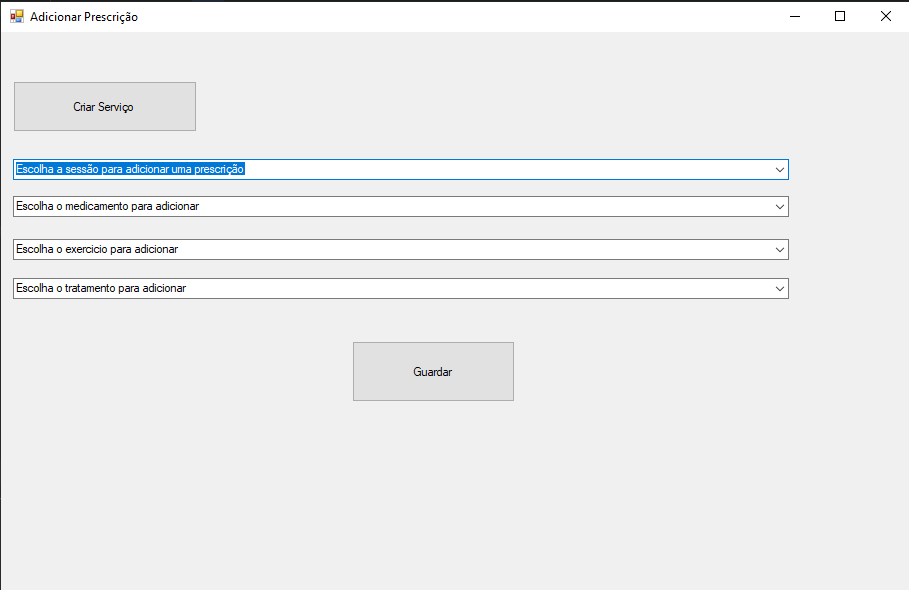
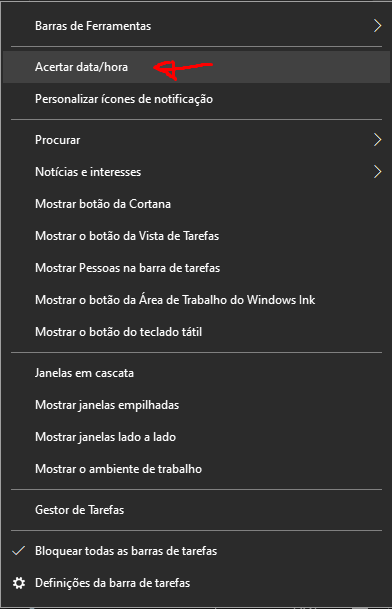
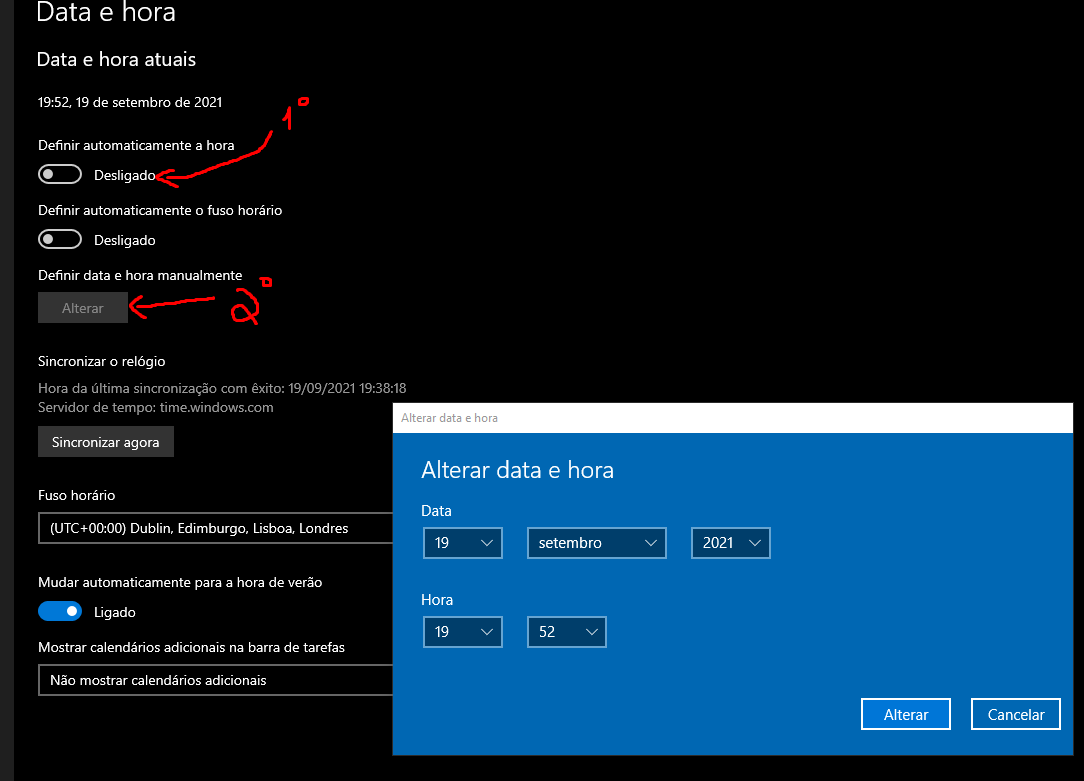
To add a prescription to a session, it is only possible to a session that has already taken place. If you want to test, adding the prescription to the session, you must double click above the date. Disable "Automatically set time" and then change time "Manually set date and time".
After changing the windows date to a later date than the appointment, it is now possible to add the prescription to the session. Because the prescription is added after its occurrence