Repository in the needs of "Projektowanie Aplikacji WWW" subject


To properly use the application you must firstly configure and start the Apache and MySQL servers - I recommend do it via XAMPP Control Panel, here is how :
1. Download Xampp from : https://www.apachefriends.org/pl/index.html
2. Configure your Apache and MySQL servers (MySQL must be running on 3307 port)
3. Create MySQL user with 'root' and 'root' credentials (or simply change the passes in config.inc.php in the main folder of app)
4. Run your Apache and MySQL server and open your phpMyAdmin on URL : http://localhost/phpmyadmin/
5. Create Table page_list and insert neccessary records -> use page_list.sql from main folder to import the code into XAMPP phpMyAdmin
6. Edit your URL and type : http://localhost/Application/app/ -> Here you have files to browse
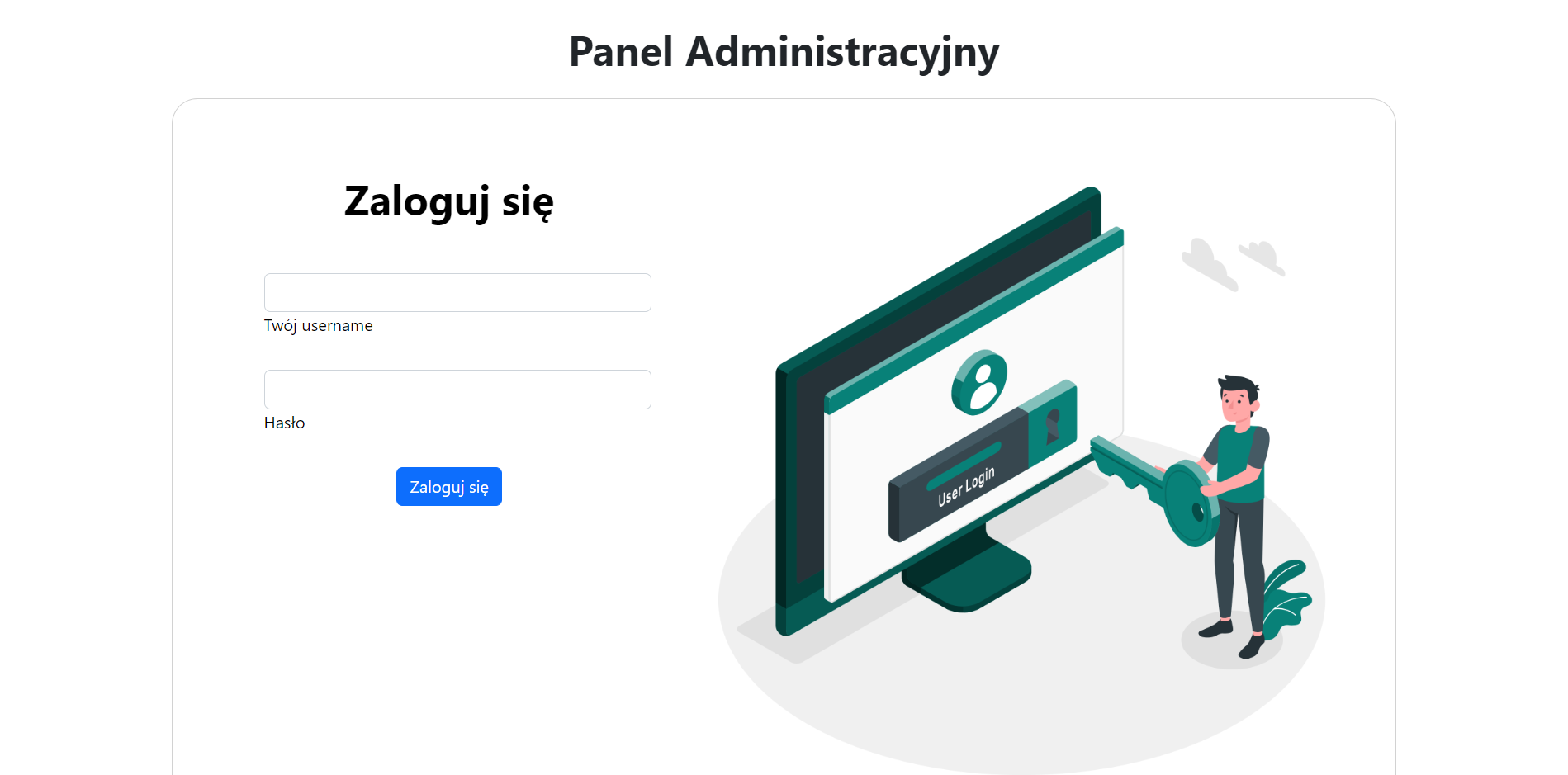
7. Simply now, you can get to the admin panel via admin folder (URL is http://localhost/Application/app/admin/admin.php) where you have simple CRUD functions to manage the whole site.
8. URL for the main view is : http://localhost/Application/?url=home
Some views :
Home Page


Admin Panel