
Replies: 3 comments 7 replies

|
One cannot ensure smooth edges and only 3 colors. You are essentially asking to remove the anti-aliasings. So you will end up with aliased graphics. What version of ImageMagick? What platform/OS? Syntax may differ. Here is for ImageMagick 6 on Unix-like systems.
|

|
Thank you @fmw42 for your suggestion. The result is not perfect, but similar to what I would like to have. The image has some noise. Is there something better that I can do?
|
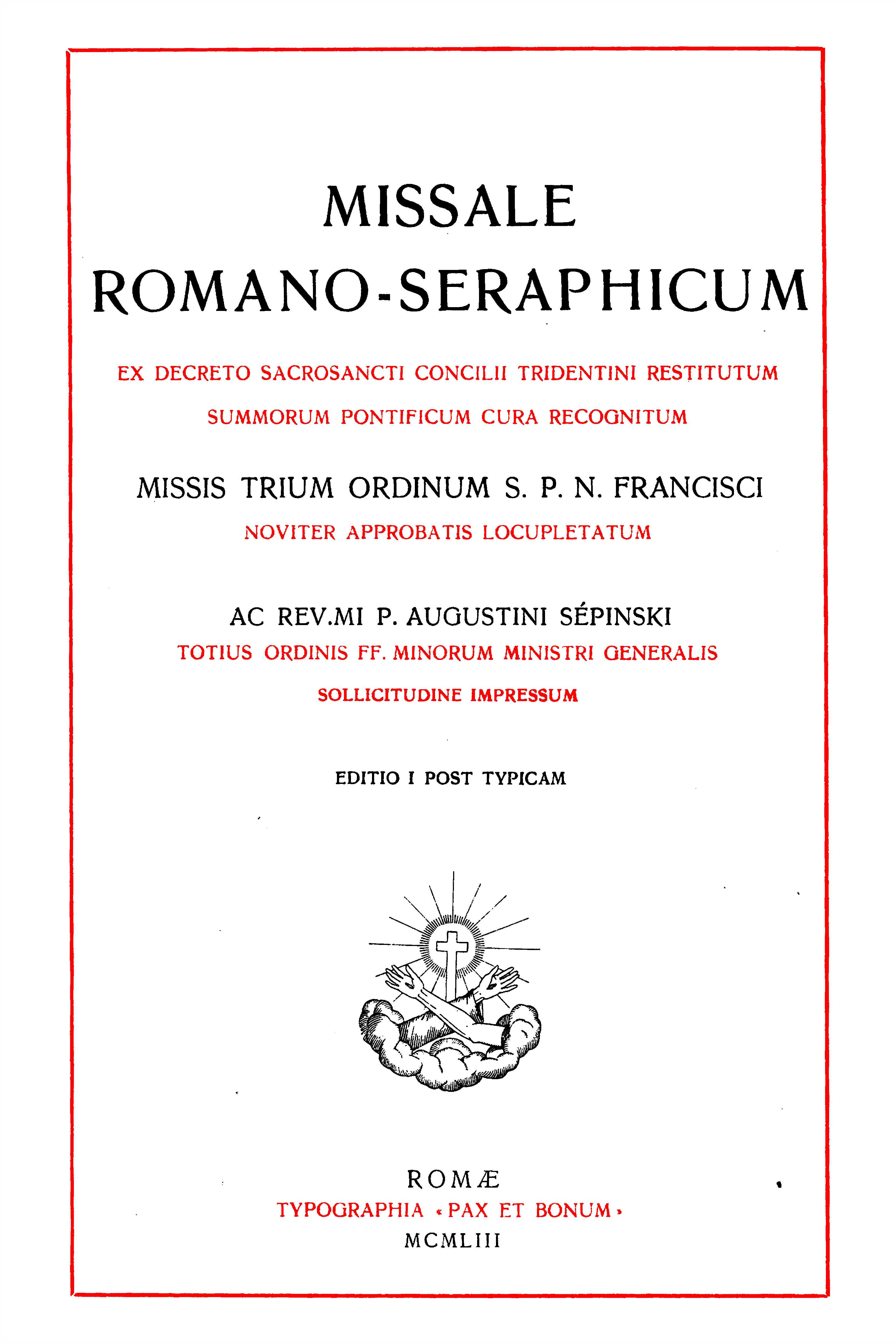

|
This is what I am trying to achieve: I scanned a book and I would like to make a high quality pdf from that, without having a big file size. The book uses only red, black and white colors. I thought of doing a color reduction using imagemagick, reducing the colors used in the images to these 3 colors. In this way I hope to reduce the size of the pdf file, while maintaining good image quality. May be I am going the wrong route to do the whole thing. I have used scantailor to preprocess the scanned images. Here are 2 example TIF files: |

|
You can zip the tif file and Git will allow that to be uploaded. Which of my script are you referring? I doubt they do what you want. Have you considered raster to vector conversion? Getting small size and limited colors are competing things. They generally do not go together, since anti-aliasing produces new colors. |
|
OK. Thanks for the tip to upload the file. |
|
textcleaner is useful to whiten background when the background is dark and varying. |
|
Which software would you suggest for vectorization? |

|
The red ink is semi-transparent, so where the ink is thicker, we get a darker red.
Is OCR the objective? What OCR product are you using? I get a fairly good result from Tesseract, if I darken the red ink first: The output g.txt starts with: If your PDF is for reading by humans, then remember that humans are good at ignoring the actual colour of "white" paper, ignoring ink splashes, filling gaps in letters, and so on. |
|
Thank you @snibgo for your suggestions. I am sorry for the lack of clarity. OCR is not the main objective, but to have a good quality pdf file that can be also used for a reprint and of smaller file size. |


Uh oh!
There was an error while loading. Please reload this page.
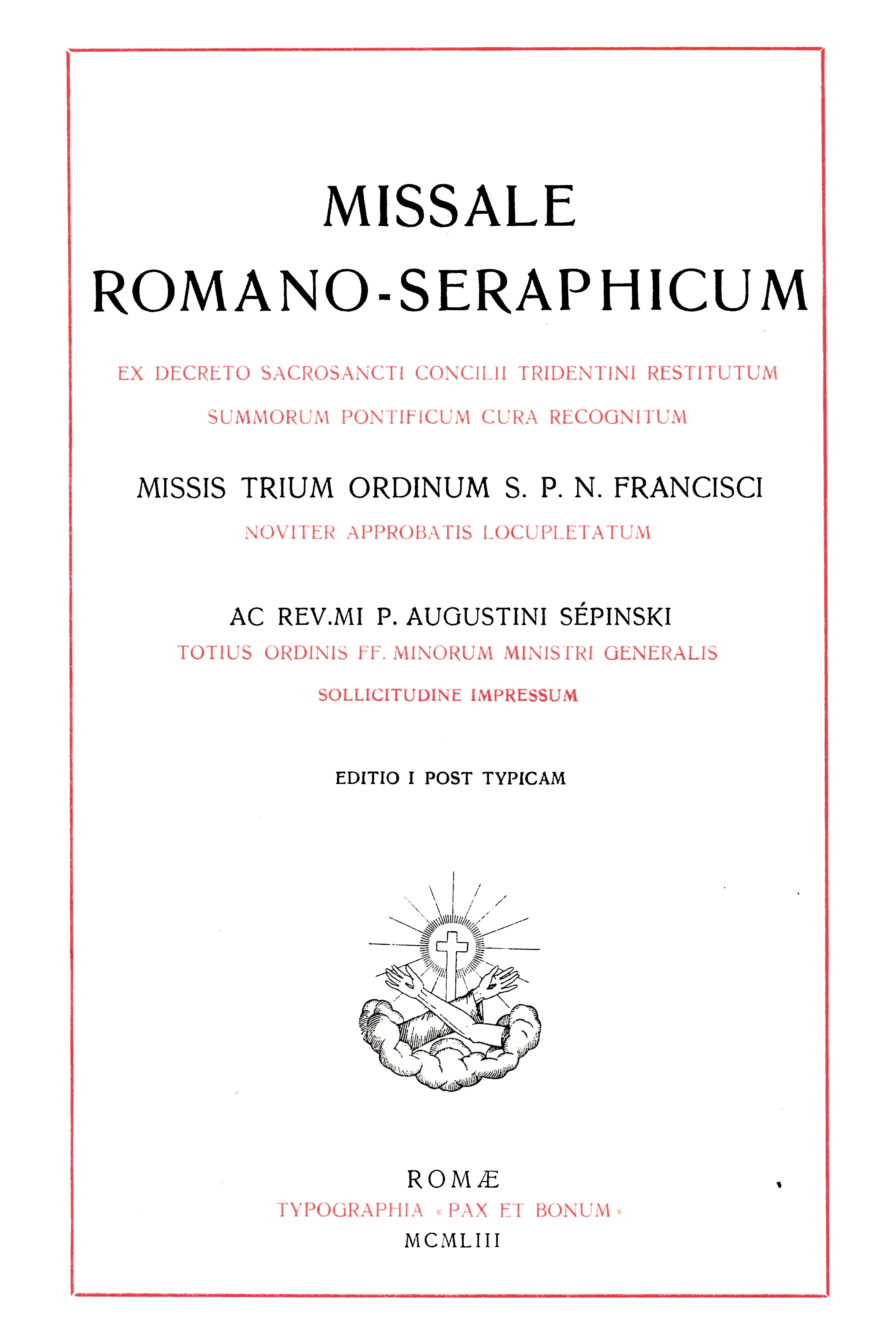
I would like to clean a scanned image like the one displayed here below. I want to convert the red text/graphics to pure red color and the black to pure black, without any color gradients. Ultimately, I am looking for a color reduction method that reduces the scanned image to 3 colors(red, black and white). Obviously I want the text and the graphics to have smooth edges too. Thank you in advance for any suggestions.
All reactions