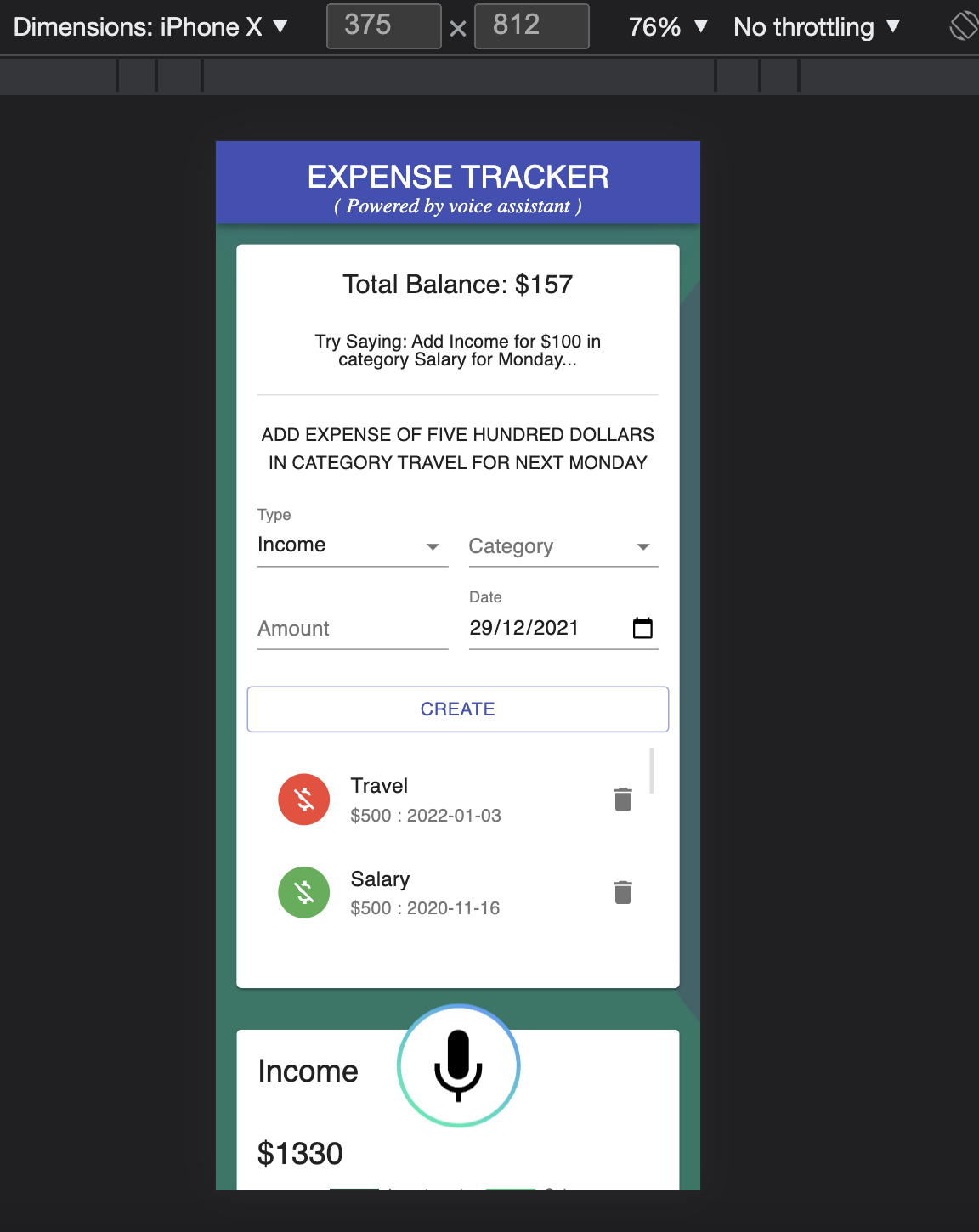
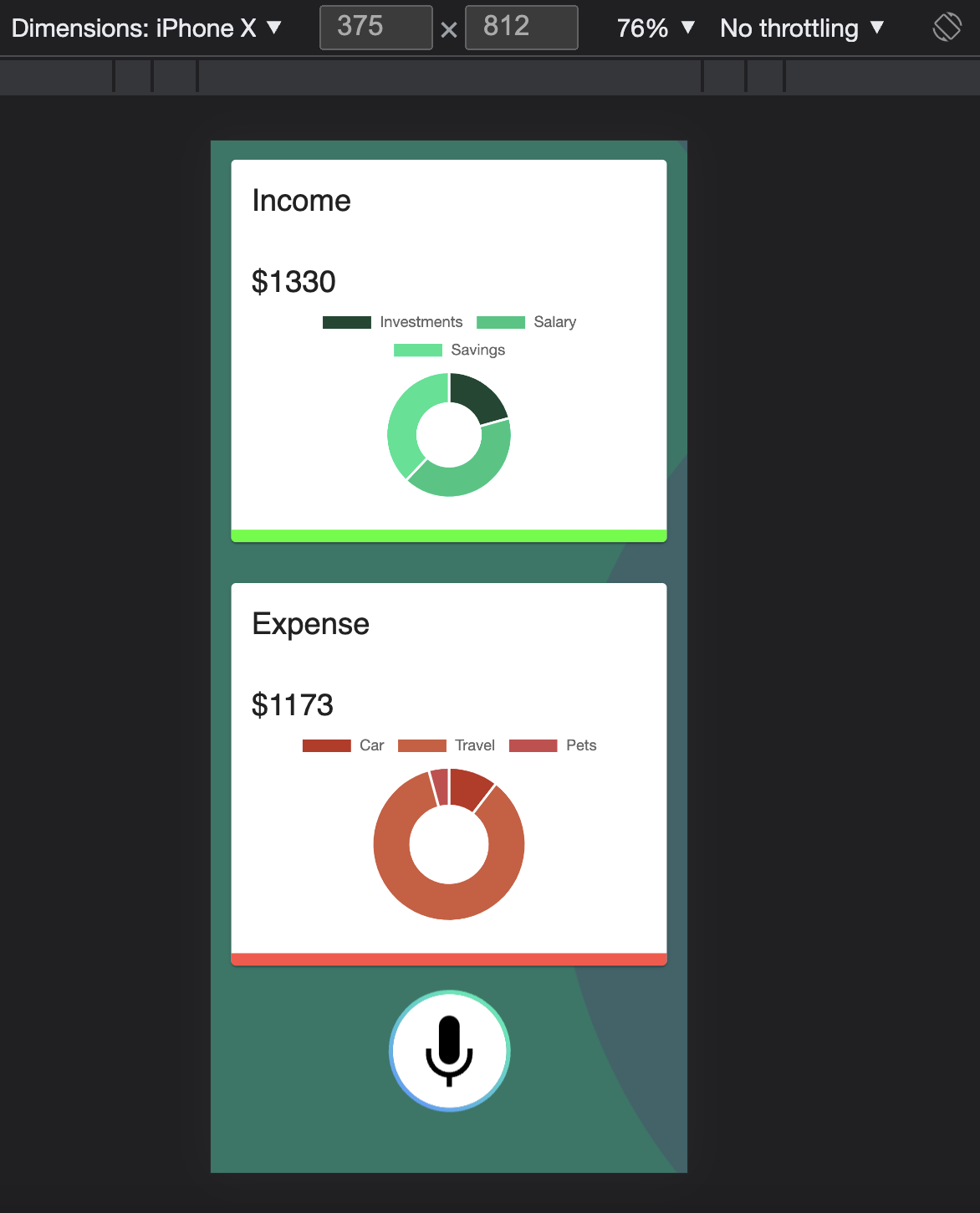
WebApp Link: https://voiceassistant-expense-tracker.web.app
How it looks after creating some transactions:

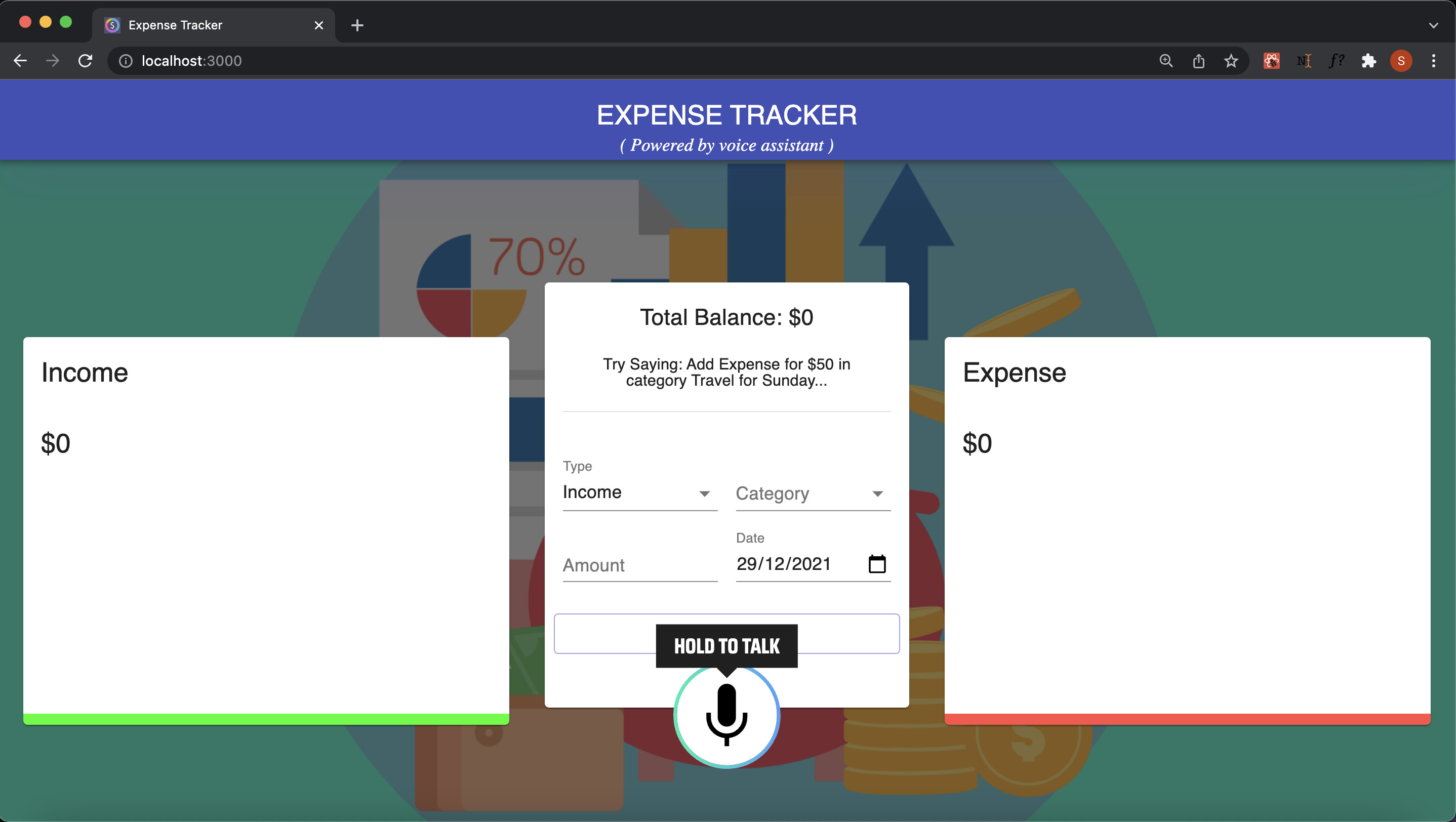
When clicked on voice button:
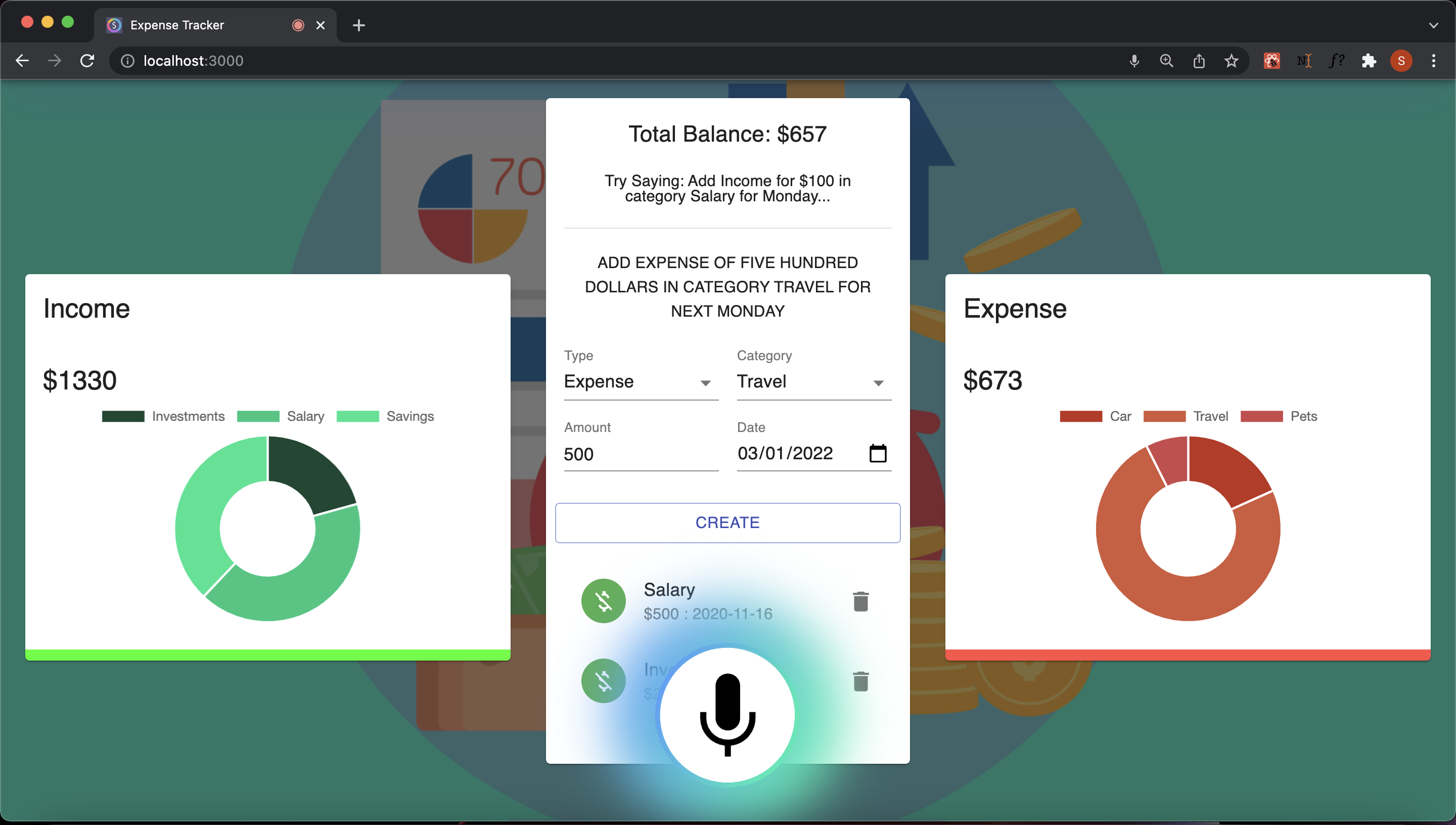
After successfully entrying a transaction, a popup will appear showing its confirmation and List gets updated with recent transaction being on top of the list.