Repository navigation
Home
- Ctrl + C - Copy selection
- Ctrl + V - Paste
- Files can also be pasted in
- Ctrl + Z - Undo (currently not supported by everything)
- Ctrl + Y - Redo
- Ctrl + A - Marquee select entire canvas
- A - Marquee select current layer
- H - Flip current layer horizontally
- V - Flip current layer vertically
- Escape - Closes some popups/menus and clears the selection
- Shift/Control - Modifier keys for some tools
- Rectangle tool - Holding shift draws squares
- Oval tool - Holding shift draws circles
- Line tool - Holding shift draws vertical or horizontal lines
- Move tool
- When moving, holding shift makes it only move on one axis (vertically or horizontally but not both)
- When resizing a selected area, holding shift maintains aspect ratio
Non-key controls
- Middle mouse button - hold and drag mouse to pan.
- Mouse scroll - Zoom in and out of the canvas centered on the cursor.
- Marquee selections can be resized by dragging at any point on the edge, not just the dots while the marquee selection tool is active.
- When cropping, the crop tool must be active.
- Import
- Png
- Jpeg
- Svg
- WebP (still image, first frame)
- Bmp
- Pbm
- Tiff
- Tga
- Dds
- Gif (still image, first frame)
- Export
- Png
- Jpeg
- Bmp
- Tga
Lua documentation can be found here
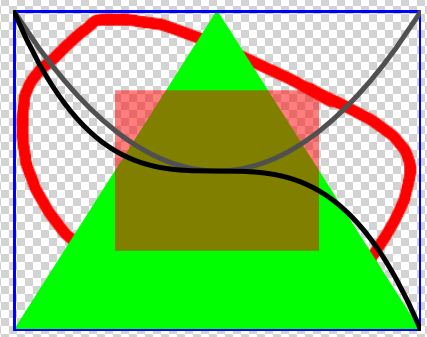
function Run(image)
	local size = image.size
	local w = image.width
	local h = image.height
	image:fillPolygon(vec3(0,255,0), {vec2(0, h), vec2(w/2, 0), vec2(w, h)})
	image:fillRect(vec4(255,0,0,128), size/4, size/2)
	image:drawRect(vec3(0,0,255), 5, 0, 0, w, h)
	image:drawQuadraticCurve(vec3(80), 5, vec2(), vec2(w/2, h), vec2(w, 0))
	image:drawCubicCurve(vec3(), 5, vec2(), vec2(w/3, h), vec2(w*2/3, 0), vec2(w, h))
end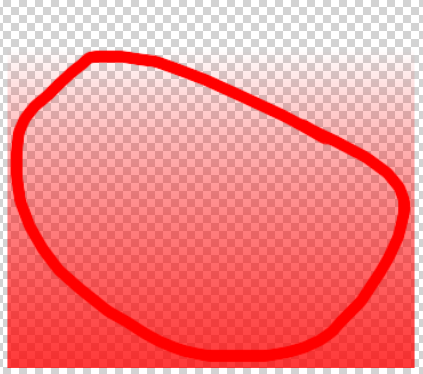
function Run(image)
	local w = image.width
	local h = image.height
	for y = 0, h - 1 do
		image:drawLine(vec4(255,0,0, 255 * y / (h - 1)), 1, 0, y+0.5, w-1, y+0.5)
	end
end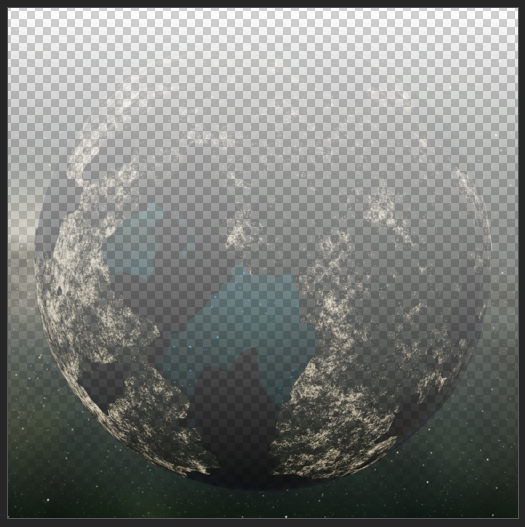
function Run(image)
	local w = image.width
	local h = image.height
	for x = 0, w - 1 do
		for y = 0, h - 1 do
			local pixel = image:getPixel(x, y)
			pixel[4] = 255 * y / (h - 1)
			image:setPixel(x, y, pixel)
		end
		if timer.shouldYield() then coroutine.yield() end
	end
end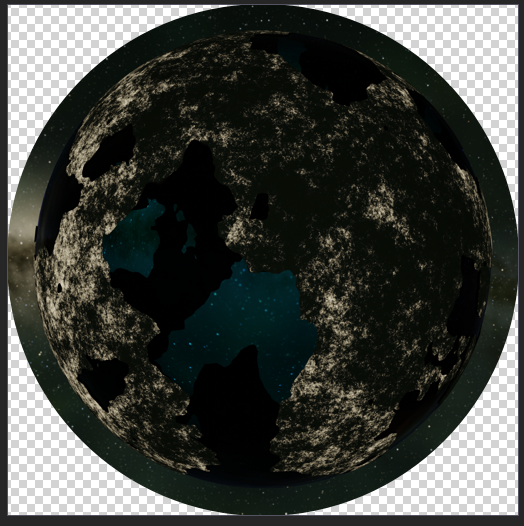
function Run(image)
	local mask = render.createImage(image.width, image.height)
	mask.pos = image.pos
	mask:fillOval(vec3(), image.size/2, image.size)
	image:drawMask(mask)
	mask:dispose()
end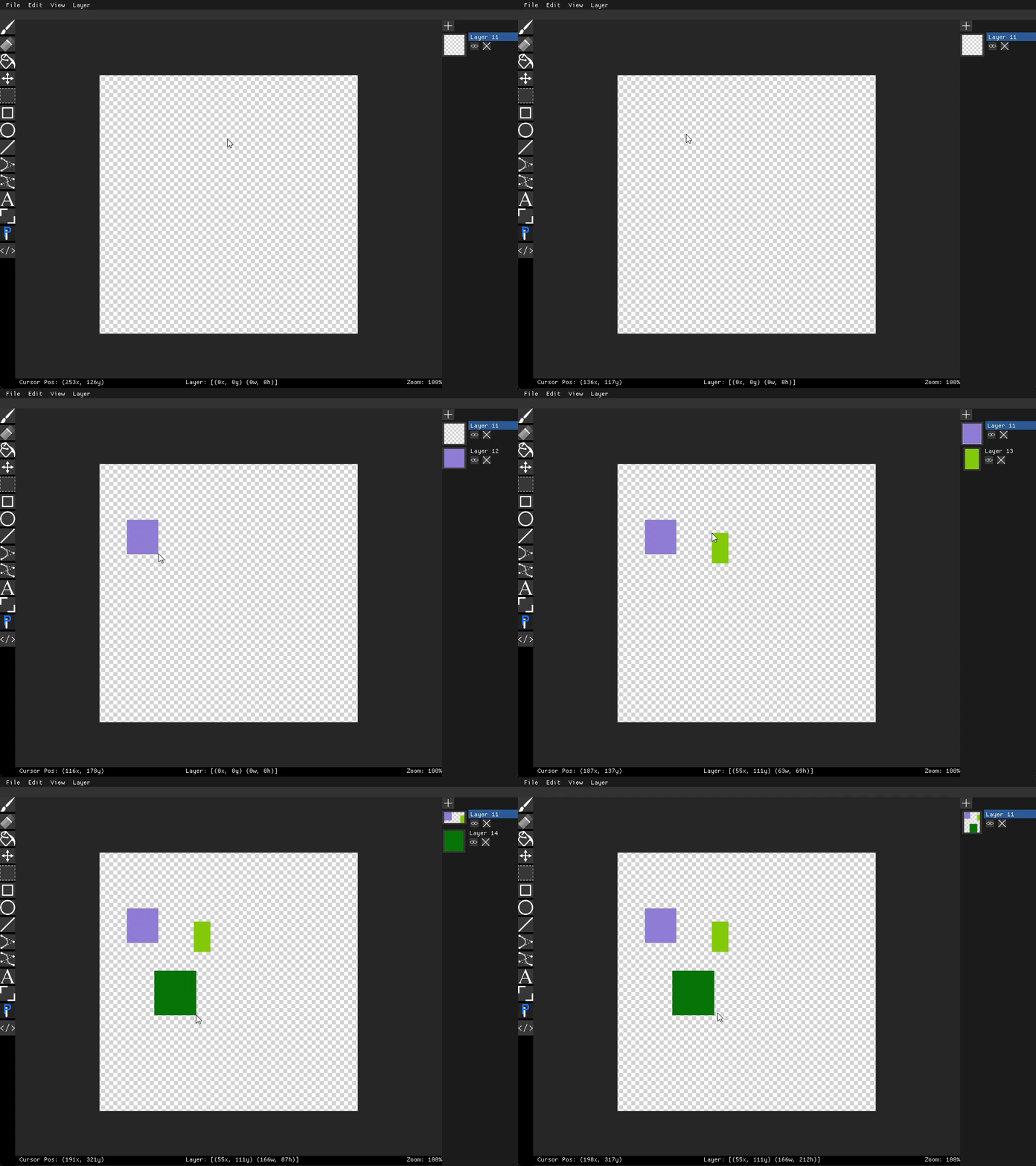
local started = false
local p1, p2
local layer, tempLayer
local color

function OnMouseDown(pos)
	layer = render.getActiveLayer()
	p1 = pos
	started = true
	tempLayer = render.createLayer(1, 1)
	color = vec3(math.random(0, 255), math.random(0, 255), math.random(0, 255))
end

function OnMouseMoveCanvas(pos)
	if not started then return end
	p2 = pos
	local min = p1:min(p2)
	local max = p1:max(p2)
	local size = max - min + 1
	tempLayer.pos = min
	tempLayer.size = size
	local image = tempLayer.image
	image:clear()
	image:fillRect(color, 0, 0, size[1], size[2])
	tempLayer:update()
end

function OnMouseUp()
	if not started then return end
	started = false

	local min = p1:min(p2)
	local max = p1:max(p2)
	local size = max - min + 1
	local image = layer.image
	image:expandToContain(min, size)
	image:fillRect(color, min - image.pos, size)
	layer:update()
	tempLayer:dispose()
end