
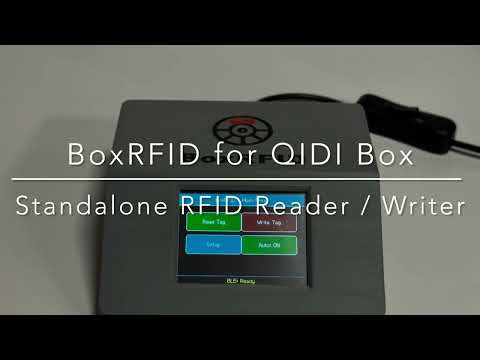
BoxRFID-Touch is a standalone touchscreen device for reading and writing NFC/RFID filament tags used by the QIDI Box ecosystem.
It runs on an ESP32-2432S028R CYD together with a PN532 RFID/NFC reader and allows you to create, read and modify tag data directly on the device — no PC required during normal use.
- Platform: ESP32-2432S028R CYD + PN532 (I2C)
- Firmware: Version 2.0
- License: CC BY-NC-SA 4.0
No Arduino IDE. No library setup. No TFT_eSPI configuration.
BoxRFID-Touch can be installed directly from your browser in just a few clicks:
This is the recommended installation method for most users, especially beginners.
- Chrome or Edge
- a supported ESP32-2432S028R CYD
- a USB data cable
- a connected PN532 module
The Web Installer is designed for users who do not want to deal with:
- Arduino IDE
- manual library installation
- ESP32 board package setup
- TFT_eSPI configuration
- Connect the ESP32 board via USB
- Open the Web Installer
- Click Connect
- Select the correct serial port
- Flash the firmware
- Start using BoxRFID-Touch
- If the board is not detected immediately, reconnect it and try again
- If needed, keep the BOOT button pressed while connecting
- During normal use, the device only needs a USB power source
- Read RFID tags in manual mode
- Read RFID tags in auto mode
- Write filament data to compatible tags:
- manufacturer
- filament type
- color
- Standalone operation with only USB power
- Touchscreen-based user interface
- Multi-language support (6 languages)
- Support for customized manufacturer lists
- Support for customized material lists
- Reset custom lists back to factory defaults
- Full factory reset including touch calibration
- Integrated BLE support
- Can be used as an external RFID reader/writer via Bluetooth
- Intended for iOS companion app usage (app currently in alpha stage)
- Browser-based Web Installer for quick and easy installation
- Optional 3D-printable housing
Tested with:
- QIDI Plus 4
- QIDI Box V1
- QIDI Box V2
Possible compatibility with:
- QIDI Q2
Not tested yet. Feedback is welcome.
- ESP32-2432S028R CYD
- PN532 NFC/RFID module
- USB cable
- jumper wires
- Mifare classic 1K tags (i.e. https://www.amazon.de/dp/B07GH1P2M5 or https://www.abcrfid.com/product/13-56mhz-mifare-classic-1ks50-wet-inlay-thin-tag-adhesive-sticker)
- 3D-printed case
- Housing for the CYD + PN532 setup
-
ESP32-2432S028R CYD
- Main controller with integrated display and touchscreen
- Amazon Germany ESP32-2432S028R
- ASIN: B0CG2WQGP9
-
PN532 NFC/RFID module
- Used for reading and writing compatible RFID/NFC tags
- Amazon Germany PN532
- ASIN: B0D86CPN5J
-
Jumper wires
- Used to connect the CYD and PN532
- Often included with the ESP32-2432S028R board
-
USB cable
- Used for flashing and power supply
-
Mounting material
- Screws, spacers, adhesive pads or similar accessories
BoxRFID-Touch uses the PN532 RFID module in I2C mode.
Do not forget to switch the PN532 to I2C mode before use. Depending on your module version, this is usually done with the DIP switches or jumpers. See the detailed photos below.
The following pinout shows how to connect the PN532 RFID board to the ESP32-2432S028R.
- 3.3V → VCC
- GND → GND
- GPIO 21 → SDA
- GPIO 22 → SCL
ESP32-2432S028R CYD    PN532
-------------------    -----
3.3V                -> VCC
GND                 -> GND
GPIO 21             -> SDA
GPIO 22             -> SCL
 Electronic parts |
 PN532 RFID sensor |
 Set PN532 to I2C mode |
 ESP32-2432S028R |
 Connect the cables |
 ESP32 detail view |
 PN532 detail view |
 Place PN532 |
 Place ESP32 in case |
 Mount CYD with M3 6 mm screws |
 All parts mounted |
|
Base plate and adhesive pads |
 Base plate with mounted pads |
 Close the case |
 M3 5 mm countersunk screw |
 Bolted base plate |
 Side view |
 Front view |
 Back view |
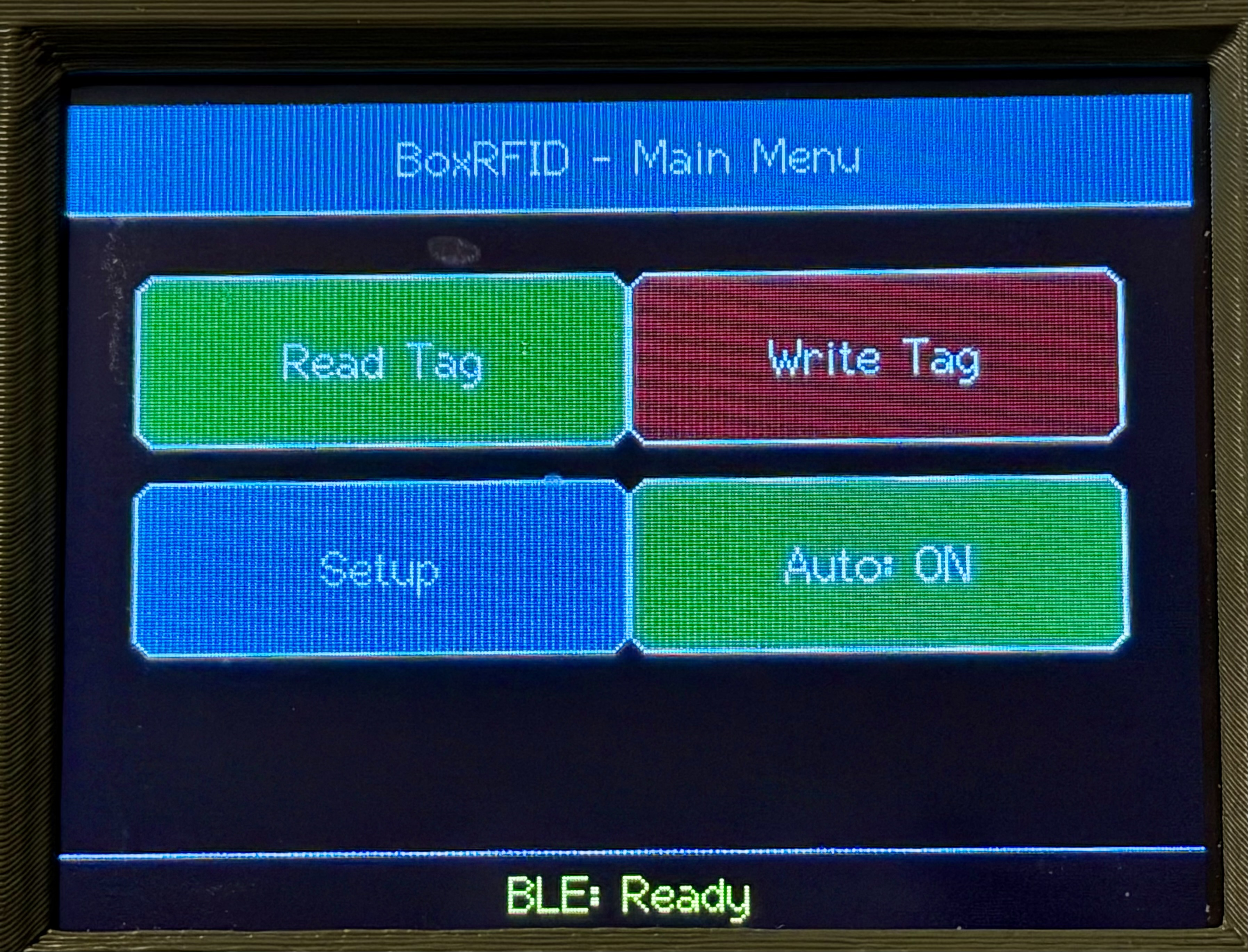 Home |
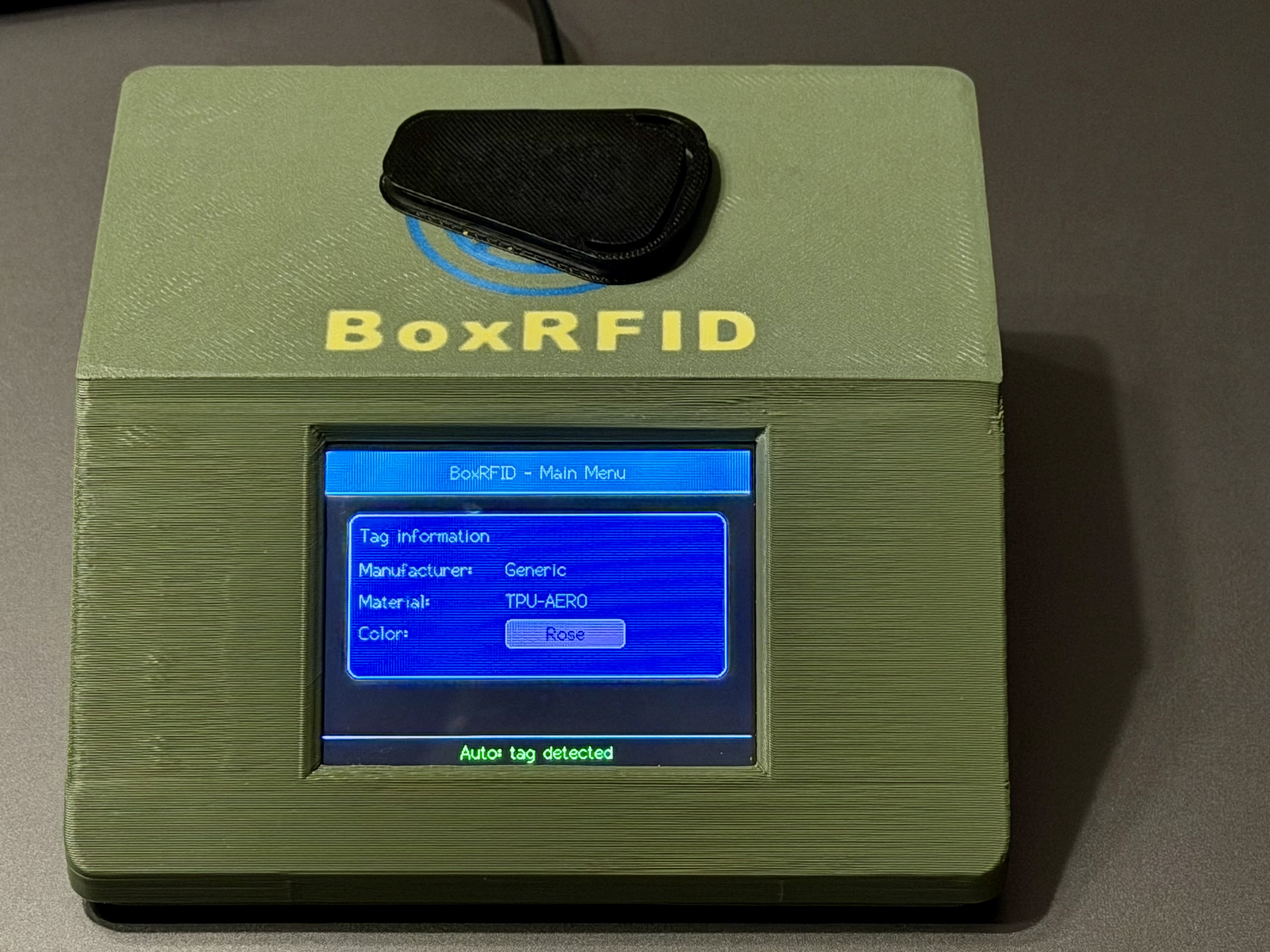 Read Tag |
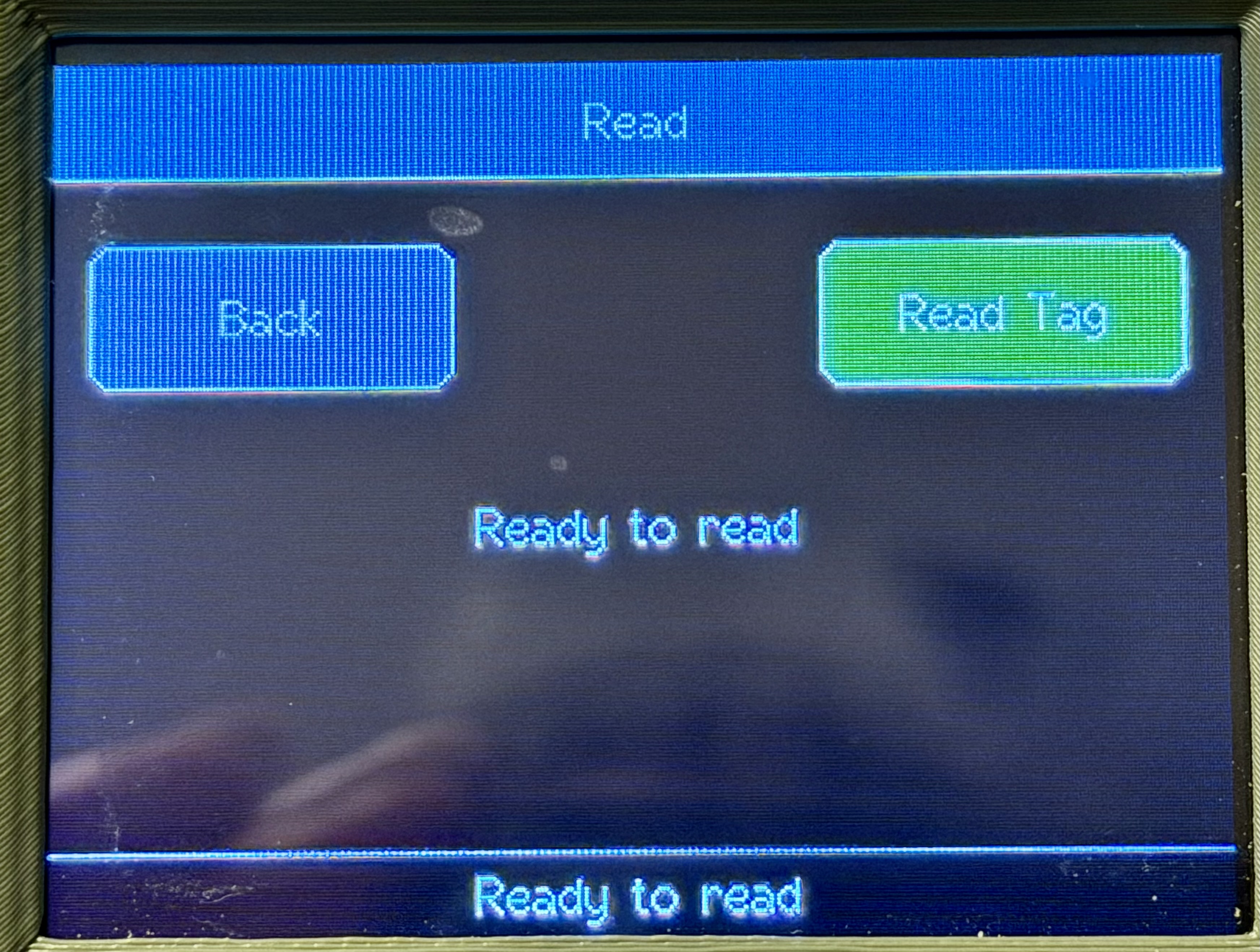 Read Manually |
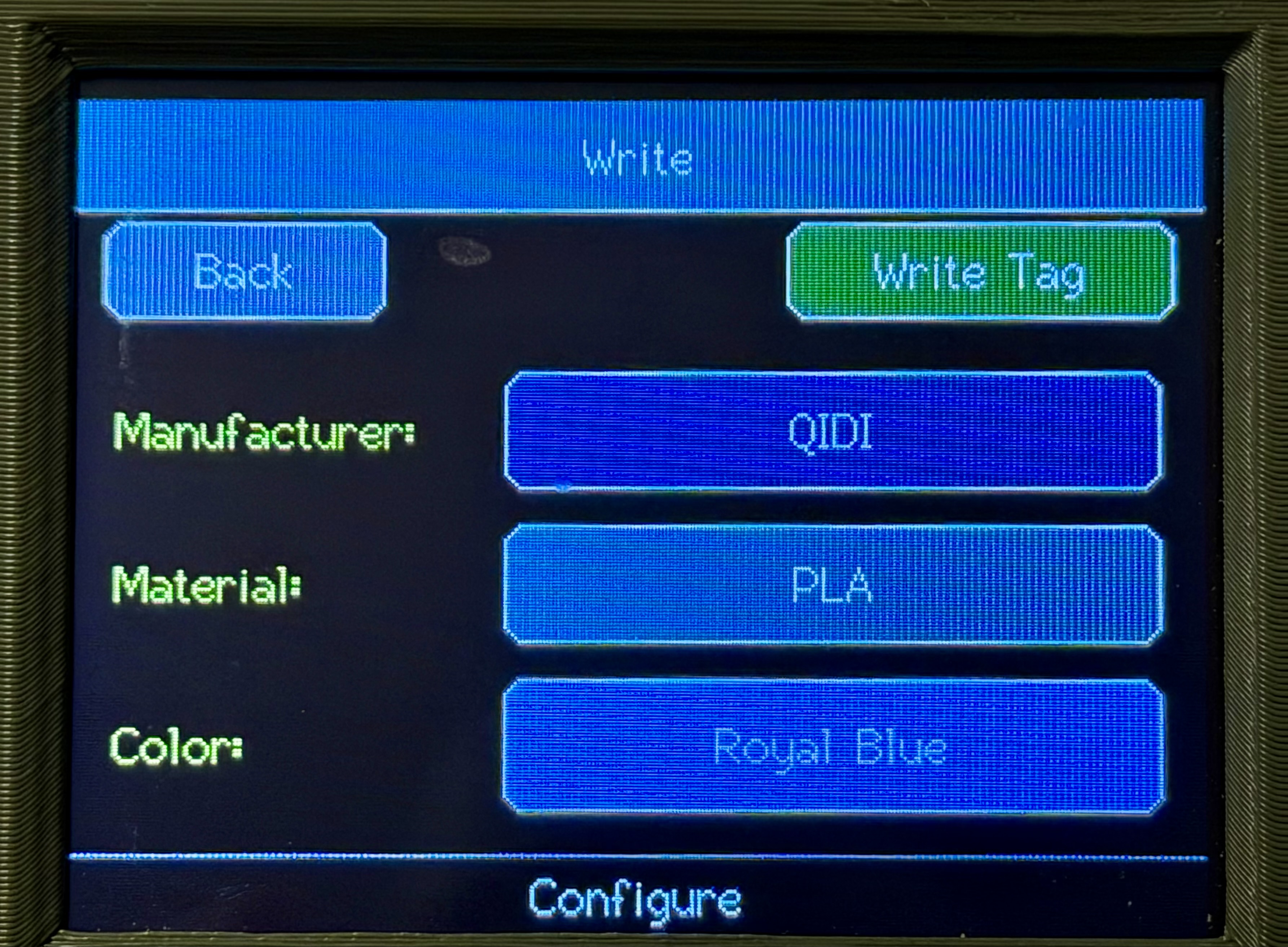 Write Main |
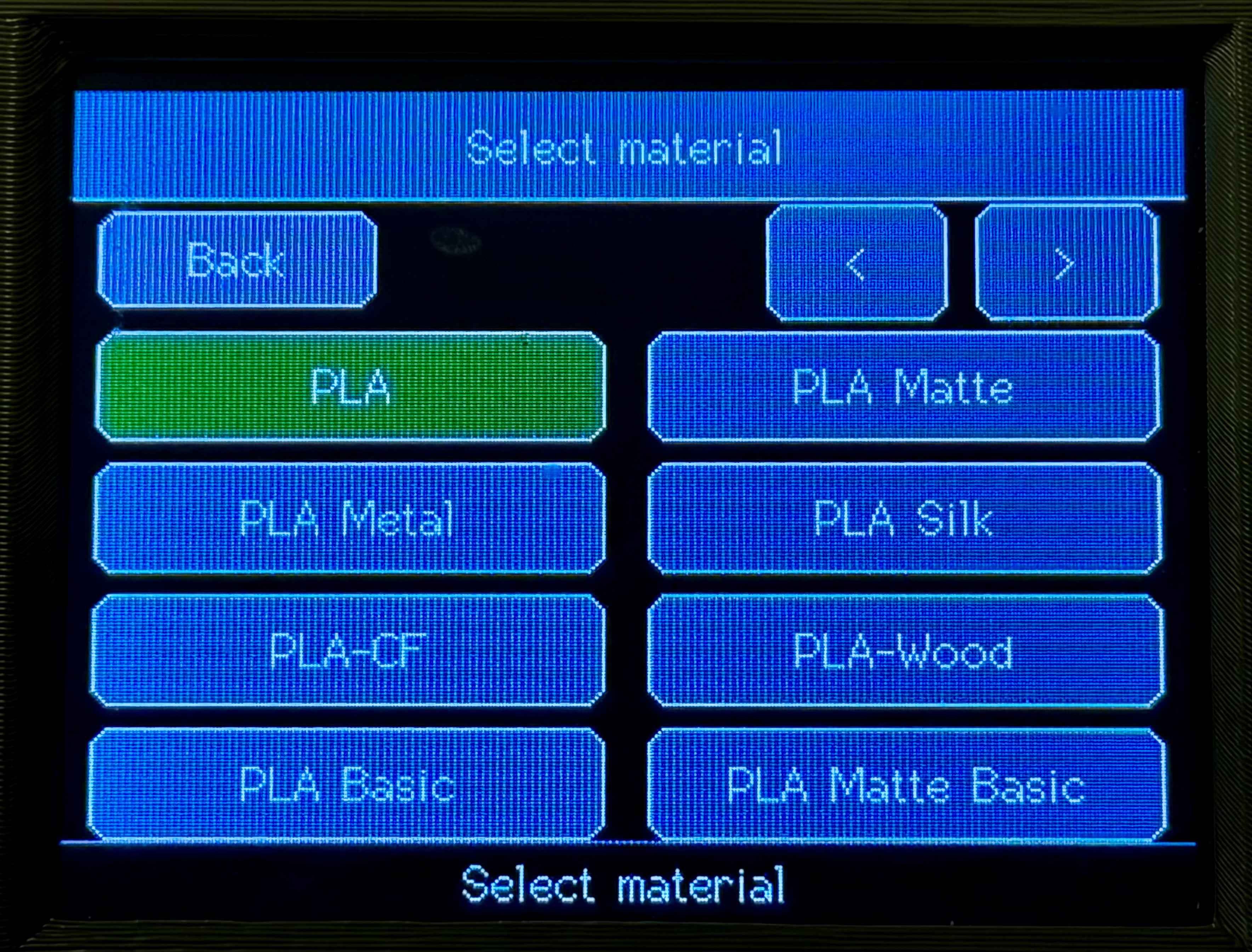 Write Material |
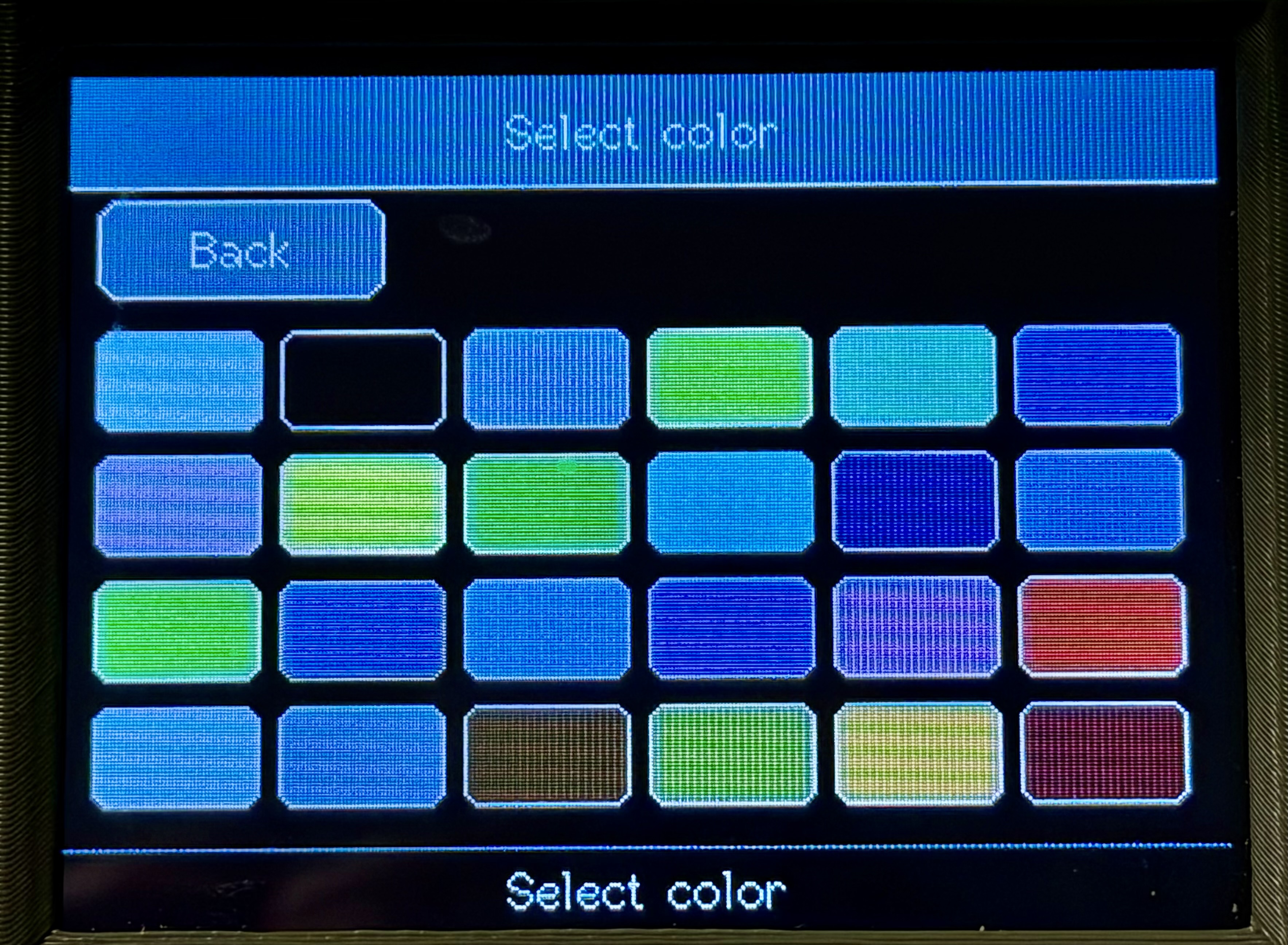 Write Color |
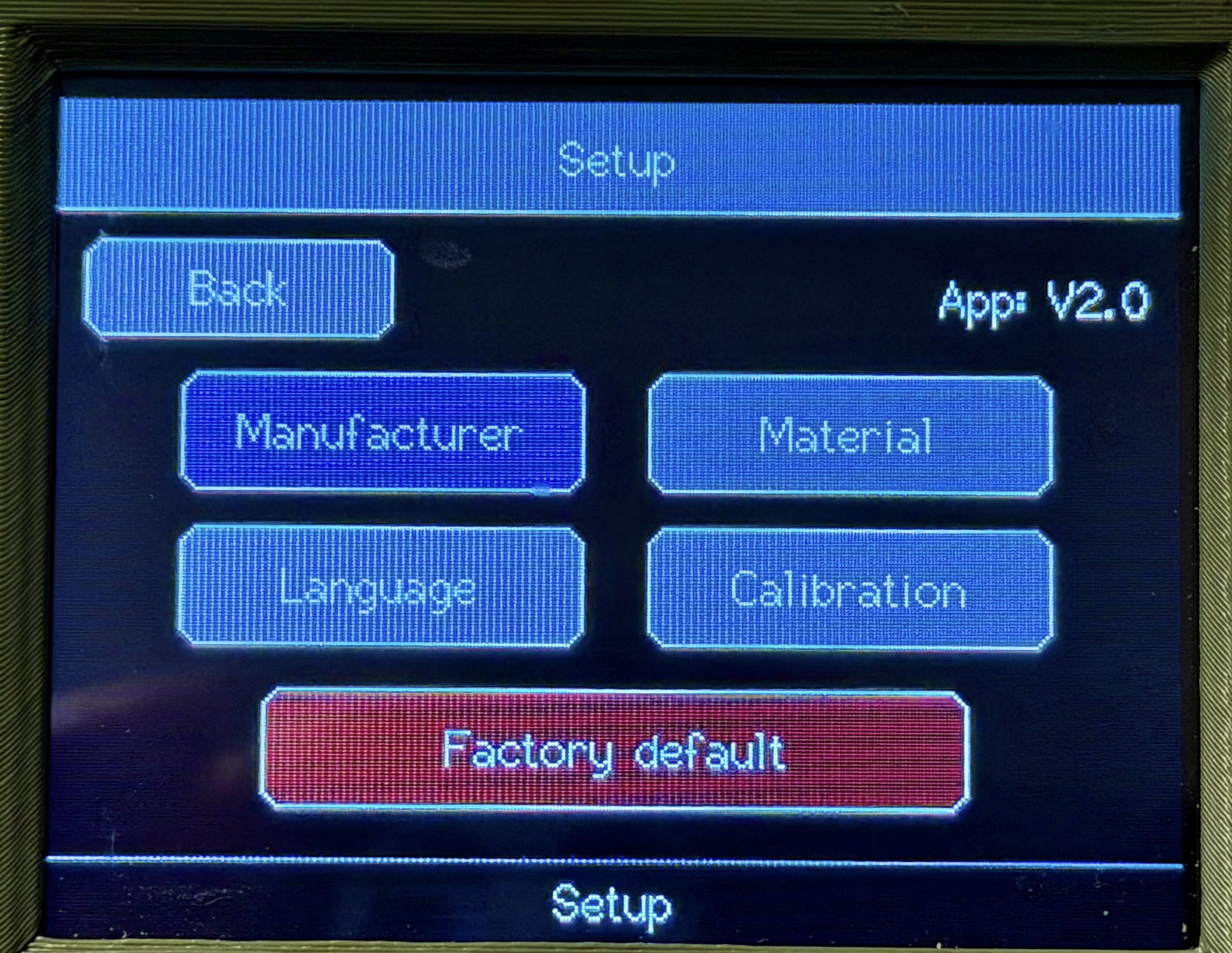 Setup Main |
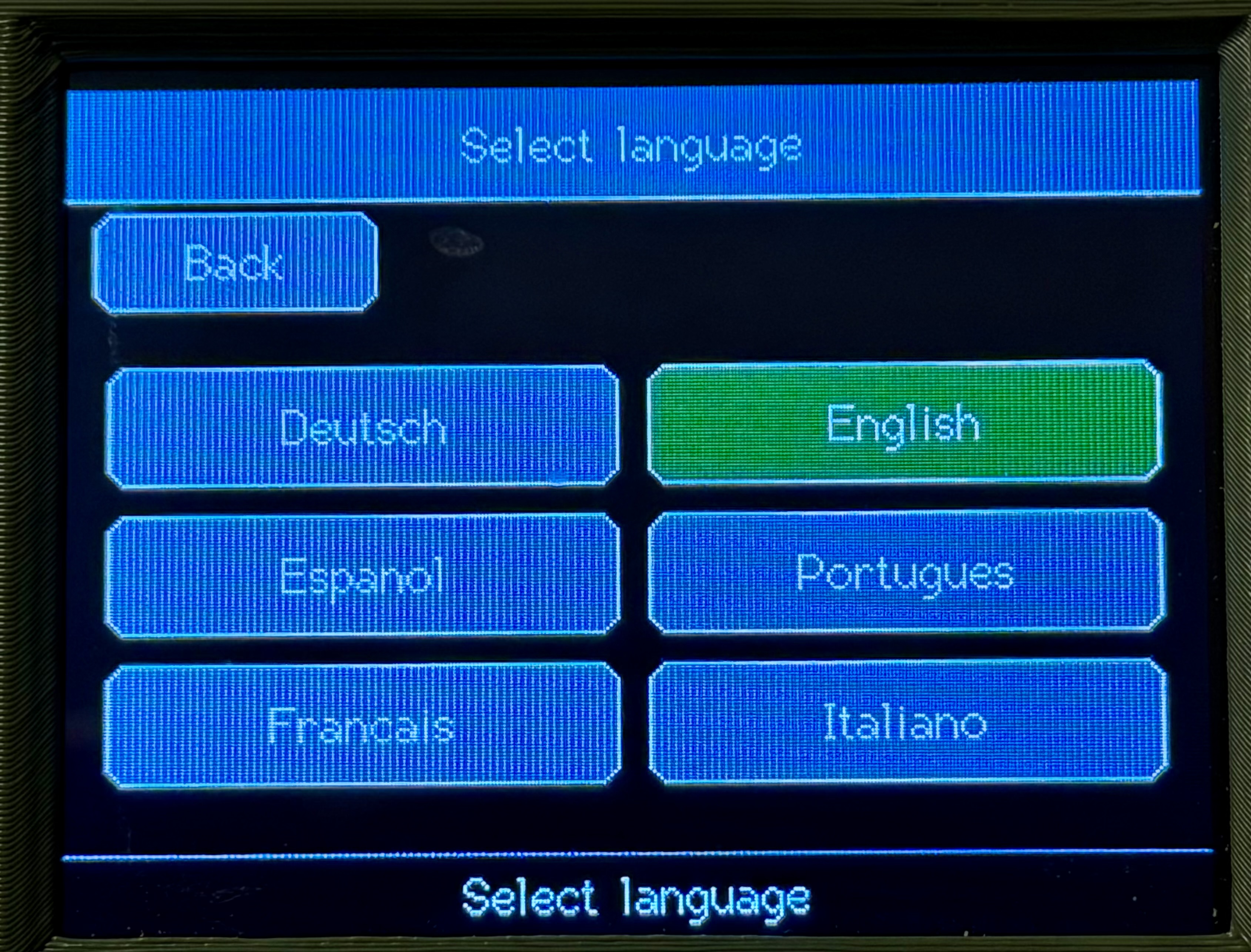 Setup Language |
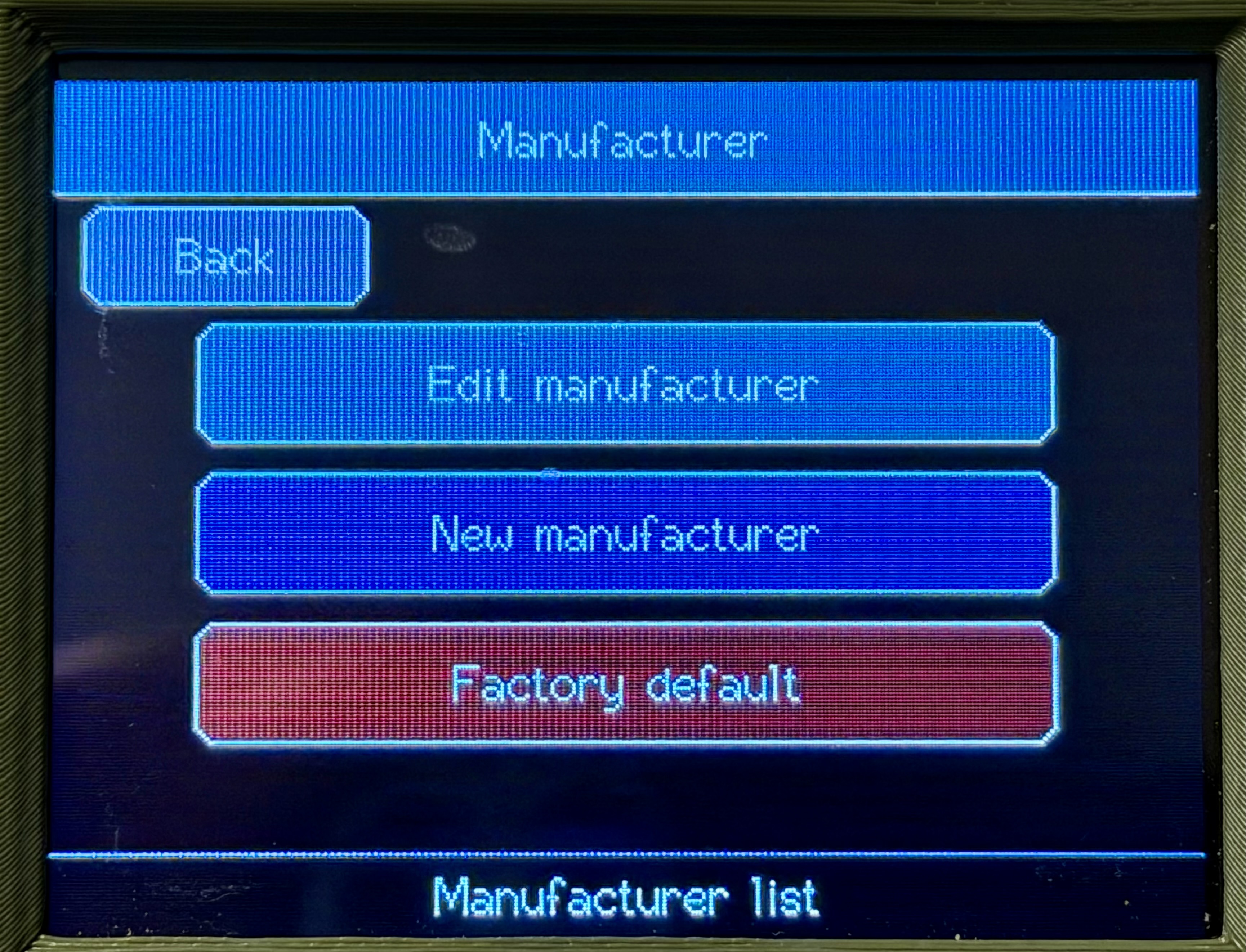 Setup Manufacturer |
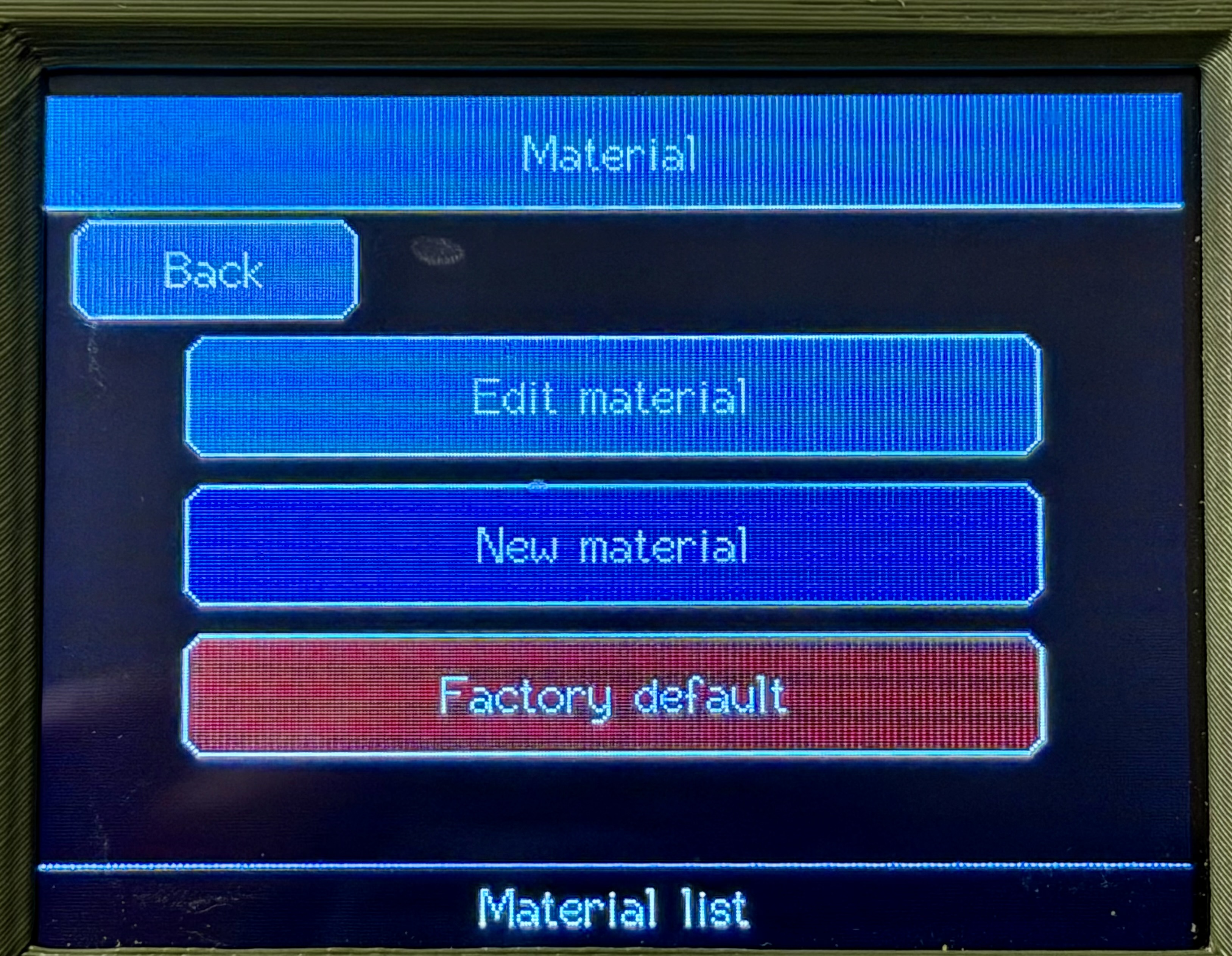 Setup Material |