Repository navigation
Screenshots
The pictures are rendered from the real application code (LVGL, the host application and the core application) by the render benches, on the builder, from main as of 2026-11-02. The board shows the same screen. Each picture is also in the user manual (docs/manual/img/ in the repository).
The real host application and LVGL, drawn by the render bench of the repository (960 x 540 of the 1920 x 1080 picture). The names, the files and the address in the figures are test data.
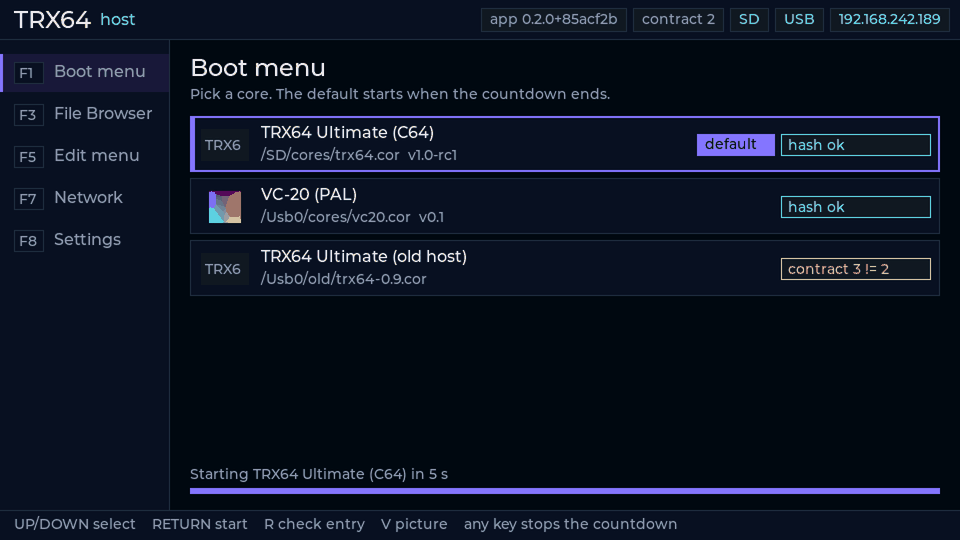
Boot menu (F1). Three entries. The first is the default and the countdown runs. The badge shows the state of the file; the third entry is built for another host contract and does not start.

File Browser (F3), the media. The first level lists the media the host has mounted. The panel shows the stick and the key that formats it.
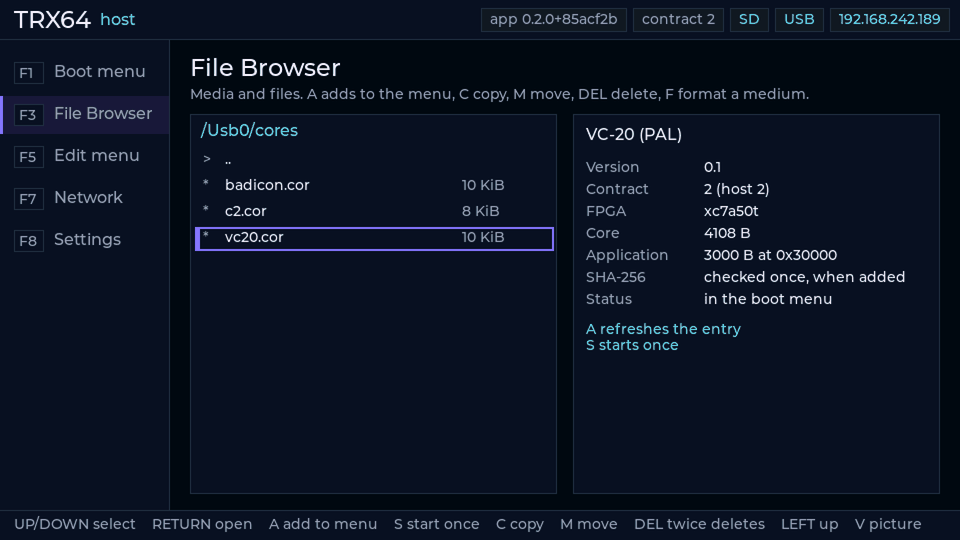
A core bundle selected. The panel shows the manifest of the .cor. A refreshes the entry, S starts it once.
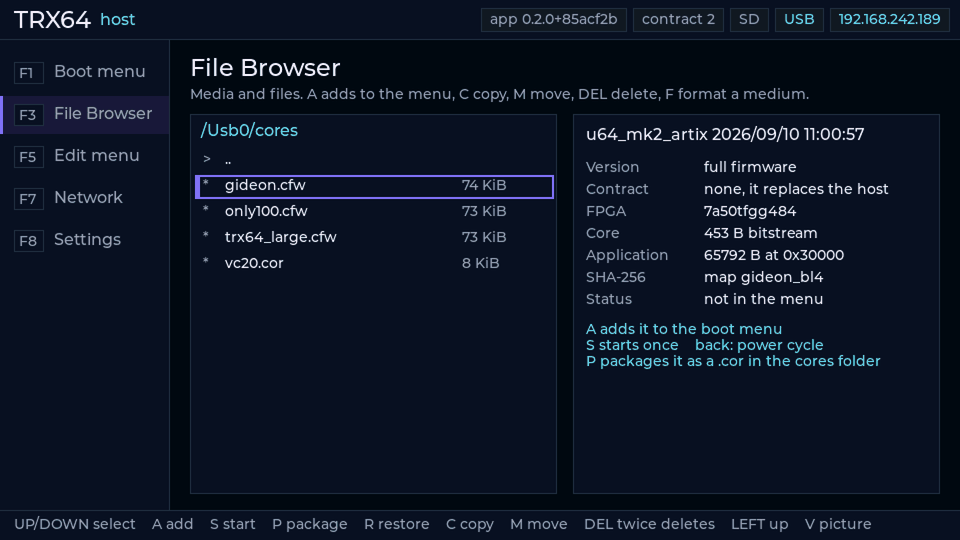
A full firmware selected. A .cfw can be added, started, packaged as a .cor (P) or restored (R).

Copy to a folder. The target pick: the path line says where the file goes; the footer lists the keys.
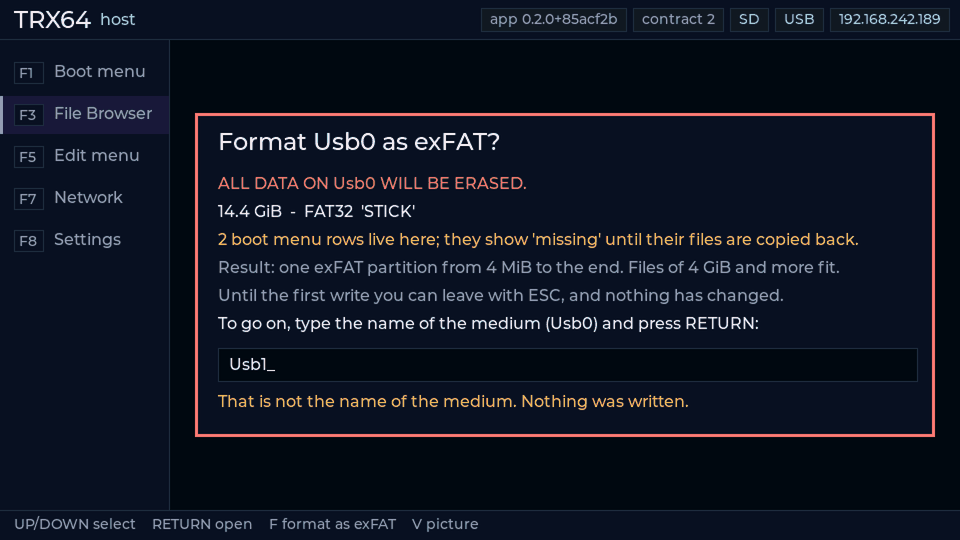
Format a medium, first question. The page asks for the name of the medium. A wrong name writes nothing.
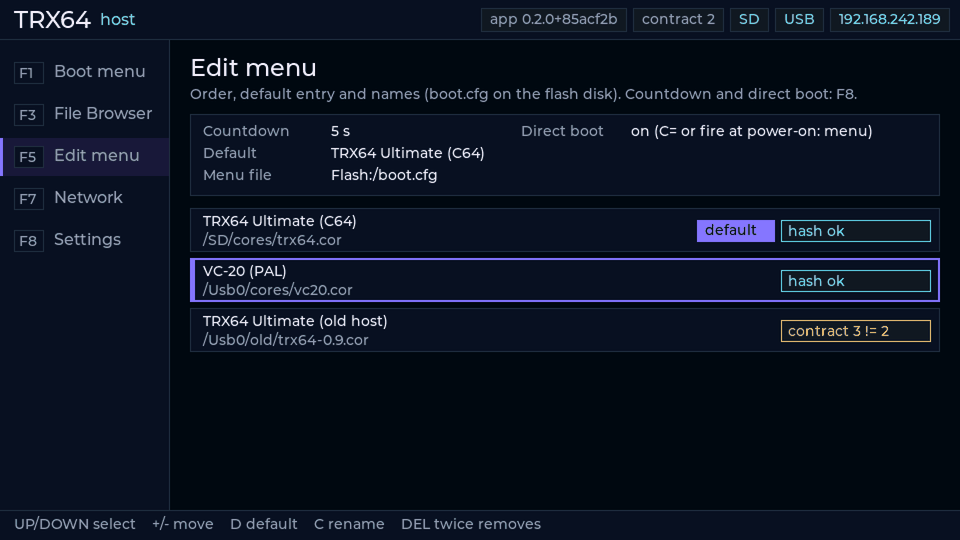
Edit menu (F5). Order, default entry and names of the entries; countdown and direct boot as facts.
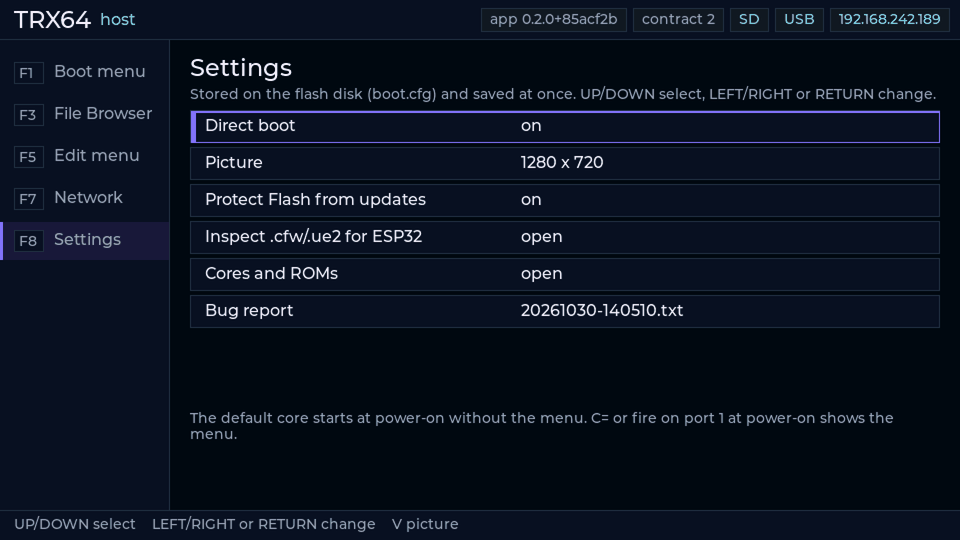
Settings (F8). Direct boot, the picture, the flash protection, the ESP32 inspection, Cores and ROMs, the bug report.

Settings with direct boot off. The two autostart rows show.

Cores and ROMs. One line per core with its ROMs and saves, the files that belong to no core, the files that exist twice.
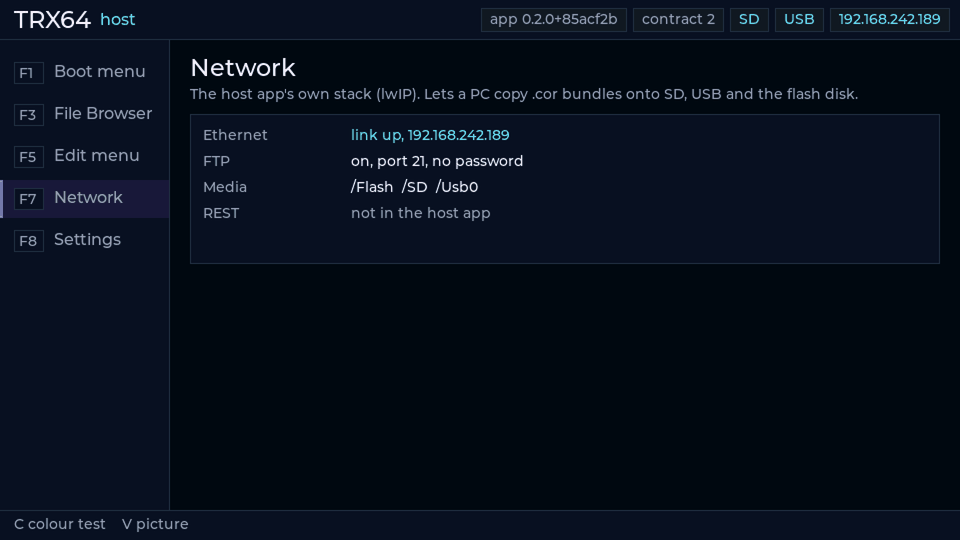
Network (F7). The link, FTP, the media and the REST line.
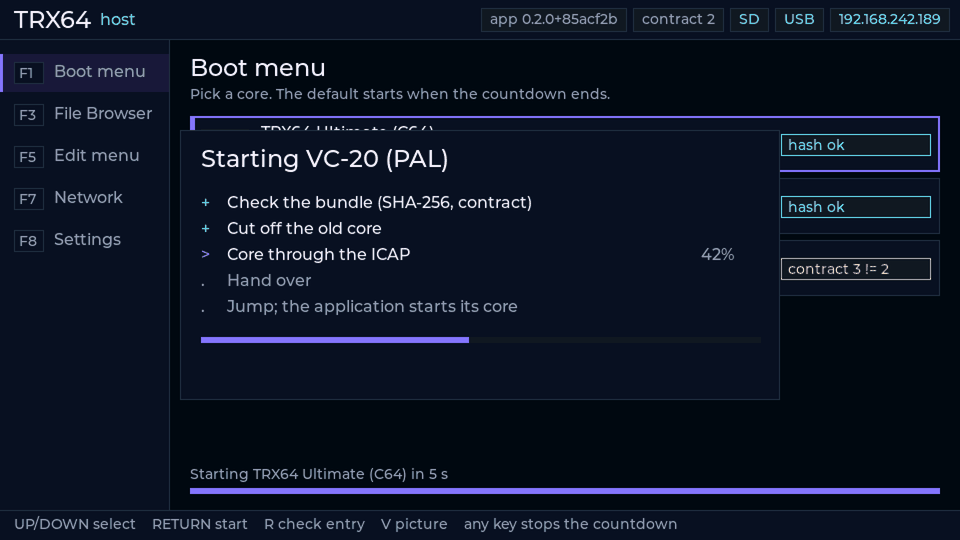
Start of a core. Five steps; the step that runs shows its percent.
One panel for every modal page: a scrim over the content, a page as high as its lines, only the keys that work in the footer. Red is for the two questions, amber for a refusal.
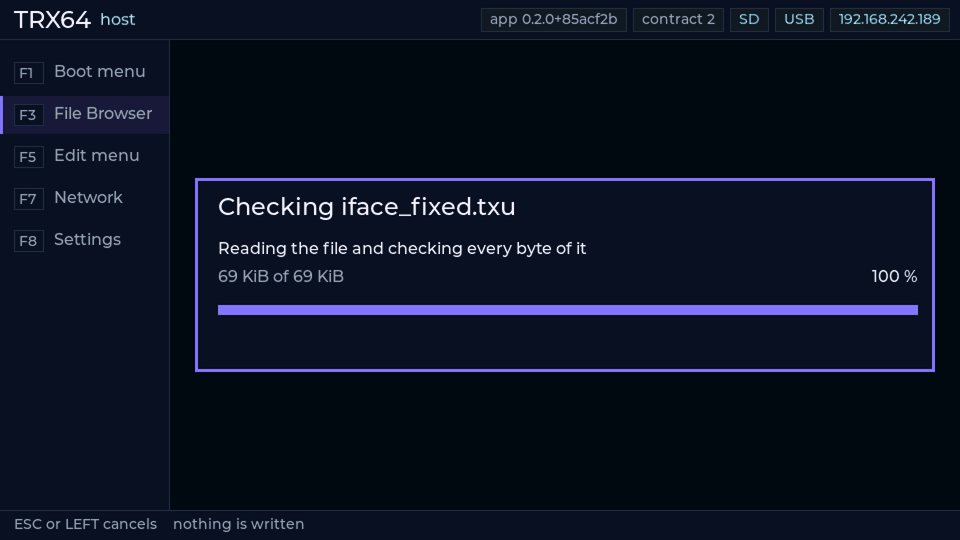
Update: the check. The host reads the .txu into memory and checks every byte. ESC cancels, nothing is written.
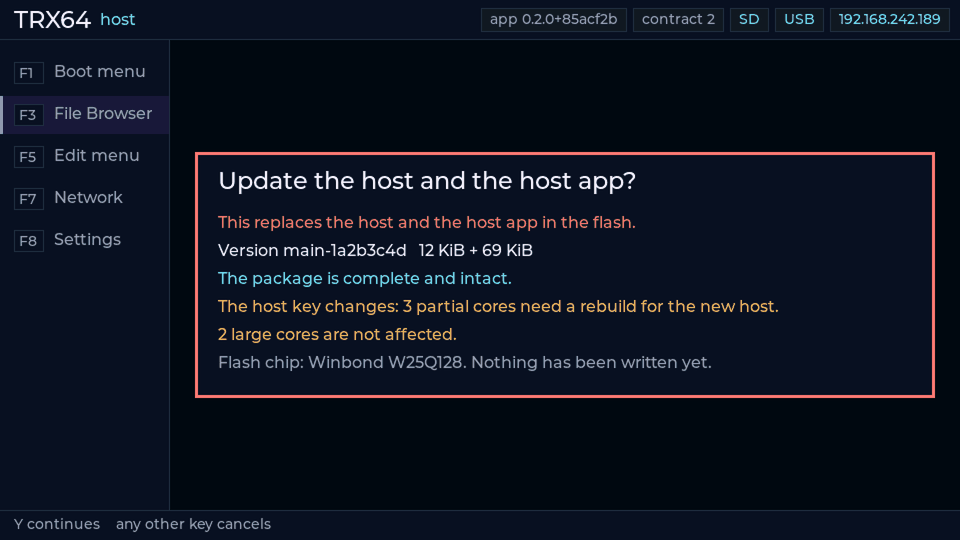
Update: question 1. What the write replaces, the version, the effect on the cores, the flash chip.
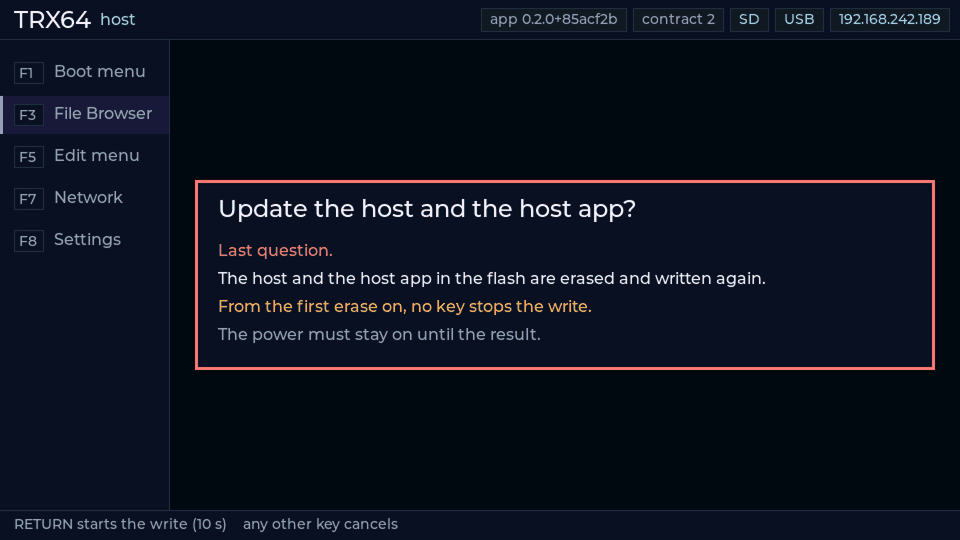
Update: question 2. The last question. RETURN after one second and within ten.
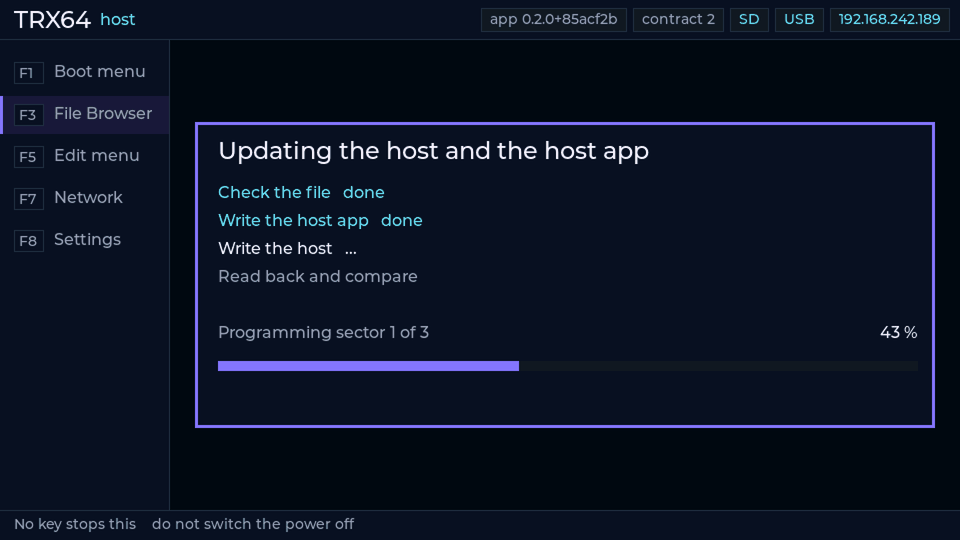
Update: the write. The phases, one number, one bar. No key stops the write.
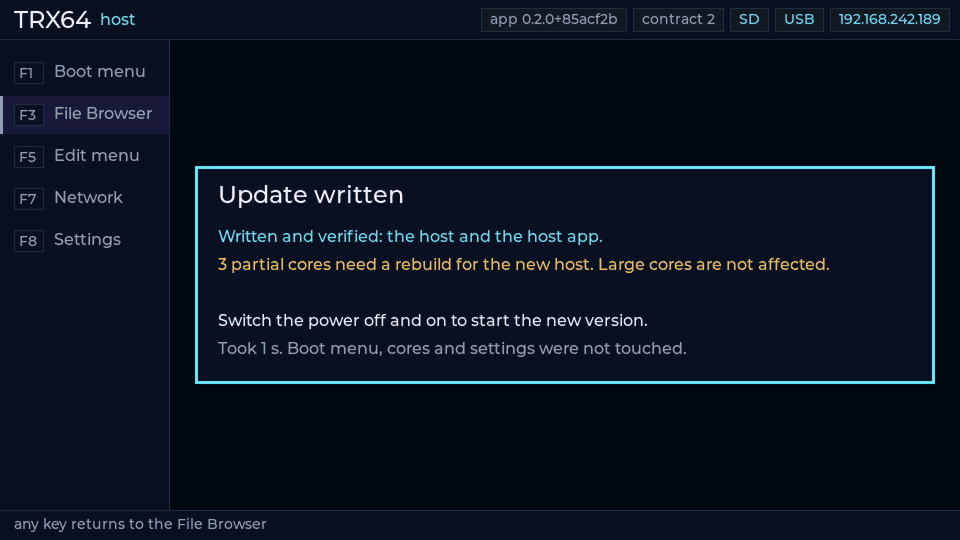
Update: the result. Written and verified. Switch the power off and on.
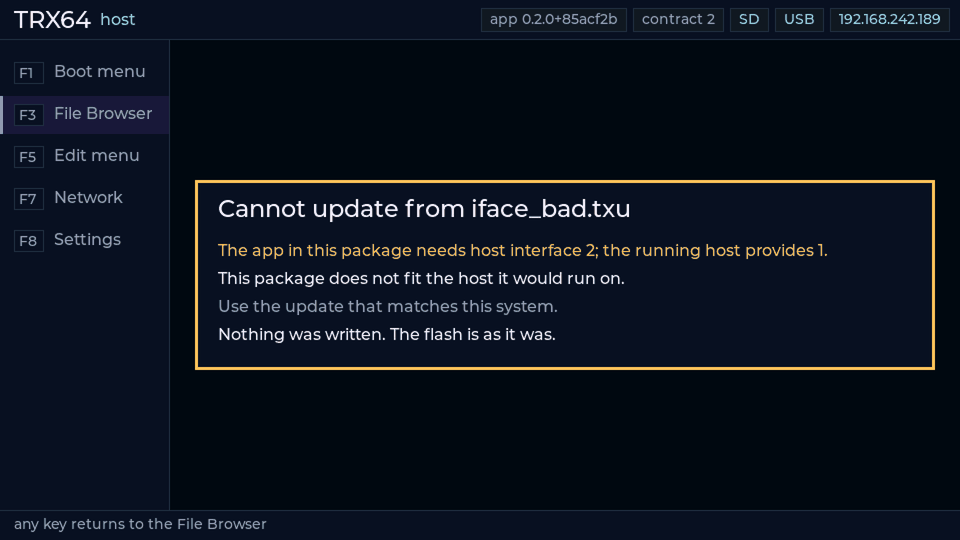
Update: a refusal. A package that does not fit this host is refused before anything is written.

Restore: question 1. The vendor firmware back in the flash, and the way to MultiCore again.
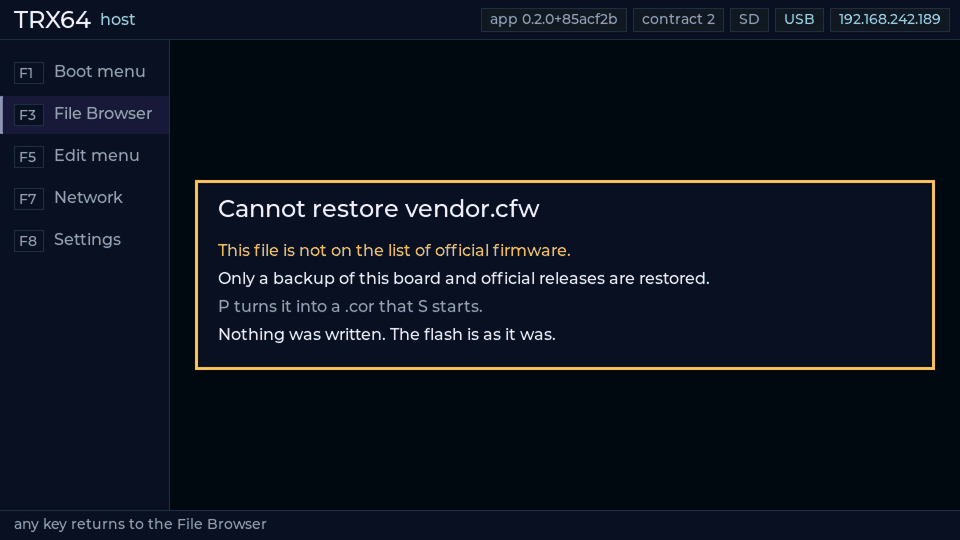
Restore: a refusal. Only a backup of this board and official releases are restored.
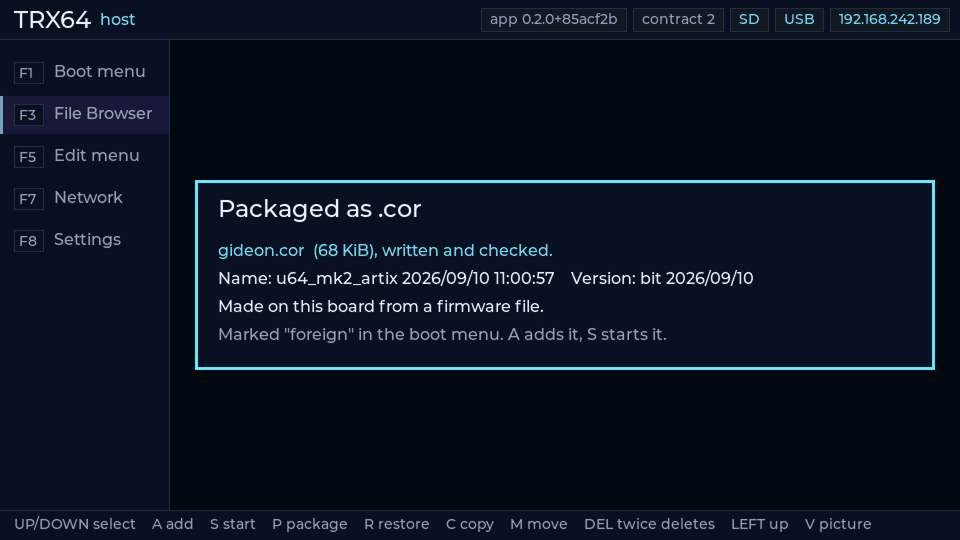
Package: the result. A .cfw packaged as a .cor, marked foreign in the boot menu.
A mode narrower than 960 px gets a layout of its own, drawn at the size of the mode and never cut.

Boot menu at 800 x 600. Six entries, long names end in dots.

File Browser at 800 x 600. The footer has two lines, the key list is not cut.

Boot menu at 480p. 640 x 480; the footer wraps.

Settings at 576p. 720 x 576; a name that does not fit ends in dots.
The common core application, drawn by the render bench of the core application. The chip 'line 2' in the top bar and the network address in the host header are stubs of the bench.

Actions (F7). Reset, cold start, reload the ROMs, eject, create a blank disk.
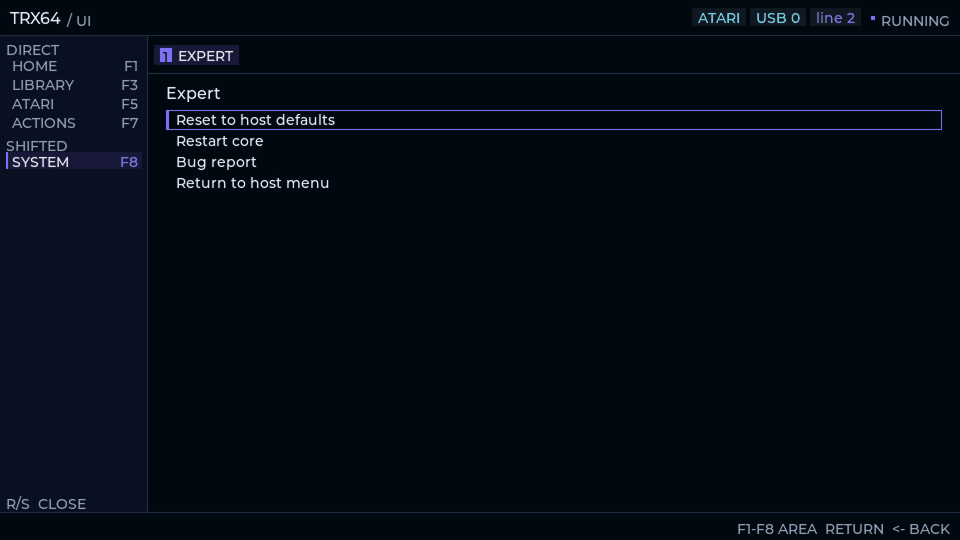
System (F8). Reset to host defaults, restart, bug report, return to the host menu.

Settings of the Amiga 1200. Kickstart, memory, chipset, drives, the LED Load Indicator, Picture, Scale, Smoothing.

Amiga 1200 at 800 x 600. The same pages in the compact layout.

Machine page of the C64 core. Fast reset, the ROMs, the machine now.

File sheet of the C64 core. RETURN on a file: run, load, DMA, view, copy, move, rename, delete.