Flex Direction & Its Side Effects
In CSS flexbox styling, flex-direction can control whether your children are laid out horizontally or vertically within their parent container. Lets see this in action. From the FlexIt Home Screen, pick any puzzle. We are not going to be completing it; we will just experiment with "Flex Direction" within the toolkit.
Notice that in our blank canvas, the default selection within the toolkit for "Flex Direction" is "row". This is the same in code. If we were to create flexblocks, they would be horizontally added one after the other. If we click on "column", any flexblocks we create will be vertically added one after the other. Be aware that all child flexblocks will be deleted when you do this, otherwise it could risk breaking the puzzle if there wasn't enough room to change direction. Experiment with creating "row" and "column" flexblocks.
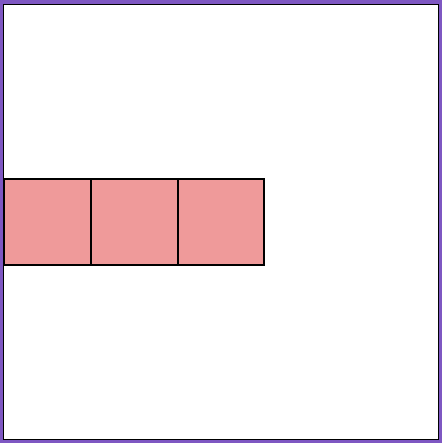
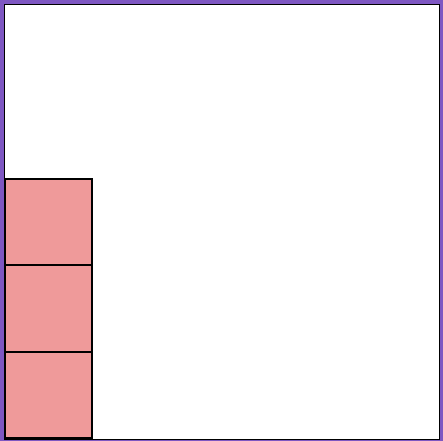
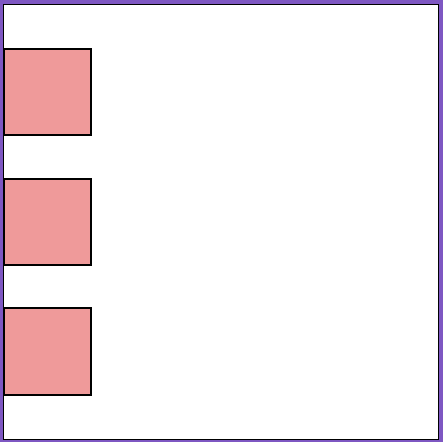
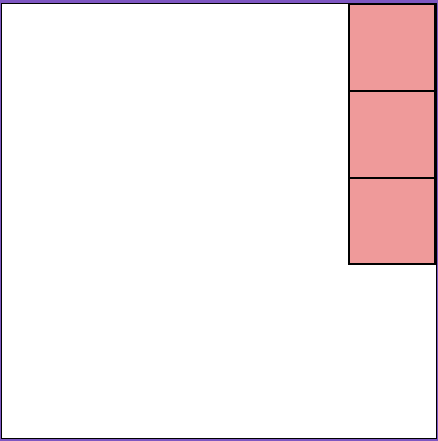
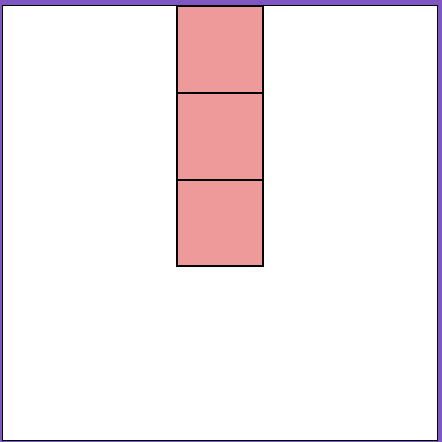
If you completed the Playing a Game: Fundamentals of the Toolkit lesson, you'll remember how "Justify Content" affected the horizontal spacing and location between all our child flexblocks, and "Align Items" affected the vertical spacing and location. This is because the flexbox property justify-content always goes in the same axis as flex-direction, and align-items goes in the opposite axis. So when we choose "row" for "Flex Direction", then "Justify Content" will space horizontally like how a row functions, and "Align Items" will space vertically like how a column functions. But when we choose "column" for "Flex-Direction", then "Justify Content" will space vertically and "Align Items" will space horizontally. Just remember that "Justify Content" always follows the same direction as "Flex-Direction". It may seem tricky, but it works the same way in code and it's an important lesson to learn when styling.
Use this table as a reference if you get confused:
| Justify & Align: Start (default) |
Justify: End | Justify: Evenly | Align: End | Align: Center | |
|---|---|---|---|---|---|
| Direction: Row | 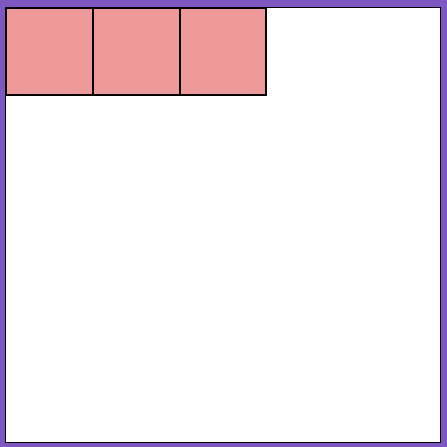 |
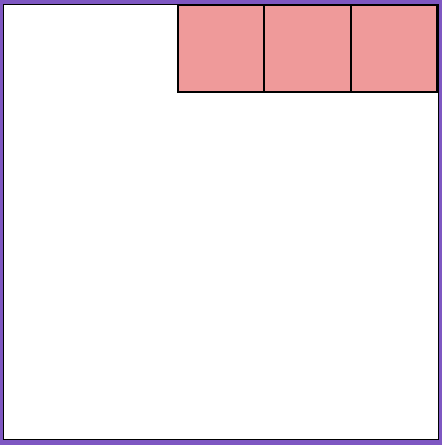 |
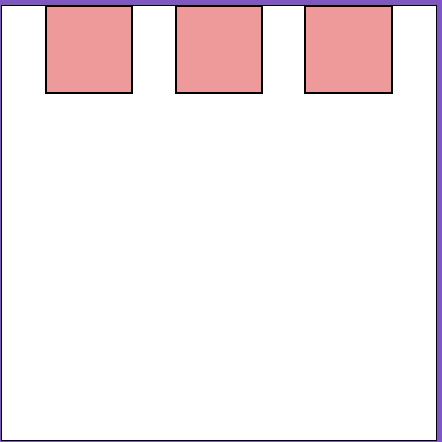 |
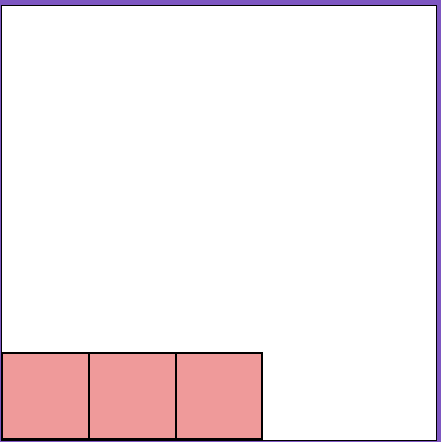 |
 |
| Direction: Column | 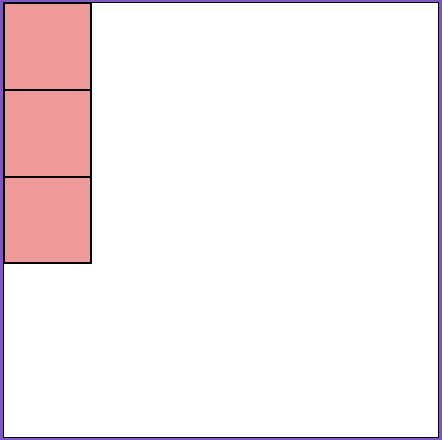 |
 |
 |
 |
 |