

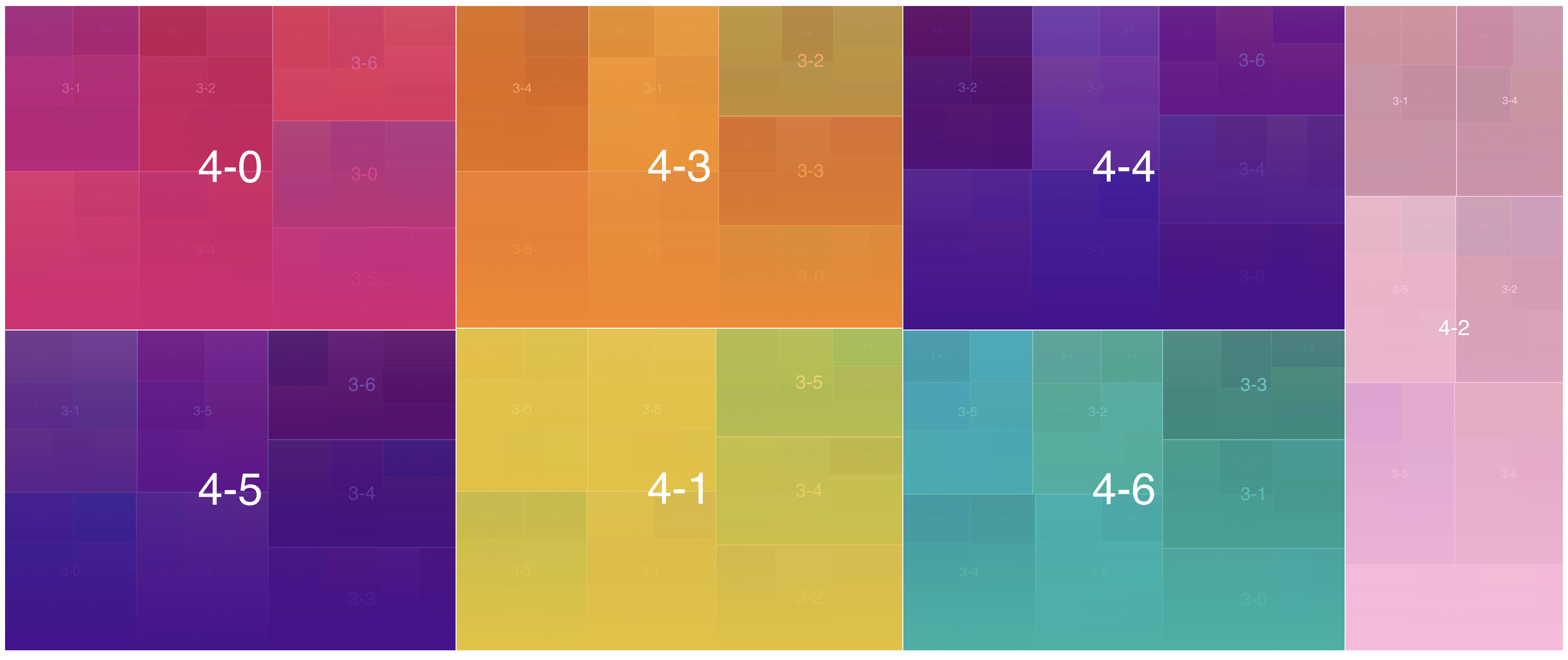
Treebox is an interactive TreeMap visualization.
- weight-aware multi-level hierarchical treemap layout
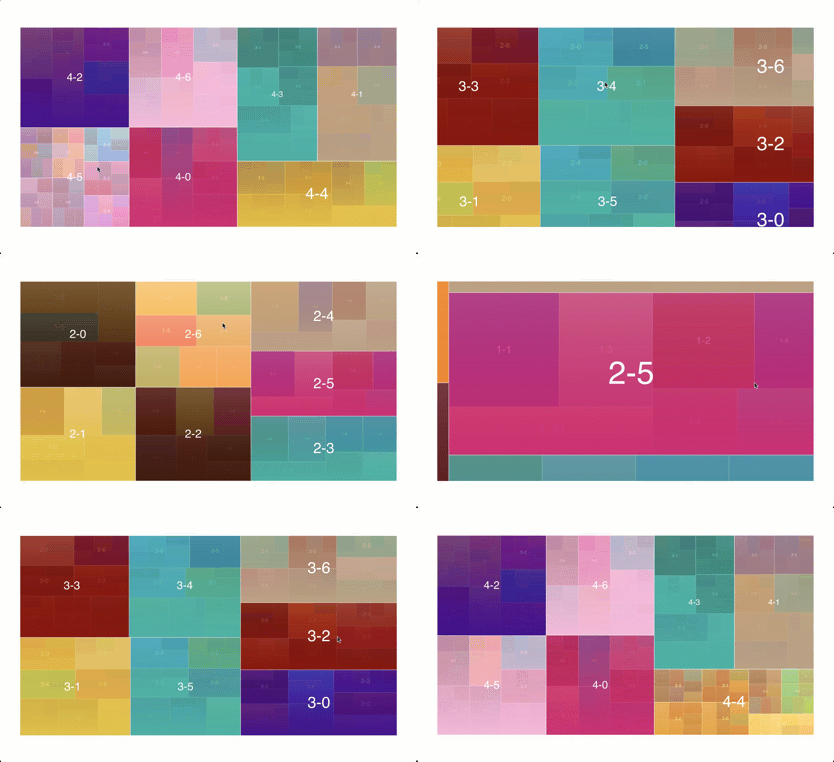
- click on a block to zoom in /
Escor scroll down to zoom out - drag to zoom into a selected area; scroll up to retrace a zoom-out
- keyboard-focusable canvas with arrow,
Enter,Space, andEsccontrols - pointer and touch support, with automatic container resize reflow
- smooth transition
- uses canvas & requestAnimationFrame for performance
- customize text / color / weight
- wraps long and multiline labels within their available bounds
- fires events (so you can implement tooltip, etc.)
- no runtime dependencies (about 8kb gzipped)
- MIT license
Explore the interactive example at kevinwang15.github.io/treebox.
git clone https://github.com/KevinWang15/treebox
cd treebox
npm install
npm startnpm i @kevinwang15/treeboxexport function genData(layers = 4) {
const result = [];
for (let i = 0; i < 7; i++) {
const children = layers - 1 > 0 ? genData(layers - 1) : null;
result.push({
text: `${layers}-${i}`,
color: "red",
children,
weight: children ? null : Math.floor(10 * (1 + 2 * Math.random())),
});
}
return result;
}color accepts a CSS color string or a callback receiving
{ ctx, hovering, item, bounds } when the color needs to be dynamic.
import TreeBox from "@kevinwang15/treebox";

const domElement = document.querySelector("#treemap");
const treebox = new TreeBox({
  pixelRatio: Math.min(window.devicePixelRatio || 1, 2),
  data: genData(),
  domElement,
  eventHandler: (type, payload) => console.log(type, payload),
});

// Hover events receive the active item, then null when hover/focus leaves.
// Zoom events include { node, direction, depth, canZoomOut }.

// Keep the backing store sharp after browser zoom or a display change.
treebox.setPixelRatio(Math.min(window.devicePixelRatio || 1, 2));

function destroyTreebox() {
  treebox.destroy();
}

// Call destroyTreebox() when the surrounding view is removed.
CommonJS consumers can use
const TreeBox = require("@kevinwang15/treebox"). Loading treebox.js
directly in a browser exposes the same constructor as window.treebox.
Legacy consumers can continue reading the constructor from .default.
- more customization options
- customizable transition timing