A bunch of random, Unity scripts.
Projects inspired by one of the Freya Holmer units in the Math for Game Devs series.
[An array of independent projects in Unity]
Plane Movement Controller 0
I made a plane model and a controller for the plane using new math that I learned about vectors, lerps, and rays. This was a bit of a dive into the deep end since I also researched a bit into Quaternions (which I still don't understand).
A ray is cast from the mouse position on the camera to the "world". The position of the camera is added to the endpoint of the line so that it can properly visualize the direction that the plane will travel in, proportionate to the local vector. I had to translate the plane according to the local space because using world space ended up breaking the direction. I multiplied by Time.DeltaTime to normalize the speed (Although it might move faster with a higher performance computer... I'm not sure how that's fixed because naturally, higher frames would mean that the variable becomes larger.) and then I also added a speedMultiplier to that normalization because my computer is kinda slow and the plane wasn't moving fast enough for my liking. The Inverse Lerp and Quaternion bit towards the end manages the rotation of the plane. I used Inverse Lerp to get the percent of the screen that the mouse is taking up ( I'm pretty sure this would only work for my computer, I don't know how it would work on a larger monitor because this is based on pixel count... And obviously, a larger monitor has more pixels. I needed this as a percentage specifically so that I could have a modifiable and easy way to interpolate between different values. This decimal would be my "t" value in the Lerp formula. By plugging that value into to another lerp function that scales the rotation of the plane's x-axis between -20 and 20, I'm able to rotate the plane by 20 degrees when the mouse is all the way to the right of the screen, and to rotate it -20 degrees when the mouse is all the way to the left.
Circles and Lines 1
So I saw a post on Instagram about how someone animated circles from circles and I kept it in the back of my head for a few days. I thought I saved the post but I lost it, so I attempted to build something similar solely based on the concepts that I remembered from the post. The program starts by drawing a polygon based on the number of points given.
2 points would equate to a line. Three points is a triangle. So on...
Eventually the polygon rounds out into a circle (From what I observed, at about 16 sides does the regular polygon become a 'circle'.) This is achieved by creating a for loop with the amount of sides and then normalizing it into a unit, in my case TAU (because it's less confusing than PI). I explained this a bit in the code itself. Anyway, by multiplying the t value (lerp) by TAU I am able to effectively get my angle in radians. Using that angle, I can get an x and a y value. The x coordinate is achieved through plugging the angle into the cosine function and y is achieved by plugging the angle into the sine function. While I draw out the circle I add all of the points into an arraylist and then use that arraylist to create different patterns.
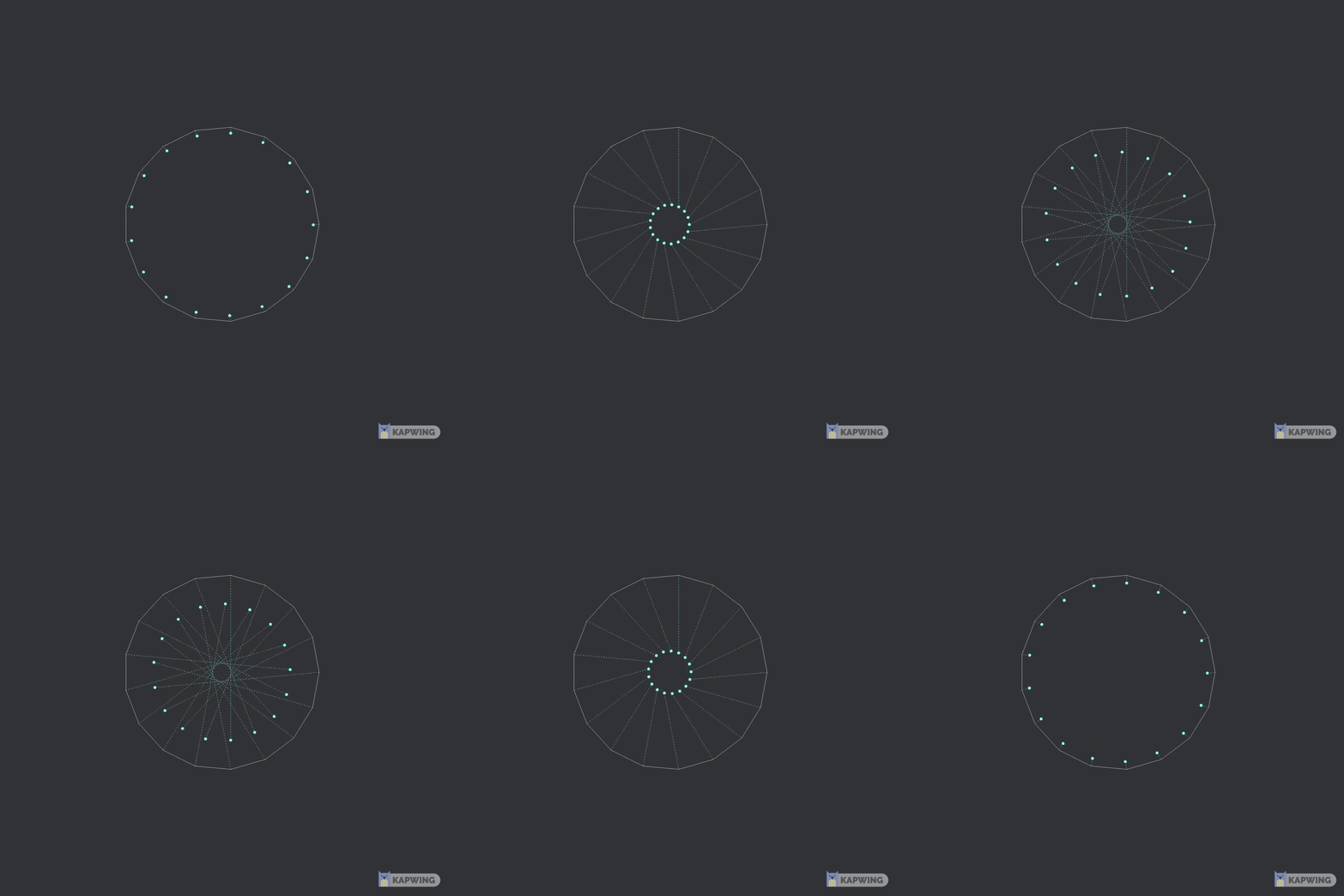
The patterns work better when the circle has an odd number of points, otherwise (if there is an offset of 0 and it is even) then it will simply make a smaller version of the circle which expands into a larger one. When the points are odd and with an offset of 0, the points seem to contort a bit and do not return to their initial position.
Various patterns can be created such as this...
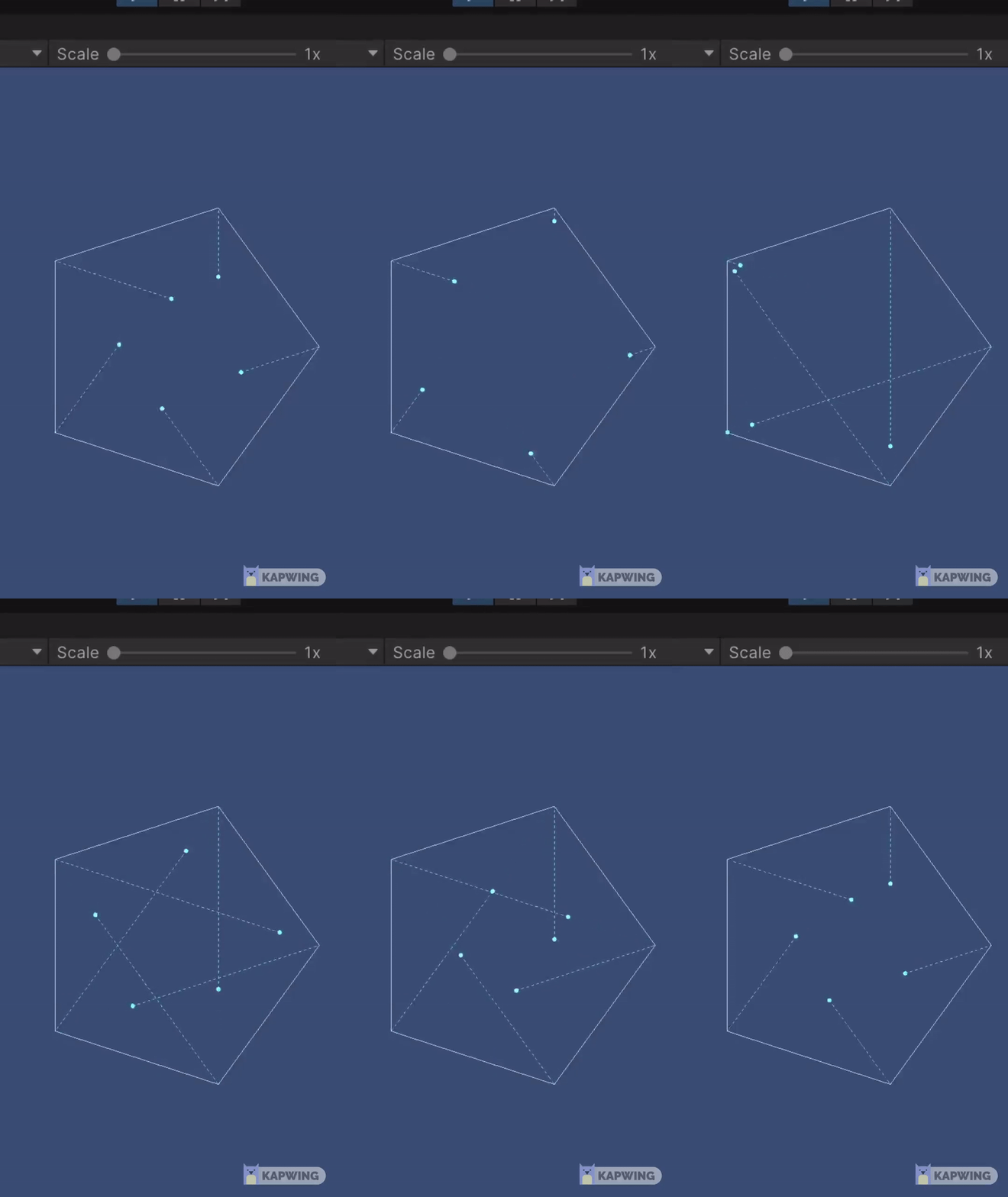
Or this....
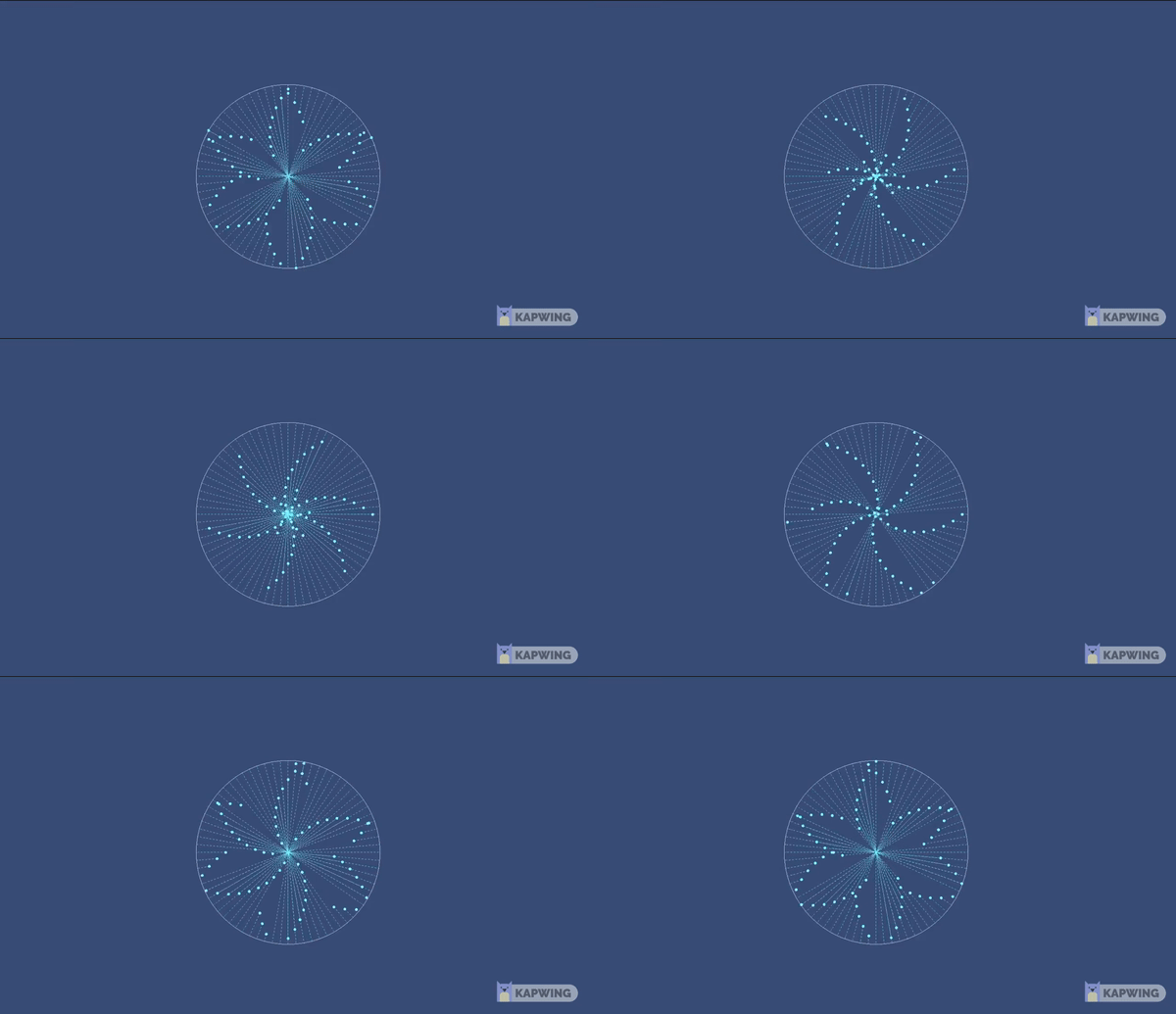
Vectors and Angles 1.5
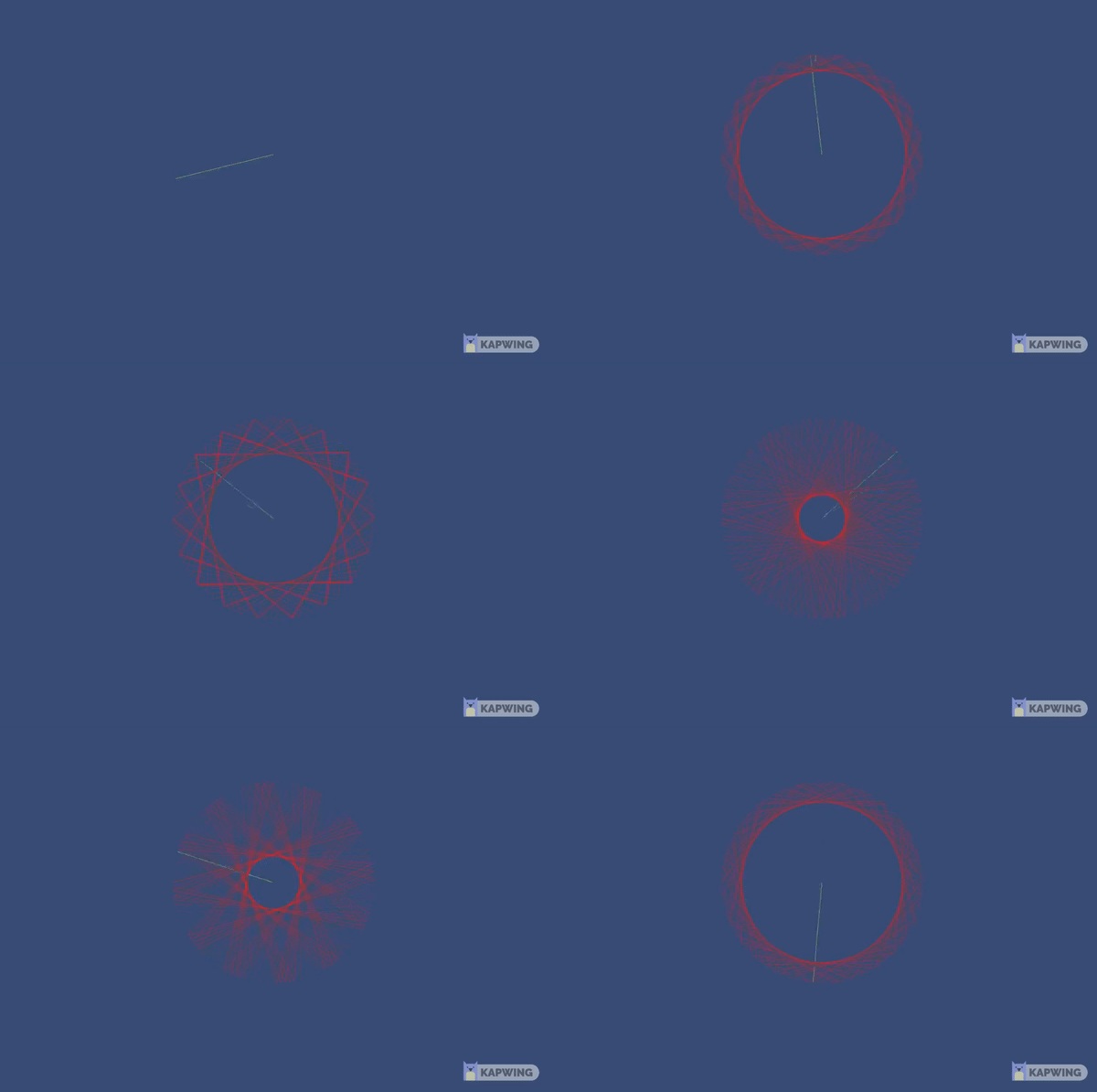
I also was able to create a similar program and use Atan2 to convert from any given vector to an angle. This of course, lets me calculate and draw the angle from 0 to the vector, as you would traditionally see in geometry. In this 'experiment' I start with an angle of 0 and increase it to 360 degrees ( a full circle ). By drawing the inverse of the angle, similar shapes start to appear from when I was connecting points across the circle.