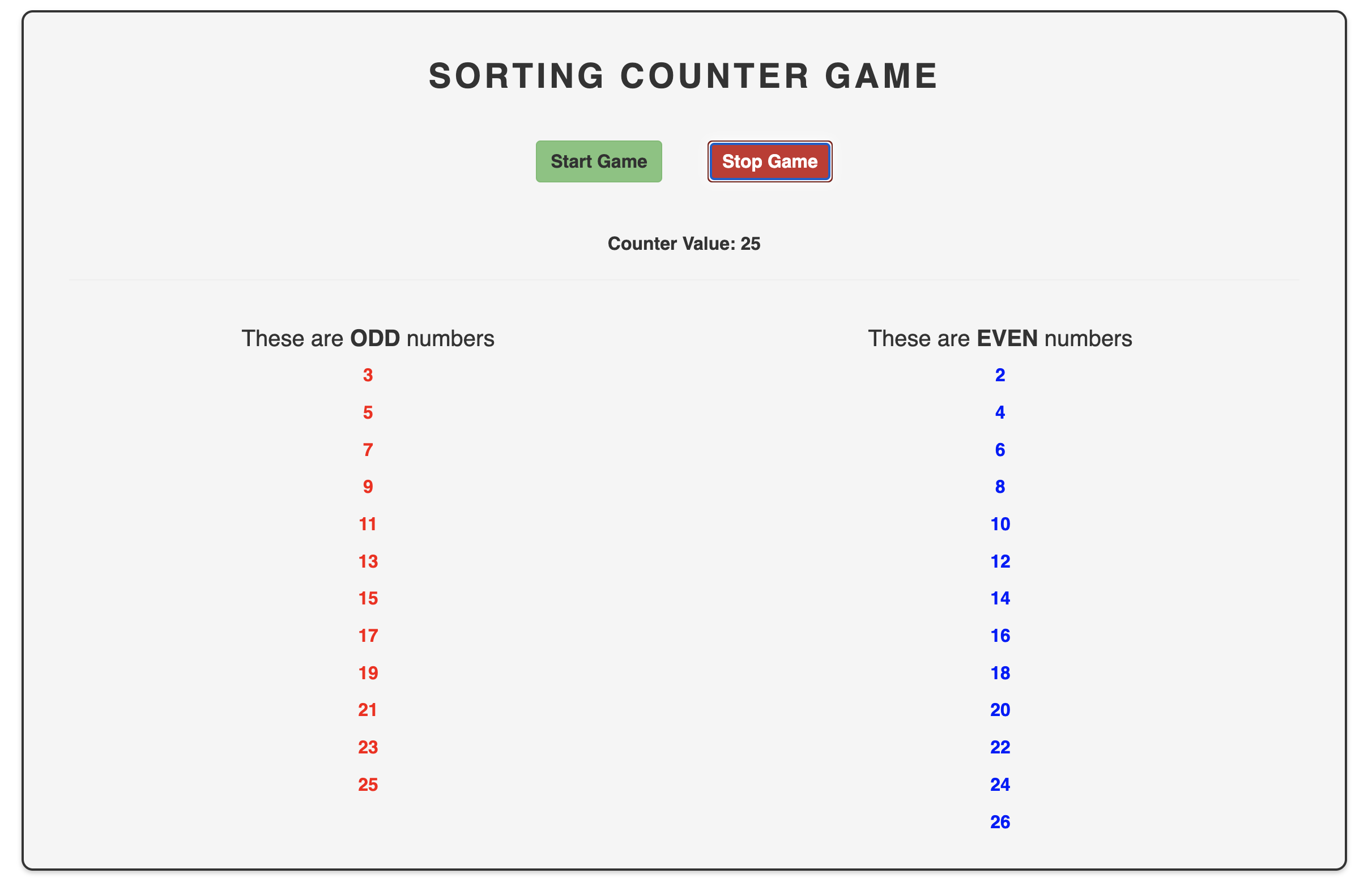
This is a project created to practice and implement certain concepts in Angular. The goal of the project is to create a Sorting Counter Game that generates random numbers, sorts them into odd and even numbers, and displays them in separate components.
As a user, I want to be able to start and stop the Sorting Counter Game. When the game is started, I want to see an incrementing number displayed every second, and I want to see the odd and even numbers displayed in separate components.
The following features were implemented using Angular:
- Components: Three new components were created: GameControl, Odd, and Even.
- Event Binding: The GameControl component emits an event holding an incrementing number every second using the setInterval() method. This event is bound to the parent component using event binding.
- Input Binding: The Odd and Even components receive the odd and even numbers emitted by the GameControl component respectively using input binding.
- NgFor Directive: The Odd and Even components use the *ngFor directive to create a new component instance for each odd or even number emitted.
- Angular Animations: A state machine was implemented using Angular animations to animate the buttons in the GameControl component. The buttons change color and size based on the state of the game (running or stopped).
To run the Sorting Counter Game locally, follow these steps:
- Clone the repository to your local machine
- Open the project in your preferred code editor
- Install the necessary dependencies by running npm install in the terminal
- Start the application by running ng serve in the terminal
- Open your preferred web browser and navigate to http://localhost:4200/ to view the Sorting Counter Game in action
Note: Before running the project, make sure you have Node.js and Angular CLI installed on your local machine.