


PDF and web page to speech using Qwen3-TTS. Upload a document or URL, get it read aloud with 9 natural voices across English, Chinese, Japanese, and Korean. Audio streams progressively while generation continues.



Click the button above to deploy your own GPU-powered instance. You'll be prompted to create a Hugging Face account and select hardware (L4 or A100 recommended for speed, ~$0.80-$4/hr).
Requires Python 3.11+, NVIDIA GPU (~6GB VRAM), and SoX (apt install sox libsox-dev). The GPU will be automatically freed if the app is idle for 5+ minutes. It can also run on CPU (no GPU, but much slower).
uv sync && uv run --no-sync talking-snake --port 8888 # Open http://localhost:8888Flash Attention requires matching your CUDA driver version. Check yours with nvidia-smi (top right shows "CUDA Version").
-
Find a prebuilt wheel at flashattn.dev matching your:
- CUDA version (e.g., cu130 for CUDA 13.0)
- PyTorch version (e.g., torch2.10)
- Python version (e.g., cp312 for Python 3.12)
-
Install matching torch, torchaudio, and flash-attn:
# Example for CUDA 13.0 + PyTorch 2.10 + Python 3.12
uv pip install torch==2.10.0+cu130 torchaudio==2.10.0+cu130 --index-url https://download.pytorch.org/whl/cu130
uv pip install <flash-attn-wheel-url>
-
Run with
--no-syncto prevent uv from removing the manually installed packages:uv run --no-sync talking-snake --port 8888
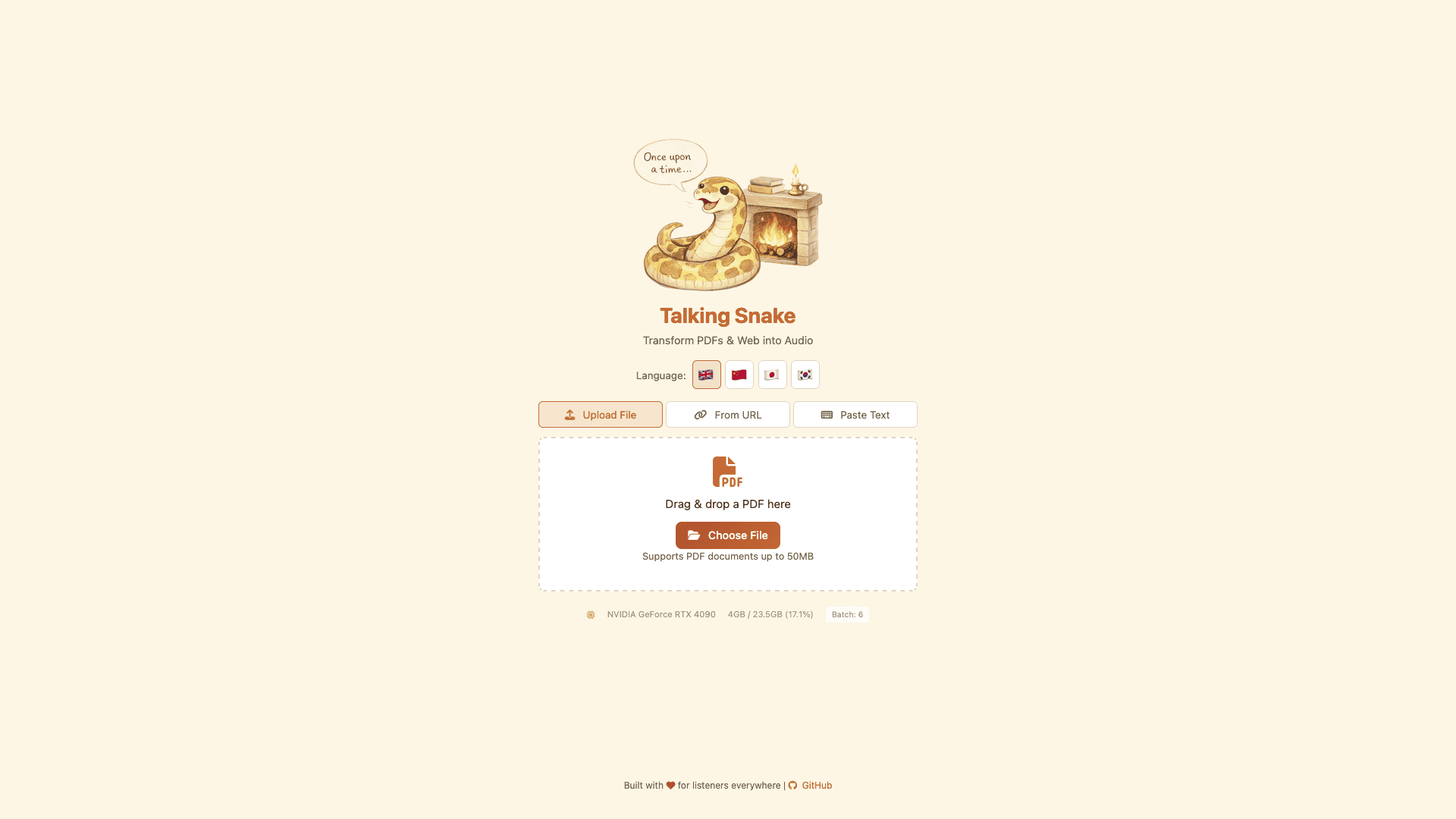
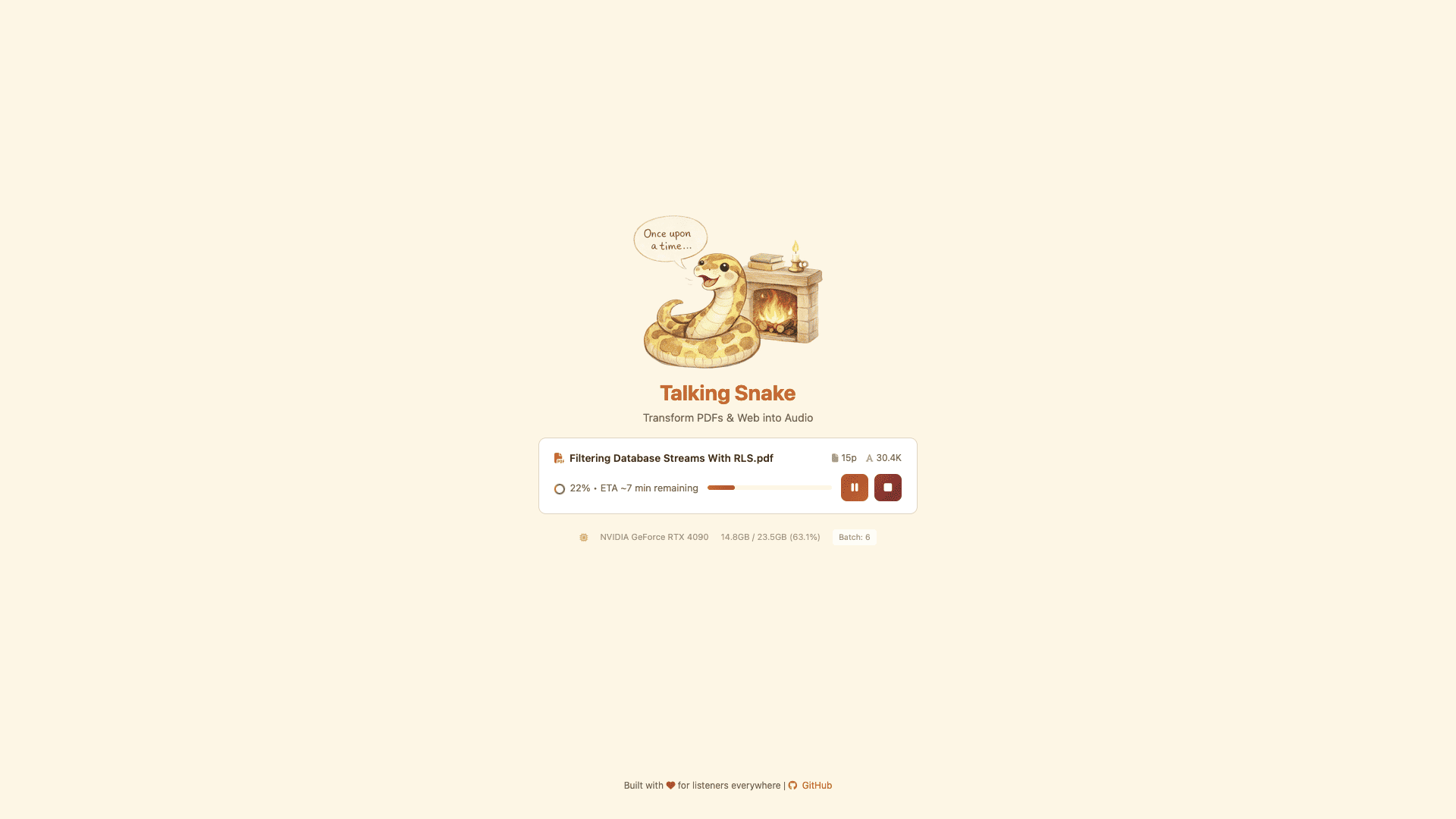
The website looks like this:
This project is licensed under the MIT License. Dependencies and third-party components (e.g., Qwen3-TTS, SoX) are subject to their own licenses.