Repository navigation
Disabling patches
Sometimes you may want patches to be only conditionally active or need to quickly compare the difference between the patched and vanilla behaviour. You could implement this logic within the patch itself, but PatchLib has two utilities for doing this by default.
Note that disabling a patch does not equal to uninstalling a patch. The code that PatchLib needed to insert to make your patch work will stay around, it will simply skip any disabled patches when the code runs. This mostly has some performance implications.
There is currently no support for only disabling specific patch handlers, not whole patches.
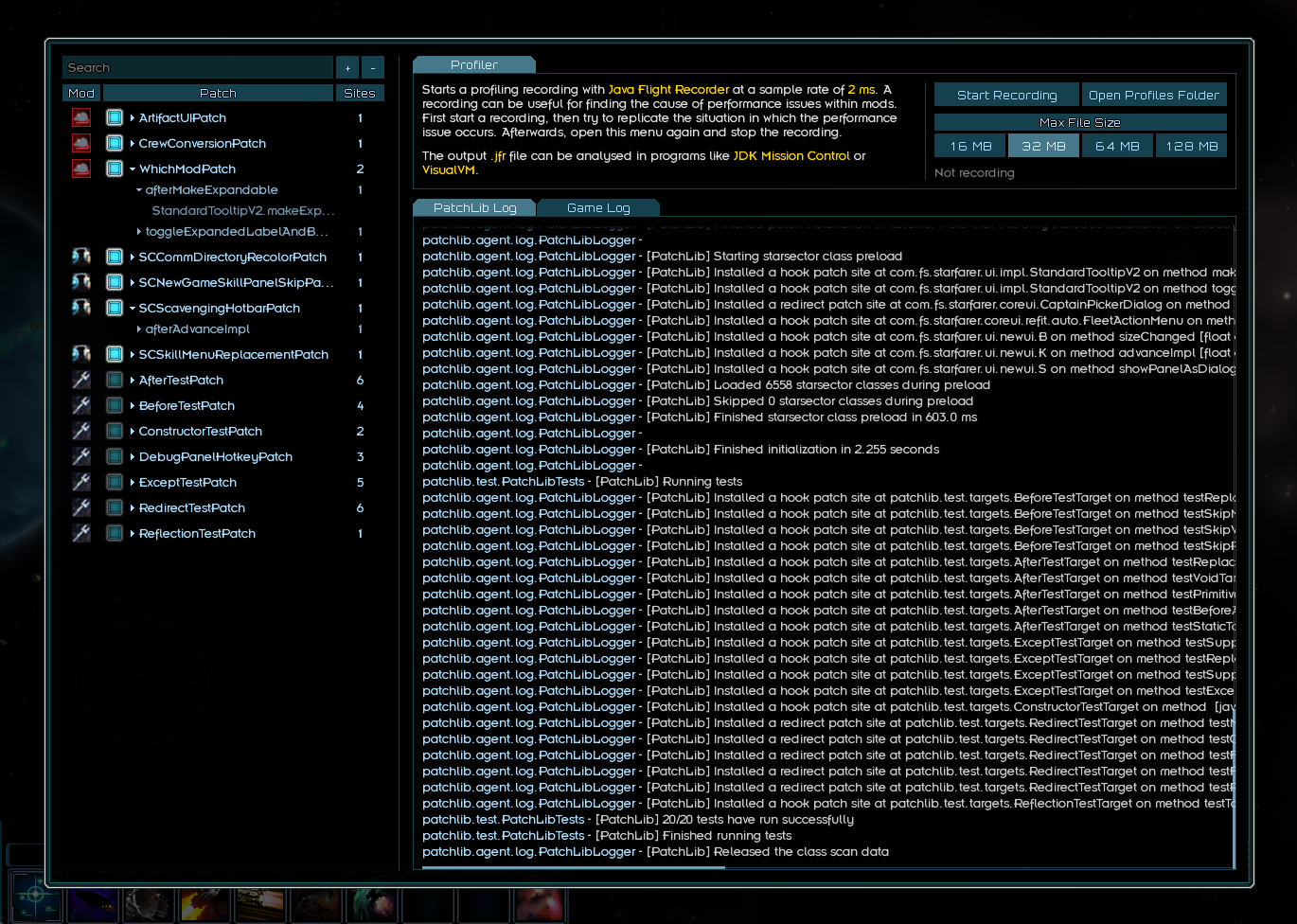
PatchLib adds a debug menu that can be opened by pressing CTRL + P in the title screen and campaign. You can toggle the patches by unchecking the checkmark. This only disables those patches for that session.
PatchLib adds the TogglePatch Console Command.
Using it toggles your patch on/off. It is used like this:
TogglePatch com.mymod.myPatch
It requires the class name plus the package path. You can toggle several patches at once by separating them with spaces. The console will show an autocomplete suggestion for your patch if it loaded without issue. Do also note that this only disables the patch for that session, when you relaunch the game it will be enabled again.
You can enable or disable patches through code. PatchLib has the following methods for this:
- PatchLib.isPatchEnabled()
- PatchLib.enablePatch()
- PatchLib.disablePatch()
- PatchLib.togglePatch()
Each one of those takes in the patch class that you want to toggle or inspect, like:
PatchLib.disablePatch(MyPatch.class);