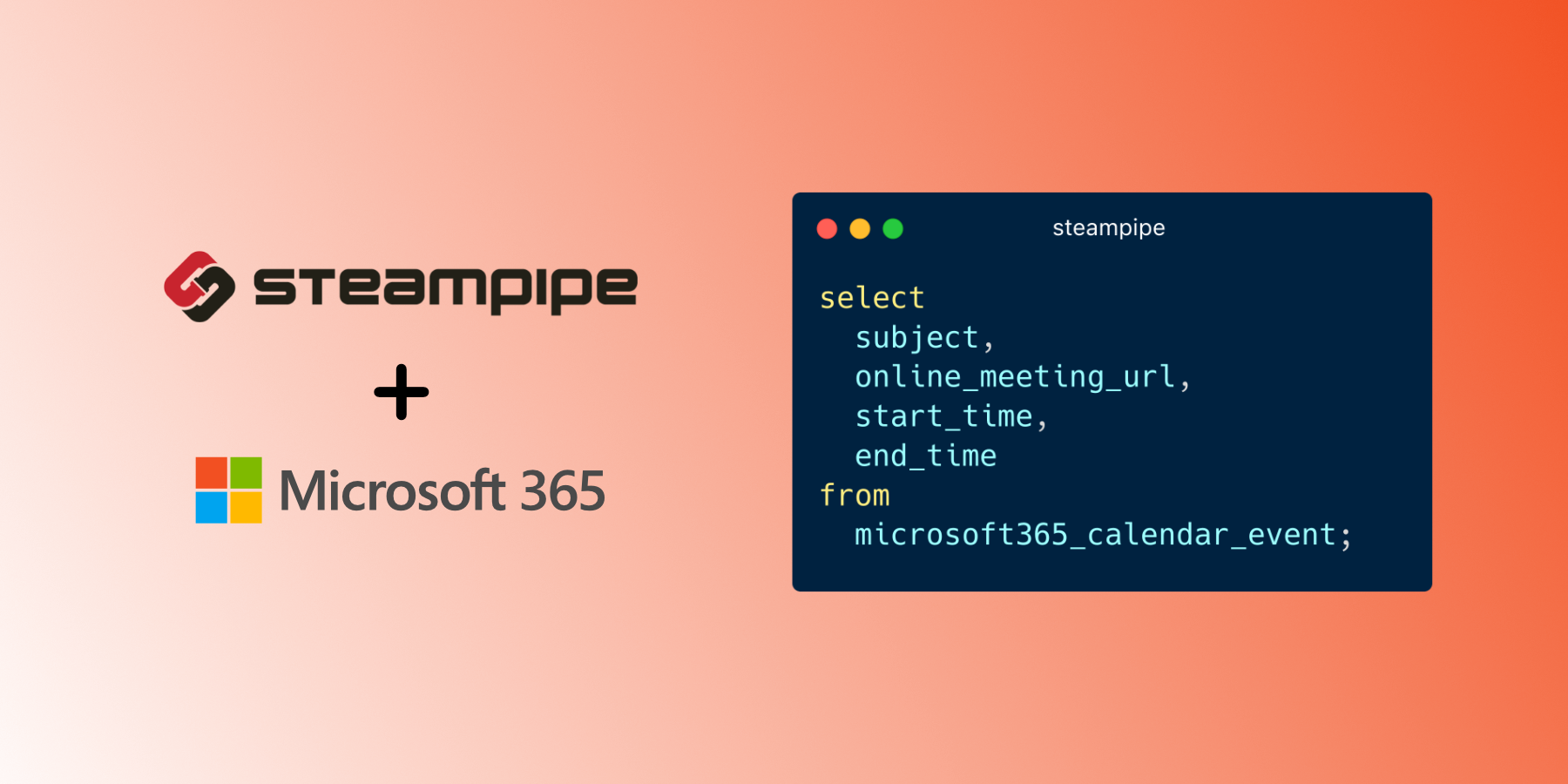
Use SQL to query calendars, contacts, drives, mailboxes and more from Microsoft 365.
- Get started →
- Documentation: Table definitions & examples
- Community: Join #steampipe on Slack →
- Get involved: Issues
Install the plugin with Steampipe:
steampipe plugin install microsoft365Run a query:
select
  subject,
  online_meeting_url,
  start_time,
  end_time
from
  microsoft365_calendar_event
where
  user_id = 'test@org.onmicrosoft.com'
  and start_time >= current_date
and end_time <= (current_date + interval '1 day');Prerequisites:
Clone:
git clone https://github.com/turbot/steampipe-plugin-microsoft365.git
cd steampipe-plugin-microsoft365
Build, which automatically installs the new version to your ~/.steampipe/plugins directory:
makeConfigure the plugin:
cp config/* ~/.steampipe/config
vi ~/.steampipe/config/microsoft365.spc
Try it!
steampipe query
> .inspect microsoft365
Further reading:
Please see the contribution guidelines and our code of conduct. All contributions are subject to the Apache 2.0 open source license.
help wanted issues: