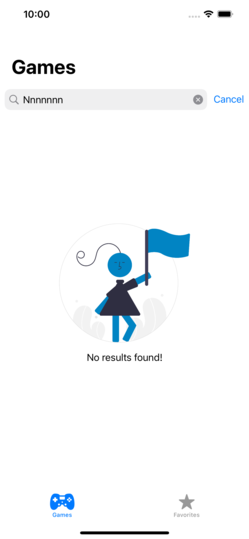
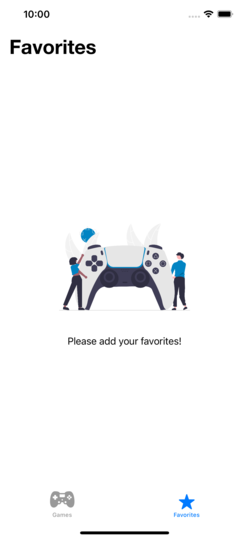
Games App is an application that interacts with rawg.io video games API and helps the user to search and save his favorite games.
Clone and run!.
in case a "Missing package produnct" or "Fails to reslove dependency graph" error occured, please navigate to file/packages/reset package caches.
Add your API key to API_KEY property at path: GamesApp/Shared/Enviroment/Shared.XCConfig
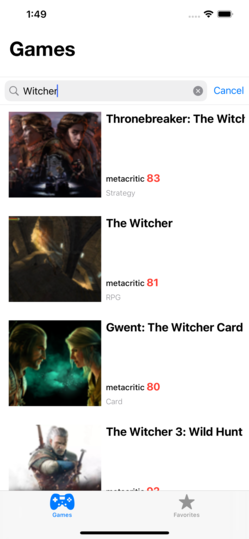
User can search for a game and gets information like the Metascore rating, the genre, and a description. Also, the user can save a game to store locally on his device.
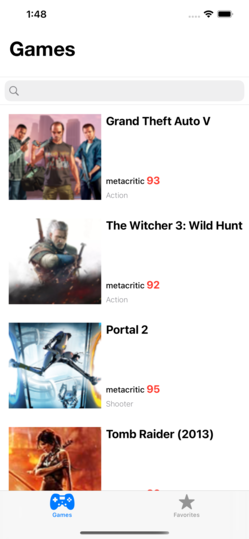
Games: the main screen and here the user can search and find games from rawg.io API.
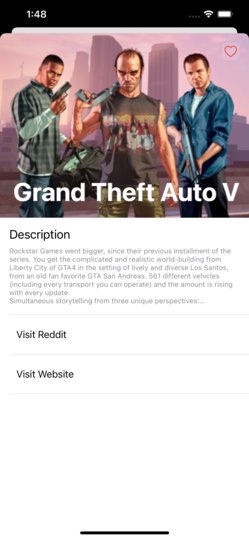
Details: a more informative screen for the selected game, including description and hyperlinks for the Reddit community and website for the selected game. On this screen, users can save games locally.
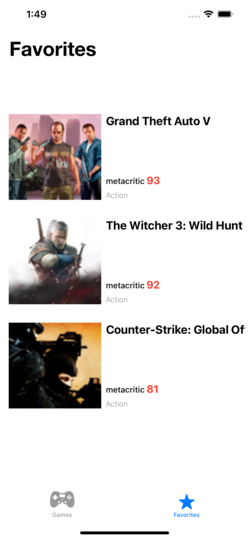
Favorites: contains pre-saved games on the details screen.
The project is following clean architecture and uses MVVM with a group of practices and decisions that makes the code testable with dependable components.
Every module consists of the Presentation layer, Domain layer, and Data layer for a better separation of concerns and single responsibility.
The view is state-driven. The view model controls the view's current state totally depending on the delegate pattern.
Project supports three enviroments: Development, Stage and Production. The configurations is imported from .xcconfig file for each scheme.
The project depends on URLSession for networking and the network layer is built following builder pattern. Data is saved locally using Coredata.
Work offline customizations.
-
Support reachability detection and retry for networking.
-
Add a read more button for the description label in the details screen.
-
Write unit testing.