The auto create issue extension gives you the power of creating issues on a GitHub repository directly while going through the website. You can suggest any UI changes and create an issue with one click without having great knowledge of using Github.
- Chrome extension to create issue in the github repo of visiting webpage.
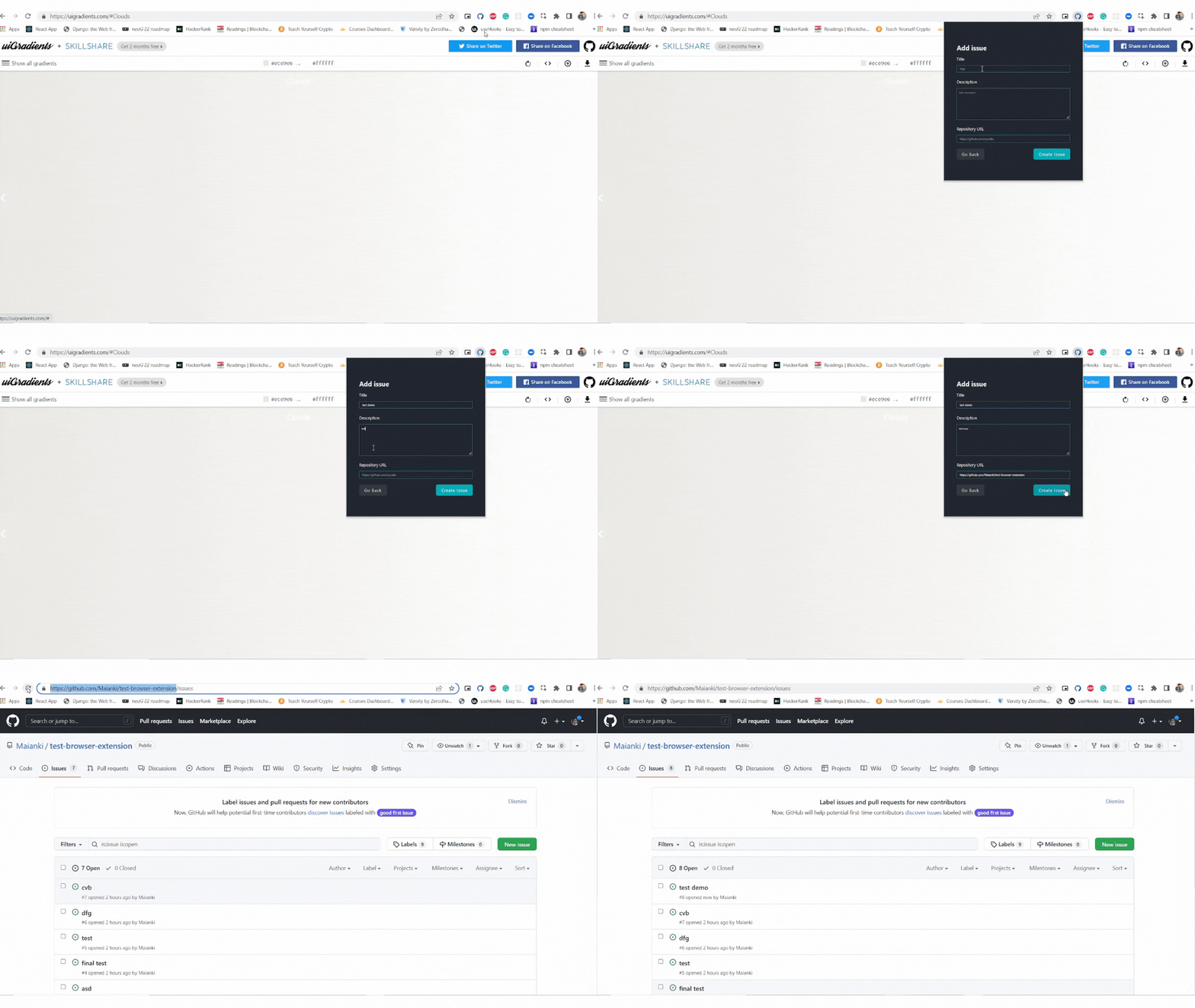


- Clone the project
git clone https://github.com/Maianki/auto-issue
- Go to the project directory
cd auto-issue
- Install dependencies
npm install
- run
npm run build
- Go to Chrome Settings and then extensions or type chrome://extensions/ on the search bar.
- Make sure Developer mode is turned on.
- Click on the Load Unpacked Extension button.
- Navigate to the directory where you cloned the repository and select build folder and open it.
- DONE! The extension is ready to use. We need to attach a screenshot and video to it, After the extension is finalised. and if you wish to change something feel free to do it.