KBOARD is a simple project management application. It allows the user to create projects where he can add different tasks, and order the tasks on a Kanban style board following their progress and significance.
You can find a quick demo off the application in the following youtube link: https://www.youtube.com/watch?v=4pBIn-KW1cw
- Download the application and open the folder
- Install all dependencies using the ‘npm I’ command.
- Start the web server using the ‘npm start’. The app will be served at http://localhost:3000/.
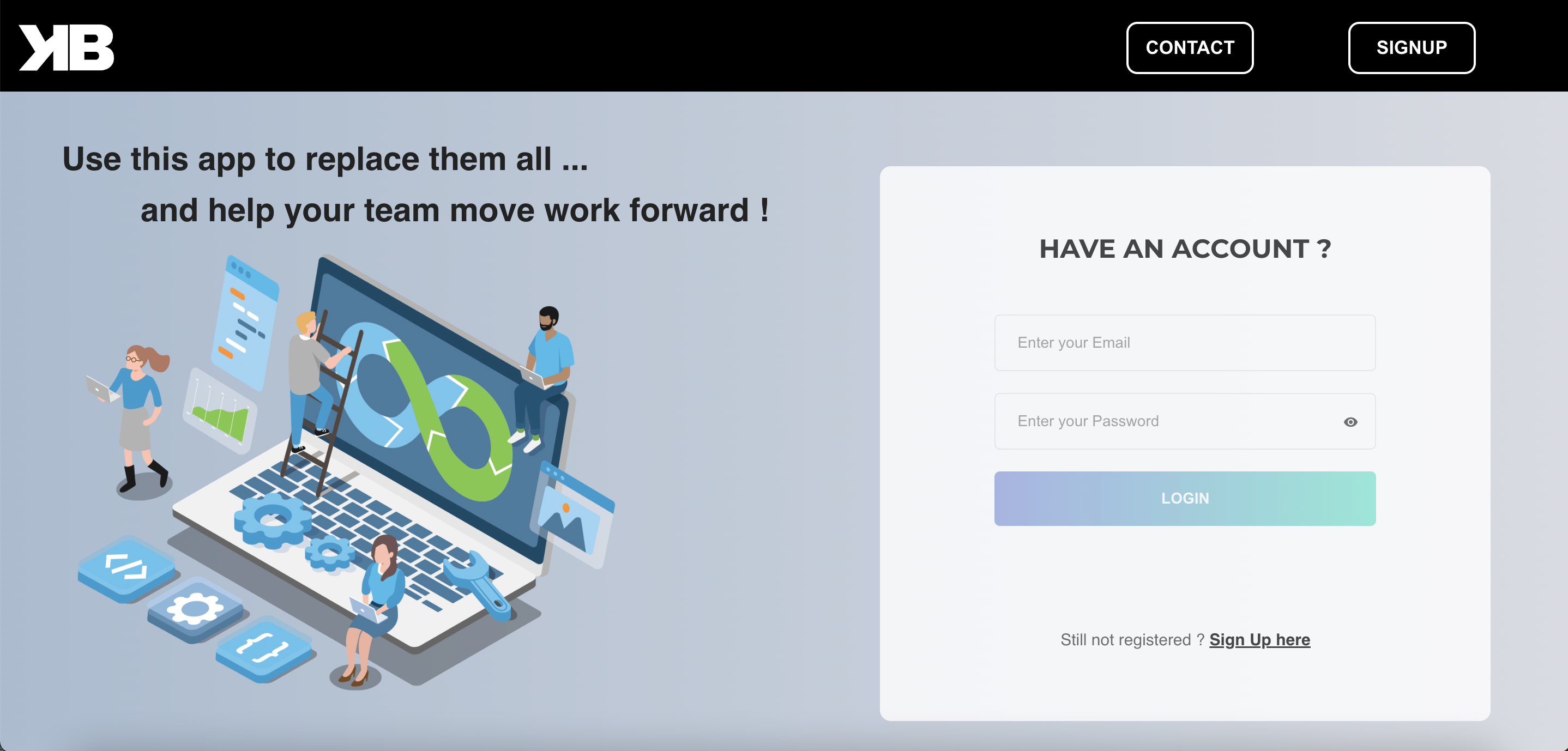
- Go to http://localhost:3000/ in your browser and access to the home page.
- In the home page, click on the link « Sign Up here »
- Enter the informations required in the registration form.
- Upload a personal avatar.
- Check the Agree all statements box.
- Click on the submit button to validate your registration.
- Enter the email used for you subscription.
- Enter the password used for your subscription.
- Submit in using the login button
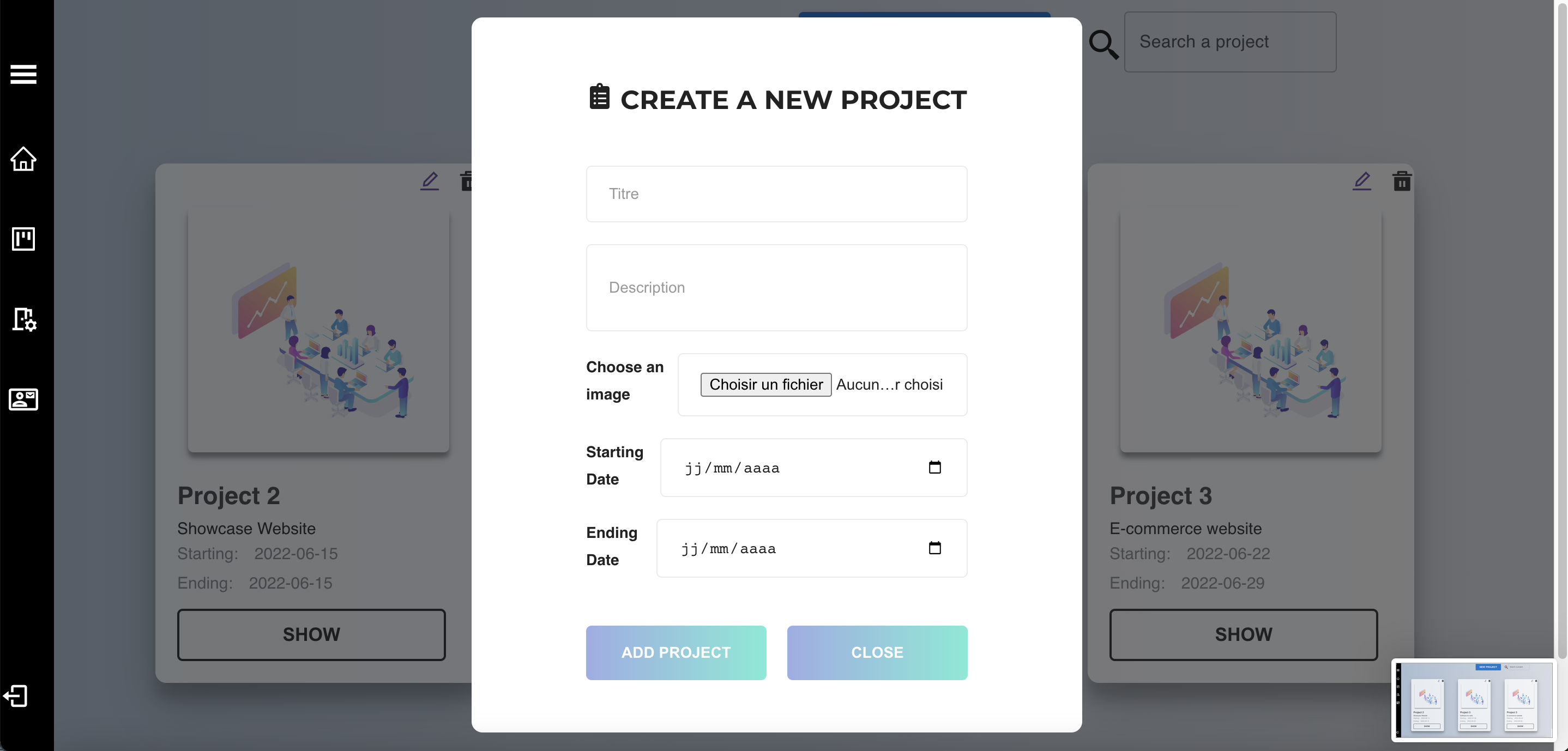
- A user can create a project
- A user can edit the informations of the project
- A user can delete a project
- A user can search a project among the existing ones
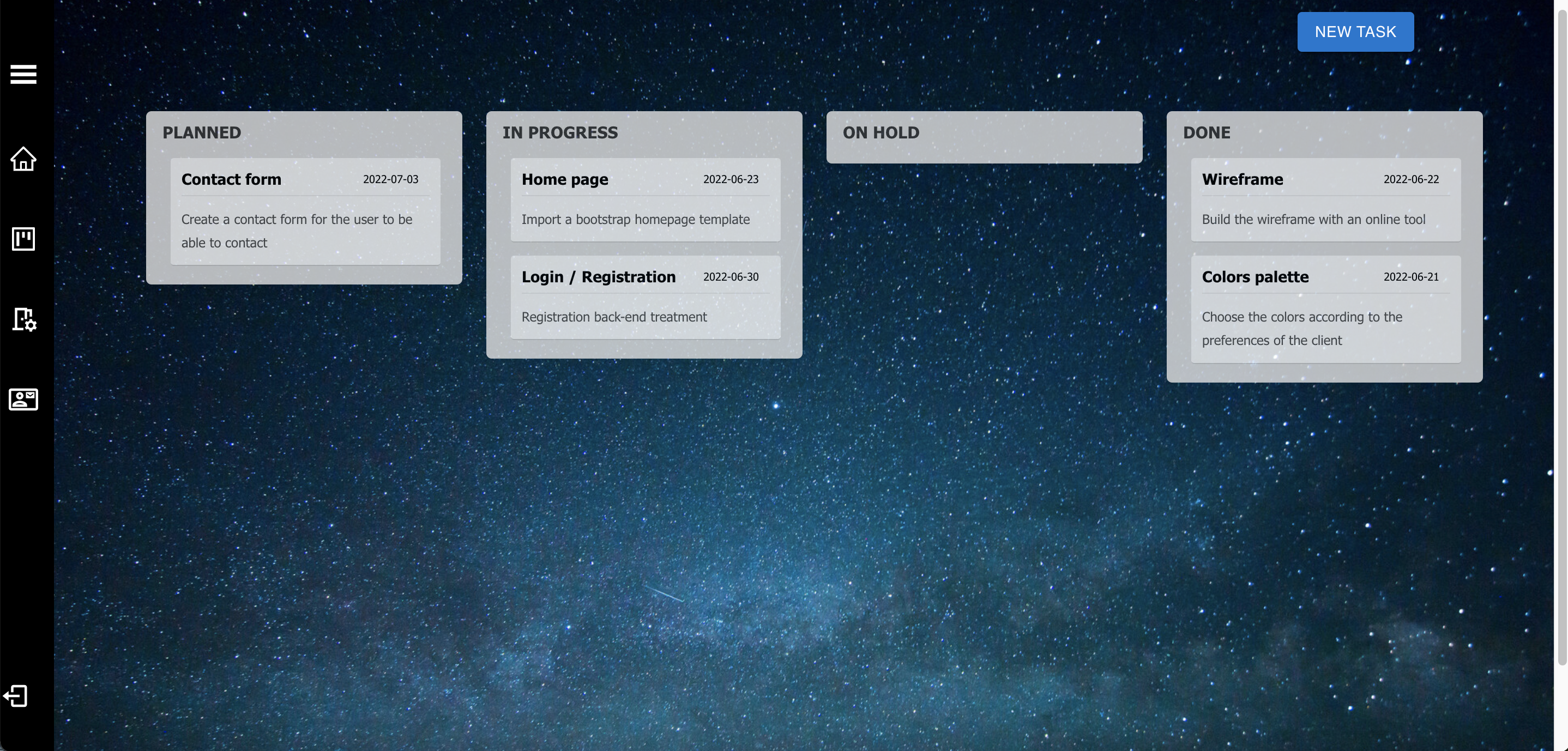
- A user can generate a Kanban board
- A user can create a task
- A user can change the position of a task in the board
- A user can delete a task
-
Creating a project The project created is displayed on the dashboard page The project informations are validated and must be complete. Each project has a timestamp The project creation generates a Kanban board linked to the project
-
Editing a project The project informations are displayed on a new editable form The project new informations are validated and must be complete.
-
Searching a project The keyword searched gets sent to backend and allows to get any corresponding result.
-
Deleting a project The project deleted is removed from the database and doesn’t appear on the dashboard.
-
Creating a task The task created is displayed on the first column « To Do » of the board. The task informations are validated and must be complete. Each project has a timestamp
-
Moving the tasks in the board The user can move the position of a task in the different columns of the board, and among the different tasks of the same column. The status of the task changes when it’s moved to another column.
-
Deleting a task The task deleted is removed from the database and doesn’t appear on the board.
- Light/Dark mode for the board
- Possibility for multiple users to manage the same project as a team.
- Chat window for communication among the members of the same team
-
Front-End JavaScript JQuery React JS
-
Back-End PHP Laravel
- React Bootstrap
- React Icons
- React Dnd
- React material UI
- React styled components
- React Router Dom
- React Scripts
- React Redux
- SweetAlert2