To run application run command - mvn spring-boot:run
Application is running on http://localhost:8080/students/
Application gives user options to:
- Add Tutor
- Add Course
- Add Student
- Register Course to Student
To add Tutor ->
http://localhost:8080/students/addTutor {POST}
{
  "id": 0,
  "name": "string",
  "surname": "string"
}
To add Course ->
http://localhost:8080/students/addCourse {POST}
{
  "name": "String",
  "tutorId": Integer
}
To add student ->
http://localhost:8080/students/addStudent {POST}
{
  "name": "String",
  "surname": "String"
}
To add Student with Course ->
http://localhost:8080/students/addStudentRequest {POST}
{
  "name": "String",
  "surname": "String",
  "courseId": Integer
}
To add Course for already registered Student ->
http://localhost:8080/students/{studentID}/{courseID} {POST}
To get all Courses with their Tutors, that Studant has been registered to ->
http://localhost:8080/students/getStudentCourses/{studentId} {GET}
| Function | Request Type | Description |
|---|---|---|
| http://localhost:8080/students/getTutors/{tutorId} | GET | Get specific Tutor |
| http://localhost:8080/students/getTutors | GET | Get All Tutors |
| http://localhost:8080/students/getCourses/{courseId} | GET | Get specific Course |
| http://localhost:8080/students/getCourses | GET | Get All Courses |
| http://localhost:8080/students/geStudents/{StudentId} | GET | Get specific Student |
| http://localhost:8080/students/getStudents | GET | Get All Students |
Application is configured to run on H2 database. You can connect to database console from http://localhost:8080/h2-console
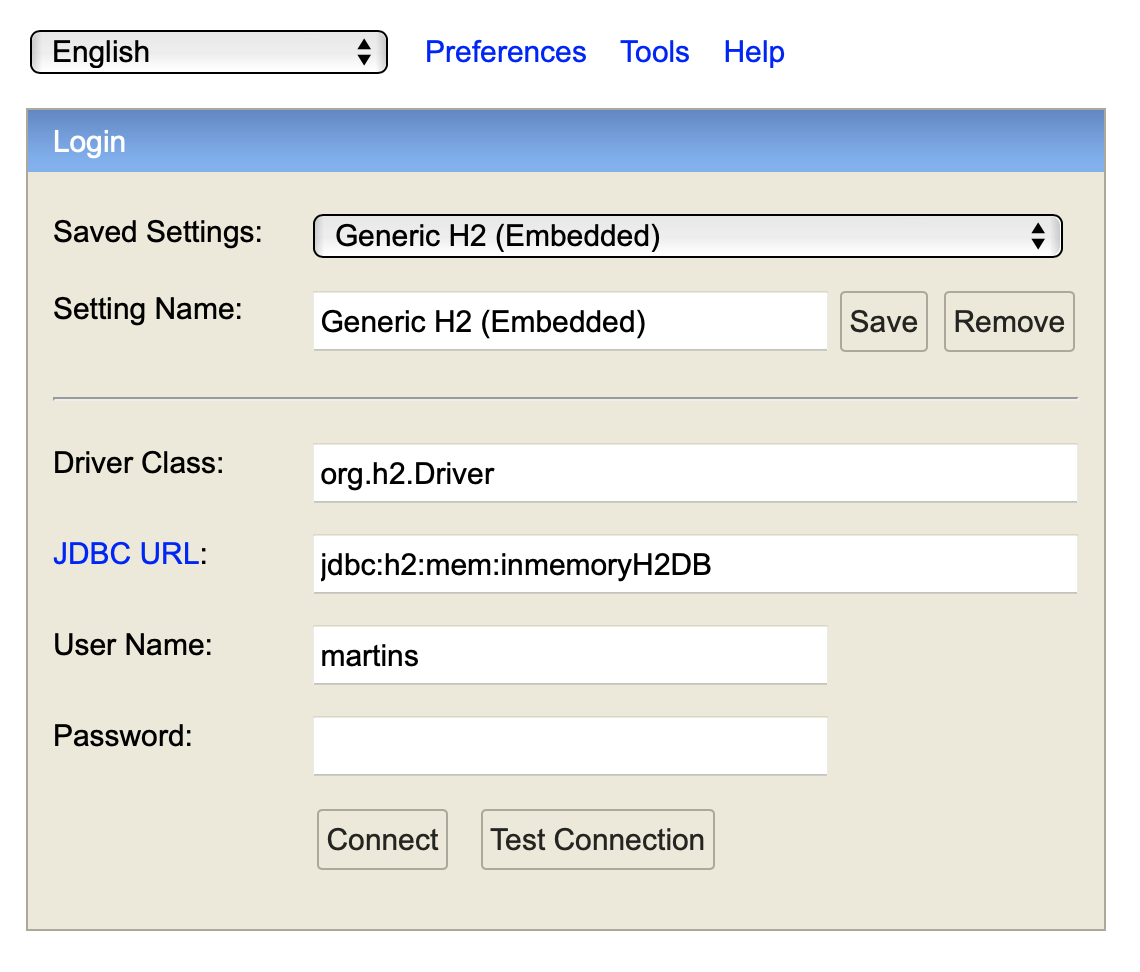
To configur database to work on PostgreSQL, change student-app.connection-type=in-memory application.properties
to student-app.connection-type=postgresql
And change values to -
student-app.database.username={Your PostgreSQL DB Username}
student-app.database.password={Your PostgreSQL DB Password}
student-app.database.url={Your PostgreSQL DB URL}
Application is configured to work with swagger.
To acces swagger UI go to -> http://localhost:8080/swagger-ui/index.html