


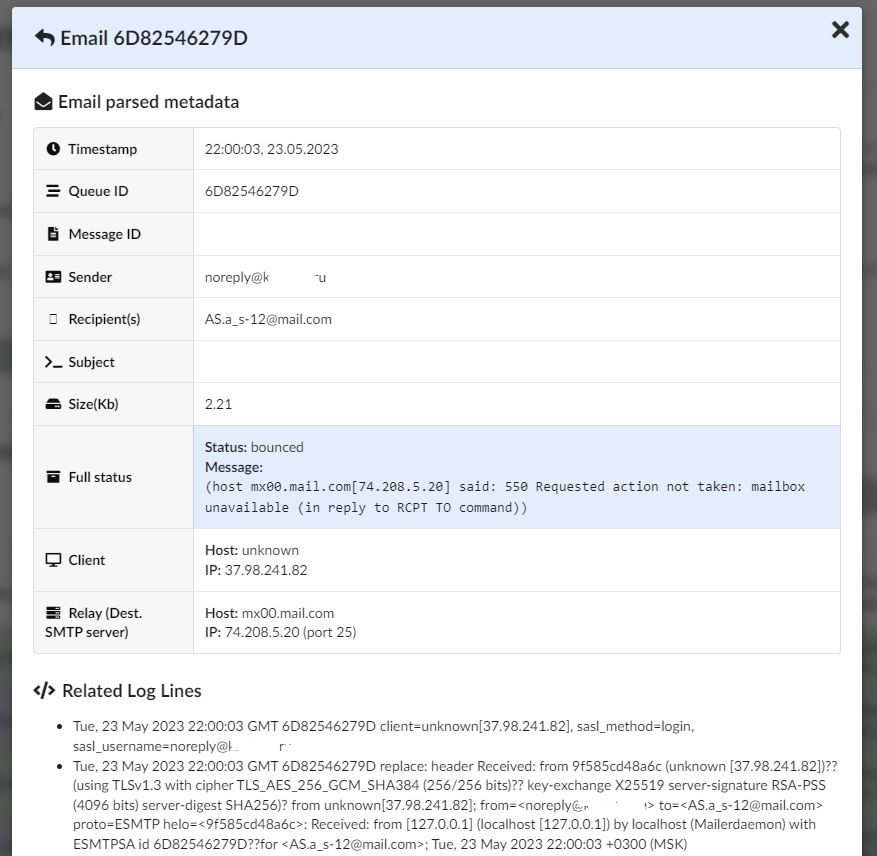
This is a small application designed to parse the log output of SMTP servers (postfix, exim and sendmail are supported for now), and convert it into easily queryable data inside of RethinkDB.
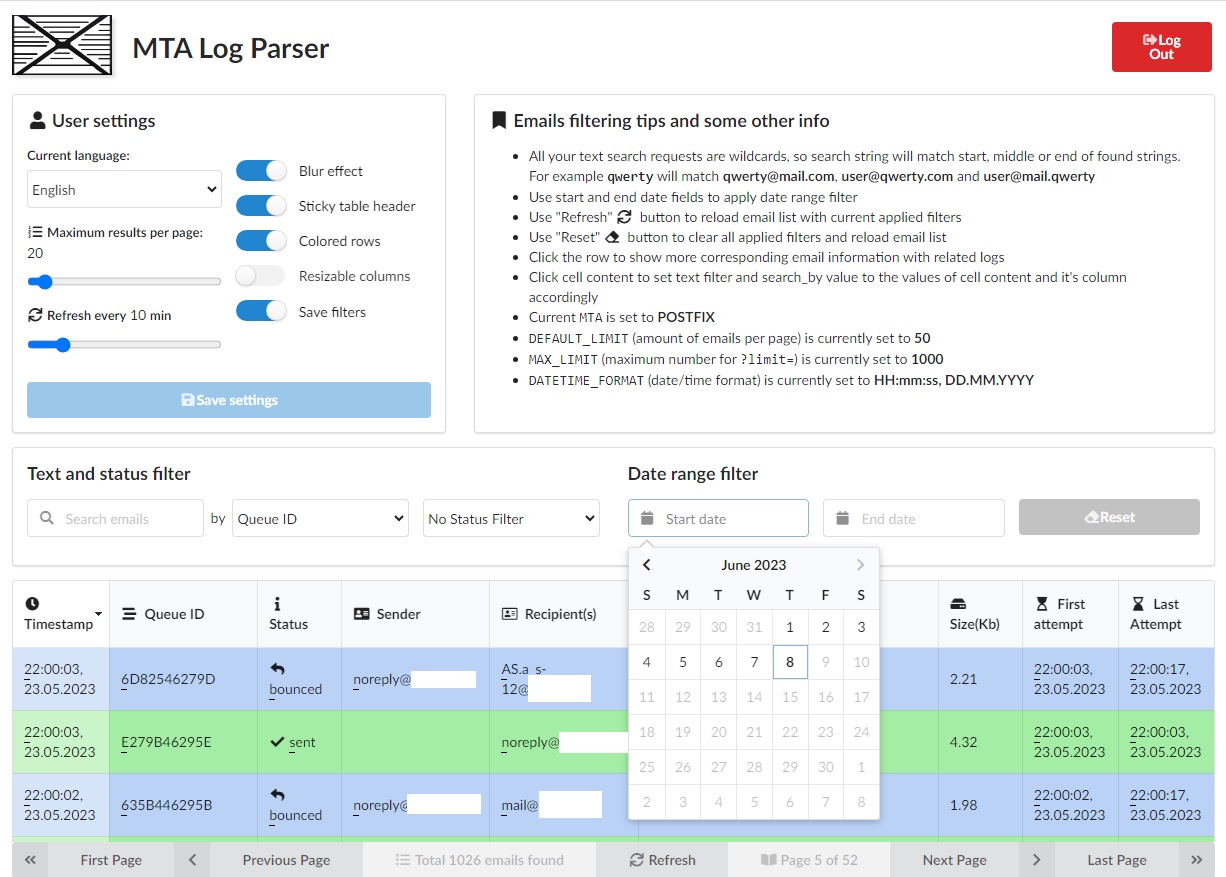
It includes a Web UI built with Quart and VueJS - allowing for easily navigating and filtering the log data straight from your browser.
DISCLAIMER: The Web UI only includes a very basic password prompt which reads the password from the .env file.
This application is NOT intended to be public facing - we strongly recommend for production use-cases that it's
kept restricted within a corporate VPN / LAN.
There's also no requirement to run both the Web UI and the actual log parser/importer on the same server, as the parsed data is kept in RethinkDB - thus you can run the WebUI on a separate server as long as it has access to the RethinkDB server. Dockerized however is designed to run on the same server, but you can simply edit Dockerfile and docker-compose.yaml to your needs.
Pre-requirements
- Docker.io (tested on 23.0.2)
- Docker-compose (tested on 2.9.0)
git clone https://github.com/drlight17/mta-log-parser
cd mta-log-parser
cp example.env .env

# Adjust the example .env as needed. Make sure you set SECRET_KEY to a long random string, and change ADMIN_PASS
# to the password you want to use to log into the web application. Other variables are described.
nano .env

# To build and run app with web GUI run
docker-compose up -d

# To stop app with web GUI app run
docker-compose down

# To schedule log parsing add to your crontab (every minute in example)
crontab -e
*/1  *   *   *   *   docker exec -t mta-log-parser flock /tmp/lck_mlp /app/run.sh cron

# Rethinkdb web gui is available on the port 8080 (you may change expose port in .env).
Pre-requirements
- RethinkDB (for storing the queryable log data)
- Python 3.7 MINIMUM (will not work on earlier versions)
- Pipenv (
python3.7 -m pip install pipenv) - for creating a virtualenv + installing dependencies
apt update -y
apt install -y python3.7 python3.7-dev python3-pip

python3.7 -m pip install -U pipenv

adduser --gecos "" --disabled-password mailparser
# To ensure that the parser is able to read the mail.log, add the user to the appropriate groups
gpasswd -a mailparser syslog adm postfix

su - mailparser

git clone https://github.com/drlight17/mta-log-parser
cd mta-log-parser
pipenv install

cp example.env .env
# Adjust the example .env as needed. Make sure you set SECRET_KEY to a long random string, and change ADMIN_PASS
# to the password you want to use to log into the web application.
nano .env

# Add a crontab entry to run the parse/import script every minute or so
# You should use a file lock utility such as `flock` (included by default on Ubuntu) or `lckdo` to prevent the
# cron overlapping if there's a lot to parse.

crontab -e
# *  *   *   *   *    flock /tmp/lck_mailparser /home/mailparser/mta-log-parser/run.sh cron

####
# DEVELOPMENT
####

./run.sh dev         # Run the development server with automatic restart on edits
./run.sh parse       # Import MAIL_LOG immediately

####
# PRODUCTION
####

exit

# (AS ROOT)

# Production systemd service for the WebUI
install -m 644 /home/mailparser/mta-log-parser/mta-log-parser.service /etc/systemd/system/
systemctl daemon-reload
systemctl enable mta-log-parser.service
If you want to use nginx reverse proxy for WebUI with the URL path, i.e."/logs" ( like https://domain.org/logs ), make sure you have added PATH_PREFIX=/logs var into .env file):
location /logs/ {
   proxy_pass http://domain.org:8487;
}
More info will be published in the project wiki.
This project is licensed under the GNU AGPL v3
For full details, please see LICENSE.txt and AGPL-3.0.txt.