Walks a git repo's full history and produces a single self-contained HTML file showing how code ownership (surviving lines per author) evolved over time.
Linux kernel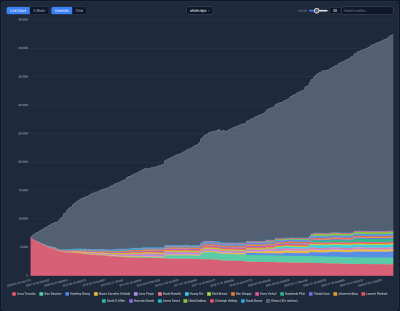
|
git-bug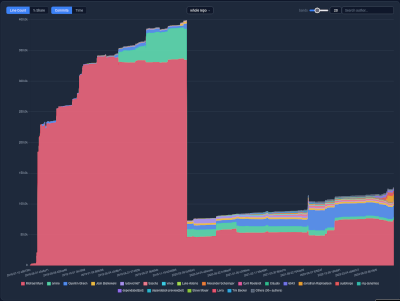
|
Home Assistant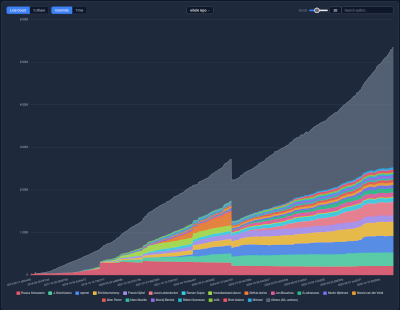
|
Kubernetes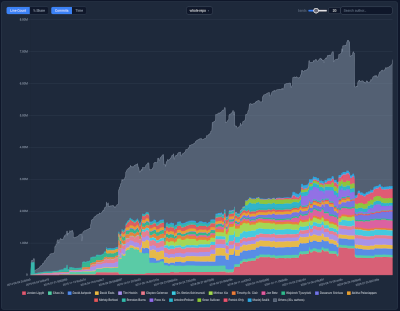
|
Traefik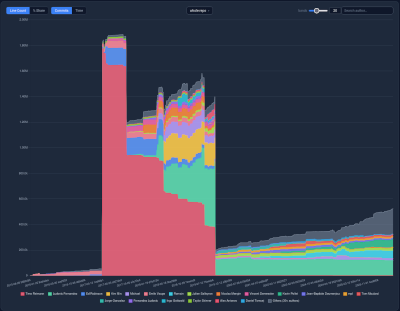
|
GIMP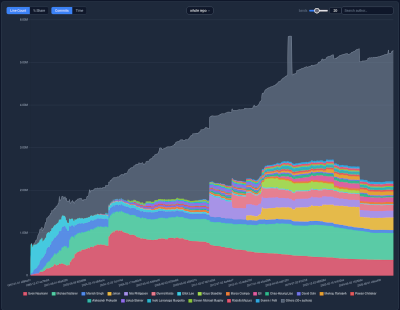
|
go build -o git-ownership .
No external dependencies.
git-ownership /path/to/repo
This writes <reponame>.html in the current directory. Open it in a browser.
| Flag | Default | Description |
|---|---|---|
--branch |
HEAD |
Branch/ref to analyse |
--output |
<reponame>.html |
Output file path |
--max-points |
1000 |
Max chart data points — commits are strided to fit (0 = record every commit) |
--max-graph |
50 |
Max authors included as individual chart datasets (0 = all) |
--folder |
10 |
Number of sub-folders to break down (0 = whole repo only) |
--workers |
num CPUs | Parallel git log workers |
A single fully self-contained .html file with Chart.js embedded — no
internet access required.
- Hover for a tooltip showing all authors at that commit, sorted by line count
- Click a band or legend entry to open the author panel (stats + sparkline)
- Toggle between Line Count / % Share and Commits / Time x-axis
- Bands slider controls how many authors get individual colored bands; the rest are grouped into Others — click any Others member for their individual sparkline
- Folder dropdown (when
--folder> 0) switches between whole-repo and per-folder breakdowns - Search by name or email to jump to any author
