
Replies: 4 comments 4 replies

|
Hello! Not sure if I understand this correctly. The Pp with log you in with the last used user. Do you want to override that or is it something else? Cheers! |

|
We need to start the tool and to handover the used/target account "account@onmicrosoft.com" direct.
I am now looking for a suitable entry point where we could hand over, define fix, the account information. Instead of start the auth process by clicking on the icon, get direct the MSAL form when open the tool. thx |

|
At the end, If I think about it, it would help to get direct the MSAL form when open the tool |
|
Hi Mike, do you have any tip for me :-) |
|
Row 985 in MSALAuthentication.psm1 should be
Try changing that to:
The app will still try to authenticate with last logged on user unless you untick "Remember login" in Settings. What's the harm in clicking the login button? :) Cheers! |
|
Its about new security rules :-) ... , the login will be done in a isolated box/session remote, so we as admins doesn´t get (need) the pass furthermore I will try it out tomorrow Thank you very much Mike |
|
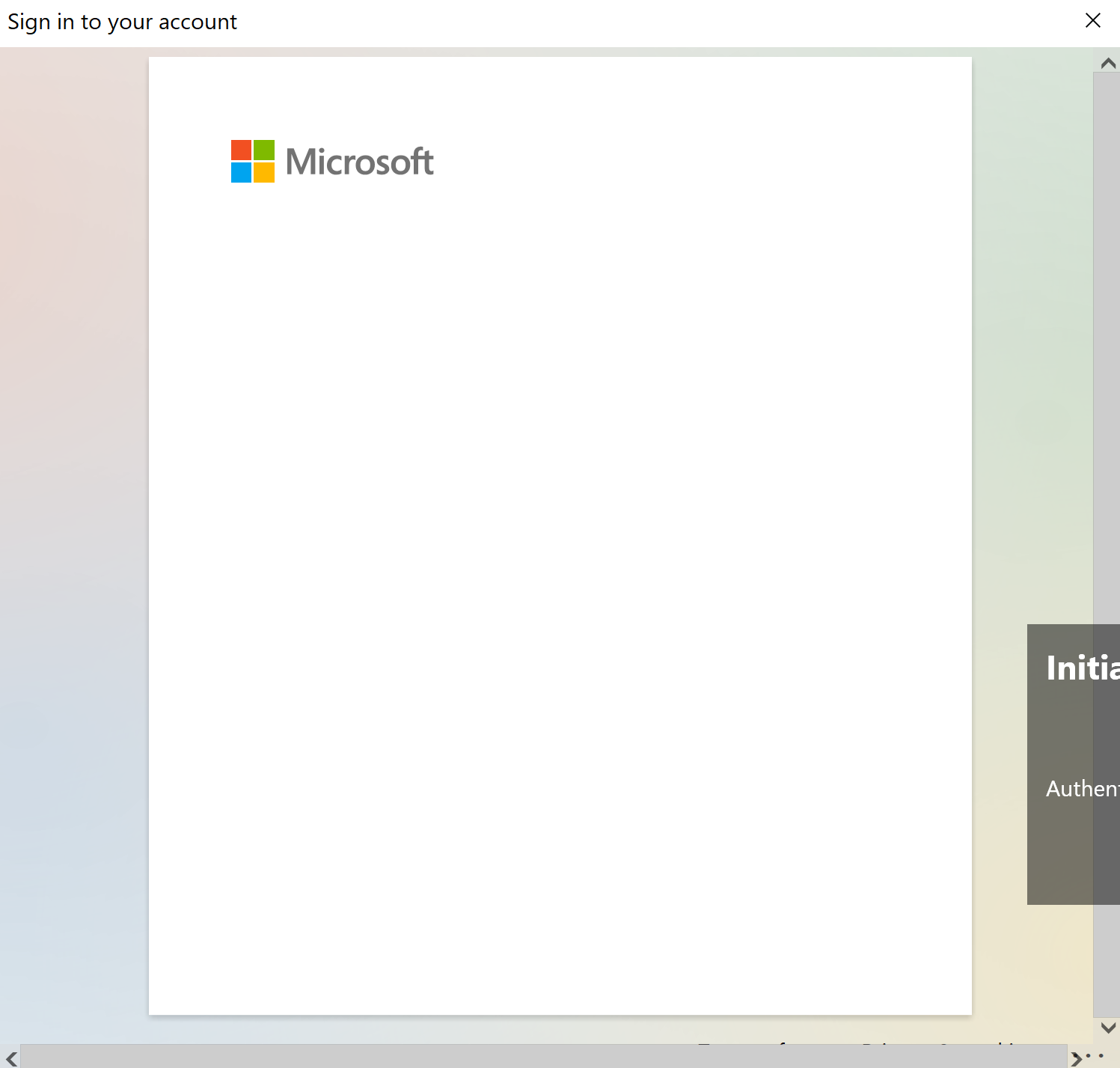
I just tested and it kind of "worked". I got a login popup but behind the splash screen and it was "empty". At least looks empty but there are previous logins I can click on when I hover the mouse over it. No clue if that is a bug in MSAL, something wrong in the code or something in my environment.
Cheers! |

|
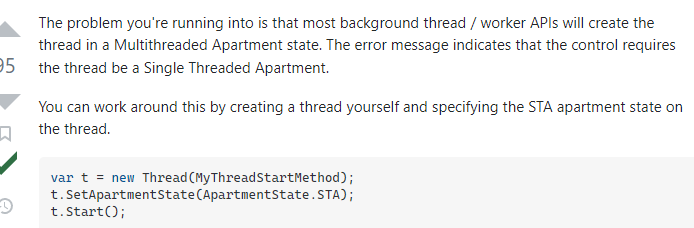
I has worked perfect once, and now I see the message in the log. "Failed to login Exception: ActiveX control '8856f961-340a-11d0-a96b-00c04fd705a2' cannot be instantiated because the current thread is not in a single-threaded apartment." ... I found on the "stackoverflow" page an answer to the same ...
|


Uh oh!
There was an error while loading. Please reload this page.
Hey Mike,
I have a question about the sign in process. Is there a possibility to open the "application/toolkit" with a pre defined sign in account, instead of selecting it inside the application menu on right side?
For example, pre define the account name in the "start.cmd", "Start-IntuneManagement.ps1" or in the "MSALAuthentication.psm1" ?
Thanks in advance for an hint
Greetings
Andi
All reactions