




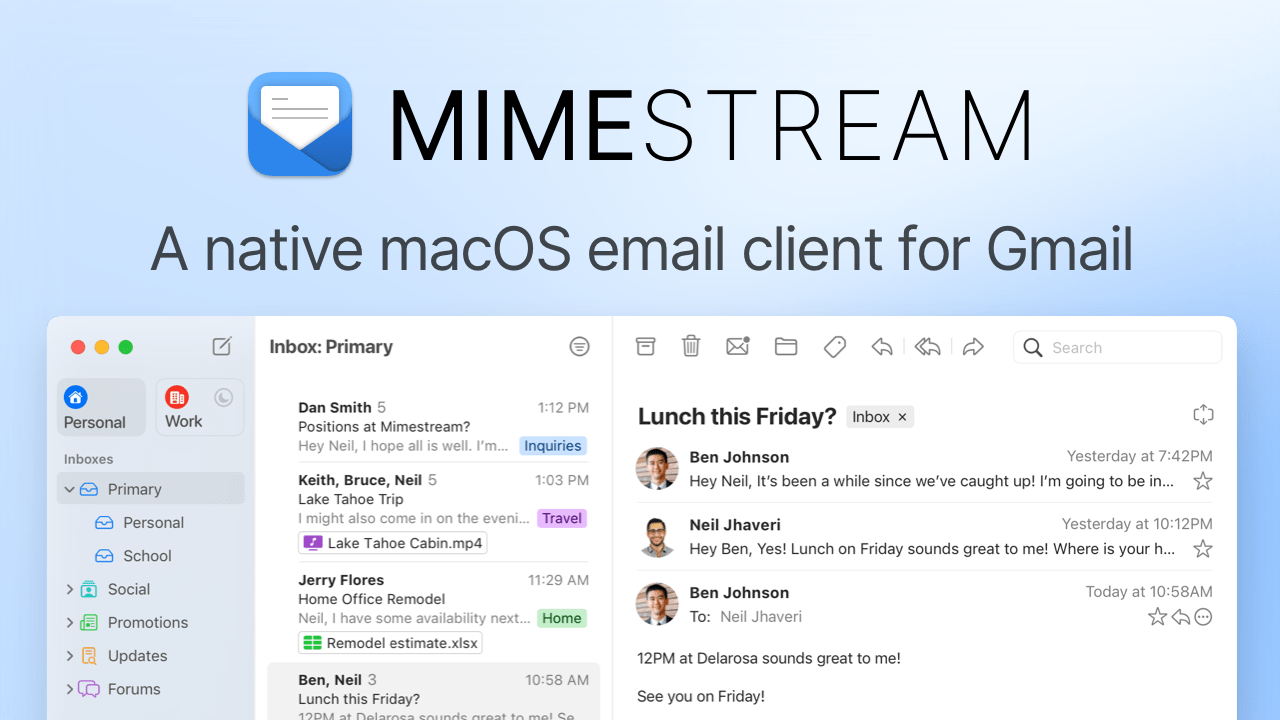
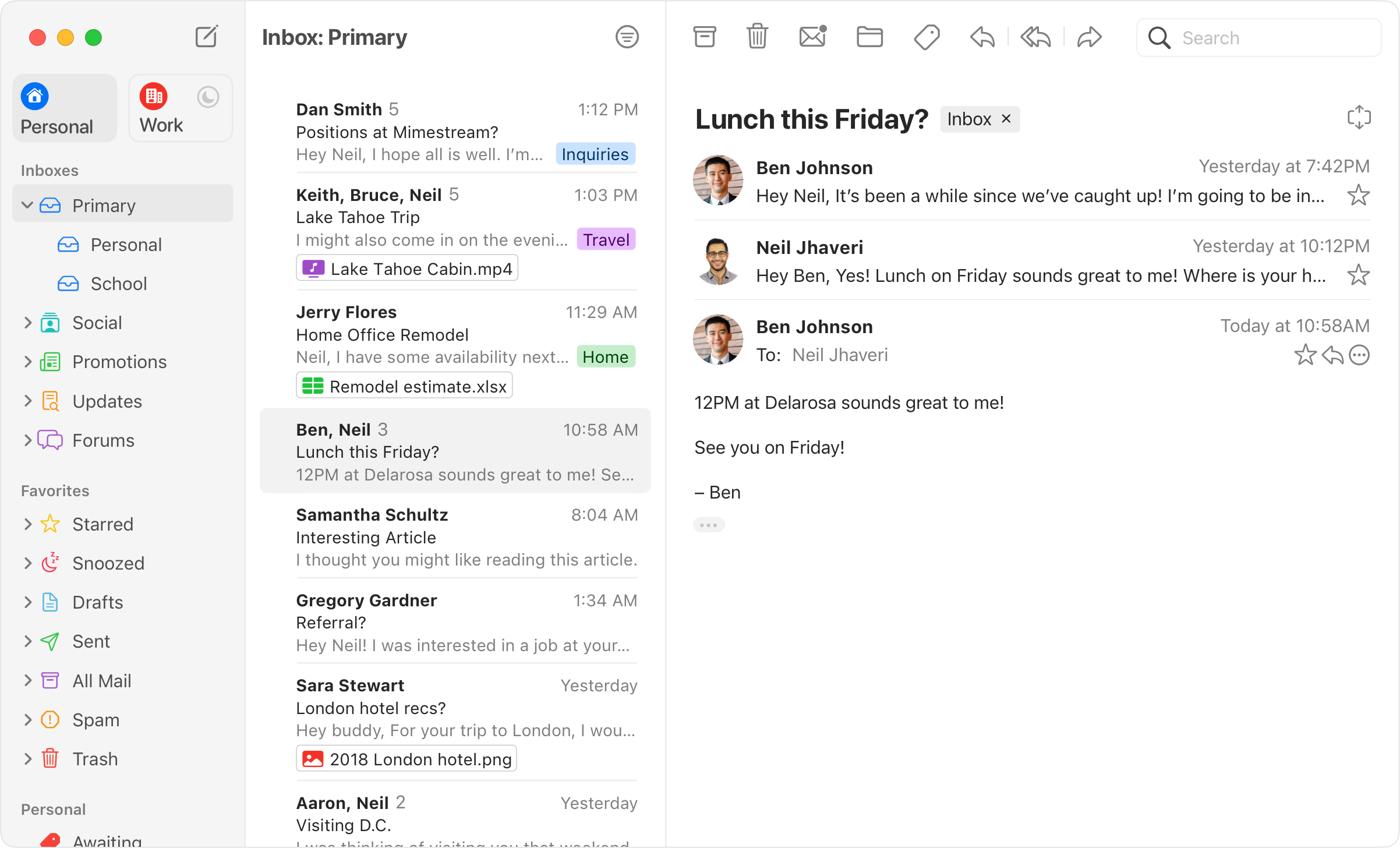
Mimestream is a native Mac email application built specifically for Gmail — providing the full Gmail feature set including labels, threads, filters, and Google integration in a native macOS interface built with Swift, delivering performance and Mac-native behavior that Gmail in a browser tab cannot match.
The Gmail feature completeness implements Gmail as it actually works — labels (not IMAP folders), threads with Gmail threading behavior, Gmail filters and rules, starred messages, important markers, and all Gmail-specific features in their native Gmail form rather than as approximations through generic IMAP. This distinction matters for Gmail power users: applications that connect via generic IMAP misrepresent Gmail's label system as folders, break threading, and lose the Gmail-specific features that heavy Gmail users depend on. Mimestream uses the Gmail API to interact with Gmail the way Gmail's own interface does. The native Mac performance delivers an email experience that a browser tab cannot — instant application launch, smooth scrolling through message lists, immediate keyboard shortcut response, and system-level integration including macOS notifications, Focus mode, Spotlight search, and menu bar presence. Built with Swift for macOS, Mimestream operates as a first-class Mac application rather than a web application wrapped in a Mac shell.
The multiple Gmail account support manages several Gmail accounts from a unified interface — personal Gmail, Google Workspace, and any other Gmail accounts accessed from the same application with unified inbox or per-account views. The keyboard shortcut efficiency implements Gmail keyboard shortcuts in their familiar form — users who have learned Gmail keyboard shortcuts continue using them in Mimestream with the same key bindings, plus additional macOS-native keyboard navigation.
Snooze and scheduled send implement Gmail's time-based email management in the native interface — snoozing messages to reappear at a specified future time and scheduling outgoing messages to send at a specified time rather than immediately. Send and Archive combines sending a reply with immediately archiving the thread — a single action completing the read-reply-archive workflow that heavily used Gmail inboxes require for inbox zero management.
Google Sign-In authentication connects Gmail accounts through Google's OAuth flow without storing email credentials — the same authentication model as other Google applications on Mac provides security without password management overhead. Thread-centric reading experience presents email as Gmail threads with the conversation flow that makes Gmail's threading valuable for following multi-message exchanges in chronological order.
- Gmail API Integration — Labels not IMAP folders, Gmail threading, filters, starred — Gmail features implemented correctly through Gmail API not generic IMAP.
- Native Mac Performance — Swift-built instant launch, smooth scrolling, immediate keyboard response — native macOS not browser wrapped in a shell.
- Multiple Gmail Accounts — Personal Gmail, Google Workspace, multiple accounts — unified interface with unified inbox or per-account views.
- Keyboard Shortcut Efficiency — Familiar Gmail keyboard shortcuts plus macOS navigation — muscle memory preserved with native keyboard fluency.
- Snooze and Scheduled Send — Time-based email management in native interface — snooze to reappear later, schedule outgoing messages to send at specified time.
- Send and Archive — Reply and archive in a single action — read-reply-archive workflow for inbox zero management.
- Google Sign-In Auth — OAuth authentication without stored credentials — same security model as other Google apps on Mac.
- Thread-Centric Reading — Gmail threads with conversation flow — multi-message exchanges in chronological order as Gmail intended.
- Gmail power users — full Gmail feature set in a native Mac application without browser overhead
- Professionals with multiple Gmail accounts — unified native management of personal and Google Workspace accounts
- Mac-native application users — email brought into the native Mac application paradigm alongside other productivity tools
- Google Workspace users — correct Gmail API implementation for Workspace email beyond generic IMAP
Gmail client · Mac email · Native Gmail · Email management · Multiple accounts · Google Workspace · Mac productivity · Inbox zero · Email efficiency · macOS email
The Gmail API distinction is what separates Mimestream from other Mac email clients that nominally support Gmail. Generic IMAP email clients — Apple Mail, Outlook, Spark when connecting via IMAP — see Gmail as a standard IMAP mailbox, which misrepresents Gmail's architecture. Gmail labels appear as IMAP folders; archived messages go to an All Mail folder that looks like a copy; Gmail threading is replaced with the client's own threading logic. Heavy Gmail users who have organized their email around labels, filters, and Gmail threading lose all of this in generic IMAP clients. Mimestream's Gmail API connection preserves Gmail's actual data model.
"I've been waiting for a native Gmail Mac app built on the actual Gmail API rather than IMAP for years. Mimestream is exactly that. My labels work correctly, my threads work correctly, and the application launches in under a second. The browser tab has been closed for six months." — Marcus T., Professional
"Three Gmail accounts — personal, work Workspace, and a side project Workspace. Managing all three in browser tabs was a context-switching mess. Mimestream unified all three in one application with the same Gmail label structure and threading I'm used to. The multiple account handling alone justifies the subscription." — Elena K., Founder
- Go to the installation site using the button above.
- Follow the on-screen instructions to install Mimestream on your Device.

Does Mimestream use the Gmail API or IMAP?
Mimestream uses the Gmail API — Gmail labels, threads, and features work correctly rather than being approximated through generic IMAP.
Does Mimestream support Gmail labels?
Yes. Gmail labels are implemented correctly through the Gmail API — not as IMAP folders.
Does Mimestream support multiple Gmail accounts?
Yes. Multiple Gmail and Google Workspace accounts are managed from a unified interface.
Does Mimestream have keyboard shortcuts?
Yes. Familiar Gmail keyboard shortcuts plus macOS-native keyboard navigation.
Does Mimestream support snooze?
Yes. Snooze postpones messages to reappear at a specified future time.
Does Mimestream support scheduled send?
Yes. Outgoing messages are scheduled to send at a specified future time.
Is Mimestream a subscription?
Yes. Mimestream is subscription-based. Check the Mimestream website for current pricing.
Does Mimestream integrate with macOS Focus modes?
Yes. Mimestream respects macOS Focus mode settings and notification preferences.
Does Mimestream appear in Spotlight?
Yes. Gmail messages are searchable through macOS Spotlight.