
projectMM v1.0.0
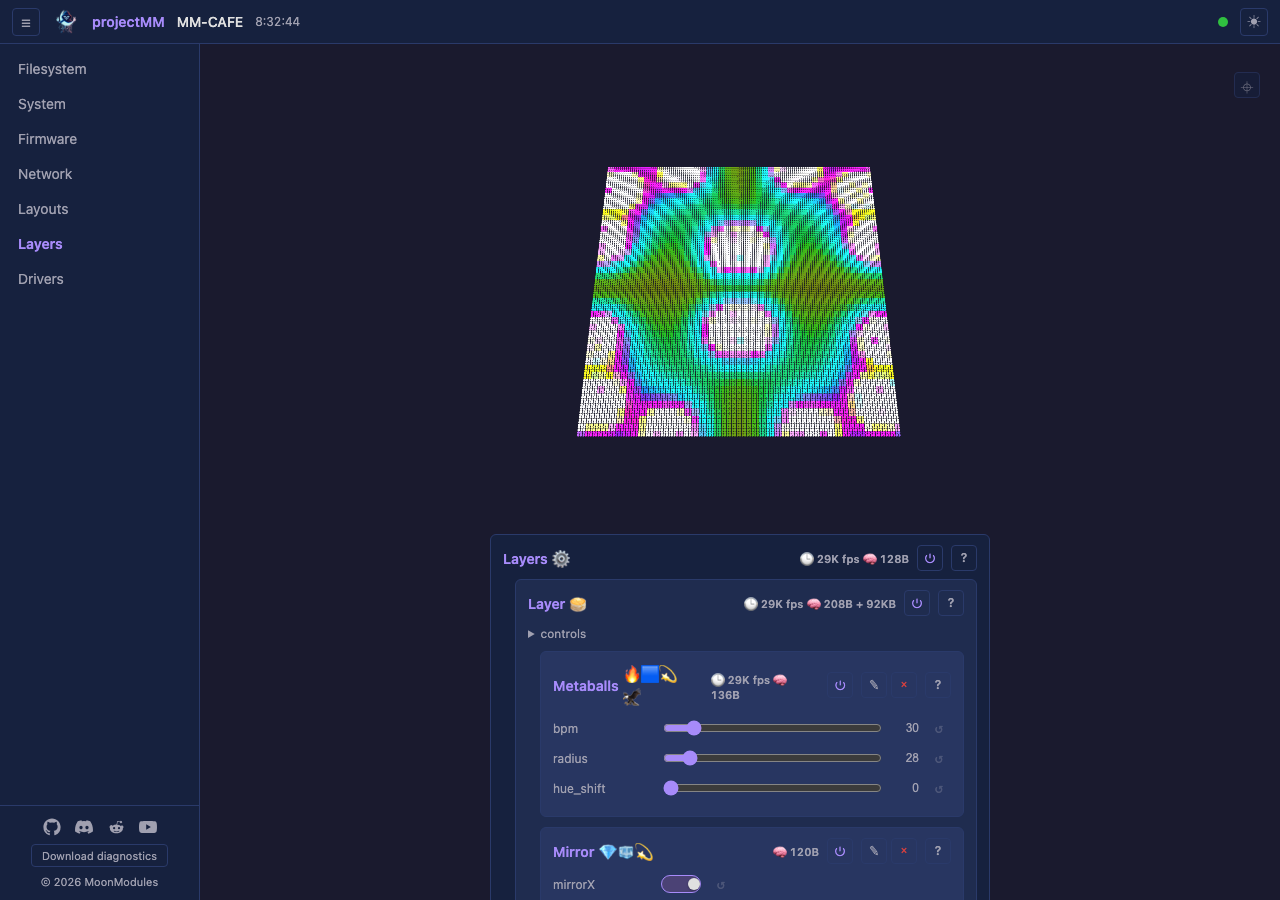
The first stable release. Drive large LED installations and DMX lighting from a single source tree — ESP32 for deployment, desktop for development and as a high-speed network node — controlled live from a browser with a 3D preview.
What you get
- Plug in, open a browser, see lights. A live 3D preview of every effect, modifier, and layout, controllable from the same tab. Adding a new module needs zero UI code — the interface renders any module from its declared controls.
- Pluggable pipeline. Layouts → Layers (effects + modifiers) → Drivers. Build it visually, configure it live, and it persists across reboots.
- Native 3D from the start. 2D and 1D are just the cases where one or two dimensions are size 1 — effects don't pick a mode. See architecture § 3D from the start.
- DMX and addressable LEDs in one setup. RGB strips, RGBW pixels, multi-channel par lights, moving heads — all through the same pipeline.
- One source tree, many targets. The same code builds for ESP32, desktop (macOS / Windows / Linux), Teensy, and Raspberry Pi — see building.md.
Effects
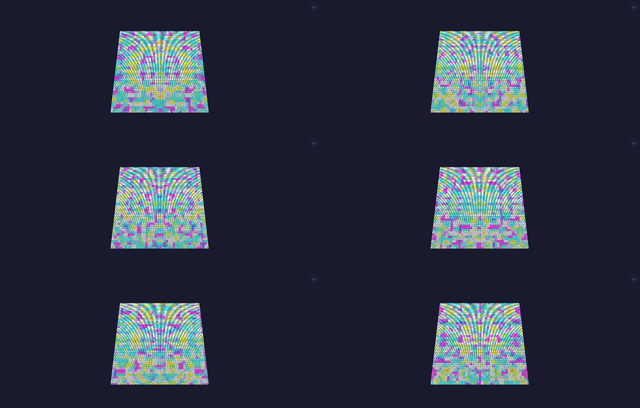
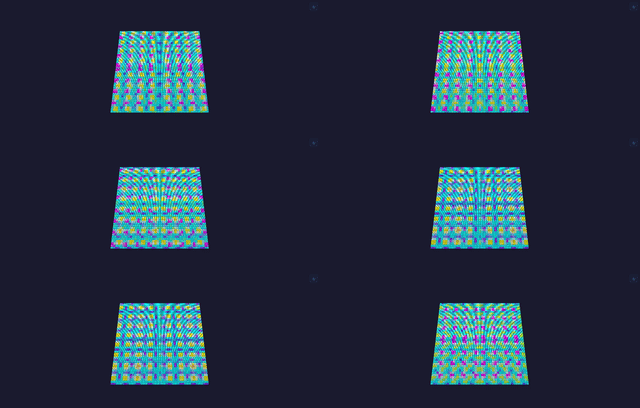
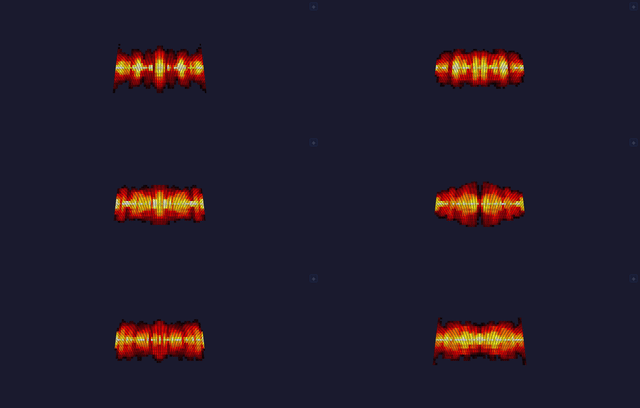
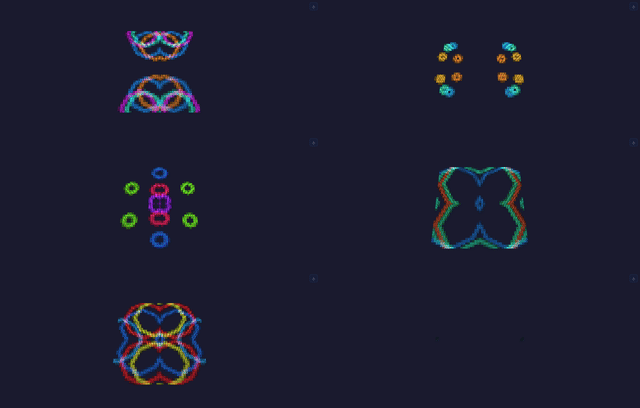
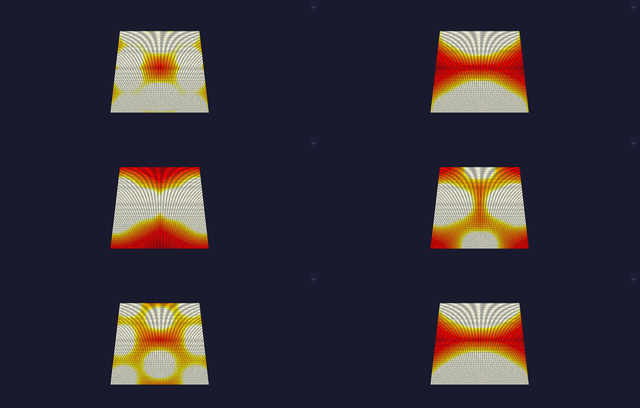
14 effects, each rendered live in the 3D preview. A few in motion:
| Noise | Plasma | Fire |
|---|---|---|
 |
 |
 |
| Ripples | Lava Lamp | Glow Particles |
 |
 |
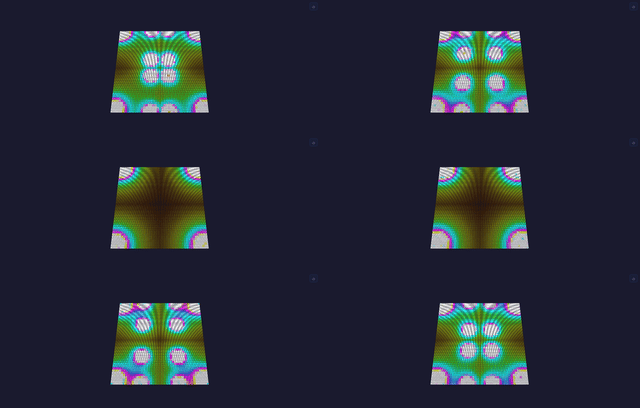 |
Full set: Lines, Rainbow, Noise, Plasma, PlasmaPalette, Metaballs, Fire, Particles, GlowParticles, Checkerboard, Spiral, Ripples, LavaLamp, Game of Life. Each has a spec page.
Also in this release
- 2 modifiers — Multiply (per-axis tile + mirror — the kaleidoscope) and Checkerboard (a mask).
- 2 layouts — Grid and Sphere; drivers — ArtNet output and the built-in 3D preview.
- Robust by design — the device tolerates any UI/API sequence (add, delete, replace, reconfigure in any order) without crashing; guarded by an extensive test + scenario suite (architecture § Robustness).
- Memory-adaptive — runs from a 16×16 panel to 128×128 (16,384 lights), degrading gracefully on memory-constrained boards rather than failing (architecture § Memory strategy).
Under the hood
What makes projectMM different: 16,384 LEDs on a classic ESP32 (not just the S3), pure ESP-IDF v6.x with no Arduino, no third-party libraries (own colour math, HTTP/WebSocket server, control storage), and one module model — every effect, modifier, layout, and driver is a MoonModule, which is why the UI renders any of them with zero per-module code. Full rationale in the README § Under the hood.
Two things worth calling out for this first release:
- Two test layers — fast unit tests per module plus scenario tests driving the full pipeline (layout → effect → modifier → driver) against per-board performance contracts, both on every commit. testing.md.
- Built entirely by agents — every line of code, the installer, MoonDeck, all docs, the tests, and the screenshots/GIFs were authored by AI agents; the product owner authored the process (CLAUDE.md), architecture, and module specs, reviewed everything, tested on hardware, and controlled every commit and release.
Faster, friendlier flashing
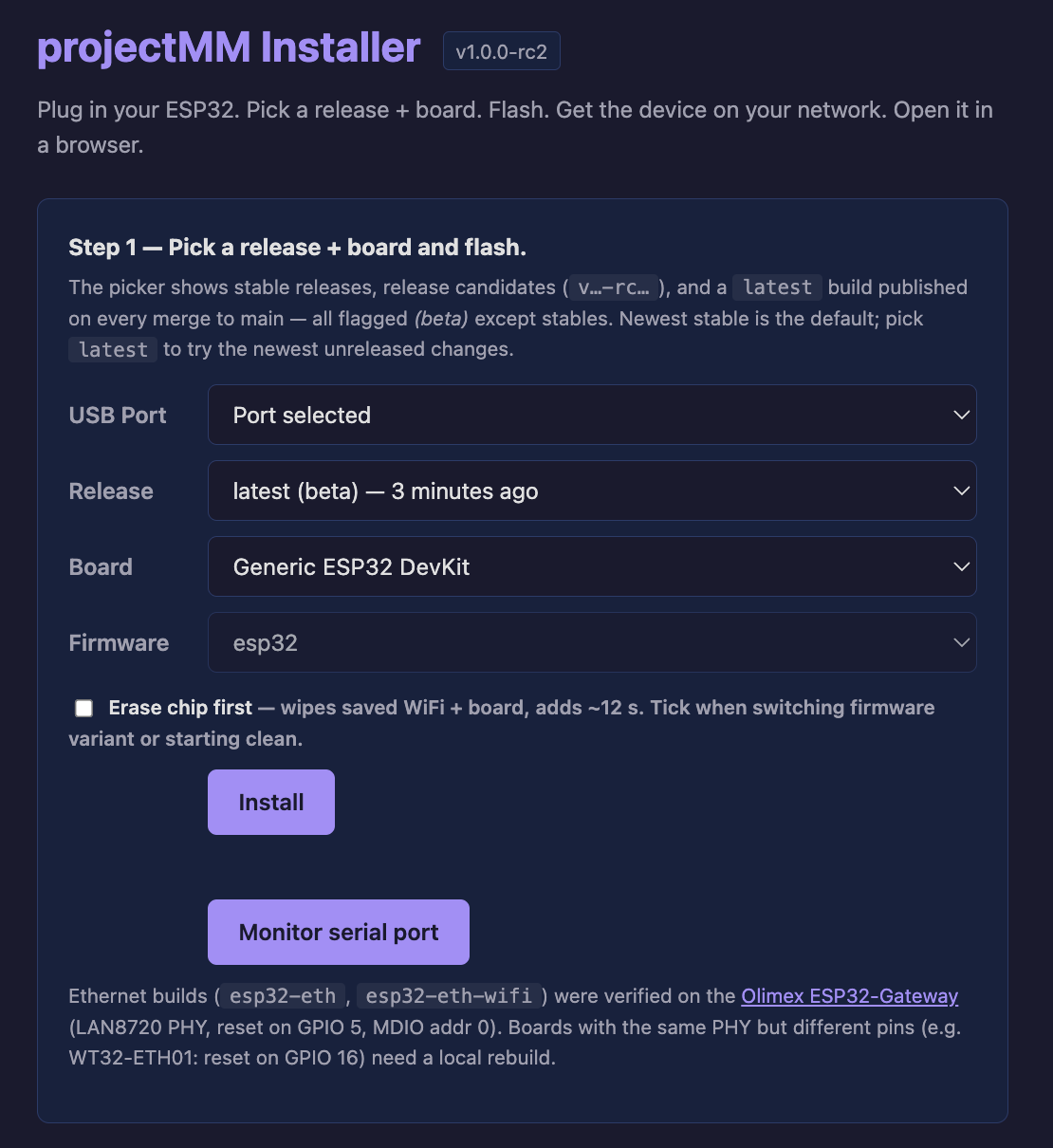
The web installer flashes from the browser in seconds (down from minutes): it picks your board, flashes the matching firmware, remembers your choices between sessions, and hands WiFi credentials to the device over USB via Improv — no serial monitor, no recompile.
Downloads
ESP32 — flash from your browser. Open the web installer in Chrome or Edge; it walks you through board, firmware, flashing, and WiFi setup. Four firmware variants:
esp32-eth-wifi— ESP32 classic, Ethernet + WiFi (recommended for ArtNet).esp32-eth— ESP32 classic, Ethernet only.esp32— ESP32 classic, WiFi only.esp32s3-n16r8— ESP32-S3 (16 MB flash, 8 MB PSRAM), WiFi.
Desktop:
- macOS arm64 —
projectMM-macos-arm64-v1.0.0.tar.gz. Unsigned, so Gatekeeper prompts on first run (right-click → Open). - Windows x64 —
projectMM-windows-x64-v1.0.0.zip. Unsigned, so SmartScreen may warn (More info → Run anyway).
Run it, open http://localhost:8080/. Teensy, Raspberry Pi, and Linux build from source — see building.md.
Building from source
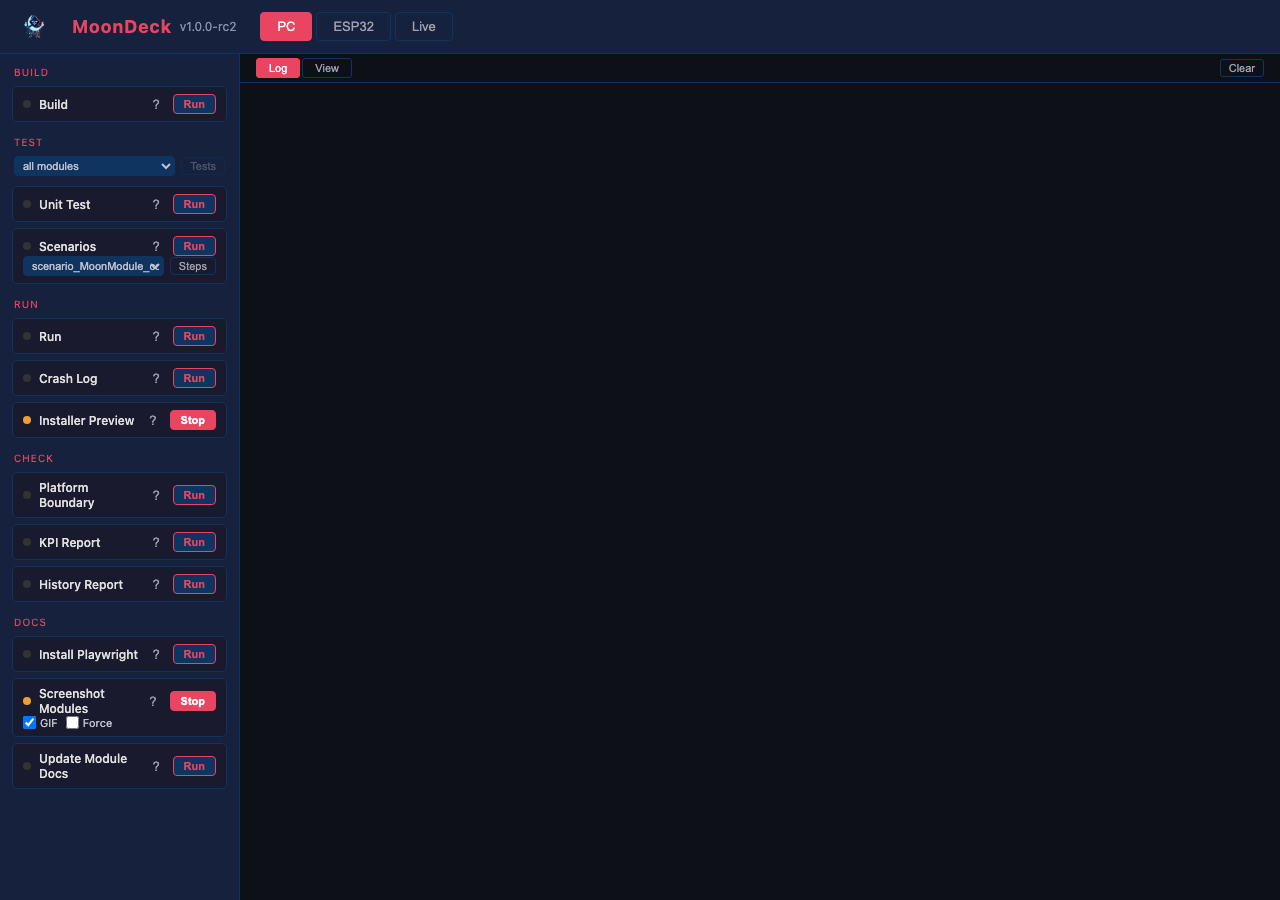
Develop and build with MoonDeck, the browser dev console (uv run scripts/moondeck.py):
Performance
End-to-end through a full render pipeline (effect → modifier → ArtNet) on real hardware — Ethernet ESP32 boards reach ~1,600 FPS at 16×16 and ~10 FPS at 128×128 (16,384 lights), bound by the ArtNet transport at large grids. Full per-board numbers in the README; the why (WiFi vs Ethernet physics, build-variant deltas) in performance.md.
Known limitations
Tracked in docs/backlog/backlog.md. Notably: ArtNet send is synchronous (caps FPS at large grids; async is PSRAM-only, post-1.0); a single modifier applies per layer (chaining is post-1.0); desktop release binaries are macOS + Windows only (Linux/Teensy/RPi build from source); binaries are unsigned.
Built on
Years of LED/light system development — WLED, WLED-MoonModules, StarLight, MoonLight. Their proven patterns are distilled in docs/history/. Community: Discord.
Get involved
If you like projectMM, give it a ⭐️, fork it, or open an issue or pull request. It helps the project grow, improve, and get noticed.