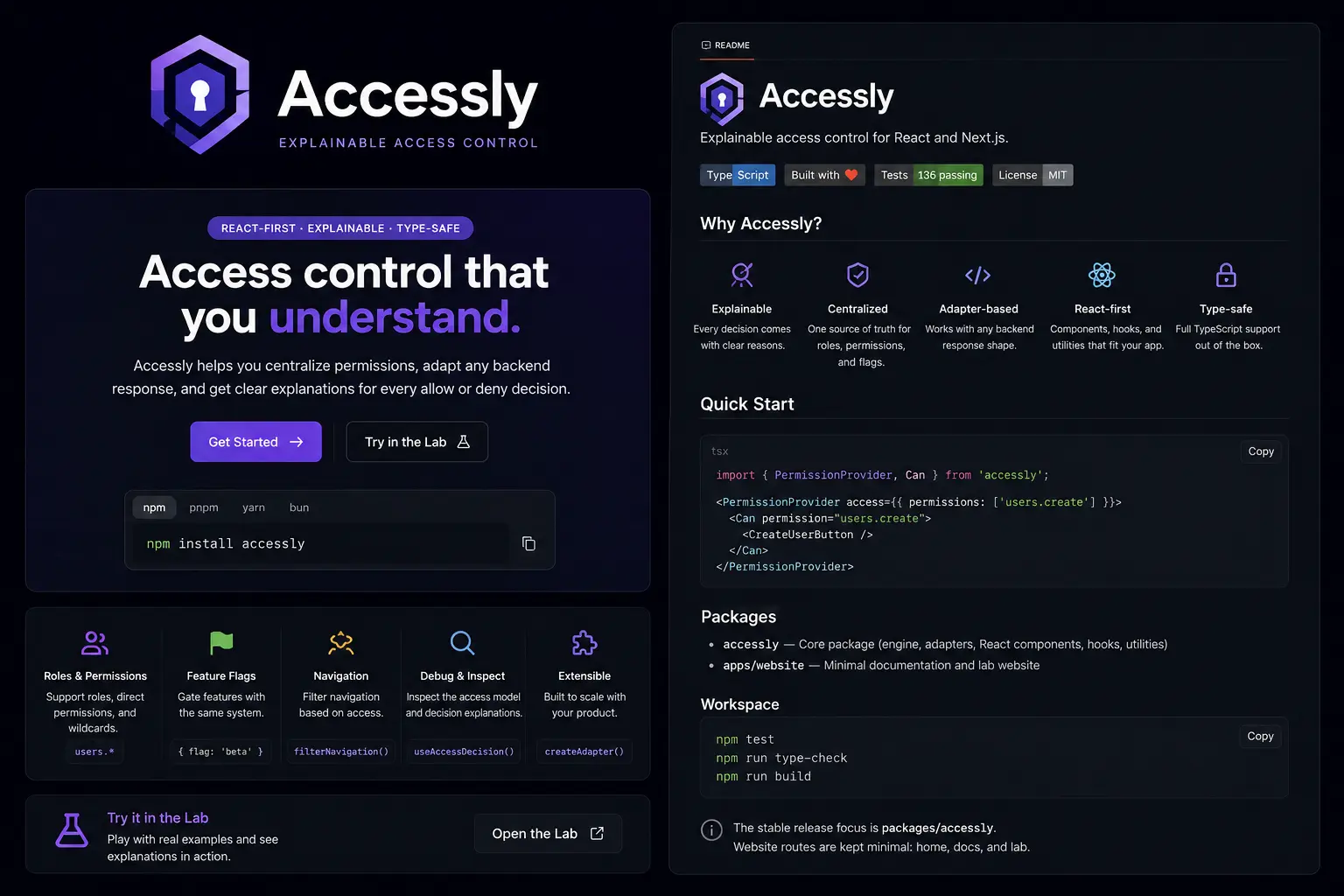
Explainable access control for React and Next.js.
Website · Docs · Lab · npm · Bundle size






Accessly is a small React permission layer for rendering UI from a normalized access model. It provides permission components, hooks, backend adapters, navigation filtering, feature flag checks, RBAC expansion, wildcard matching, and explainable allow/deny decisions.
This repository contains the published accessly package and the public website/docs/Lab.
Accessly is frontend access control. It controls what React renders for the current authenticated user; it does not replace backend authorization.
Frontend access logic often starts as simple conditionals and grows into scattered role checks, permission strings, feature flag branches, and duplicated navigation rules.
Accessly gives React apps one consistent way to ask access questions:
- Can this user see this UI?
- Which permission matched?
- Was access granted directly, through a role, by wildcard, or by feature flag?
- Which permission is missing?
- Can this backend response be normalized without changing the backend?
- PermissionProvider for supplying access data to React.
- Can, Cannot, ProtectedRoute for declarative UI gating.
- usePermission for boolean permission checks.
- useAccessDecision for inspectable allow/deny decisions.
- useAccessModel for reading the normalized model.
- RBAC expansion with
rolePermissions. - Wildcard permissions such as
users.*,reports.*, and*. - Feature flag checks with
{ flag: "features.new-dashboard" }. - Backend adapters with
createAdapter. - Built-in adapters for flat permissions, grouped actions, pages, nested modules, and feature flags.
- Navigation filtering with nested menu support.
- Debug utilities for formatting decisions and inspecting access models.
- TypeScript declarations for ESM and CJS consumers.
- Zero runtime dependencies: no regular
dependencies; React is a peer dependency. - Tree-shaking friendly: ESM build, package exports, and
"sideEffects": false.
npm install accesslyOther package managers:
pnpm add accessly
yarn add accessly
bun add accesslyimport { PermissionProvider, Can } from "accessly";
export function App() {
return (
<PermissionProvider
access={{
user: { id: "user_1", roles: ["admin"] },
permissions: ["users.create", "reports.view"],
flags: ["features.new-dashboard"],
}}
>
<Can permission="users.create" fallback={<span>Read only</span>}>
<button>Create user</button>
</Can>
</PermissionProvider>
);
}AccessModelis for the current authenticated user/session only.- Do not pass every user in your system to
PermissionProvider. PermissionProviderstores access data in React Context.usePermissionreads fromPermissionProvider.checkPermissionis pure and requires access data manually.- Wildcards are optional and segment-based.
- Feature flags are exact-match only.
ProtectedRouterenders children, loading, or fallback UI; it does not redirect automatically.
Accessly does not only return true or false. It returns a decision object that explains the result.
import { useAccessDecision } from "accessly";

export function ExportButton() {
  const decision = useAccessDecision("reports.export");

  if (!decision.allowed) {
    return <span>Missing: {decision.missing?.join(", ")}</span>;
  }

  return <button>Export report</button>;
}
Example decision:
{
  "allowed": true,
  "reason": "allowed",
  "requested": ["reports.export"],
  "matched": ["reports.*"],
  "checkedFrom": "wildcard"
}Use useAccessDecision when a React component needs to explain hidden UI.
import { formatDecision, useAccessDecision } from "accessly";

export function ExportDebugPanel() {
  const decision = useAccessDecision("reports.export");

  return <pre>{formatDecision(decision)}</pre>;
}
Use checkPermission outside React when you already have an access model.
import { checkPermission, formatDecision, inspectAccess } from "accessly";

const access = {
  permissions: ["reports.*"],
  flags: ["features.beta"],
};

const allowed = checkPermission(access, { permission: "reports.export" });
const denied = checkPermission(access, { permission: "billing.manage" });

console.log(formatDecision(allowed));
console.log(formatDecision(denied));
console.log(inspectAccess(access));
Allowed decisions show allowed, requested, matched, and checkedFrom.
Denied decisions show reason, requested, missing, and checkedFrom.
Loading decisions use reason: "not_ready".
For local development, you can copy this small debug component into your app:
import { formatDecision, useAccessDecision } from "accessly";
import type { PermissionCheckInput } from "accessly";

export function AccessDecisionDebug({
  permission,
  label = "Access decision",
}: {
  permission: string | PermissionCheckInput;
  label?: string;
}) {
  const decision = useAccessDecision(permission);

  return (
    <section aria-label={label}>
      <strong>{label}</strong>
      <pre>{formatDecision(decision)}</pre>
    </section>
  );
}
Accessly does not export this component so production UI stays yours to design.
All public APIs and types are imported from the root package.
import {
  Can,
  PermissionProvider,
  checkPermission,
  createAccessChecker,
  isAccessModel,
} from "accessly";
import type { AccessDecision, AccessModel, PermissionCheckInput } from "accessly";
Invalid permission inputs are caught by TypeScript:
const access: AccessModel = { permissions: ["users.create"] };

checkPermission(access, { permission: "users.create" });
checkPermission(access, { any: ["users.create", "users.invite"] });
checkPermission(access, { all: ["reports.view", "reports.export"] });
checkPermission(access, { flag: "features.beta" });

// TypeScript error: use `permission`, not `permissions`.
checkPermission(access, { permissions: "users.create" });
Lightweight type guards help when receiving unknown JSON. They are practical shape checks, not a full validation framework.
import { PermissionProvider, isAccessModel } from "accessly";

const data: unknown = await response.json();

if (!isAccessModel(data)) {
  throw new Error("Invalid access model");
}

<PermissionProvider access={data}>
  <App />
</PermissionProvider>;checkPermission is pure. It requires an access model every time because it
does not read React Context or any global store.
import { checkPermission, createAccessChecker } from "accessly";

const access = { permissions: ["users.create"] };

checkPermission(access, { permission: "users.create" });

const checker = createAccessChecker(access);

checker.can("users.create");
checker.decision({ flag: "features.beta" });
If your app has its own auth/session store, wrap checkPermission or
createAccessChecker at the edge of that store and keep backend authorization
separate.
Use createAdapter when your backend returns a shape that is not already an Accessly AccessModel.
import { PermissionProvider, createAdapter } from "accessly";

type BackendUser = {
  id: string;
  roles: string[];
  permissions: string[];
  featureFlags: string[];
};

const backendAdapter = createAdapter((source: BackendUser) => ({
  user: {
    id: source.id,
    roles: source.roles,
  },
  permissions: source.permissions,
  flags: source.featureFlags,
}));

export function Product({ user }: { user: BackendUser }) {
  return (
    <PermissionProvider source={user} adapter={backendAdapter}>
      <App />
    </PermissionProvider>
  );
}The public website is deployed here:
https://accessly-website.vercel.app/
Useful routes:
- Docs: https://accessly-website.vercel.app/docs
- AI prompts: https://accessly-website.vercel.app/docs/ai
- Use cases: https://accessly-website.vercel.app/docs/use-cases
- Lab: https://accessly-website.vercel.app/lab
This repository is a pnpm monorepo.
apps/
  website/       Website, docs, and Accessly Lab
packages/
  accessly/      Published accessly package
Install dependencies:
pnpm installRun all workspace builds:
pnpm buildRun package build:
pnpm --filter accessly buildRun website build:
pnpm --filter website buildRun tests:
pnpm test- npm: https://www.npmjs.com/package/accessly
- Bundle size: https://bundlephobia.com/package/accessly
- Package README: packages/accessly/README.md
- Package source: packages/accessly/src
Accessly controls frontend rendering. It helps React apps hide, show, explain, and organize UI based on access data.
It does not replace server-side authorization. Sensitive actions, private API routes, data fetching, mutations, billing operations, and admin actions must still be authorized on the server.
MIT