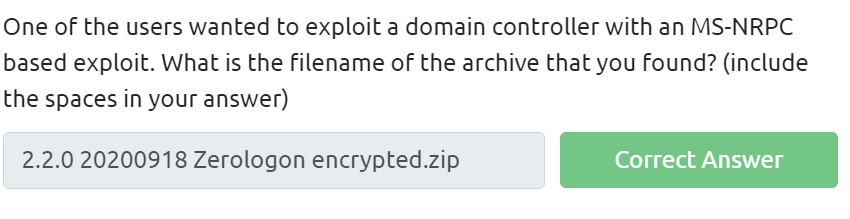
In the Burp Suite Program that ships with Kali Linux, what mode would you use to manually send a request (often repeating a captured request numerous times)?
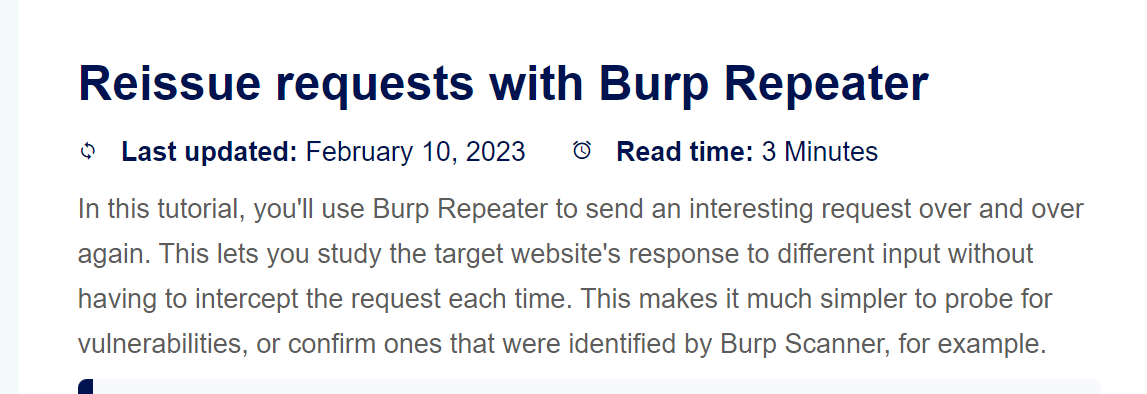



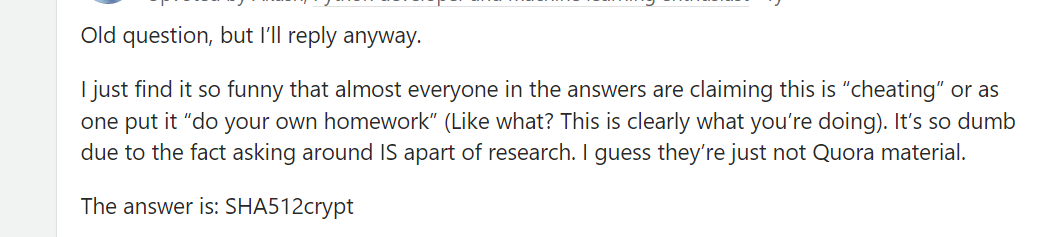

There was a Local Privilege Escalation vulnerability found in the Debian version of Apache Tomcat, back in 2016. What's the CVE for this vulnerability?



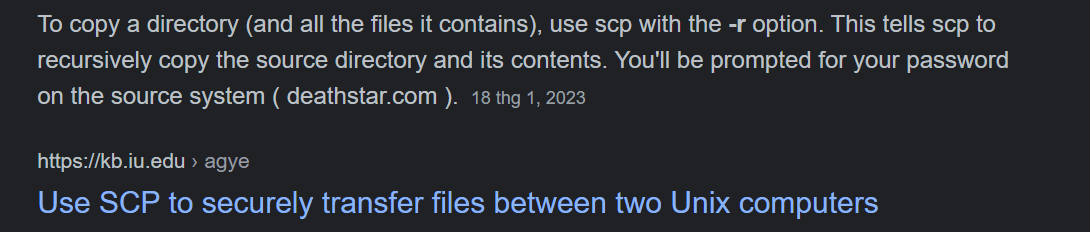
SCP is a tool used to copy files from one computer to another. What switch would you use to copy an entire directory?
fdisk is a command used to view and alter the partitioning scheme used on your hard drive. What switch would you use to list the current partitions?

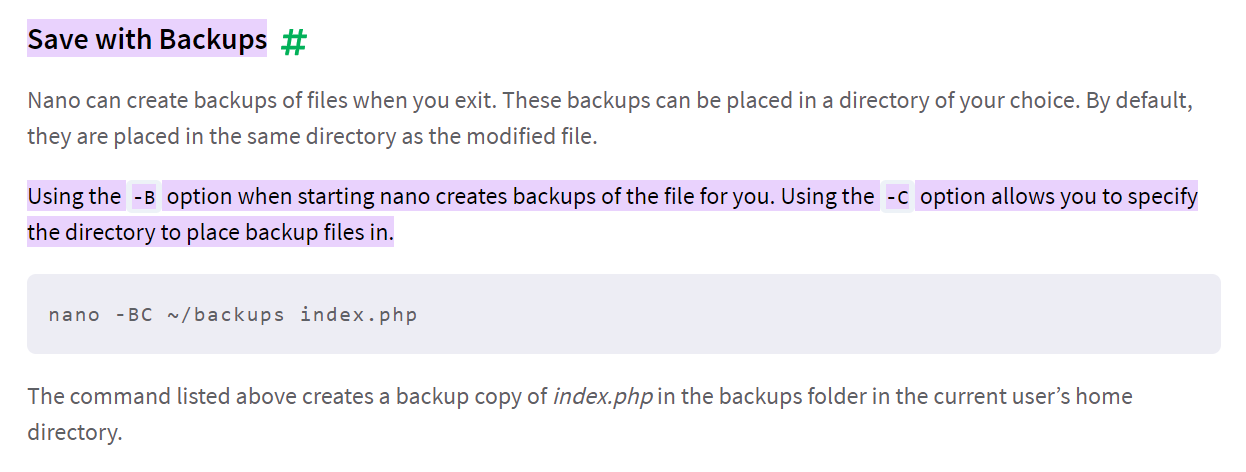
nano is an easy-to-use text editor for Linux. There are arguably better editors (Vim, being the obvious choice); however, nano is a great one to start with. What switch would you use to make a backup when opening a file with nano?
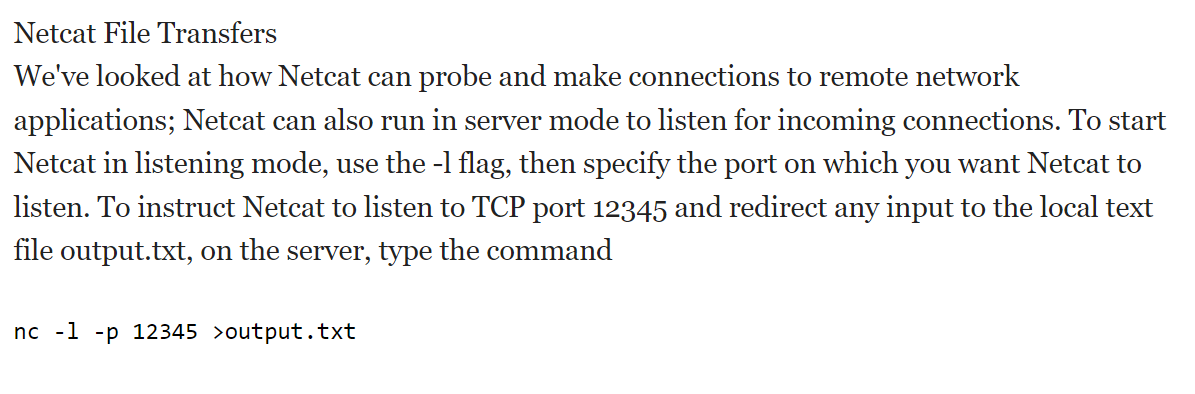
Netcat is a basic tool used to manually send and receive network requests. What command would you use to start netcat in listen mode, using port 12345?


thử lệnh "ls" cho cả 4 folders, xem folder nào chứa file.

Dùng lệnh "cat folder4/note.txt" để chuyển sang folder4 và đọc file note.txt trong folder4.


Use the cd command to navigate to this file and find out the new current working directory. What is the path?
Nhập lệnh "cd folder4" để chuyển sang folder4 và dùng lệnh "pwd" để xem đường dẫn.



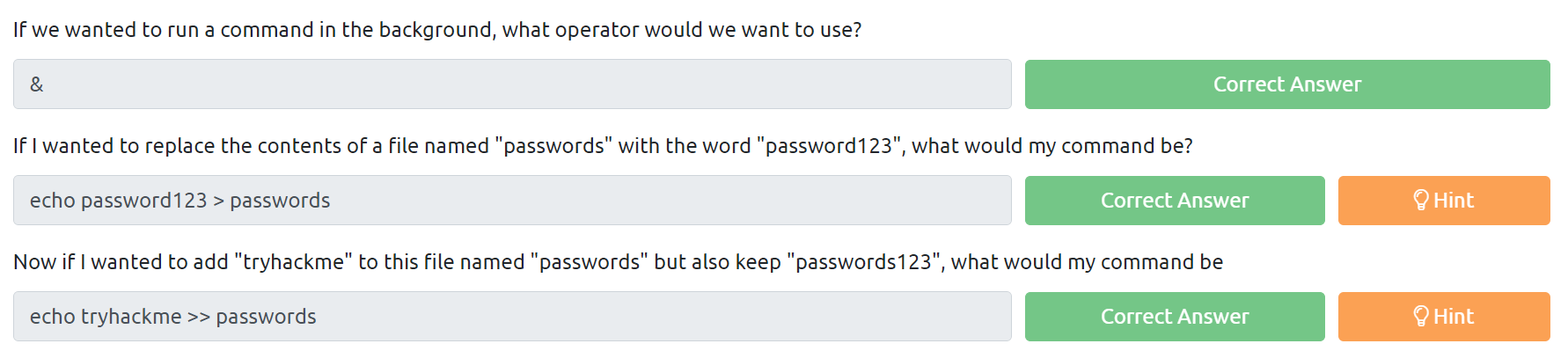
Nhập "man ls" trên terminal sau đó thử dùng các nút điều hướng -> câu trả lời là "down".
Nhập "man ls" sau đó lướt xuống để tìm trong phần "DESCRIPTION".

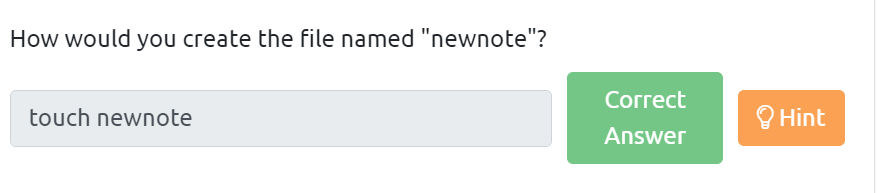
Nhập lệnh "file unknown1" trong attackbox để xác định kiểu file.


Nhập lệnh "cat myfile" để đọc nội dung file myfile.

Nhập lệnh "ls -al".
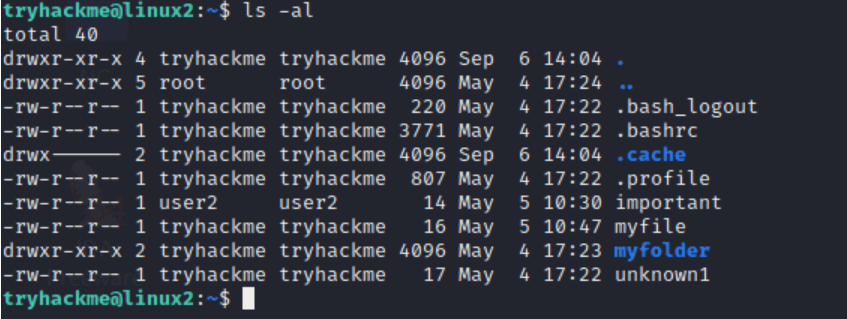

Nhập lệnh "cat important" để xem nội dung trong important

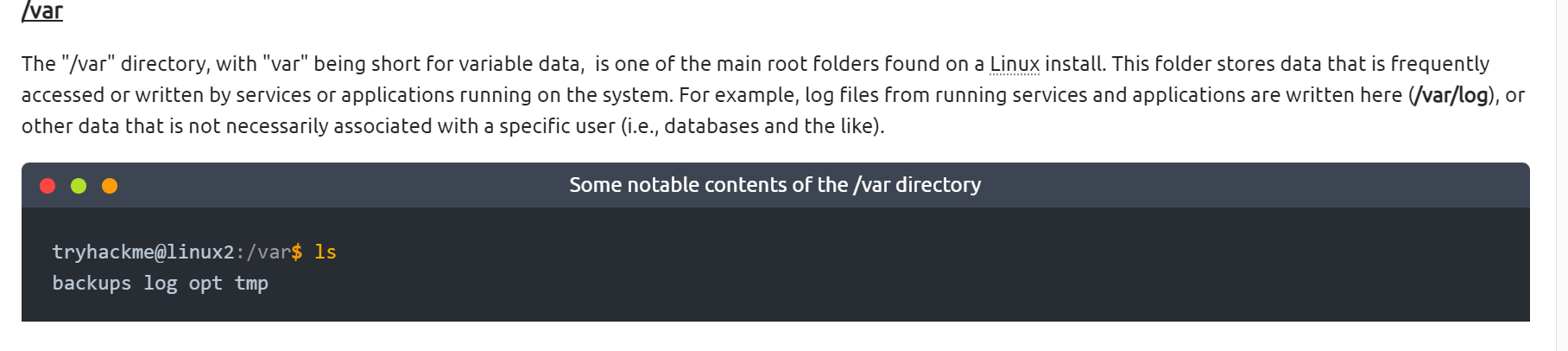
This is a unique root directory found on a Linux install. Short for "temporary", the /tmp directory is volatile and is used to store data that is only needed to be accessed once or twice. Similar to the memory on your computer, once the computer is restarted, the contents of this folder are cleared out.

the /root folder is actually the home for the "root" system user

Nhập lệnh "nano task3"

Download the file http://MACHINE_IP:8000/.flag.txt onto the TryHackMe AttackBox. What are the contents?
Nhập lệnh "wget http://MACHINE_IP:8000/.flag.txt" để tải file .flag.txt.
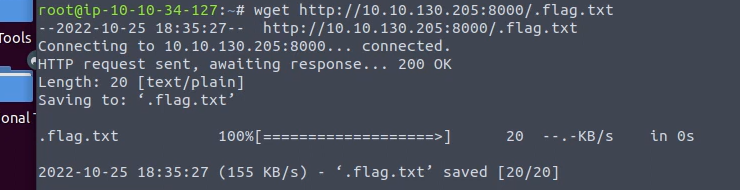
Sau đó dùng lệnh "cat .flag.txt" để xem nội dung trong file


If we were to launch a process where the previous ID was "300", what would the ID of this new process be?
The PID increments for the order In which the process starts. I.e. the 60th process will have a PID of 60.


Nhập lệnh "ps aux", enter, sau đó tìm flag.
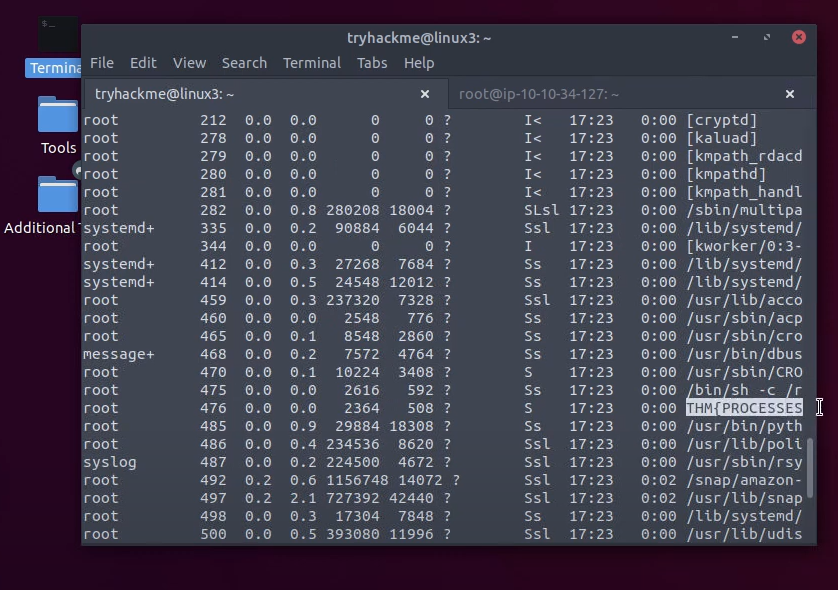




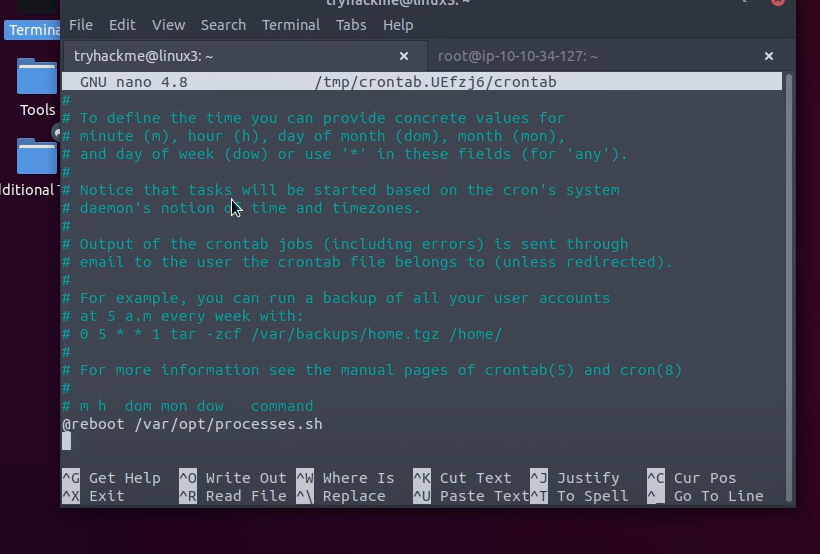
Nhập lệnh "crontab -e", enter

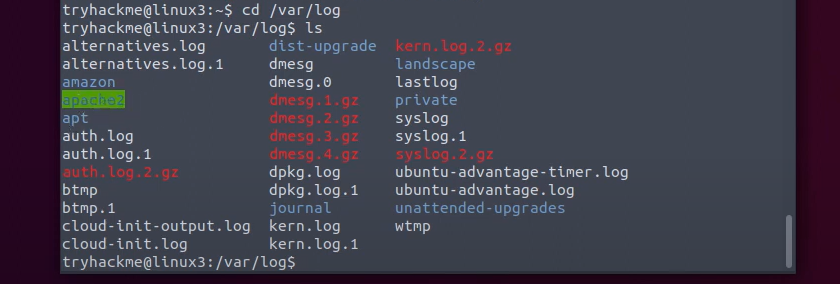
Đầu tiên nhập lệnh "cd /var/log" để chuyến đến thư mục log.
Sau đó nhập lệnh "ls" để xem list các mục trong thư mục, tìm mục apache2.
Nhập lệnh "cd apache2" để vào thư mục này và tiếp tục nhập "ls" để xem danh sách file. Vì user ở đây là tryhackme nên cần để ý đến dòng thứ 2 trong bảng, nó thuộc file access.log.1
Dùng lệnh "cat access.log.1" để đọc nôi dung của file, sẽ thấy phần ip ở đầu tiên.
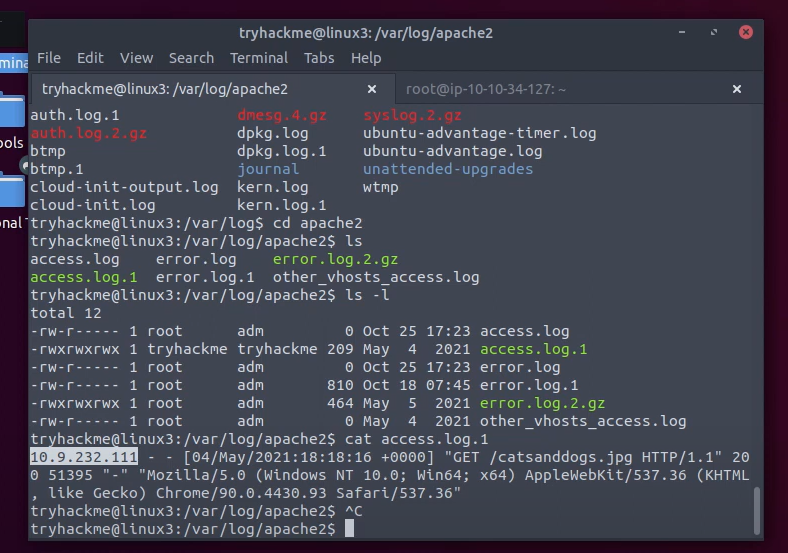

Phần được bôi đen chính là file đã được truy cập.


The diagram below is a high-level abstraction of how these web crawlers work. Once a web crawler discovers a domain such as mywebsite.com, it will index the entire contents of the domain, looking for keywords and other miscellaneous information

What is the name of the technique that "Search Engines" use to retrieve this information about websites?

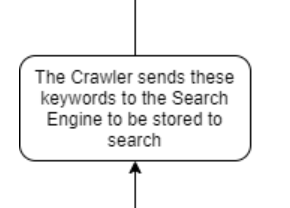
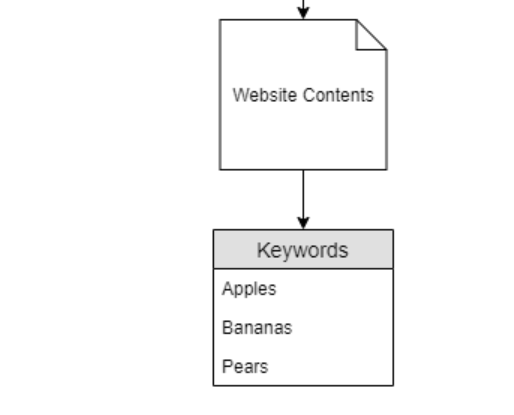


Dựa theo những ảnh chụp trong phần lý thuyết
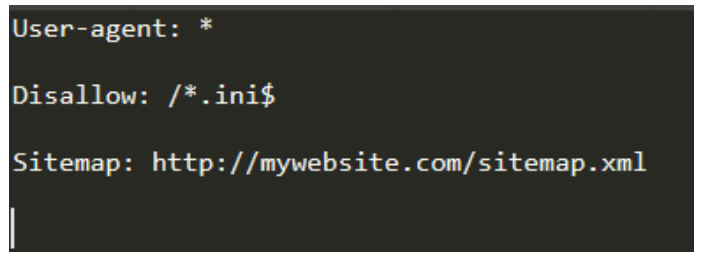



What is the extension of a Unix/Linux system configuration file that we might want to hide from "Crawlers"?
Dựa vào tên file cấu hình "configuration" và hint "system files are usually 3/4 characters!"

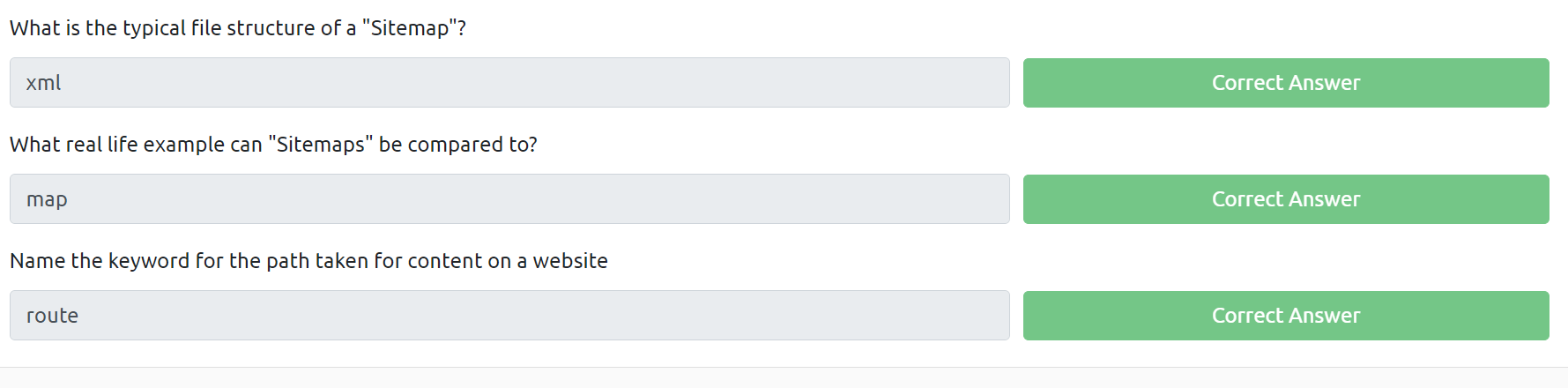
“Sitemaps” are XML formatted
Comparable to geographical maps in real life, “Sitemaps” are just that - but for websites!
he blue rectangles represent the route to nested-content, similar to a directory I.e. “Products” for a store


Vì là trang login nên phải có "login" trong tiêu đề của trang -> dùng term "intitle"

Đầu tiên là tải file task, sau đó dùng exiftool để xem thông tin về file ảnh vừa tải
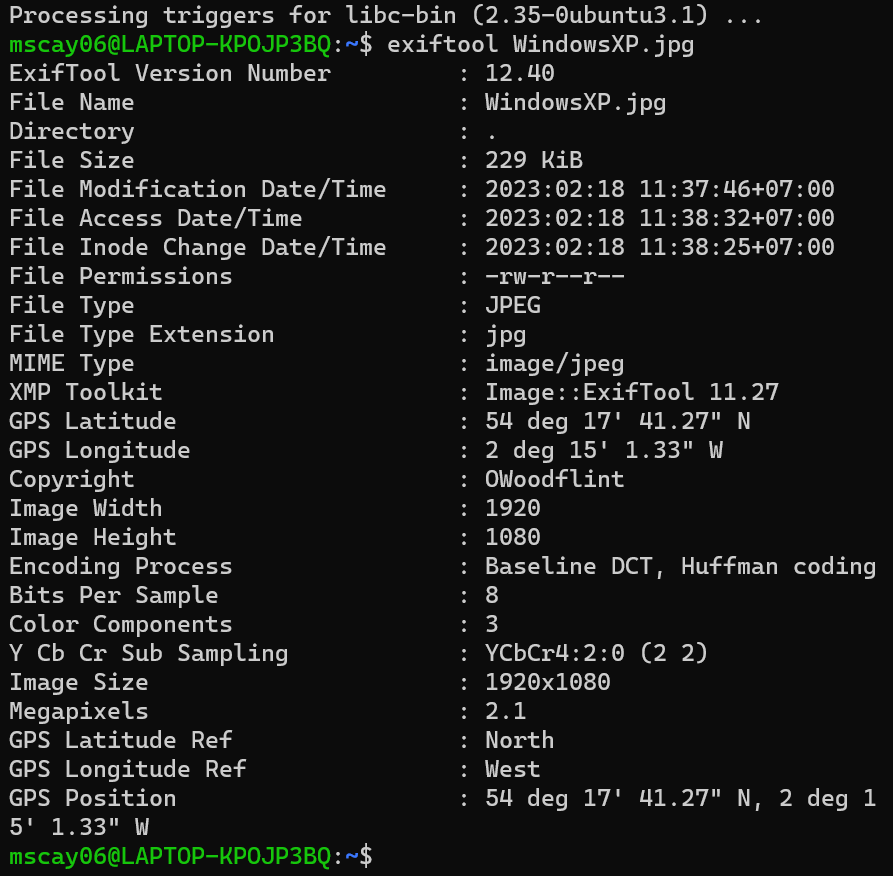
Chú ý phần copyright "OWoodflint", tra gg OWoodflint thì ra 1 trang twitter
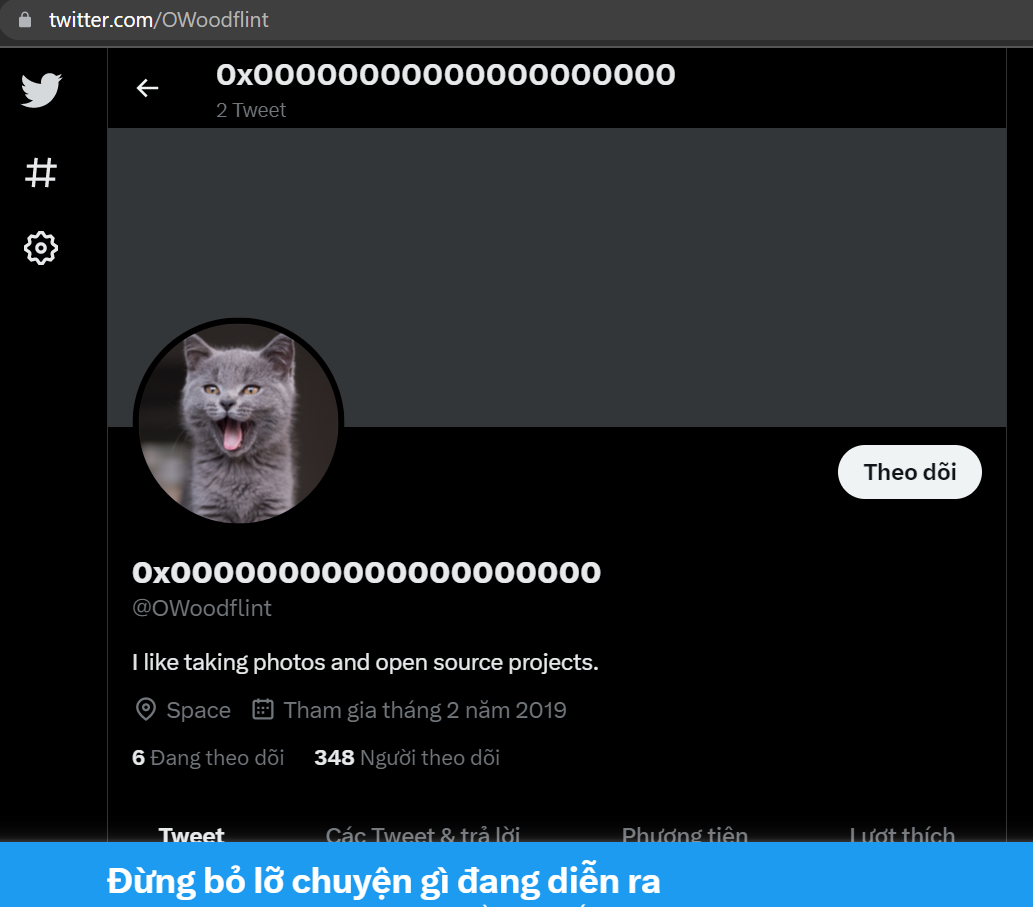
Thấy avatar là 1 con mèo -> câu trả lời là cat

Đọc bài tweet thấy có 1 bài như sau:
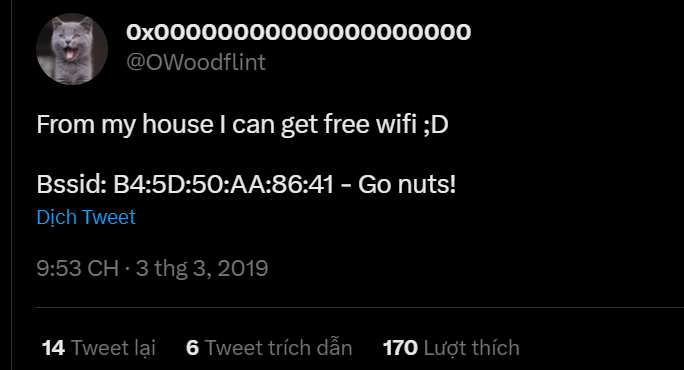
Dưới phần bình luận có 1 đoạn mã base64

Sau khi giải mã đoạn code trên thì nhận được "Give wigle.net a try", tra gg wigle.net.
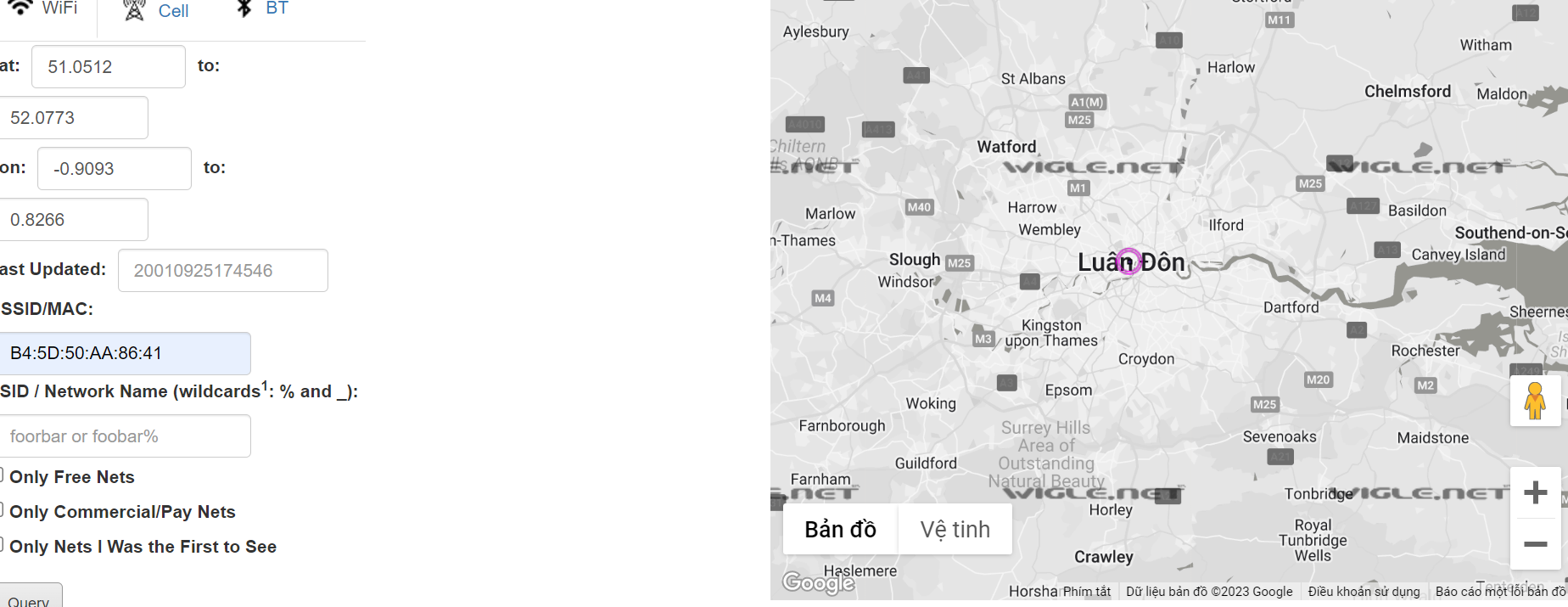
Paste "B4:5D:50:AA:86:41" vào phần BSSID/MAC: rồi chọn "view basic" và tìm chấm màu tím như hình -> câu trả lời là london.

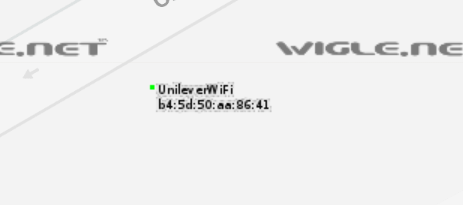
Phóng to điểm màu tím sẽ ra tên wifi

Lướt xem phần comment sẽ thấy có 1 comment email


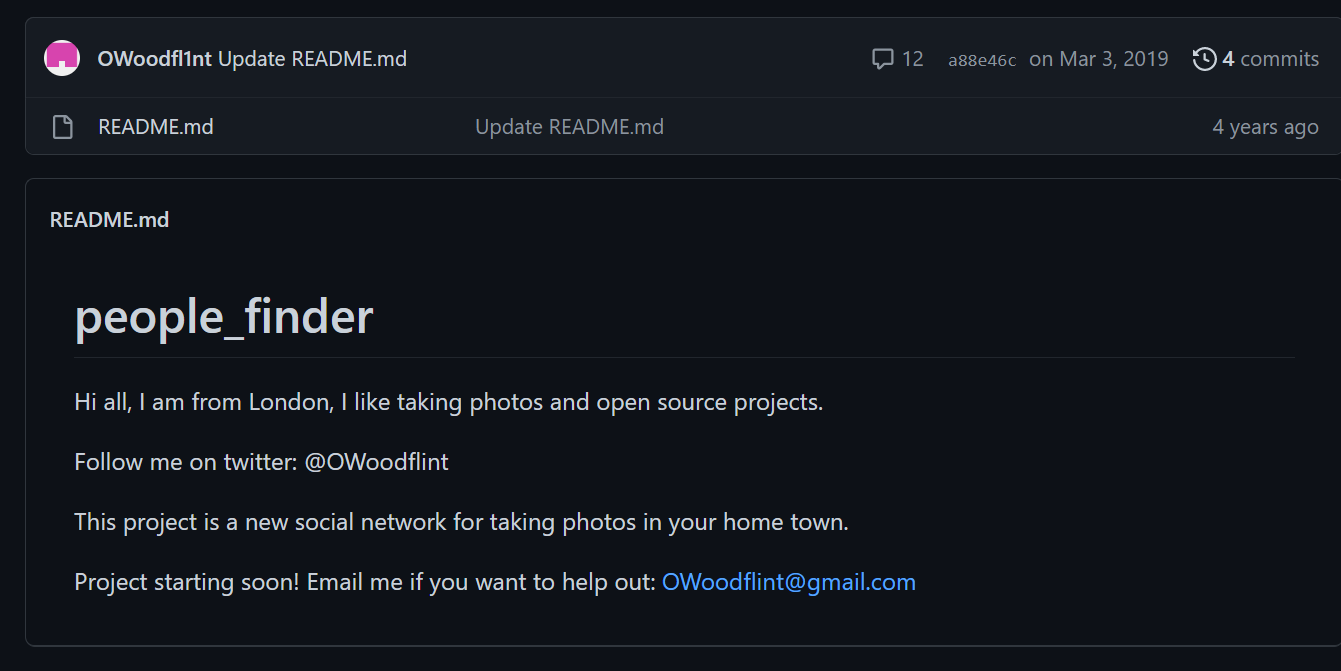
Tra gg email sẽ thấy có 3 trang: wordpress, twitter và github. Vào từng trang một thì sẽ thấy email trong trang github:

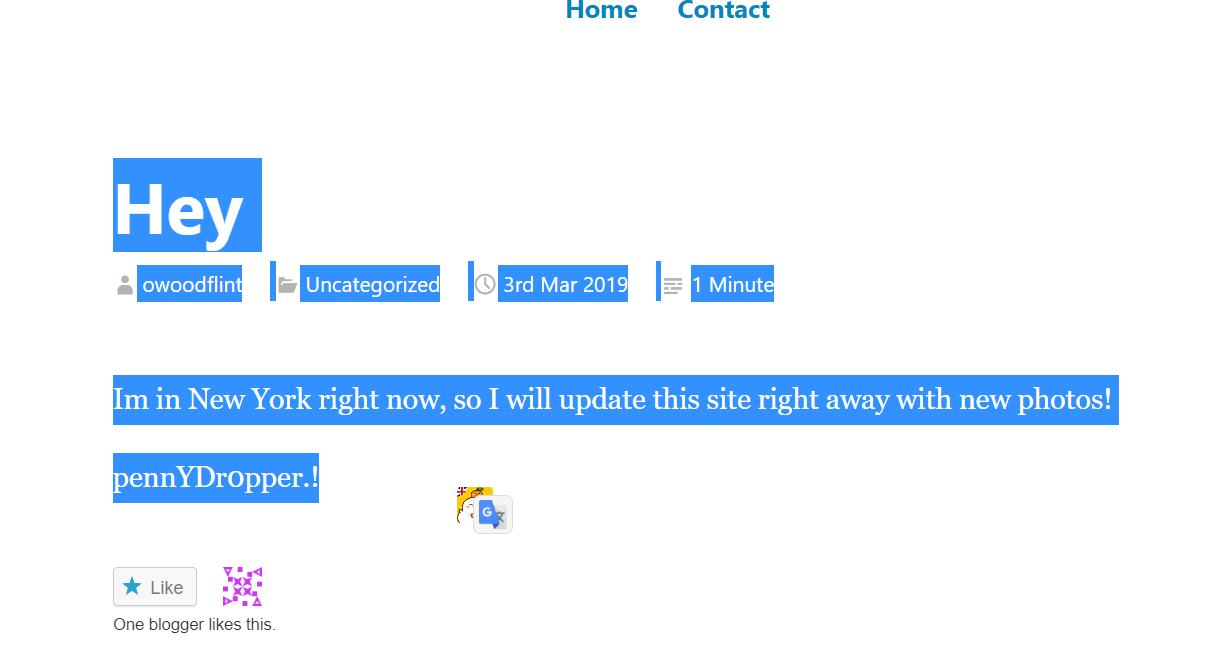
Trong wordpress đã nói rằng ông này đang ở new york:


Vào trang wordpress thì sẽ không thấy gì đặc biệt, nhưng khi bôi đen hết các dòng chữ thì sẽ hiện ra 1 dòng kí tự được viết bằng màu trắng:
"pennYDr0pper.!"

Let’s say we want to find IP addresses vulnerable to Eternal Blue:
vuln:ms17-010

Đầu tiên, Tra gg tìm google's asn (AS15169).
TRa trên shodan "ASN:AS15169 product:MySQL", nhưng mà nó không ra nên phải dùng hint thôi chứ em hết cách rồi.

Ở vị trí thứ hai là "netherland"

Under Google's ASN, which is more popular for nginx, Hypertext Transfer Protocol or Hypertext Transfer Protocol with SSL?
Dựa vào format answer thì ra được câu trả lời là "Hypertext Transfer Protocol".

Vì US là nước đừng đầu trong top countries nên tra trên shodan thêm phần country "ASN:AS15169 product:MySQL country:"US""
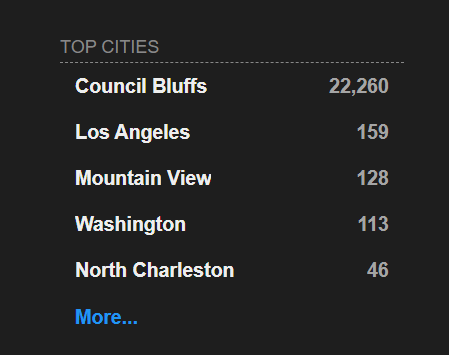
Mặc dù "Council Bluffs" là nước đứng đầu, tuy nhiên điền vào phần đáp án lại không được. Thử dến "Los Angeles" rồi đến "Mountain view" thì mới được.

Tra "ASN:AS15169 product:MySQL country:"US" city:"Los Angeles"" trên Shodan, nhưng lại không có kết quả.
Nên vẫn dùng kết quả của hint

Tra trên Shodan "ASN:AS15169 tags:webcam" và không có webcam nào





It is essential to keep track of who is handling it at any point in time to ensure that evidence is admissible in the court of law. What is the name of the documentation that would help establish that?
Chain of custody: This is necessary to keep track of who was holding the evidence at any time.

Using pdfinfo, find out the author of the attached PDF file.
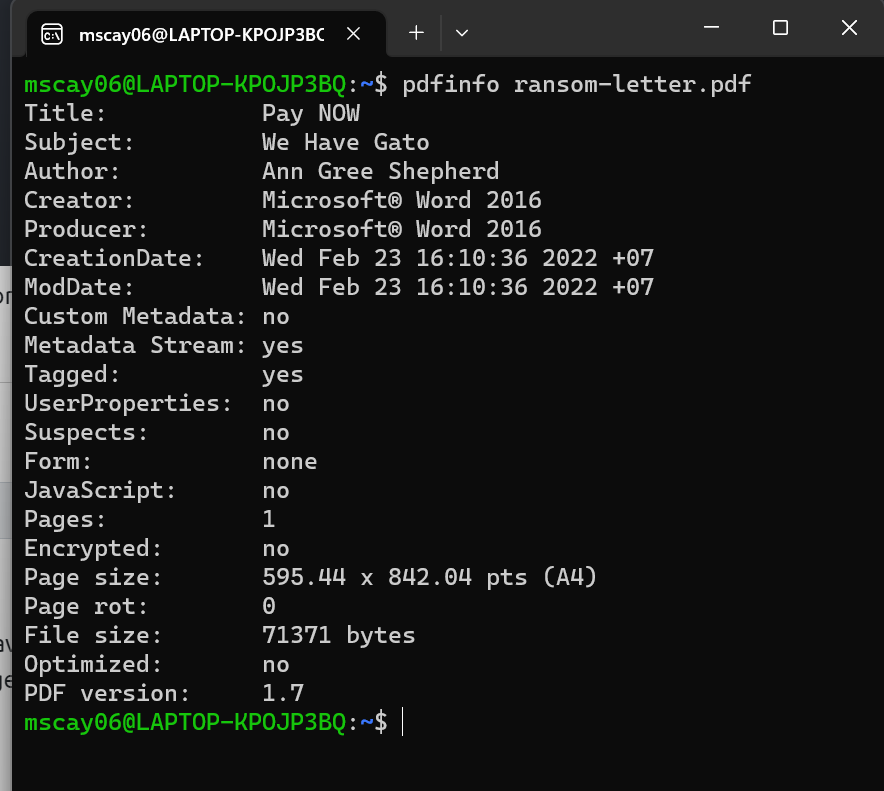
Thấy phần "author" là "Ann Gree Shepherd"

Using exiftool or any similar tool, try to find where the kidnappers took the image they attached to their document. What is the name of the street?
Dùng lệnh "exiftool letter-image.jpg" trong ubuntu
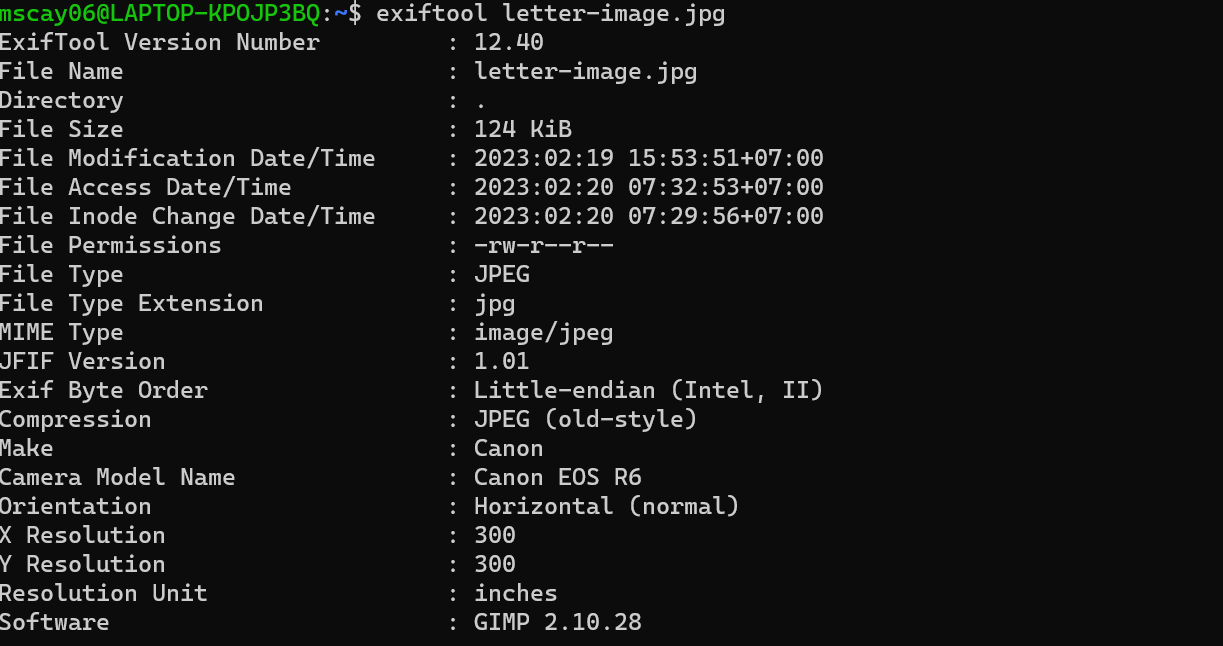
Chú ý phần GPS lattitude, longitude và position. chuyển đổi sang dạng decimal để tra gg map.
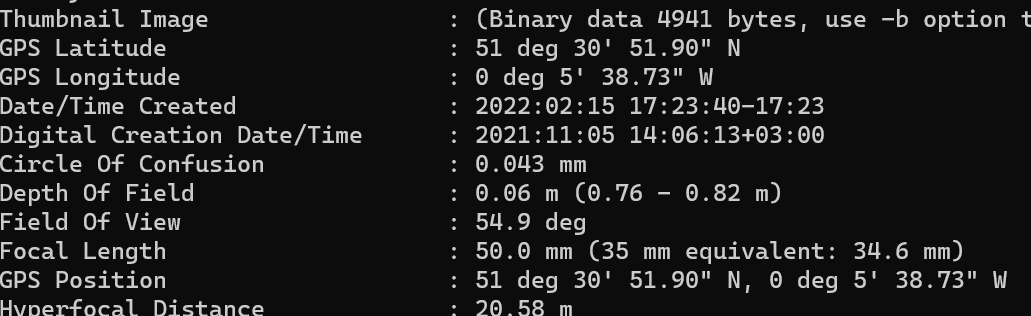
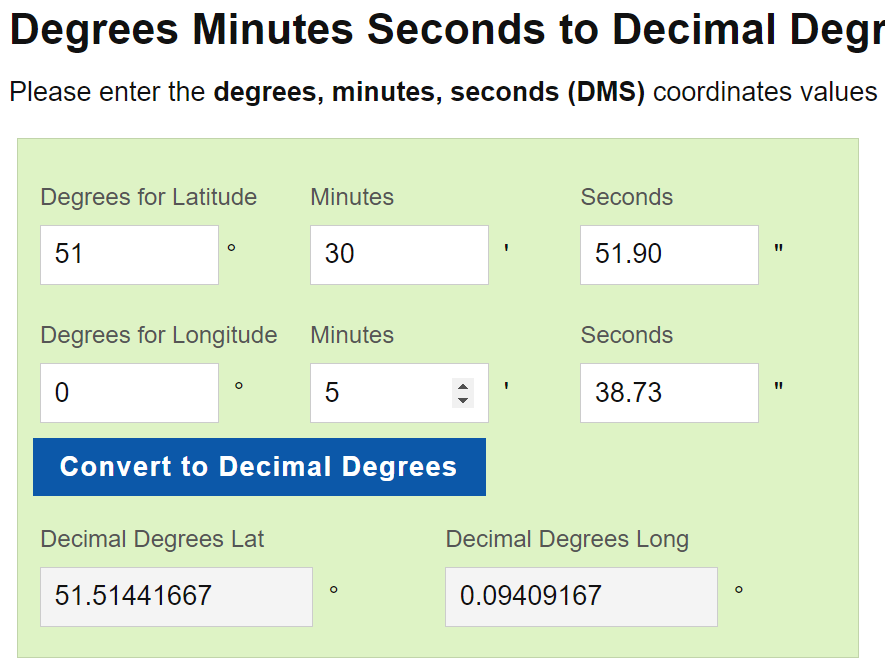
Đây là thông tin thu được khi tra gg map
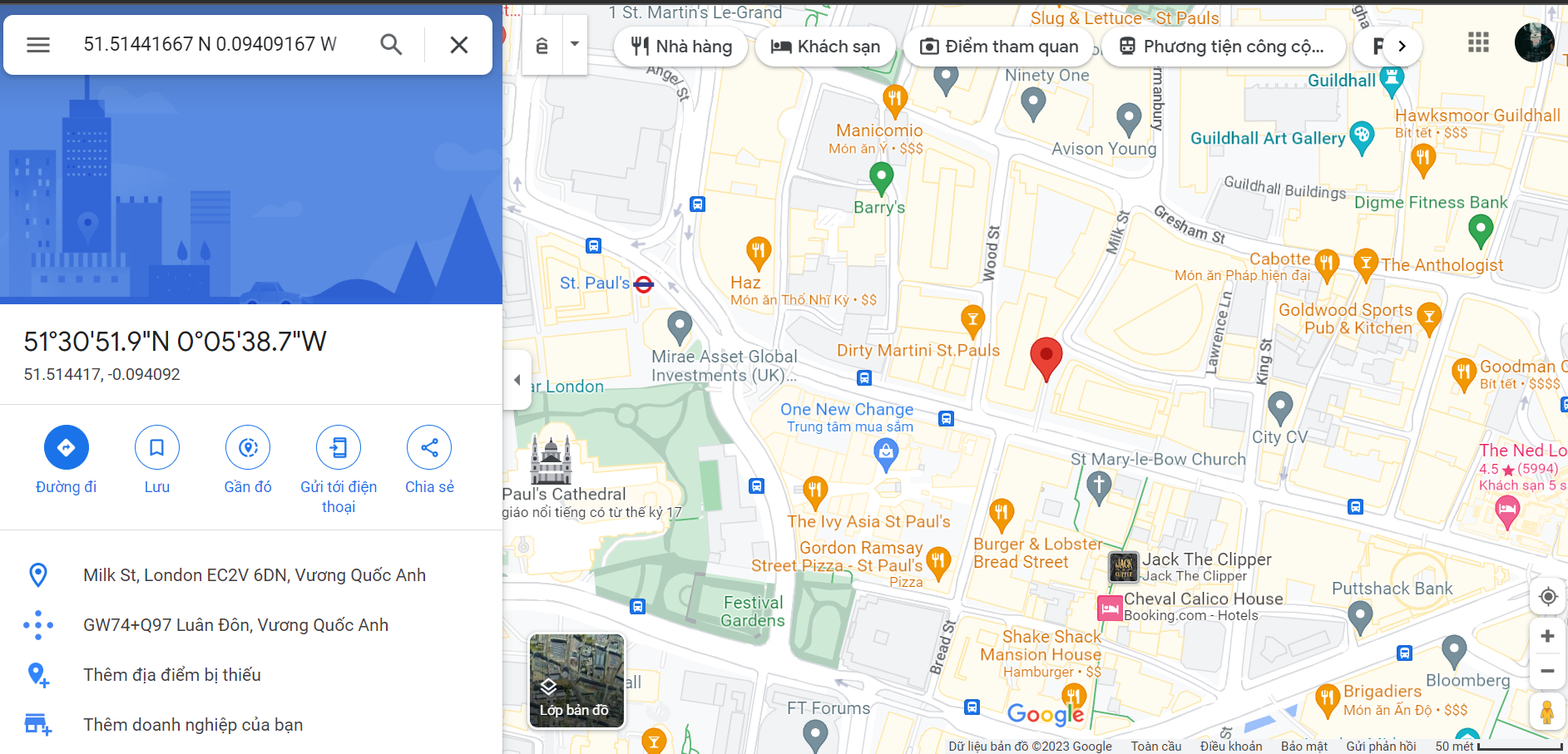
Phần vị trí ở khung bên trái, thấy tên con phố là "milk street".

chú ý dòng "Camera model name".


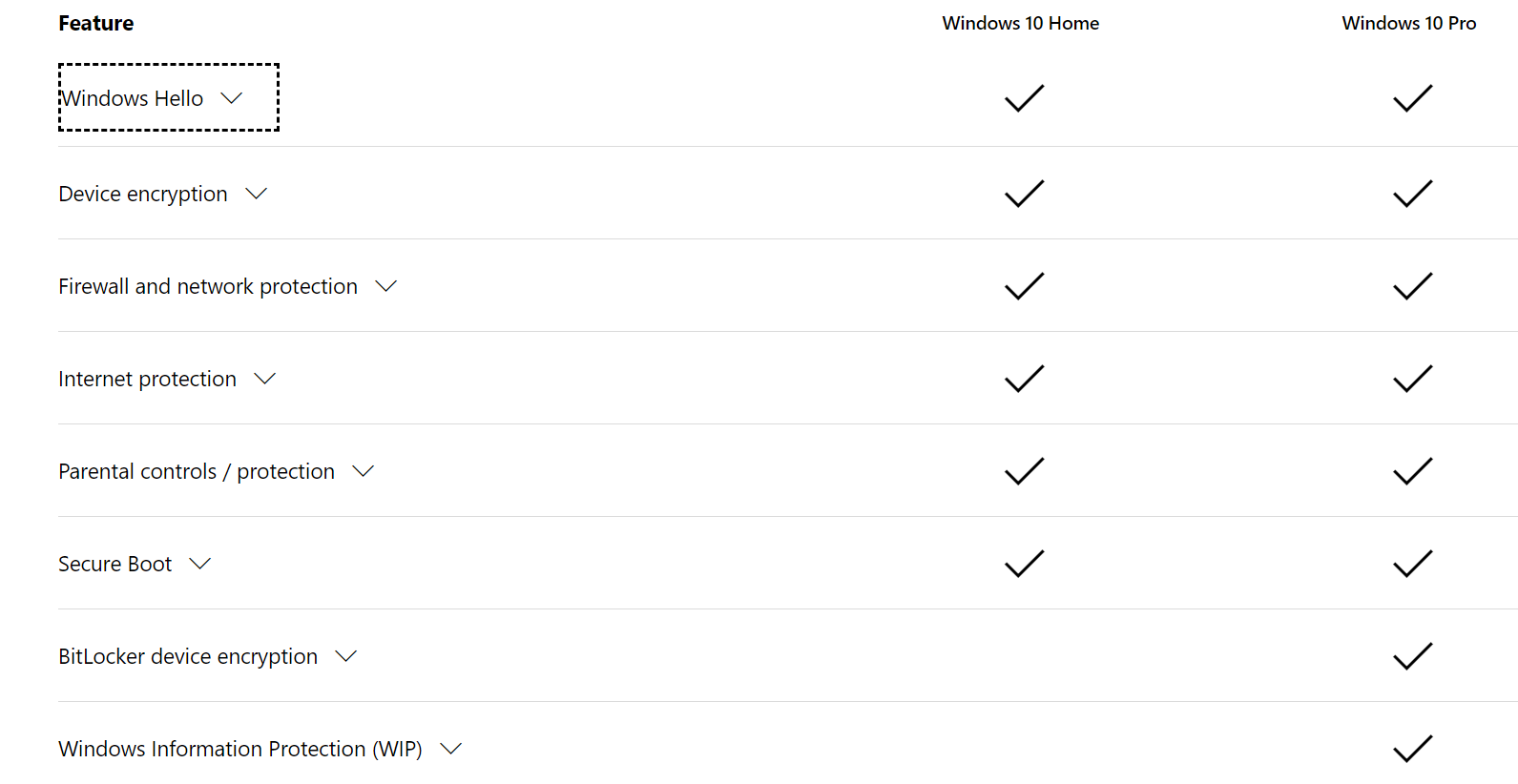
So sánh giữa 2 bản thì thấy phần Bitlocker device encryption có bên bản pro còn home thì không.

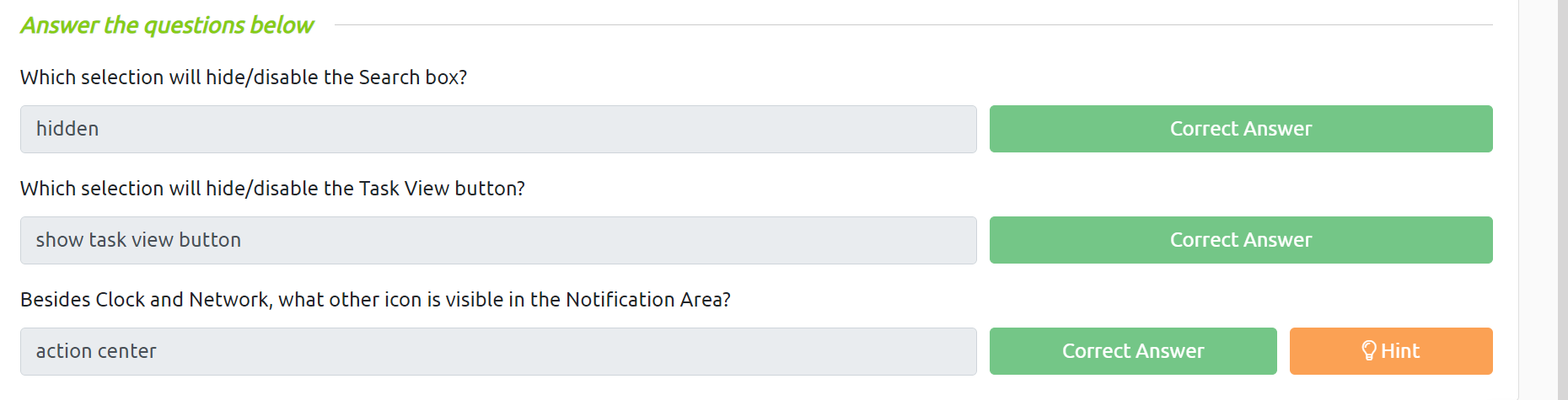


Đã được anh Tùng hướng dẫn và không giải thích gì thêm
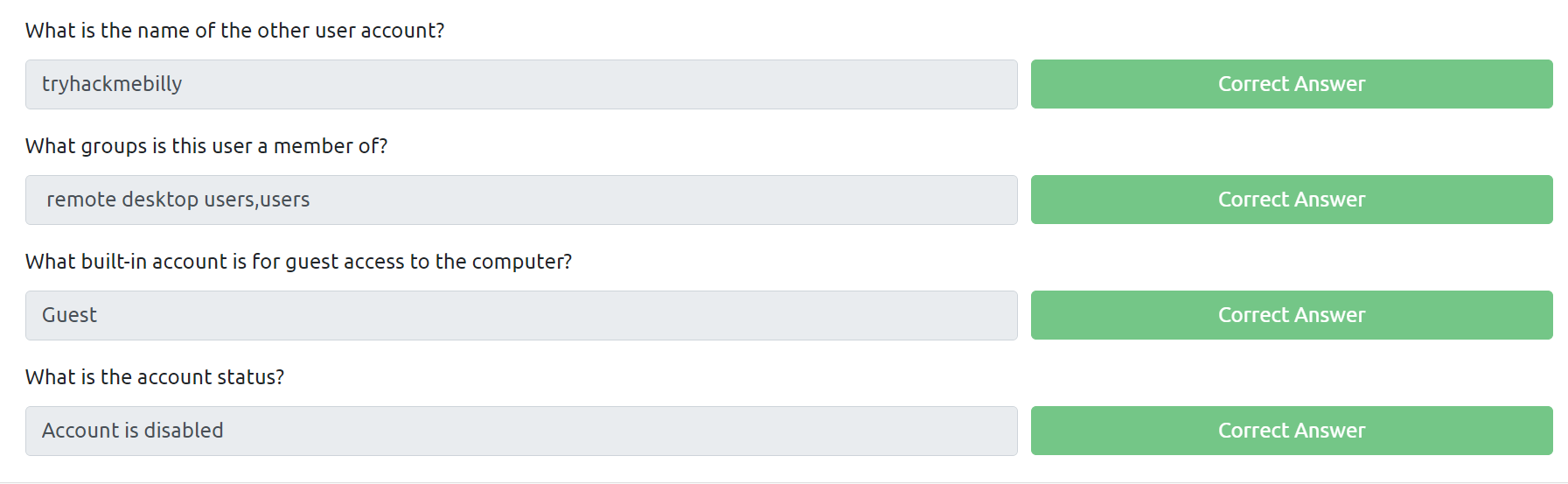

Không phải cái cuối thì thử cái gần cuối.
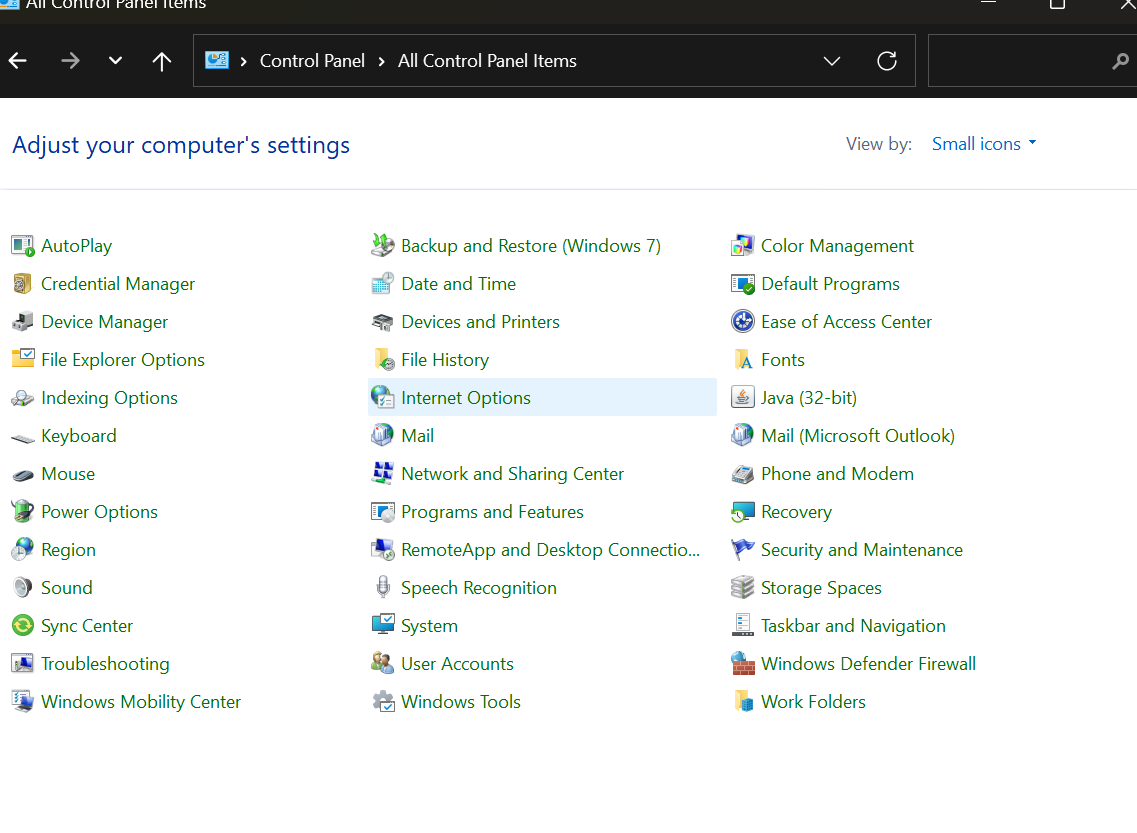

Tra gg "keyboard shortcut task manager"

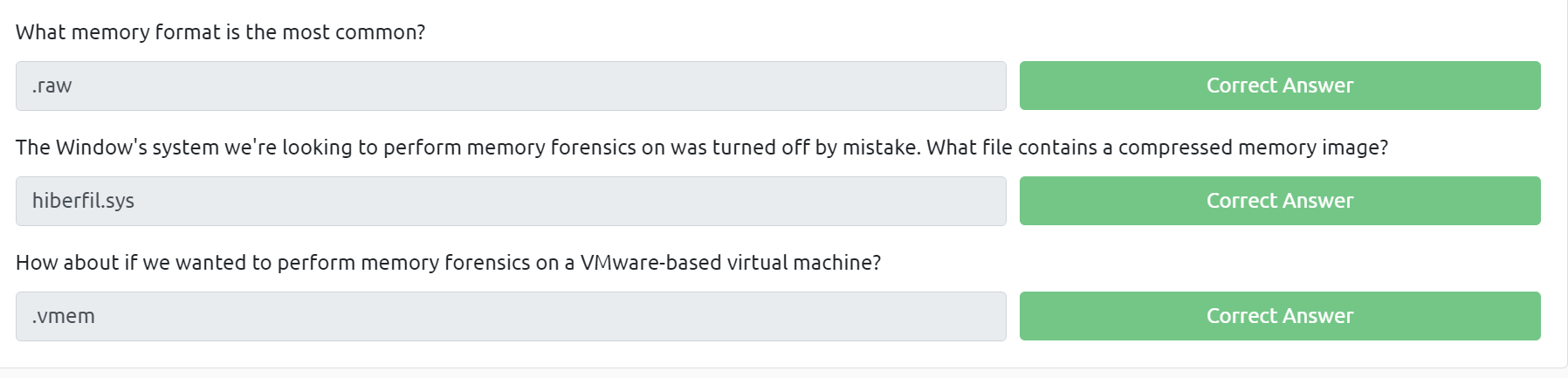
Những thông tin để làm những câu này đều có ở phần lý thuyết
What memory format is the most common?
The .raw format is one of the most common memory file types you will see in the wild.
The Window's system we're looking to perform memory forensics on was turned off by mistake. What file contains a compressed memory image?
hiberfil.sys, better known as the Windows hibernation file contains a compressed memory image from the previous boot.
How about if we wanted to perform memory forensics on a VMware-based virtual machine?
VMware - .vmem file
Running the imageinfo command in Volatility will provide us with a number of profiles we can test with, however, only one will be correct. We can test these profiles using the pslist command, validating our profile selection by the sheer number of returned results. Do this now with the command volatility -f MEMORY_FILE.raw --profile=PROFILE pslist. What profile is correct for this memory image?
Chạy dòng lệnh "vol.py -f cridex.vmem imageinfo" để xem thông tin những profile cần sử dụng.
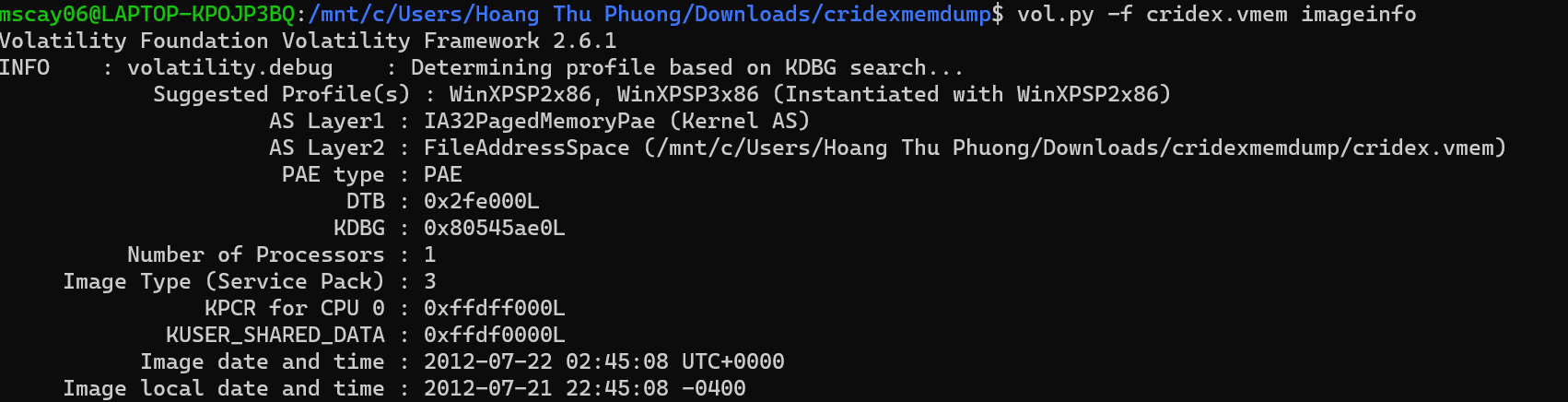
Ở phần suggested profile có 2 cái là WinXPSP2x86 và WinXPSP3x86, thử đáp án thì câu trả lời là: WinXPSP2x86

Take a look through the processes within our image. What is the process ID for the smss.exe process? If results are scrolling off-screen, try piping your output into less
Chạy dòng lệnh "vol.py -f cridex.vmem --profile=WinXPSP2x86 pslist" để xem processes.

Nhìn ở dòng cuối trong hình thì thấy được process ID (PID) của smss.exe process là 368

It's fairly common for malware to attempt to hide itself and the process associated with it. That being said, we can view intentionally hidden processes via the command psxview. What process has only one 'False' listed?
Chạy dòng lệnh "vol.py -f cridex.vmem --profile=WinXPSP2x86 psxview" để xem những processes bị cố ý giấu đi.
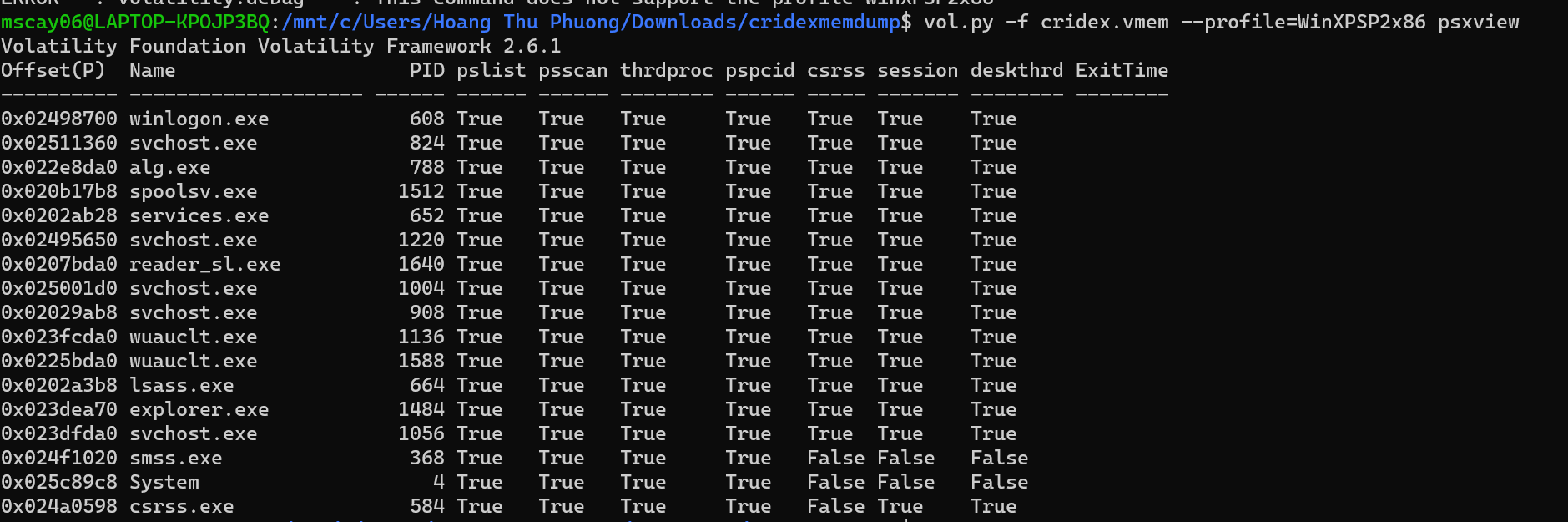
Và thấy rằng chỉ có phần csrss.exe là có duy nhất 1 cái false.

In addition to viewing hidden processes via psxview, we can also check this with a greater focus via the command 'ldrmodules'. Three columns will appear here in the middle, InLoad, InInit, InMem. If any of these are false, that module has likely been injected which is a really bad thing. On a normal system the grep statement above should return no output. Which process has all three columns listed as 'False' (other than System)?
Chạy dòng lệnh "vol.py -f cridex.vmem --profile=WinXPSP2x86 ldrmodules". Ngoài system thì chỉ có csrss.exe là có cả 3 cột đều false.

Note: em lỡ nhập thêm "ds" ngay sau khi submit nên không sửa lại được nữa, chứ câu trả lời là : "csrss.exe".

Injected code can be a huge issue and is highly indicative of very very bad things. We can check for this with the command malfind. Using the full command volatility -f MEMORY_FILE.raw --profile=PROFILE malfind -D <Destination Directory> we can not only find this code, but also dump it to our specified directory. Let's do this now! We'll use this dump later for more analysis. How many files does this generate?
Tạo 1 thư mục tên là "tmp" sau đó chạy lệnh " vol.py -f cridexmemdump/cridex.vmem --profile=WinXPSP2x86 malfind -D ./tmp".
Mở thư mục tmp ra thì thấy có 12 items

Now that we've seen all of the DLLs running in memory, let's go a step further and pull them out! Do this now with the command volatility -f MEMORY_FILE.raw --profile=PROFILE --pid=PID dlldump -D <Destination Directory> where the PID is the process ID of the infected process we identified earlier (questions five and six). How many DLLs does this end up pulling?
Tạo thư mục "tmp2" sau đó chạy lệnh "vol.py -f cridexmemdump/cridex.vmem --profile=WinXPSP2x86 --pid=584 dlldump -D ./tmp2".
Mở thư mục tmp 2 ra thì có 12 items

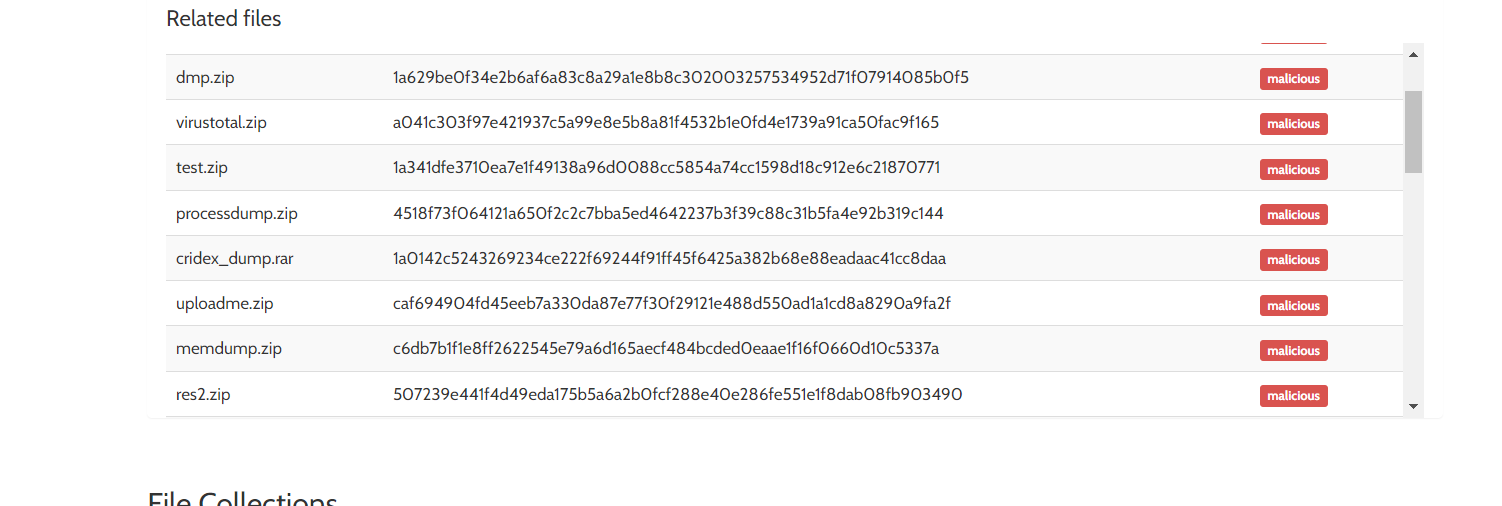
Tra gg thì biết được cridex là malware.


Standard Collector - this method configures the script to gather a minimum amount of data for the analysis. This is going to be our preferred method to collect data in this room. It is also usually the fastest method to collect the data you need. It takes only a few minutes to complete.

You are reading a research paper on a new strain of ransomware. You want to run the data collection on your computer based on the patterns provided, such as domains, hashes, IP addresses, filenames, etc. What method would you choose to run a granular data collection against the known indicators?
IOC Search Collector (Windows only) - this method collects data that matches with the Indicators of Compromise (IOCs) that you created with the help of IOC Editor. You will choose this method if you want to run the data collection against known IOCs that you have gathered either through threat intelligence (data feed or narrative report), incident response, or malware analysis. You imported them into IOC Editor. We'll look at the IOC Editor a bit further in the next task.

What script would you run to initiate the data collection process? Please include the file extension.
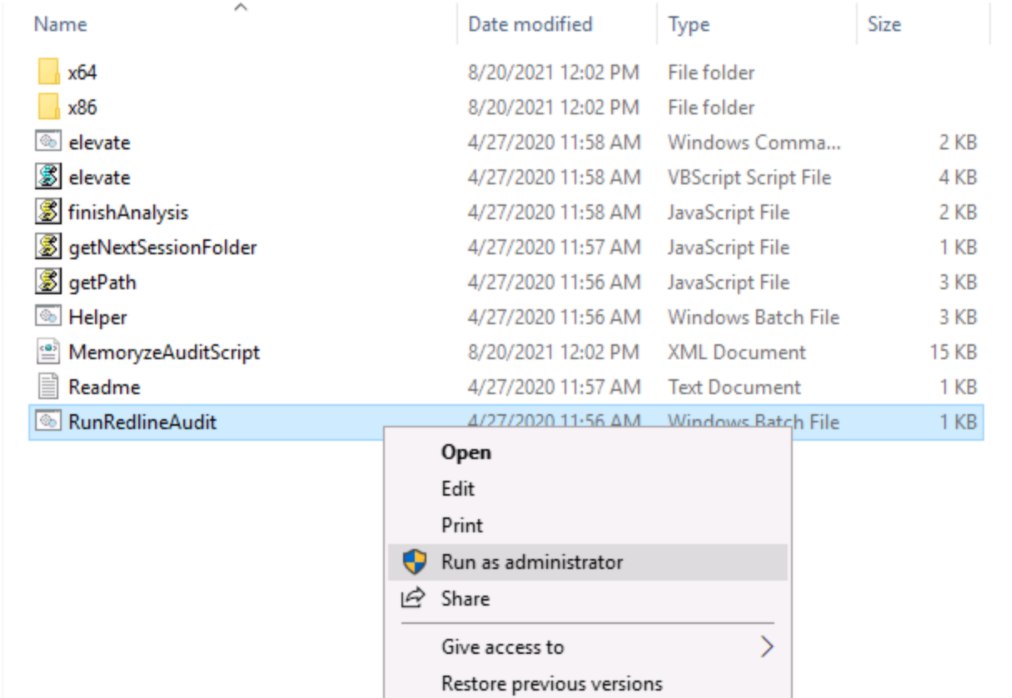
Cả extention sẽ là "RunRedlineAudit.bat"

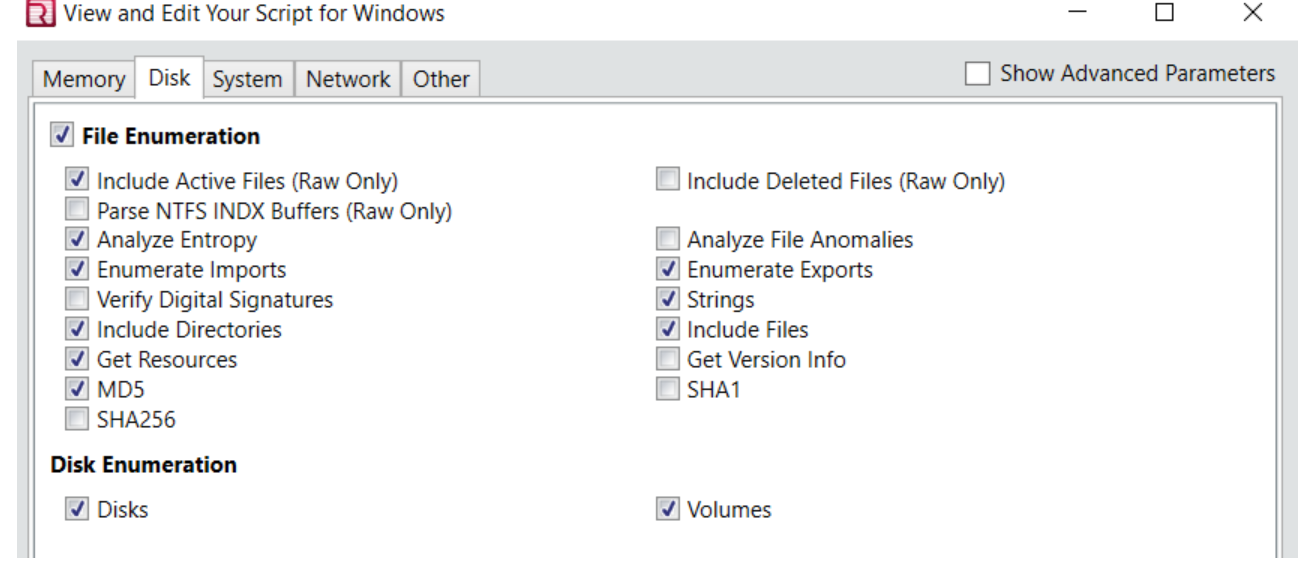

Cái này tra gg là ra.


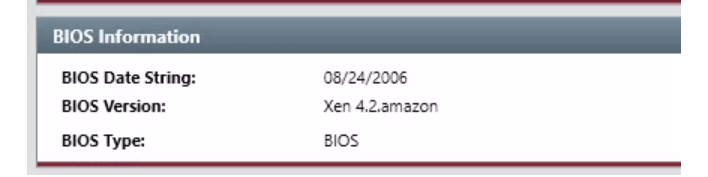
System Information: this is where you will see the information about the machine, BIOS (Windows only), operating system, and user information.

Vào phần system information tab và cuộn xuống thì sẽ thấy

Vẫn ở trong phần system information đó
Vào phần task và tìm cái tên khả nghi
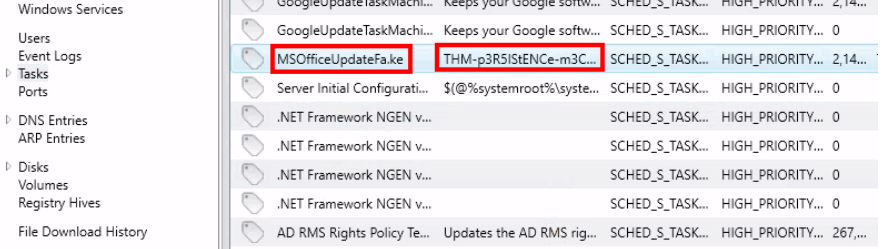

Đọc phần comment của ảnh phía trên (trong phần task), comment đó chính là message cần tìm.

There is a new System Event ID created by an intruder with the source name "THM-Redline-User" and the Type "ERROR". Find the Event ID #.
Vào phần Event Logs và tra "THM-Redline-User" sẽ thấy được file cần tìm có type "error".

Để ý thấy EID là 546.

Vẫn ảnh câu phía trên, để ý phần message

It looks like the intruder downloaded a file containing the flag for Question 8. Provide the full URL of the website.
Vào phần File download history và tìm file nào đó có vẻ ám muội thì tìm được file có tên là flag.txt
Dòng ở cột source URL là câu trả lời

Vẫn ở phần File download history copy phần Target directory và thêm \flag.txt.

Mở file flag.txt đó ra thì nhận được "THM{600D-C@7cH-My-FR1EnD}" và đây là câu trả lời


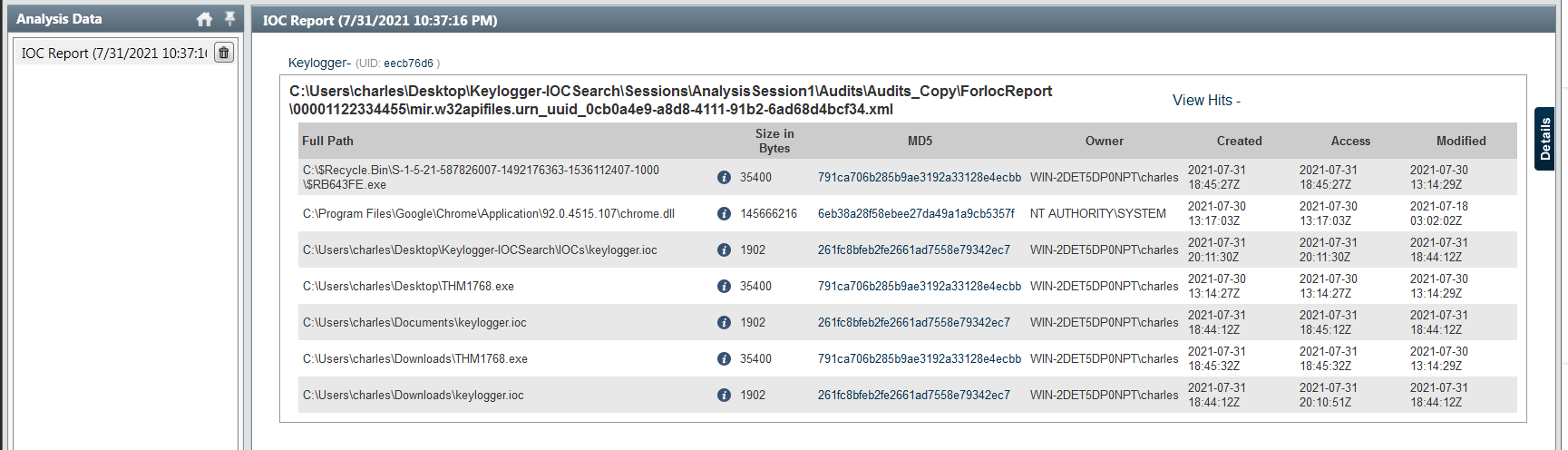
Thấy phần owner đều giống nhau nên thử từng file một

Như ảnh phía trên, chú ý phần owner

Nhìn cột size in bytes

Provide the full path of where the .ioc file was placed after the Redline analysis, include the .ioc filename as well


answer: C:\Users\Administrator\AppData\Local\Temp\8eJv8w2id6lqN85dfC.exe
Như câu trên, chỉ cần bỏ tên file ở cuối

Ở hình phía trên có cột owner

nhấn chuột vào detail và sẽ thấy subsystem
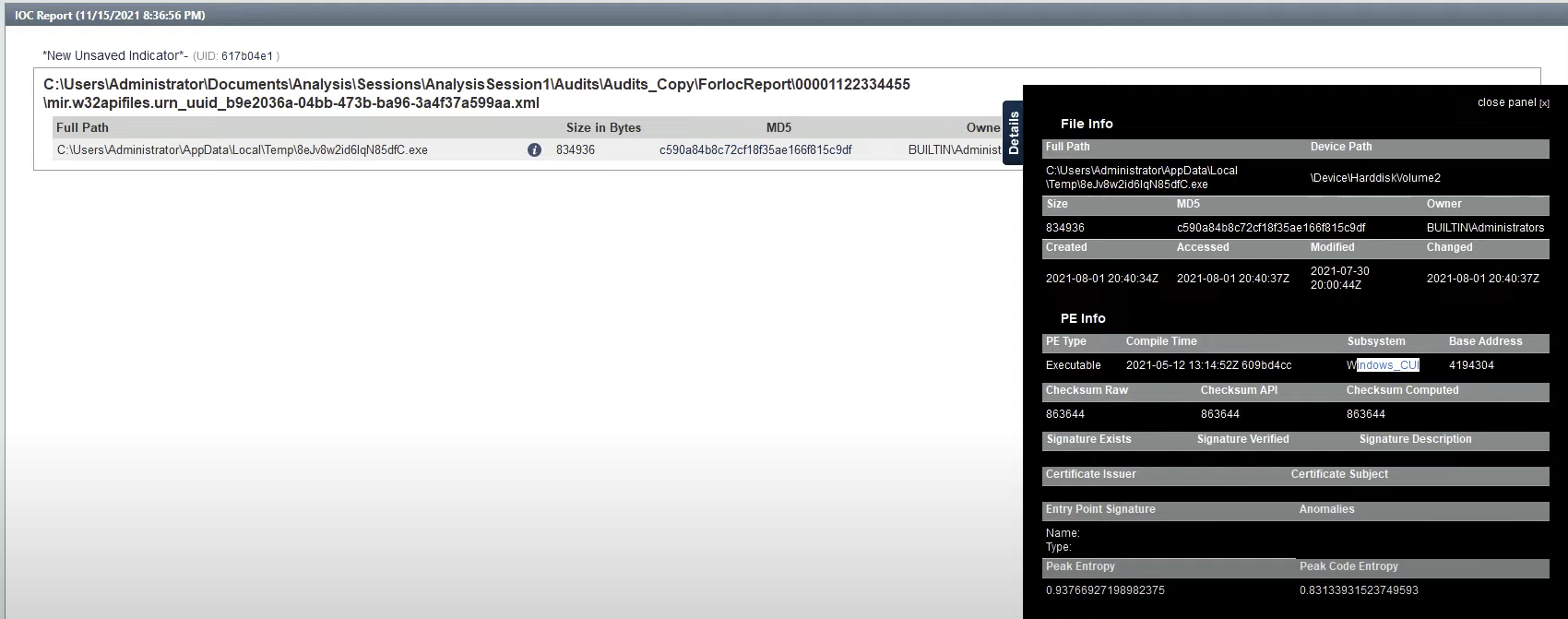

Ở ảnh phía trên cũng có thể thấy device path

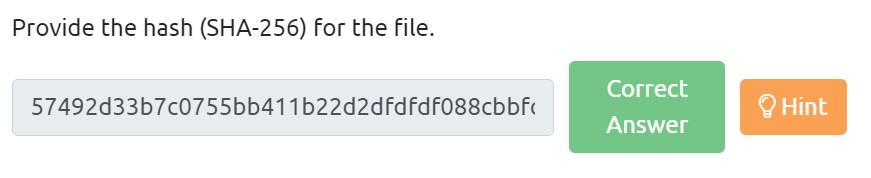
Vào windows powershell và nhập lệnh "Get-FileHash"
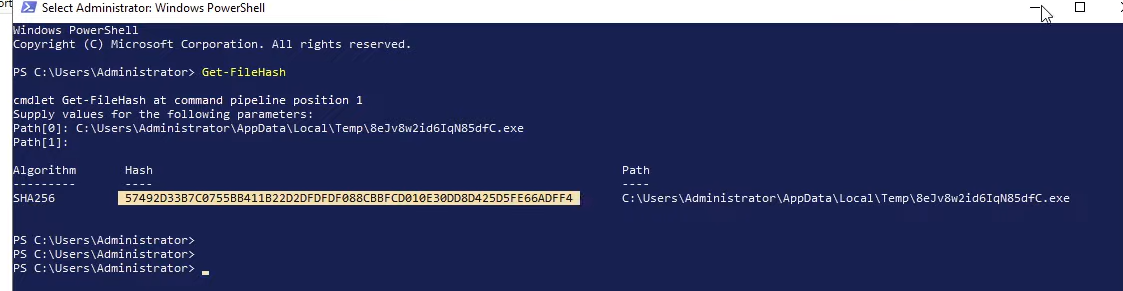
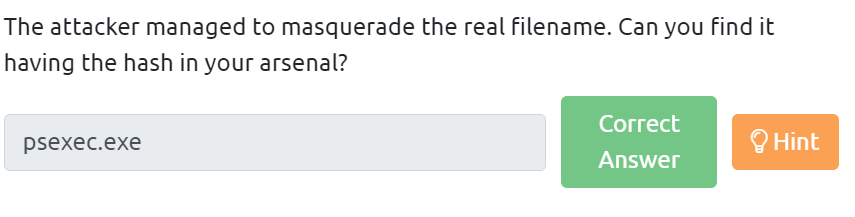
The attacker managed to masquerade the real filename. Can you find it having the hash in your arsenal?
Search hash trong VirusTotal:
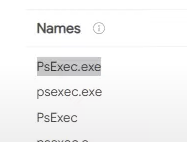
Vào phần system information và chú ý phần product name

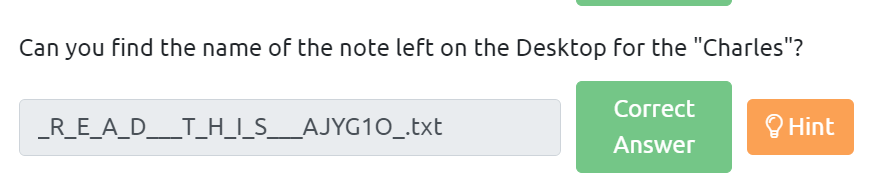




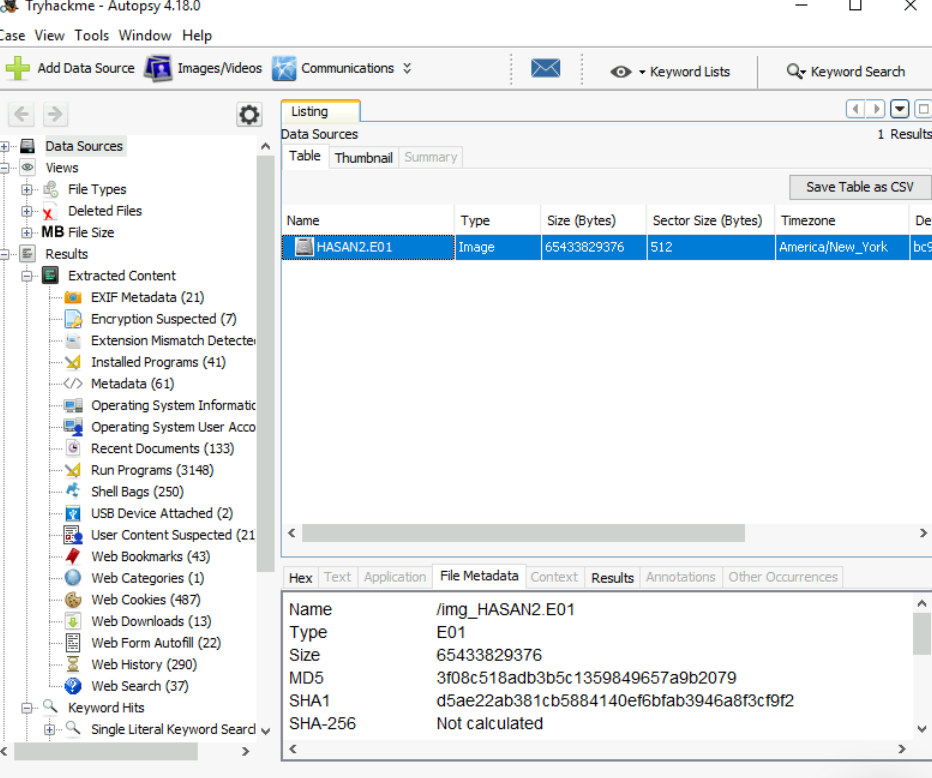
Vào phần data source, sau đó chọn file HASAN2.E01 và chọn file metadata sẽ thấy dòng MD5

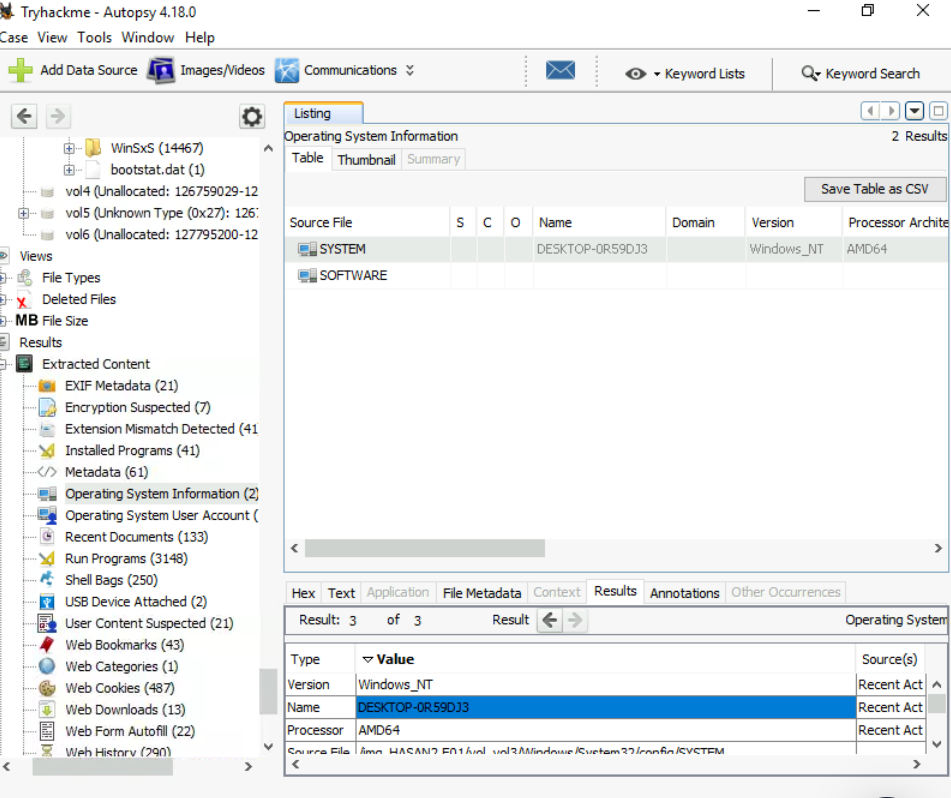
Đẩu tiền chọn operating system information, rồi chọn SYSTEM là sẽ thấy tên

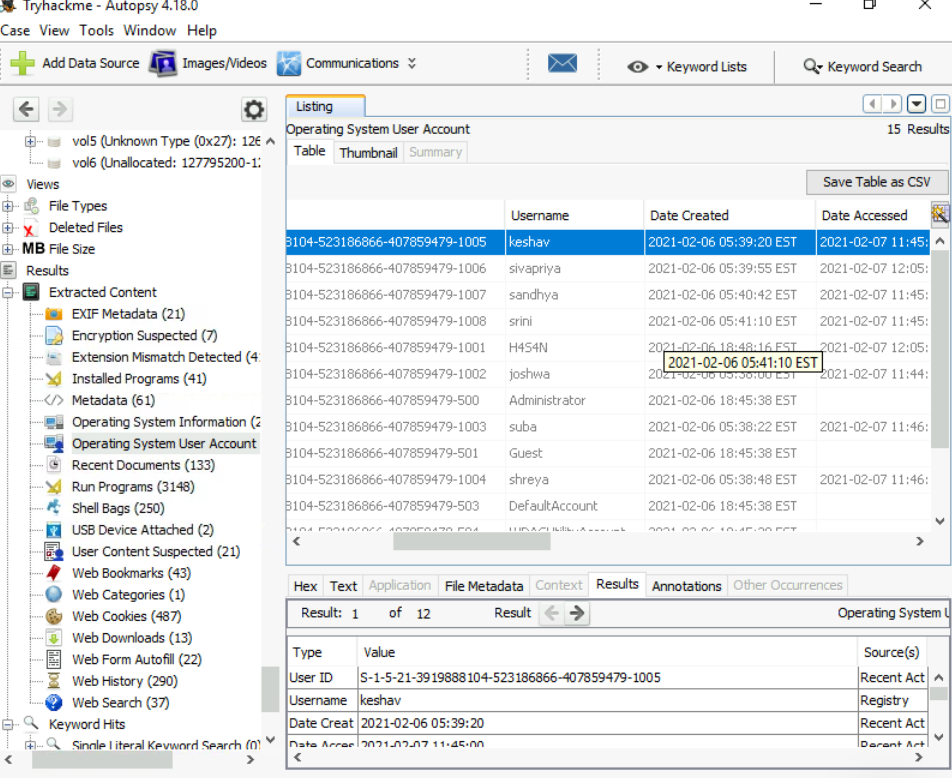
Đầu tiên chọn operating system user account, kéo sang bên phải sẽ thấy cột user name, nhập tên theo thứ tự chữ cái là ra đáp án.

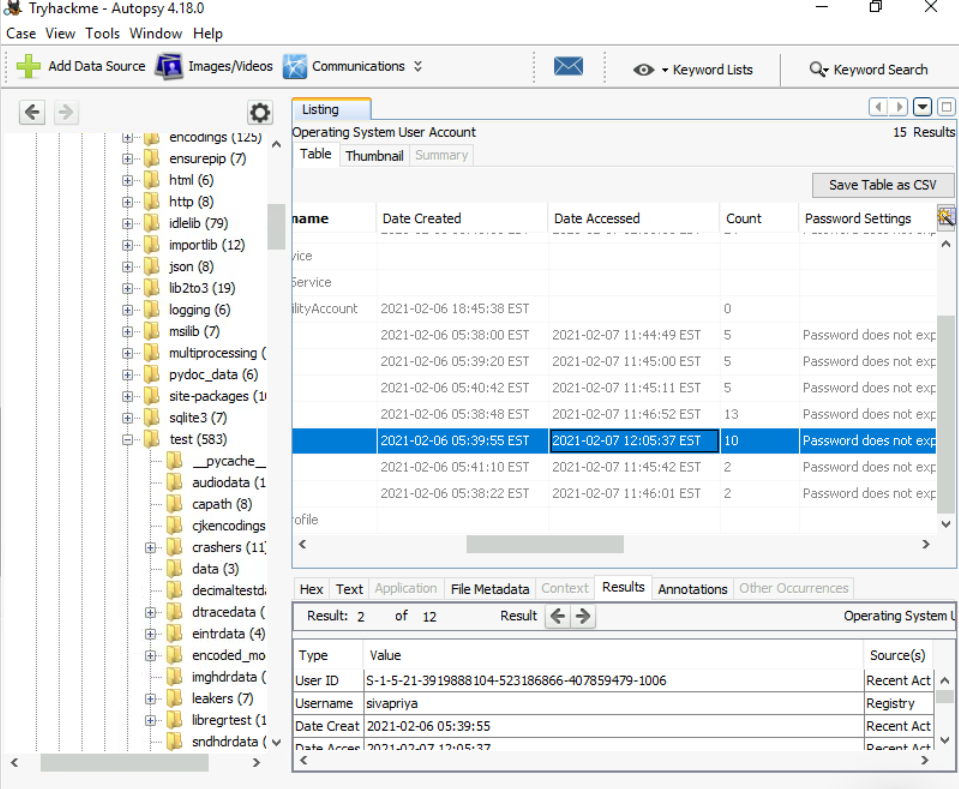
Chú ý cột date accessed, người cuối cùng là sivapriya

Data Sources > HASAN2.E01 > Vol3 > Program Files (x86) > Look@LAN > irunin.ini
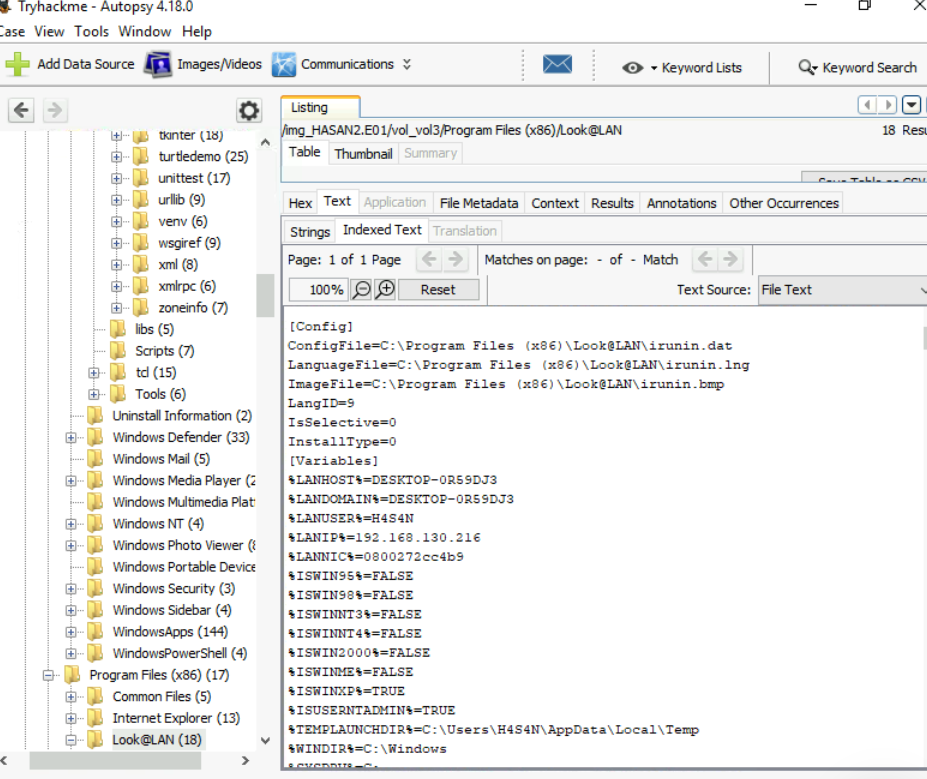

Vẫn có thể tìm được trong irunin.ini

Chọn Operating System Information, chọn software rồi browse path này "ROOT/Microsoft/Windows NT/CurrentVersion/NetworkCards/2"

Vào phần nstalled Programs sau đó chú ý phần Program name

Vào phần web bookmarks, chú ý phần title
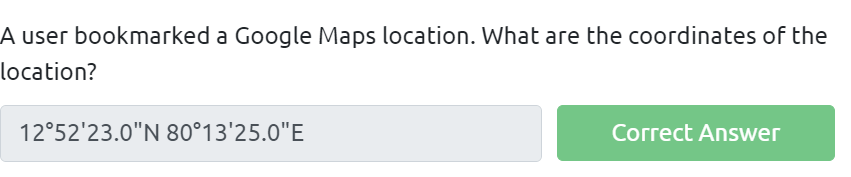
Vào phần Images/Video, chọn downloads, chọn bức ảnh, chuột phải -> export

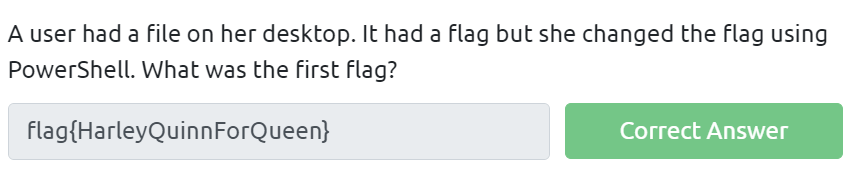
A user had a file on her desktop. It had a flag but she changed the flag using PowerShell. What was the first flag?
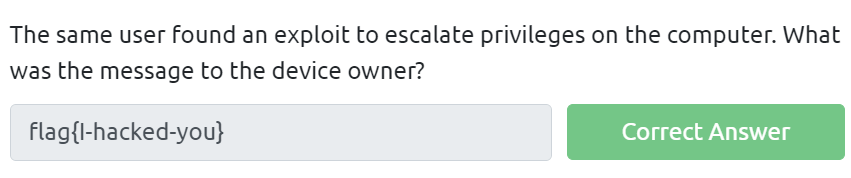
The same user found an exploit to escalate privileges on the computer. What was the message to the device owner?
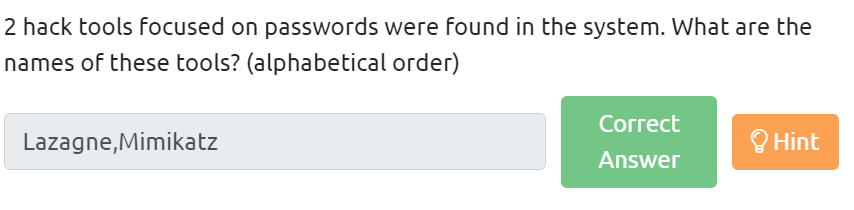
2 hack tools focused on passwords were found in the system. What are the names of these tools? (alphabetical order)

One of the users wanted to exploit a domain controller with an MS-NRPC based exploit. What is the filename of the archive that you found? (include the spaces in your answer)