Editing Stylesheet Using MyraPad
This tutorial demonstrates how a stylesheet could be edited using the MyraPad.
-
Download and unpack file: stylesheetEdit.zip.
It consists from UI in MML(allControls.xml) and linked stylesheet(which is copy of Myra default stylesheet).
-
Open allControls.xml in the MyraPad:
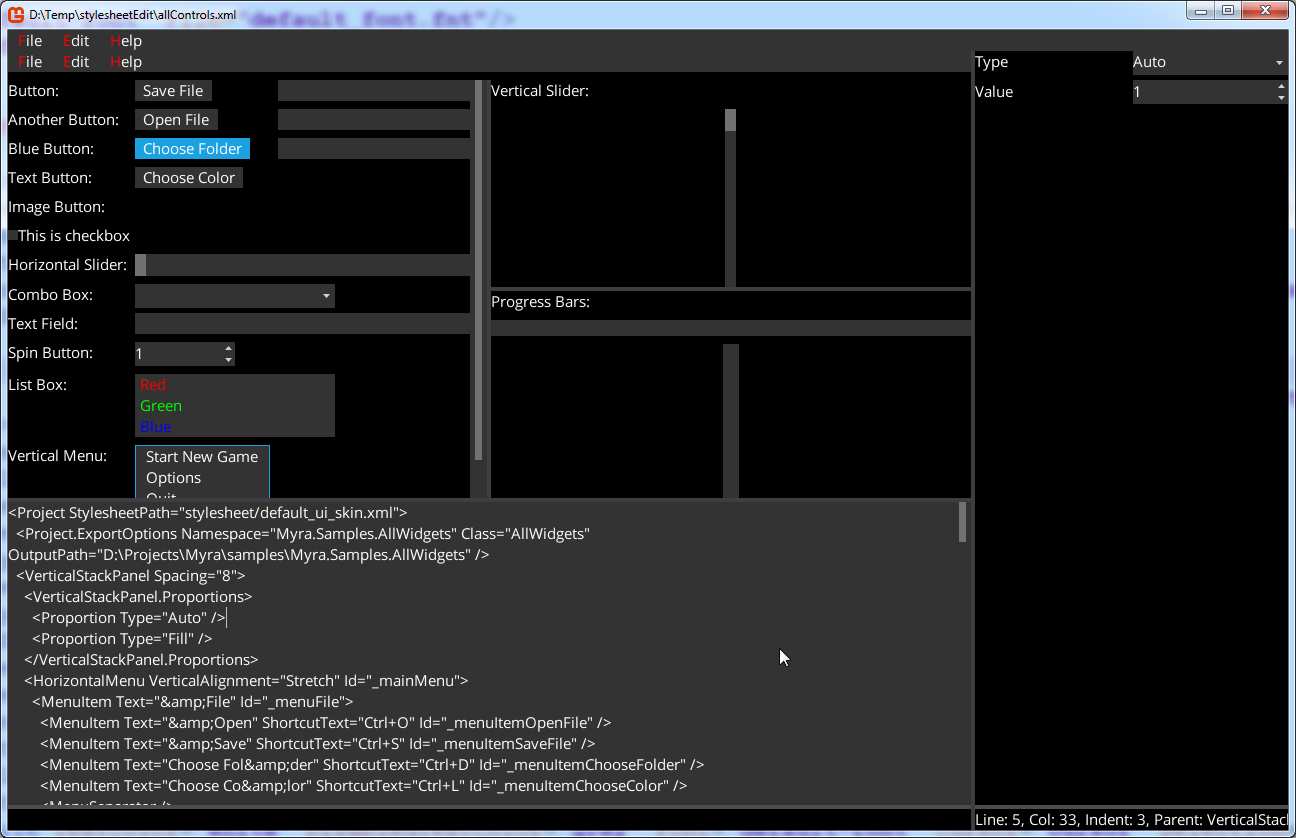
-
Open stylesheet/default_ui_skin.xml in any text editor.
-
Now let's make button background - lightcoral.
Find following line:
<ButtonStyle Background="button" OverBackground="button-over" PressedBackground="button-down" />
And replace it with:
<ButtonStyle Background="#F08080" OverBackground="button-over" PressedBackground="button-down" />
Save stylesheet/default_ui_skin.xml.
-
Now, in the MyraPad, click File/Reload or press Ctrl+R.
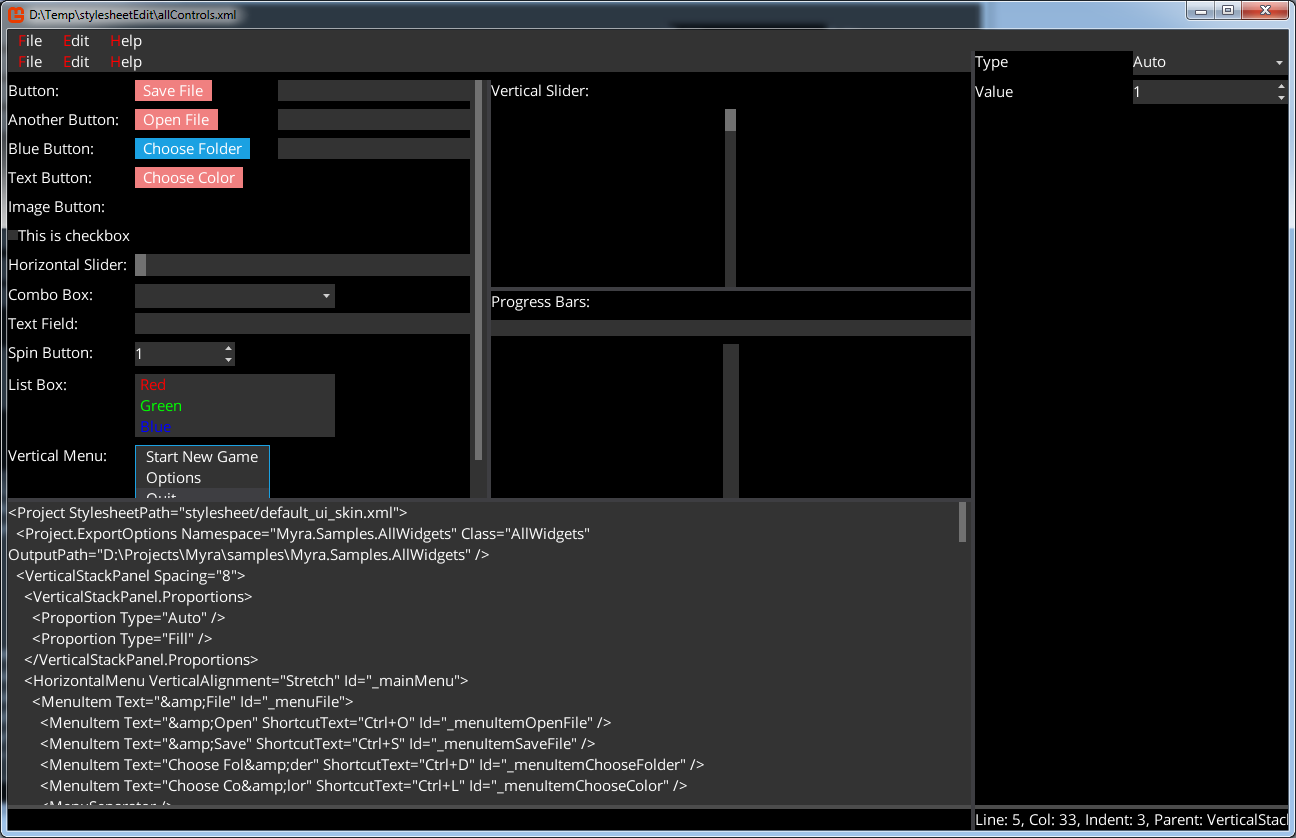
Observe - button backgrounds have become lightcoral: