Python Script to stand as a terminal Operating system. But instead of being booted off your PC. It runs STRAIGHT on your Terminal/Command Prompt!
When you run ChungOS. You appear with something similar to this:
__main__>
To interact, run commands like
mkdir <your-dir-name>
run-lua
run-luafile
cmd # ONLY FOR WINDOWS
bash # ONLY FOR LINUX
terminal # ONLY FOR MAC (DARWIN)
If you want to see all the commands, check all_commands.txt
If you need support or help with something or found an issue, create an issue in the issues tab or go to our Discord server.
-
Make sure you have Python 3.10 or greater installed.
-
CD Into the ChungOS Folder
-
type in
pip3 install -r requirements.txtto install the required modules. -
Launch the Main.py file in your ways
WINDOWS:
py Main.pyLINUX: Ditto
MAC:
python3 Main.py -
Profit
NOTE: Not all features included.
Predecessor to pyBrowse.
Runs discord and FNF very smooooooooooooooooooooooooooooooooooooooooooooooooooooooooothly
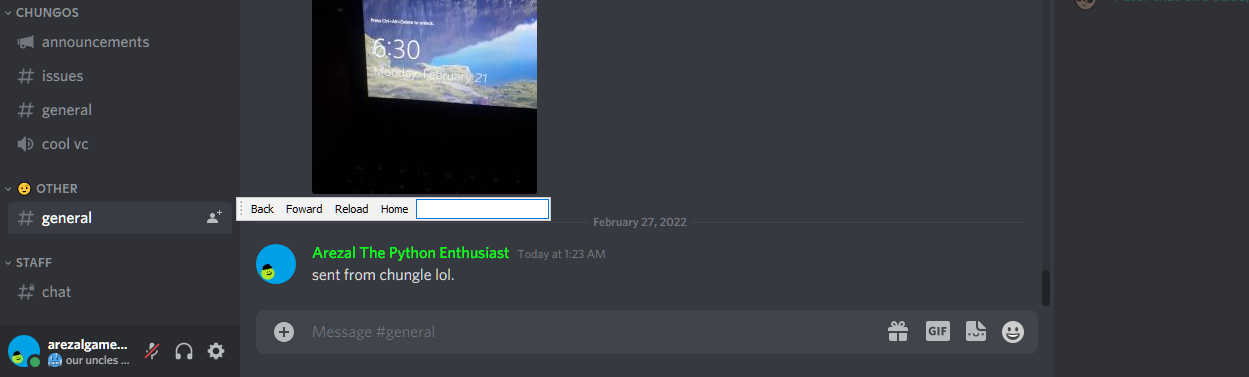
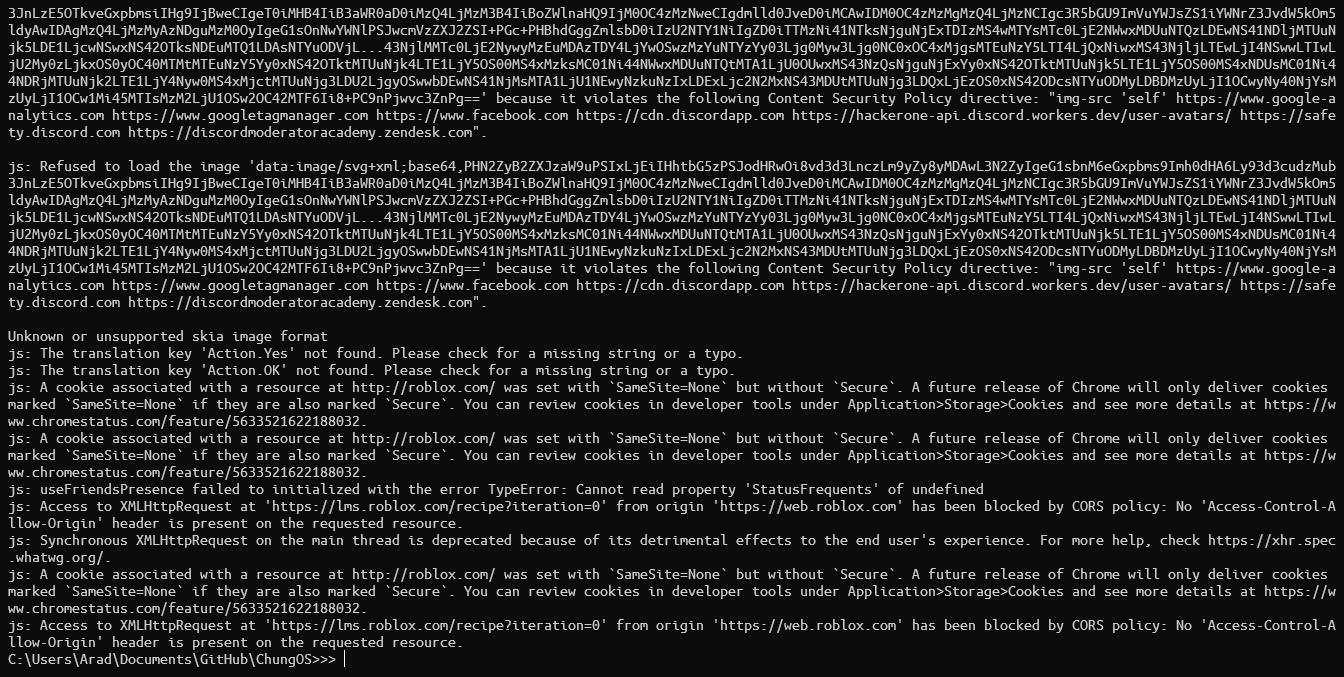
logs shitton of stuff too. (not really though, it's just errors)

d-d-d-d-defenitely no bugs like th-this i swear this is just a old pic yk what don't see it. don't!
after typing this word,
Your Syntax depends...
-
If you use windows. enter batch/cmd code
-
If you use linux/mac. enter bash/zsh codes respectively
You can use Normal Lua to Alter/Extend ChungOS's Functionality
Since ChungOS runs on Lupa Runtime. You're free to write anything you want!
After the period, Enter the program filename on files/Programs. They are Case-Sensitive and you do not need to type the extension
This really is putting lua runtime into test isn't it? - MikeDeer0Gaming34, FCO of NUG
You can do one-line code (or make multi-line possible by \ns) lua by typing ~ as the first letter and your codebase next
Make sure your Script ends in .lua and put it in assets/preload/raw_scripts
Use run-lua to run all the scripts that are there.
Or use run-luafile <yourfilename> to run your specified .lua file!
- Mini - Former Owner | Former ChungOS Programmer | Artist
- Arezalgamer89. - Owner | Programmer