The project I named Calculator is, as the name says, a Calculator, with the visuals strongly inspired by the MAC Sistem calculator. The idea came from the curse 'Curso Web Moderno', where I learned the basic React knowledge to did it. Then, I fixed some bugs that the original code had and stylized it to be more likely to look at.
As I said previously, my objective with this piece of art is to learn the basic principles of React, as well as the standard organization patterns like organizing the components and the stylesheet of then in different folders. As the project was going on, I also learned the basic concepts of responsivity and animations, both using CSS features, and both applied at the Footer to make it fit natural at the visual of my application
Right below, there are some visual examples of my application:
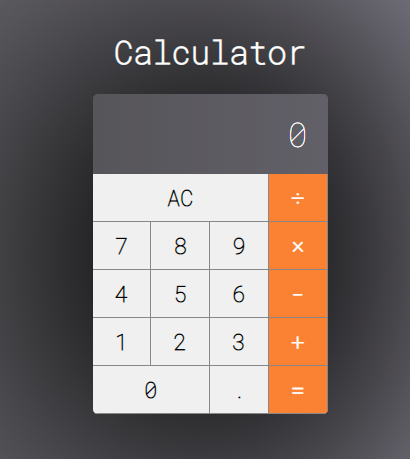
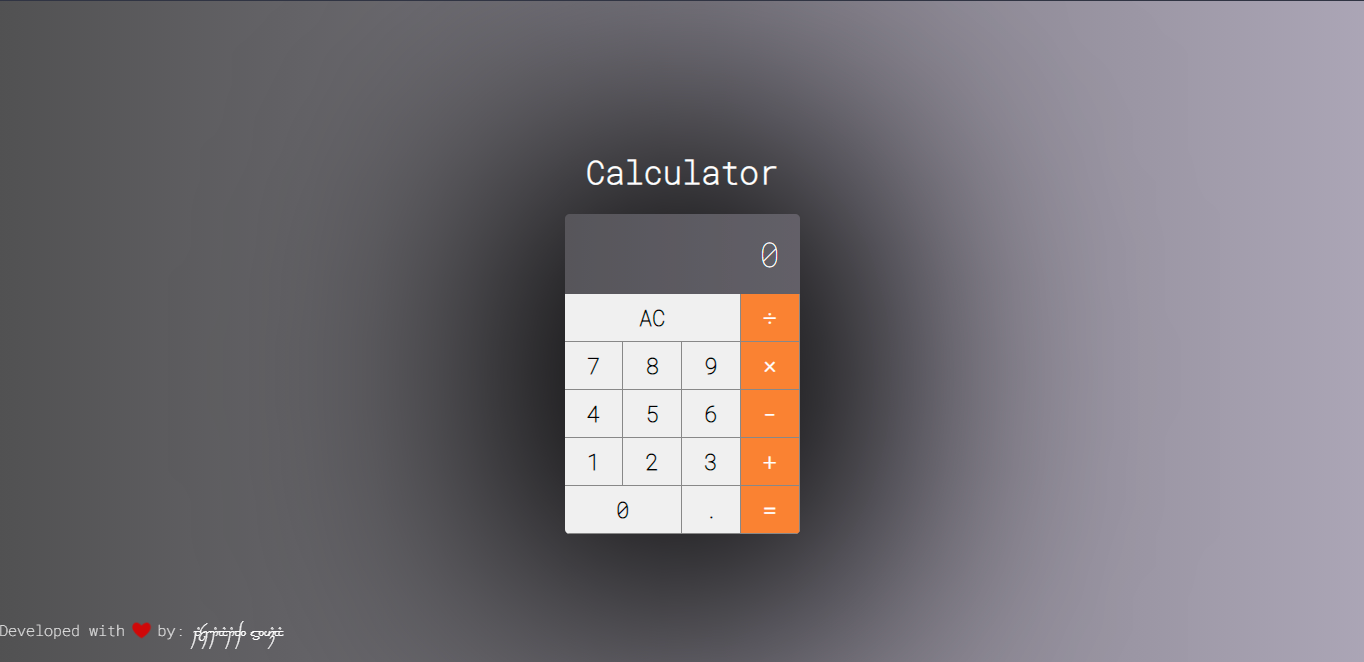
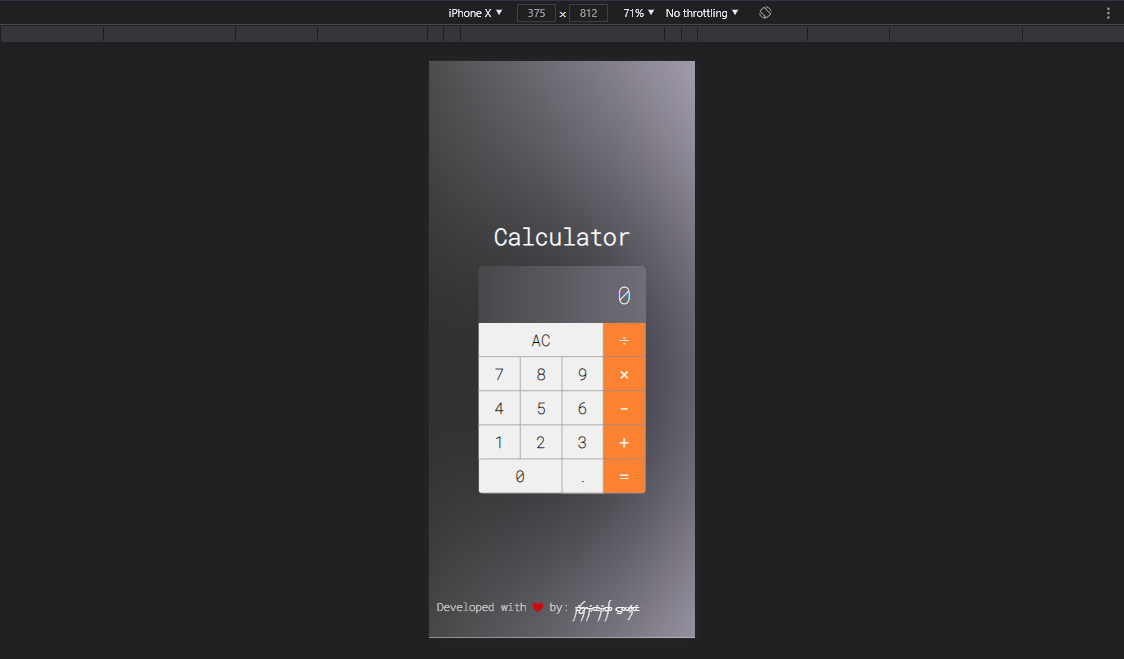
As my objective is to learn React as I developed this simple project, this is pretty much what I used, in association with the common languages/technologies used in a front-end product, such as HTML5 and CSS3.
By first, you'll need to have Node.js installed on your PC (i imagine everyone reading this already know the basics, so I'll skip some steps, ok?). Then you have to use the command right below to boot the app:
This command line will run the application in your browser at http://localhost:3000 so you can enjoy it. Any edits you do, the page will instantly reload so you can see it in real-time.
There are others commands what come from React default settings, so you can use them to do whatever you want.
I'm a 20 years old Front-end dev passionated about Javascript and its ecosistem. Enjoy your time testing, experiencing, and even making changes in my other repositories. For personal info, check LinkedIn: https://www.linkedin.com/in/jos%C3%A9-fernando-de-andrade-souza-059323215/
See ya o/