
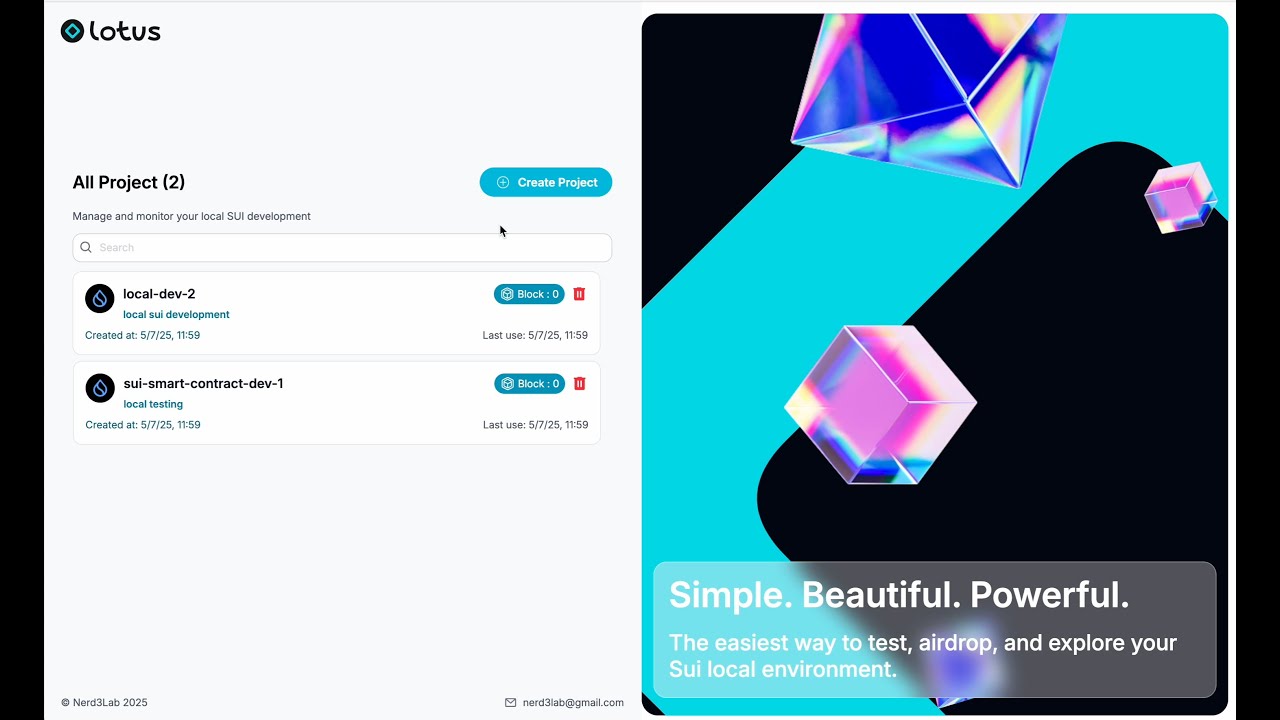
🚀 Full local sui development user interface
lotusUI is a local-first development interface built specifically for the Sui ecosystem. It addresses real challenges faced by Sui developers, including the unreliability of testnet faucets and the complexity of CLI-based local node setup. With lotusUI, developers can easily launch and manage local Sui environments through an intuitive interface, accelerating development and reducing friction. The goal is to make Sui development more productive and accessible for all developers, regardless of experience with CLI tools
✨ Intuitive account management - Easily create, delete and manage Sui addresses and accounts
💰 Built-in faucet - Get test tokens instantly with just one click
💾 Persistent chain state - Your local Sui chain data is automatically saved and persisted
⏰ State snapshots - Save and restore chain states to quickly switch between different development stages
📊 Transaction tracking - Monitor account balances and transaction history in real-time
🔍 Object explorer - Visually browse and inspect Sui objects, their properties and relationships
📝 Live logging - Watch node operations and transactions as they happen with detailed real-time logs
🎯 Developer focused - Built by developers, for developers, to make Sui development smoother
Before using lotusUI, you need to have Sui installed on your system. For detailed installation instructions, visit Sui Installation Guide.
brew install sui
- Clone the repository
git clone https://github.com/Nerd3Lab/lotusUI- Install dependencies
cd lotusUI
yarn install- Build App
yarn package:all- open app from /release/build
- On macOs (Intel chip), mac folder (lotusUI)
- On macOs (Apple chip), mac-arm64 folder (lotusUI)
- On Windows x32, win-ia32-unpacked folder (lotusUI.exe)
- On Windows x64, win-unpacked folder (lotusUI.exe)
- On macOs (Apple chip), install lotusUI with download link here
- On macOs (Intel chip), install lotusUI with download link here
- On Windows x64, install lotusUI with download link here
- On Windows x32, install lotusUI with download link here
We welcome contributions to lotusUI!
For bug reports and feature requests, please open an issue on GitHub.
Thank you to all our contributors! 🙏