Example Basic
Goal: See a welcome message, a framed box, and activate a button.
- Board with USB serial.
- Upload BasicExample.
- Open a terminal at 9600 baud (terminal guide).
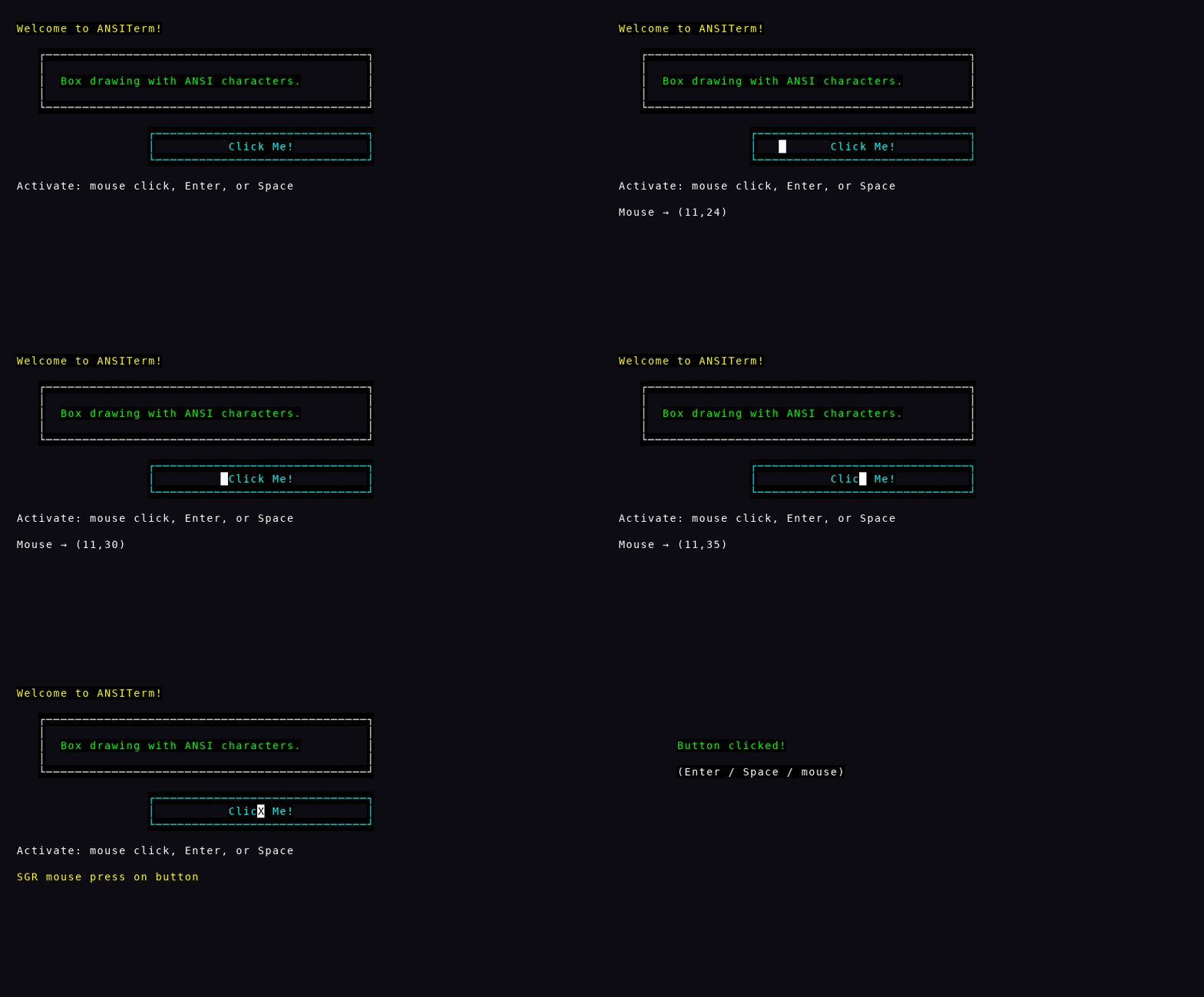
- Yellow:
Welcome to ANSITerm! - A white box with a short green caption inside
- A cyan Click Me! button
- A hint line: activate with mouse, Enter, or Space
| Action | Result |
|---|---|
| Press Enter or Space | Screen clears; shows Button clicked!
|
| Mouse click on the button (if supported) | Same |
- If boxes look like garbage characters, enable UTF-8 in the terminal.
- If nothing happens when you click, use Enter/Space — many serial terminals do not send mouse events.
- Unplug/replug USB on some boards redraws the main screen automatically.
Once this works, open Buttons to learn keyboard navigation between controls.
Welcome UI; motion shows mouse click then Button clicked!
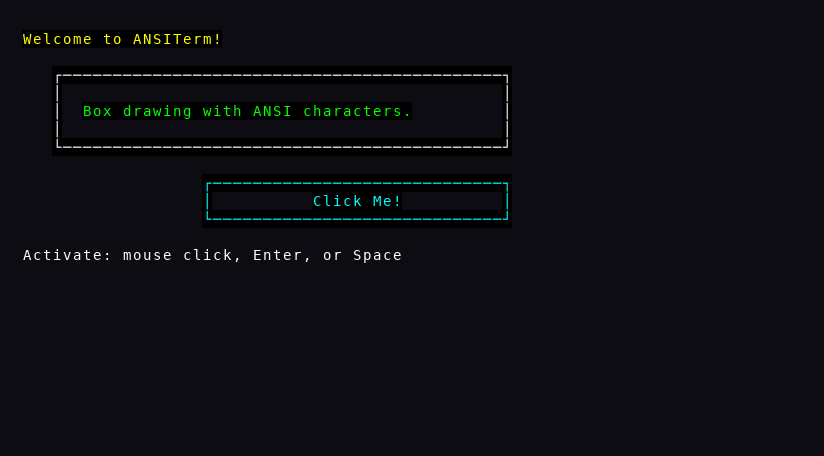
Interaction preview (emulated keys / mouse / Wi‑Fi)