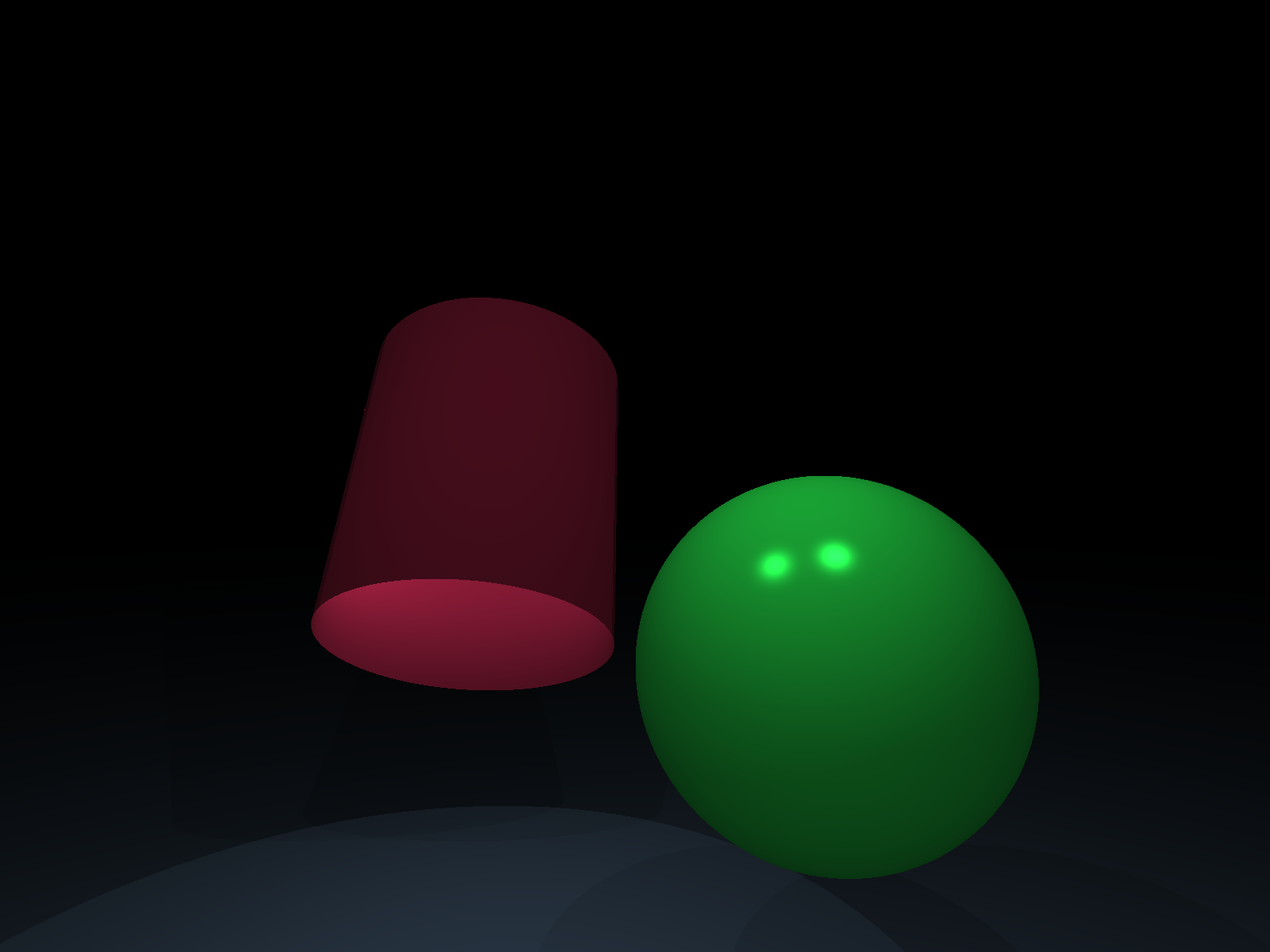
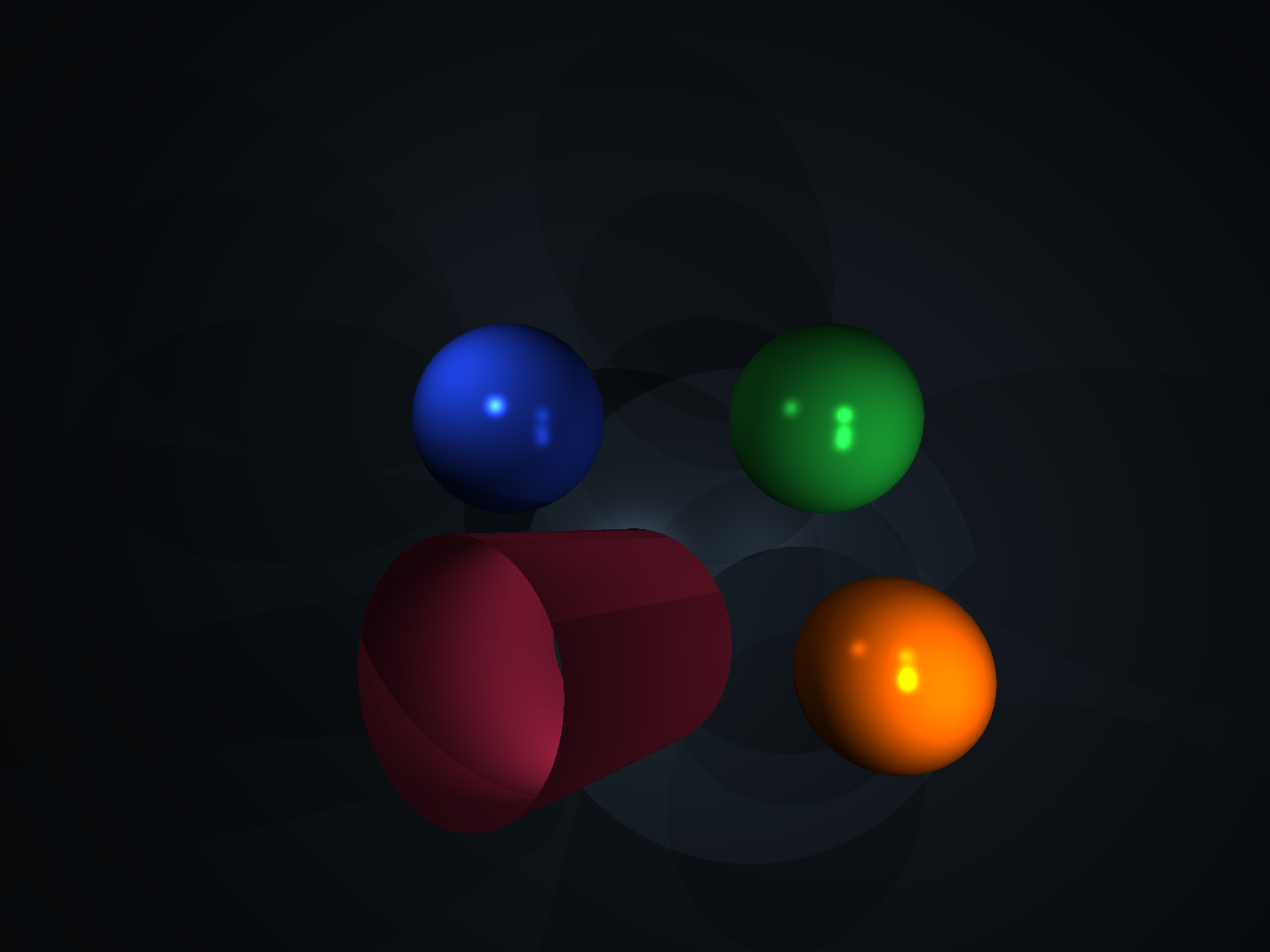
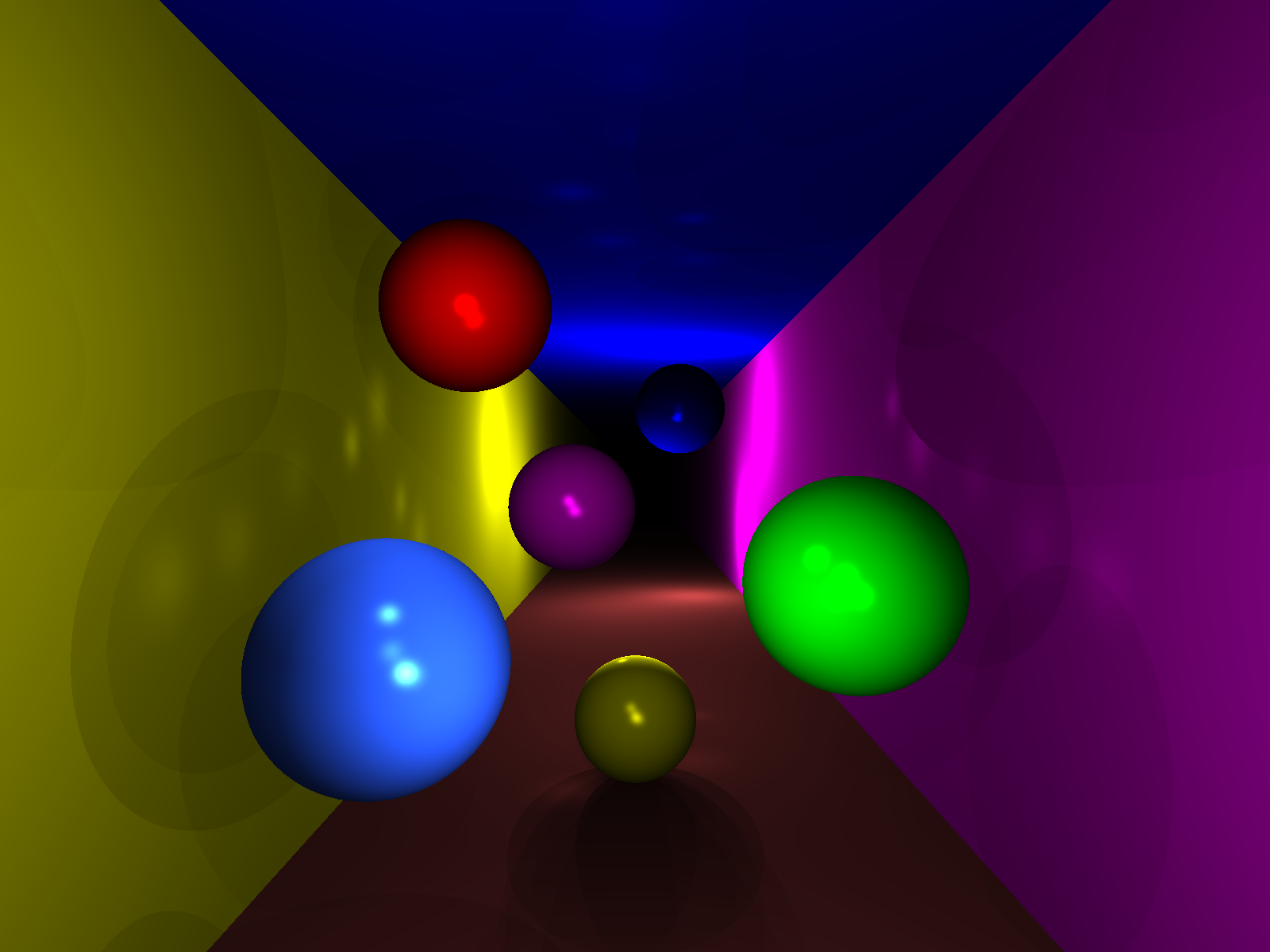
A simple, real-time ray tracer built as a project for Ecole 42. It can parse scene files, render various geometric shapes, and display the result in a window or save it as a BMP image.
This project supports both macOS and Linux. Please follow the instructions for your operating system.
You will need the Xcode Command Line Tools installed. Then, simply clone the repository and run make:
git clone <repository-url> miniRT
cd miniRT
make1. Install Prerequisites
Before building, you must install the X11 development libraries and other required tools. These are essential for the MiniLibX graphics library to function.
- For Debian / Ubuntu / Mint:
sudo apt-get update && sudo apt-get install -y xorg libxext-dev zlib1g-dev libbsd-dev - For Fedora / CentOS / RHEL:
sudo dnf install -y libXext-devel libX11-devel zlib-devel
- For Arch Linux:
sudo pacman -Syu libxext libx11 zlib
2. Configure and Build the Project
After cloning the repository, you must first run the configure script inside the minilibx_linux directory. This step only needs to be done once to generate a Makefile tailored to your specific system.
git clone <repository-url> miniRT
cd miniRT/minilibx_linux/
./configure
cd ..
makeTo run the program and display a scene in a window, execute the binary with a scene file as an argument:
./miniRT scenes/map.rtTo switch between cameras use arrows <- and ->, to close the programm hit esc button.
(You can choose any scene from the scenes/ directory. You can also modify the .rt files to add shapes, light sources, or change the camera.)
To render a scene and save it as a .bmp image file without opening a window, add the --save flag as a second argument:
./miniRT scenes/map.rt --saveThe saved image will appear in the scenes/ folder with the same name as the scene file and a .bmp extension.
Note:
The project supports both macOS and Linux.
Saving a frame as a.bmpfile does not use the MiniLibX graphics library and works independently.
The program handles memory correctly, freeing all dynamically allocated memory upon exit.
This project was successfully defended at Ecole 42 (Sberbank 21 Kazan).