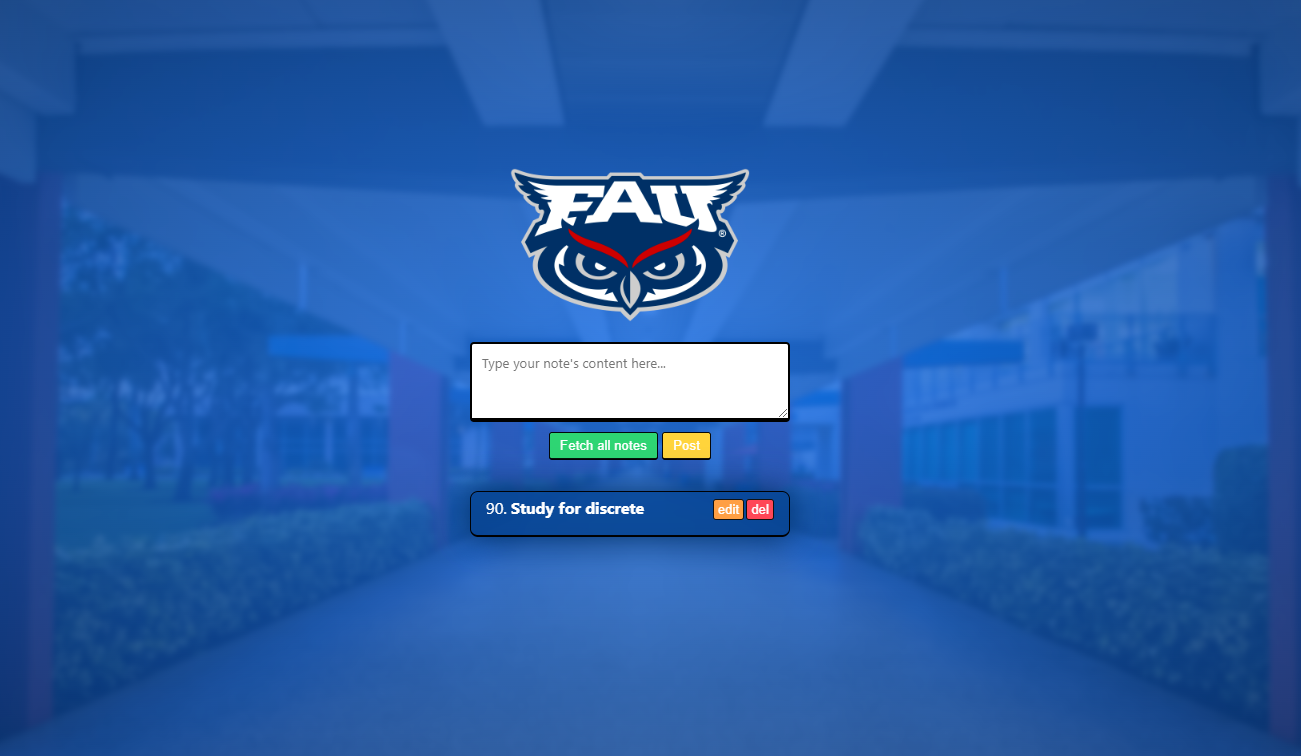
The purpose of this note taking app is to teach undergraduate students about full stack development, using various tools and technologies such as Postman, PHP, HTML, CSS, JavaScript, OOP, and MVC architecture.
Basic setup & installation To get started with the Note Taking App, you need to perform the following steps:
- Download and install XAMPP, which includes PHP, MySQL, and PhpMyAdmin.
- Delete the contents of the C:/xampp/htdocs folder.
- Open a terminal/command prompt inside the C:/xampp/htdocs folder.
- Clone the Note Taking App repository using Git inside the C:/xampp/htdocs folder: git clone https://github.com/yurixander/note-taking-app.git
- The index.php file should be directly under the htdocs folder, which is located at C:/xampp/htdocs/index.php.
- Once you have completed the setup, you can open the XAMPP Control Panel application and start the Apache and MySQL services by clicking their "Start" buttons respectively.
You should then be able to navigate to http://localhost/ in your machine, and the Note Taking App's frontend should come up. If you encounter any issues, you can ask for help on the Discord server.
To begin development, you can open the C:/xampp/htdocs folder in your preferred IDE/editor and inspect the files and source code to familiarize yourself with the project's structure. Any .php file is part of the backend, while the public folder contains the frontend files.
Background/requirements To work with the Note Taking App, you need to have knowledge and familiarity with the following:
Backend
- PHP: the programming language used for writing the web API.
- Databases (MySQL): used to store user authentication information.
- PHPMyAdmin: used to manage the database.
- Web API: used to communicate with the frontend clients (people).
- JSON: a specific notation used for web/HTTP request data transfer between the backend and frontend.
- HTTP Requests (Headers, Body), responses, and response codes: the protocol used for data communication between the backend (server) and frontend (browser).
- Postman: an easy UI used to quickly test that your backend endpoints work as expected.
Frontend
- HTML
- Super basic CSS
- JavaScript requests & DOM manipulation basics: you need to know how to send requests and receive responses, and add and remove elements from/into the DOM. Some functions that can be used for this would be ".appendChild()", ".remove()". Then, "fetch" would be used for HTTP requests.
By learning and working with these tools and technologies, you will gain valuable experience and skills in full stack development, which will be useful for future projects and job opportunities.