

Nomacs is a highly efficient, lightweight, and completely free image viewer available for Windows, Linux, and macOS. Unlike basic built-in viewers, Nomacs provides advanced features such as multi-monitor synchronization, image comparison, histograms, and metadata inspection. Designed for both casual users and professionals, Nomacs supports a vast array of formats, including RAW files from digital cameras, making it a versatile tool for photographers, designers, and archivists.
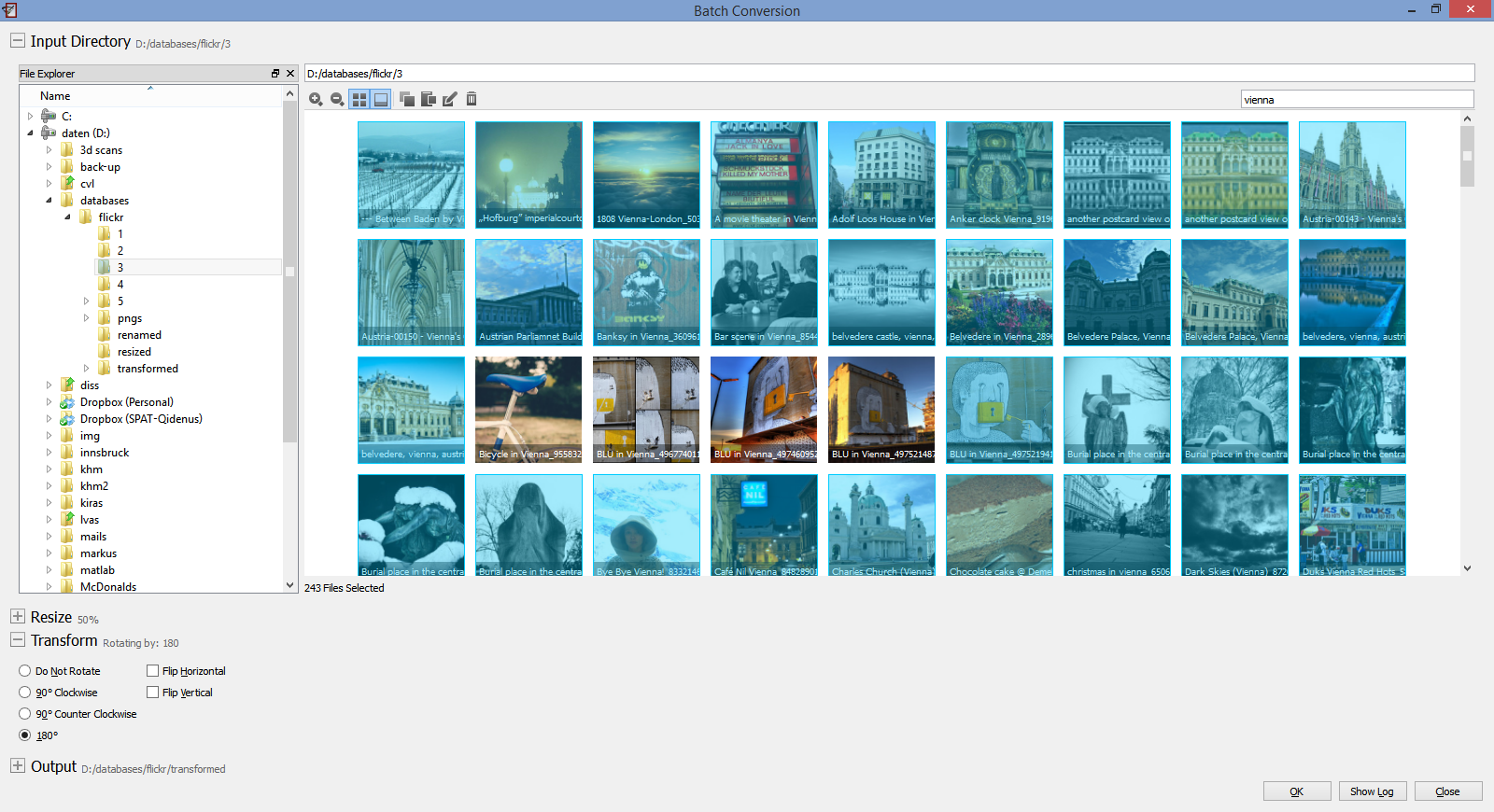
With Nomacs, users can enjoy a seamless, fast, and customizable viewing experience. Its unique ability to synchronize images across multiple windows on different monitors is perfect for detailed comparisons. The software’s annotation tools, batch processing capabilities, and plugin support further enhance its functionality, establishing Nomacs as a reliable and powerful component of any digital image workflow.
| Feature | Description |
|---|---|
| 🖼 Multi-Format Support | Open and view all major image formats, including JPEG, PNG, TIFF, and RAW. |
| 🔄 Multi-Monitor Sync | Synchronize images across multiple displays for easy comparison. |
| 📊 Histogram & Metadata | Display detailed image histograms and EXIF/IPTC metadata. |
| ✏️ Annotation Tools | Draw, add text, and apply shapes directly onto images for markup. |
| ⚡ Lightweight & Fast | Minimal resource usage ensures quick loading and smooth navigation. |
| 🔧 Plugin Architecture | Extend functionality with various available plugins. |
| 🌐 Cross-Platform | Available for Windows, Linux, and macOS. |
| 🆓 Free & Open Source | Completely free to use with an active open-source community. |
- Enhanced RAW file format support for better camera compatibility.
- Improved performance and loading speeds.
- Updated user interface for a more intuitive experience.
- New annotation and editing tools.
- Bug fixes and stability improvements.
- Photographers – View and compare RAW photos across multiple monitors.
- Designers – Quickly inspect image details and metadata.
- Researchers – Annotate and mark up images for analysis.
- General Users – A fast, reliable replacement for default image viewers.
- Download Nomacs from the official website.
- Install and launch the application.
- Open your image folder or drag and drop images into Nomacs.
- Use the toolbar for navigation, zoom, and access to advanced features like sync view.
- Enjoy a fast, feature-rich image viewing experience.
| Parameter | Requirement |
|---|---|
| OS | Windows 10/11, Linux, or macOS |
| Processor | 1 GHz Intel/AMD or higher |
| RAM | 1 GB (2 GB recommended) |
| Storage | 100 MB free space |
| Display | 1024x768 minimum resolution |
nomacs • nomacs image viewer • nomacs download • nomacs windows • nomacs linux • nomacs mac • nomacs image viewer windows 10 • nomacs image viewer windows 11 • nomacs image viewer free • nomacs open source • nomacs photo viewer • nomacs viewer • nomacs portable • nomacs raw viewer • nomacs image viewer software • nomacs image viewer github • nomacs image viewer app • nomacs image viewer cross platform • nomacs fast image viewer