
This script will block all the Youtube's advertisement in your network. It must be used with Pi-Hole.
-
Download the script
# git clone https://github.com/deividgdt/ytadsblocker.git -
Move to the directory
# cd ytadsblocker -
Make the script executable
# chmod a+x ytadsblocker.sh -
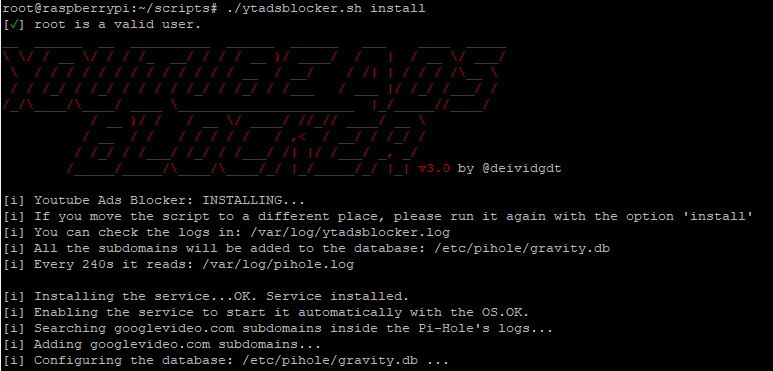
Execute the script as root with the option: install
# ./ytadsblocker.sh install -
Start the service and that's it
# systemctl start ytadsblocker
If you are going to use the script in a Pihole Docker Container, you must install and start the script as follow:
-
Go into the Pihole container
wget https://raw.githubusercontent.com/deividgdt/ytadsblocker/master/ytadsblocker.sh -
Give it execution permission
chmod +x ytadsblocker -
Install and start the script
./ytadsblocker.sh install./ytadsblocker.sh start &
- Just download the legacy version and follow the same previous steps, changing the name from
ytadsblockertoytadsblocker_legacy.
- Version 3.0 just works with Pihole 5.0 or newer. If you're running a lower version of Pihole, you must upgrade it.
- Instalación del script en mi blog (ES)
- Installation of the script in my blog (EN)