Kura 1.1.0

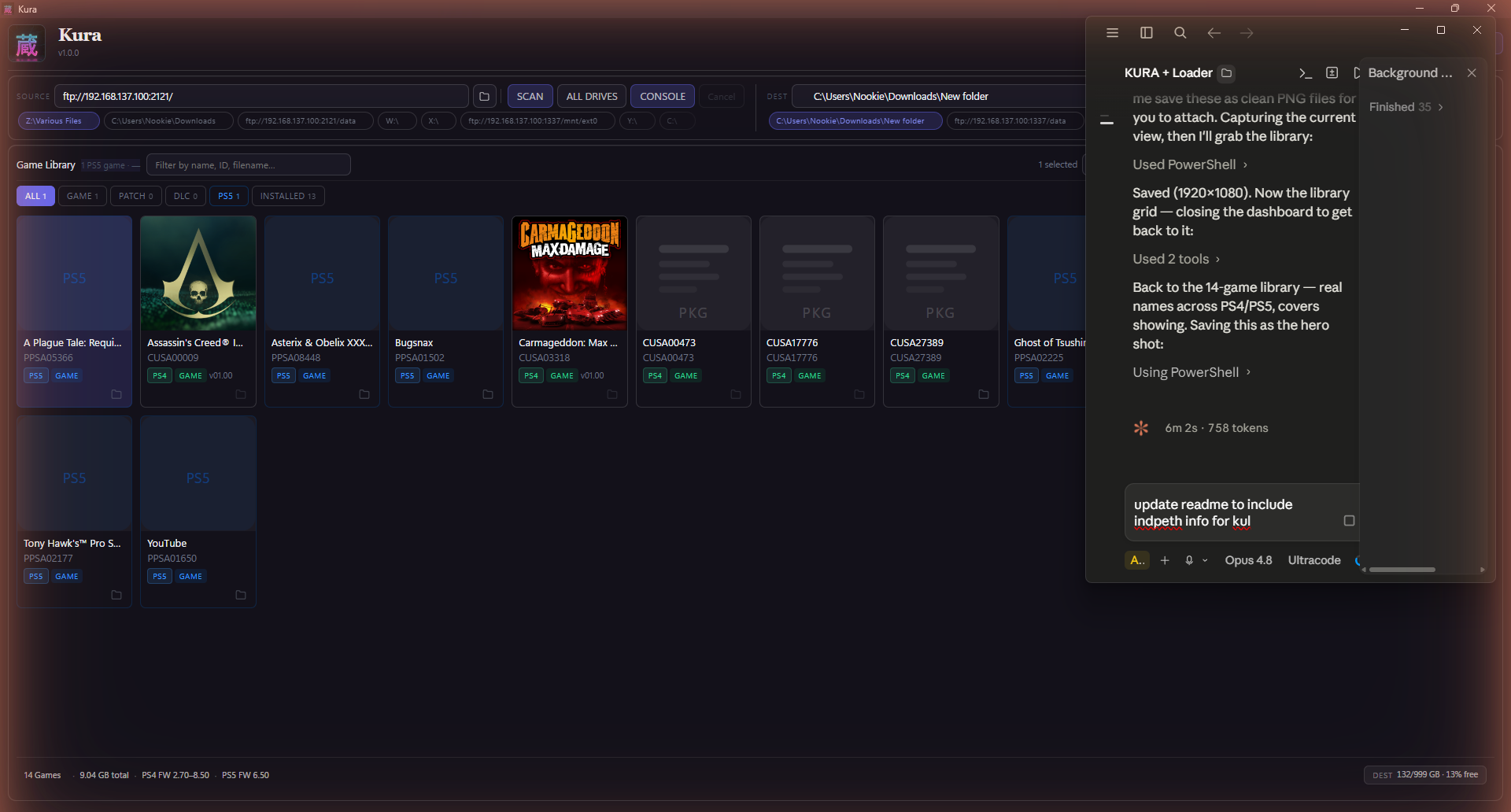
Kura is a free application that scans your drives, identifies every PlayStation game you own, and helps you organise, transfer, and install them — across PS1, PS2, PSP, PS3, PS4, PS5, and PS Vita, in a single library. It reads inside each file for the real title, cover art, and metadata (not the filename), finds duplicates, organises for any console layout, and installs straight to your console.
No installer. No login. No account. Native builds for Windows, macOS (Apple Silicon + Intel), and Linux — plus the kura-loader.elf PS5 payload.
What's new in 1.1.0 — seven new tools + reliability
A big feature pass, all built on the plumbing you already use.
- Back up all saves in one click. The Save Manager gets a Back up all button — pick one folder and every visible save is downloaded as its own
.zip(sealed saves skipped), with a live progress bar. - See what's not on your console — and send it. New
console:no/console:yessearch filters, plus a Transfer Missing button that selects every local game not yet on your console and hands it straight to the transfer queue. - Export a printable HTML catalogue. Export HTML builds a self-contained web page of your whole library — cover art embedded, grouped by platform, with sizes and totals. Open it in any browser or print it.
- Trophy Overview dashboard. A new Settings panel rolls up your trophy bundles per user with a completeness bar, and caches the last snapshot so it still shows something offline.
- Genre & release year. PS5 catalogue titles now carry genre + year — filter with
genre:rpg/year:>2019, sort by Year, and see both in a game's Info panel. - Console Cleanup advisor. A new Console Tools screen lists your installed games largest-first and flags the ones you already have a local copy of as safe to remove — reclaim space with a guarded one-click delete.
- Resumable transfers. If a transfer is interrupted by a crash or power loss, Kura remembers it and offers to resume on next launch — already-uploaded bytes are skipped automatically.
- Reliability & accessibility. The transfer/progress dialog now traps keyboard focus and restores it on close; failed background calls are surfaced instead of silently swallowed; and inbound HTTP replies from the console are size-capped as a safety net.
Which file do I download?
- Windows →
kura.exe - macOS · Apple Silicon →
Kura-…-arm64.dmg - macOS · Intel →
Kura-…-x64.dmg - Linux →
Kura-….AppImage - PS5 payload →
kura-loader.elf
macOS first launch: if you see "Kura is damaged and can't be opened", open Terminal and run
xattr -cr /Applications/Kura.apponce — that's just Gatekeeper blocking an unsigned app, not real damage.
Free · portable · no account. Built and maintained by Nookie. If you like it, tell a friend.