
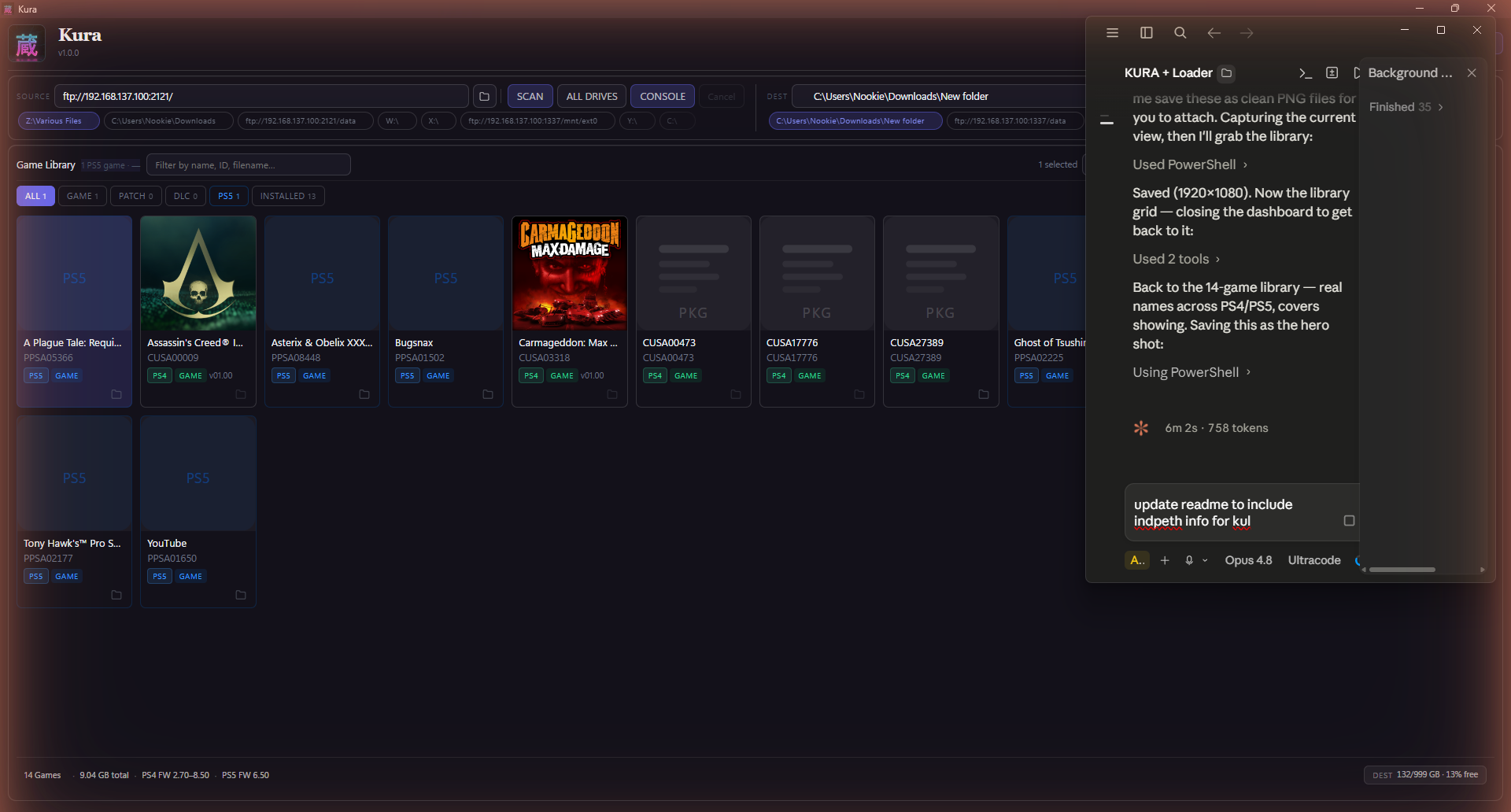
Kura is a free application that scans your drives, identifies every PlayStation game you own, and helps you organise, transfer, and install them — across PS1, PS2, PSP, PS3, PS4, PS5, and PS Vita, in a single library. It reads inside each file for the real title, cover art, and metadata (not the filename), finds duplicates, organises for any console layout, and installs straight to your console.
No installer. No login. No account. Native builds for Windows, macOS (Apple Silicon + Intel), and Linux — plus the kura-loader.elf PS5 payload.
What's new in 1.3.0 — the console loader keeps itself up to date
- Automatic loader updates. When your PS5 is running an older Kura Loader than the app ships, Kura now updates it for you — it steps the old loader aside, installs the newer one, and confirms the console came back on the new version before calling it done. It only runs when the console is idle (never mid-transfer), at most once per version, and there's a settings toggle if you'd rather do it yourself. No more manually re-pushing the loader after an app update.
- Full Kura branding on the console. Every screen the console shows now reads Kura — the freshly-built loader ships with the latest ShadowMountPlus and the last few legacy strings rebranded, so what you see on the PS5 matches the app.
Includes everything from 1.2.0 (Transfer Queue panel + Console Cleanup multi-select & sync report), 1.1.1 (fast console-health gate), and the seven tools from 1.1.0.
Which file do I download?
- Windows →
kura.exe - macOS · Apple Silicon →
Kura-…-arm64.dmg - macOS · Intel →
Kura-…-x64.dmg - Linux →
Kura-….AppImage - PS5 payload →
kura-loader.elf
macOS first launch: if you see "Kura is damaged and can't be opened", open Terminal and run
xattr -cr /Applications/Kura.apponce — that's just Gatekeeper blocking an unsigned app, not real damage.
Free · portable · no account. Built and maintained by Nookie. If you like it, tell a friend.