Are you a customer of Octopus Deploy? Don't raise the issue here. Please contact our support team so we can triage your issue, making sure it's handled appropriately.
Prerequisites
The bug
The deploy a release step has the ability to specify a deployment condition. That feature appears as if it can be bound to a variable.
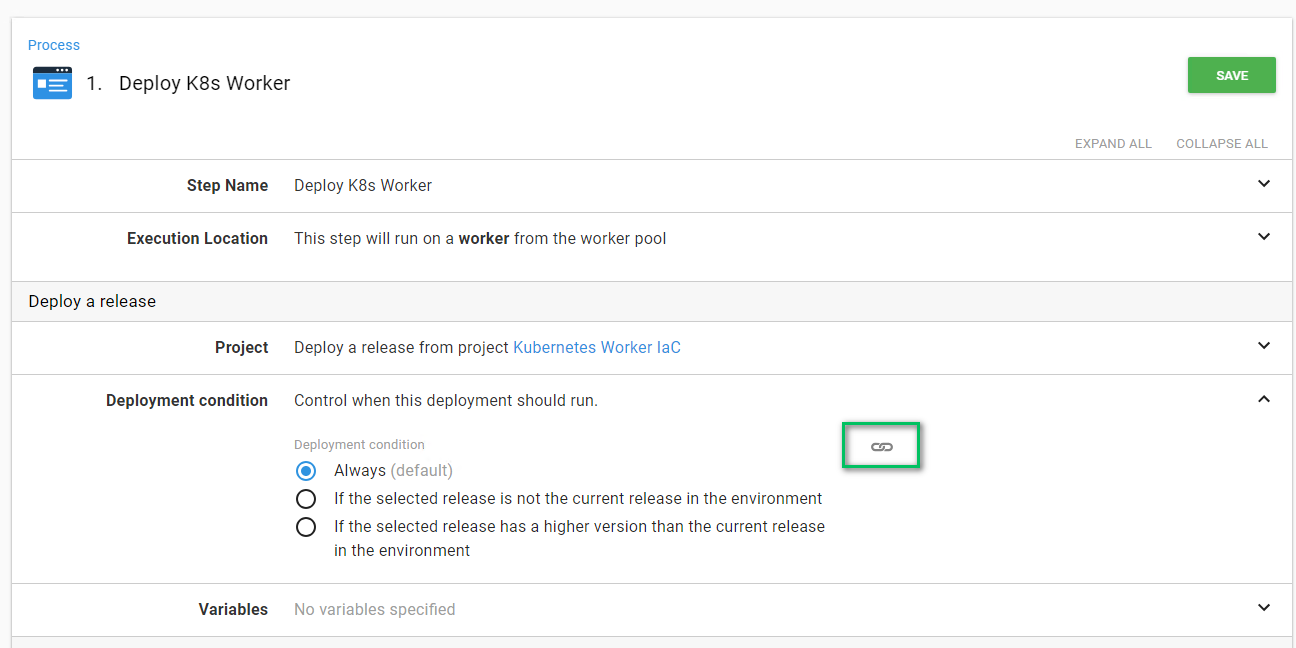
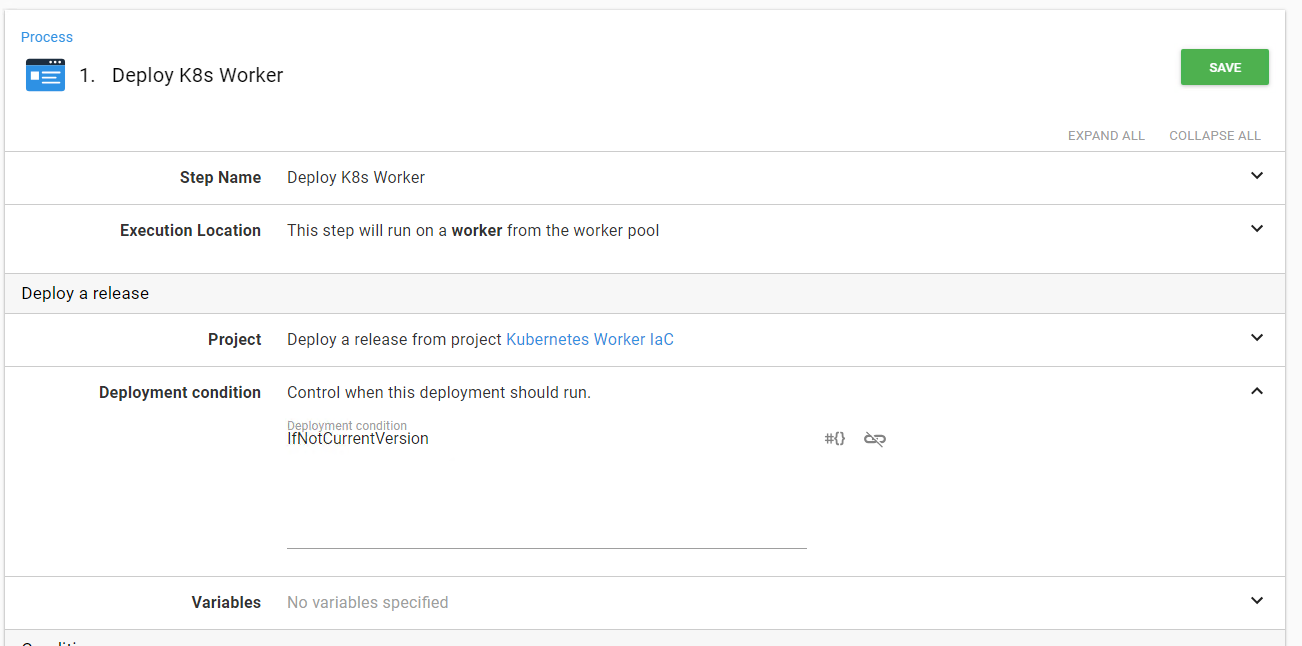
If I choose the second option and click the binding link then the screen turns to this:
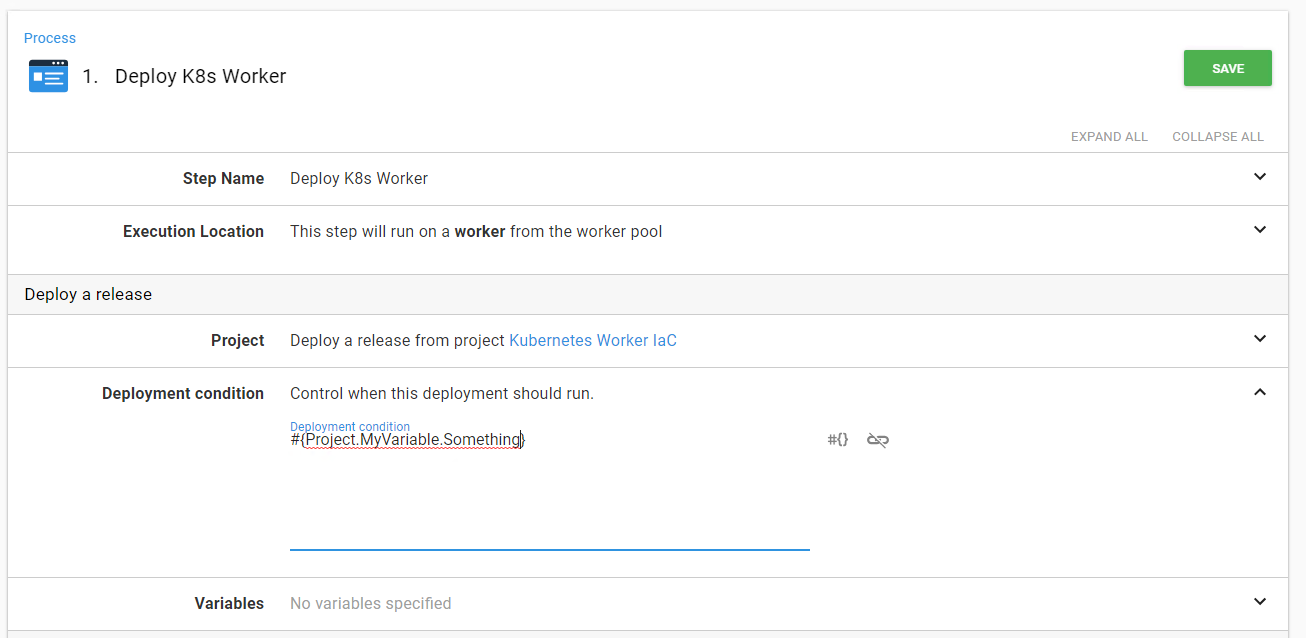
If I replace the text "IfNotCurrentVersion" with a variable like so:
The step reverts back to "deploy every time"
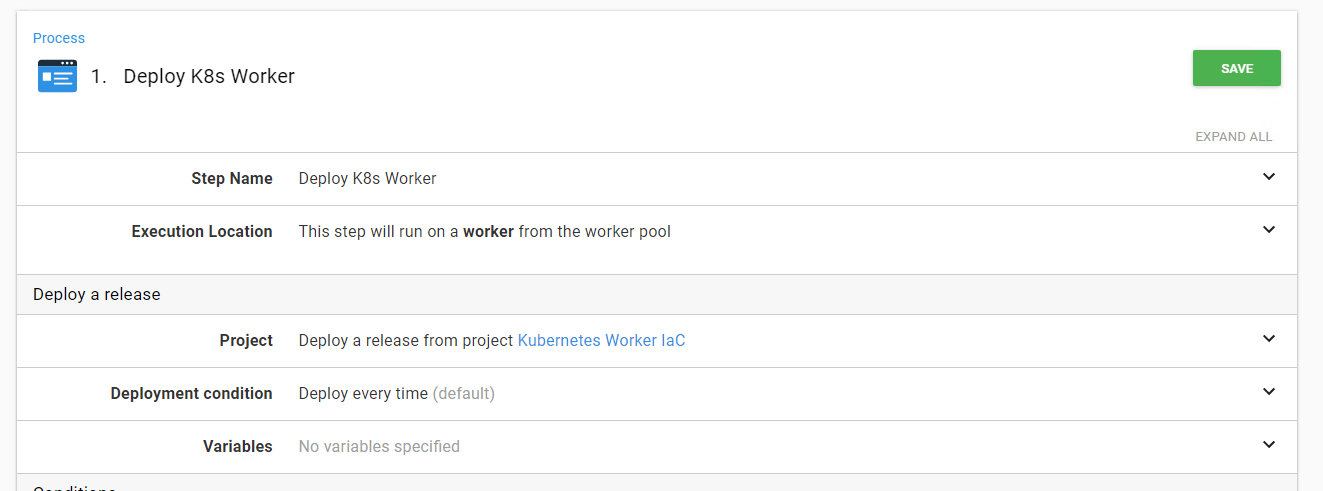
When doing a deployment, it does the "deploy every time" as well. It completely ignores the variable and just does the default.
What I expected to happen
The step would use the variable and not default back to "deploy every time"
Affected versions
Octopus Server: 2018.9.7
Workarounds
Possible to make use of output variables and run conditions instead.
Links
Private link: https://secure.helpscout.net/conversation/725635860/36409?folderId=557077


Are you a customer of Octopus Deploy? Don't raise the issue here. Please contact our support team so we can triage your issue, making sure it's handled appropriately.
Prerequisites
The bug
The deploy a release step has the ability to specify a deployment condition. That feature appears as if it can be bound to a variable.
If I choose the second option and click the binding link then the screen turns to this:
If I replace the text "IfNotCurrentVersion" with a variable like so:
The step reverts back to "deploy every time"
When doing a deployment, it does the "deploy every time" as well. It completely ignores the variable and just does the default.
What I expected to happen
The step would use the variable and not default back to "deploy every time"
Affected versions
Octopus Server: 2018.9.7
Workarounds
Possible to make use of output variables and run conditions instead.
Links
Private link: https://secure.helpscout.net/conversation/725635860/36409?folderId=557077