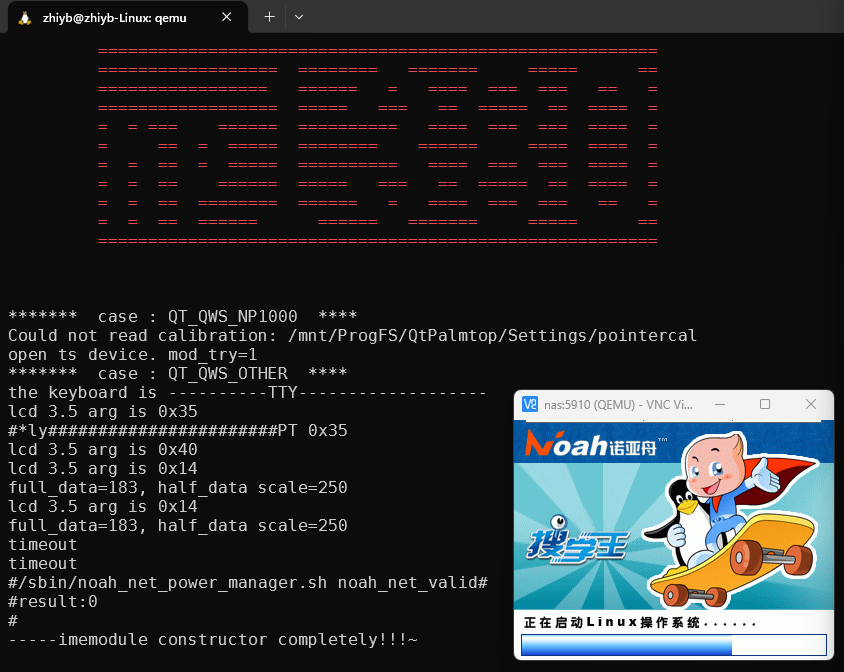
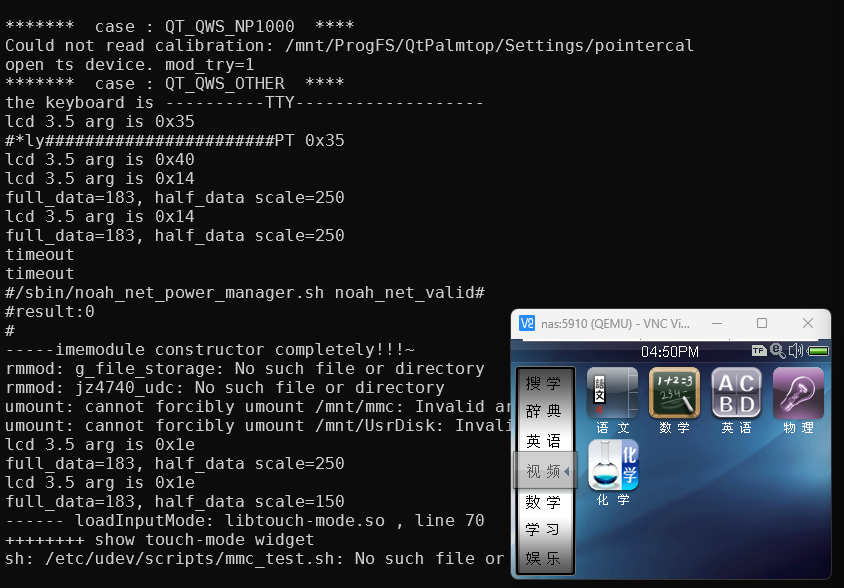
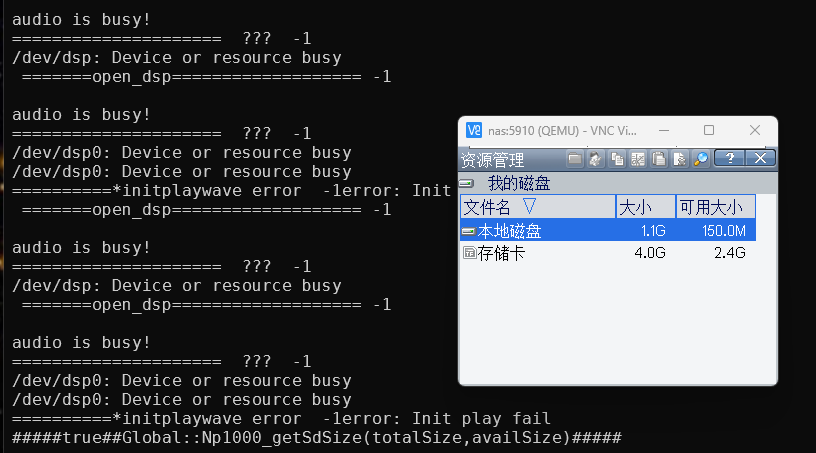
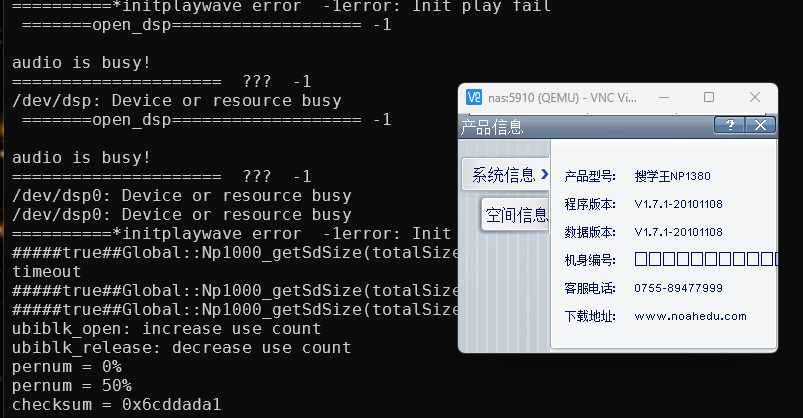
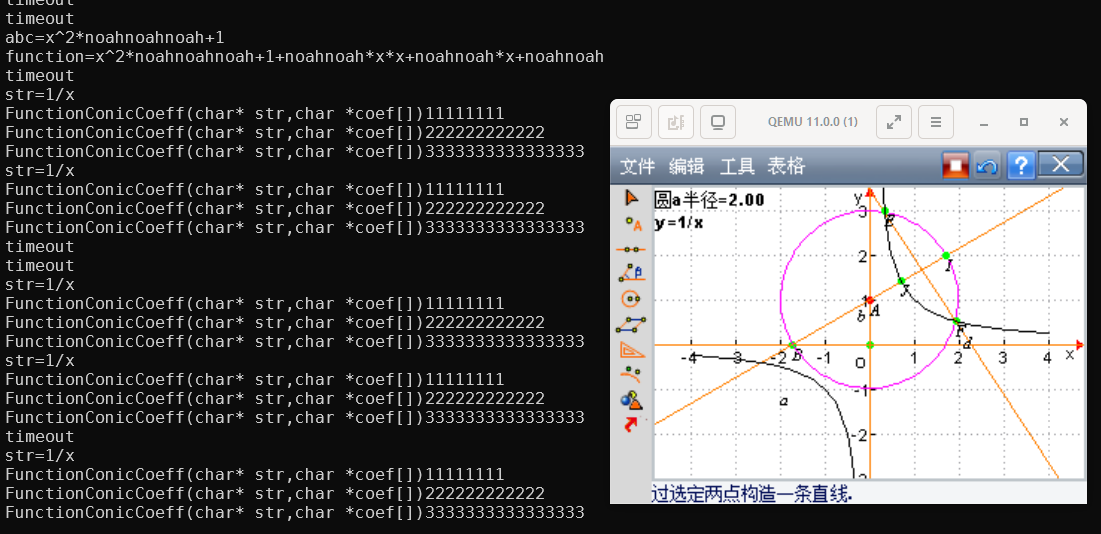
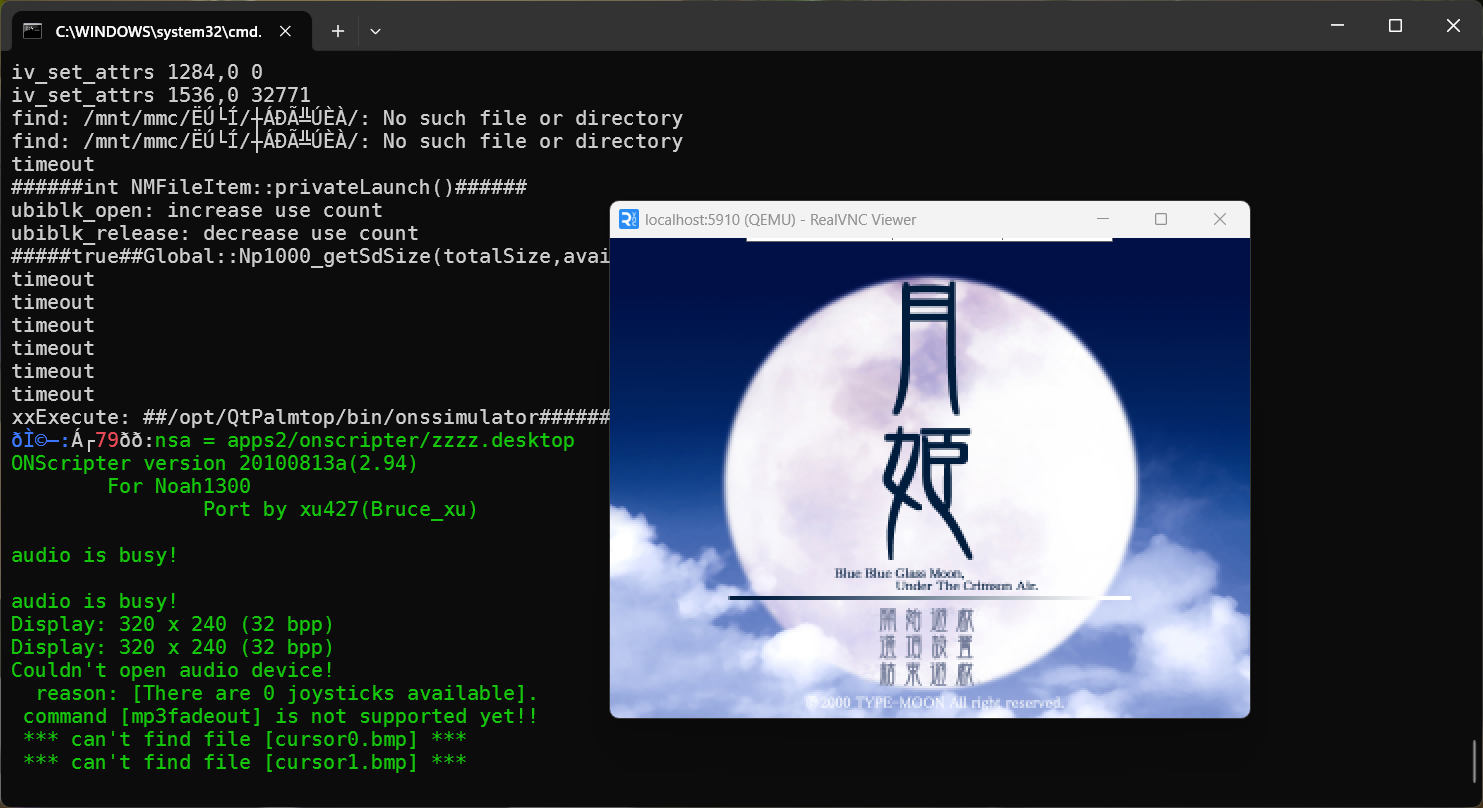
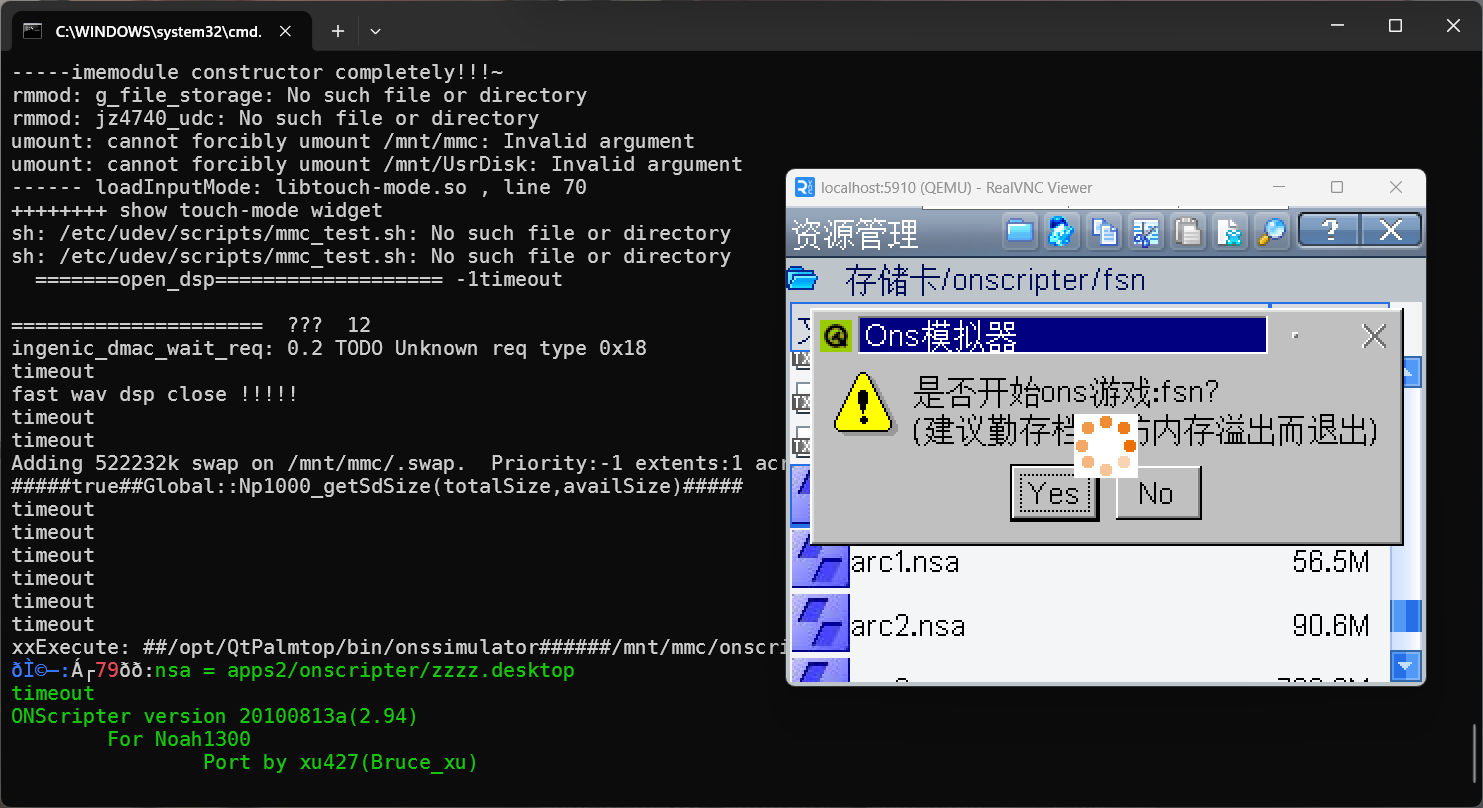
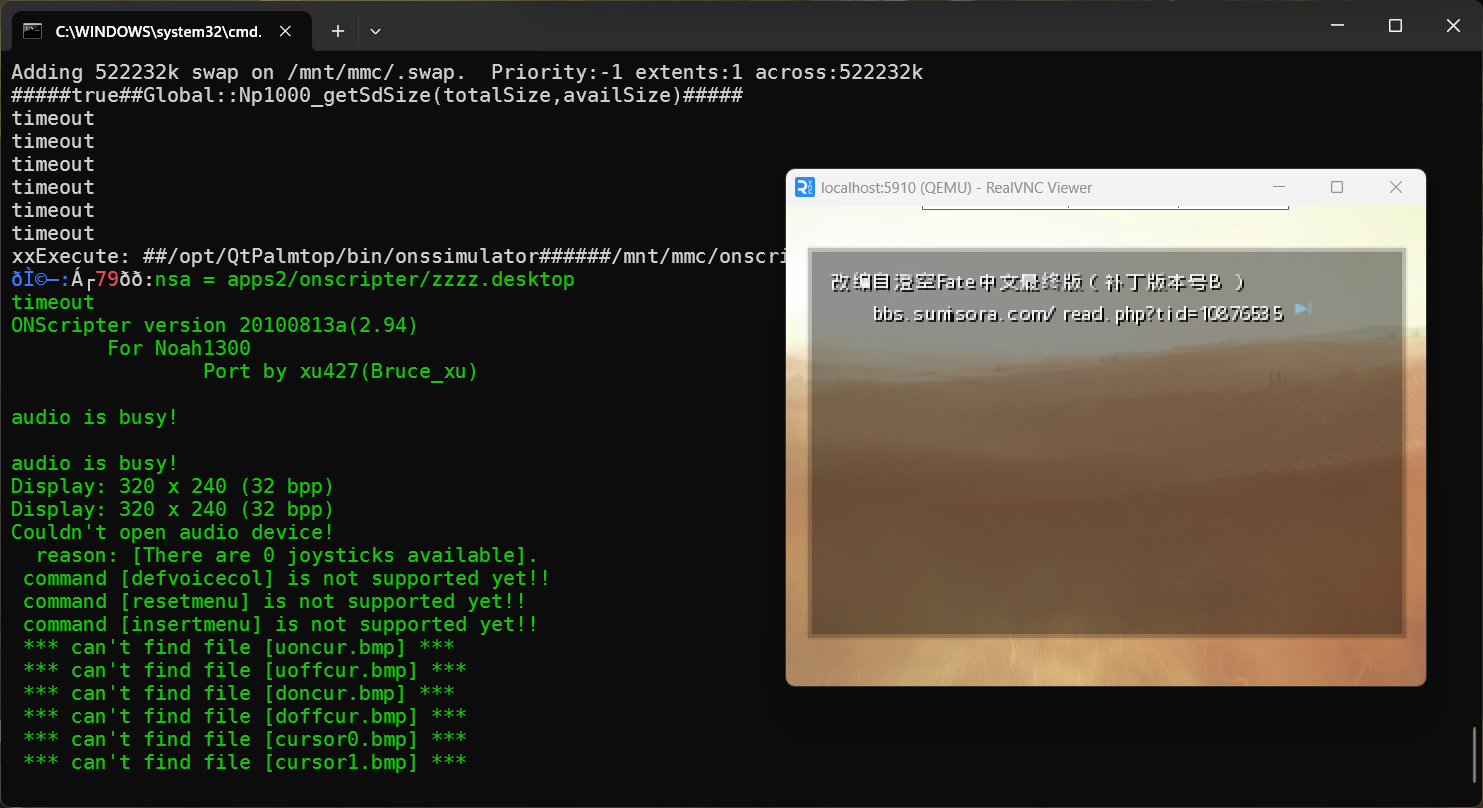
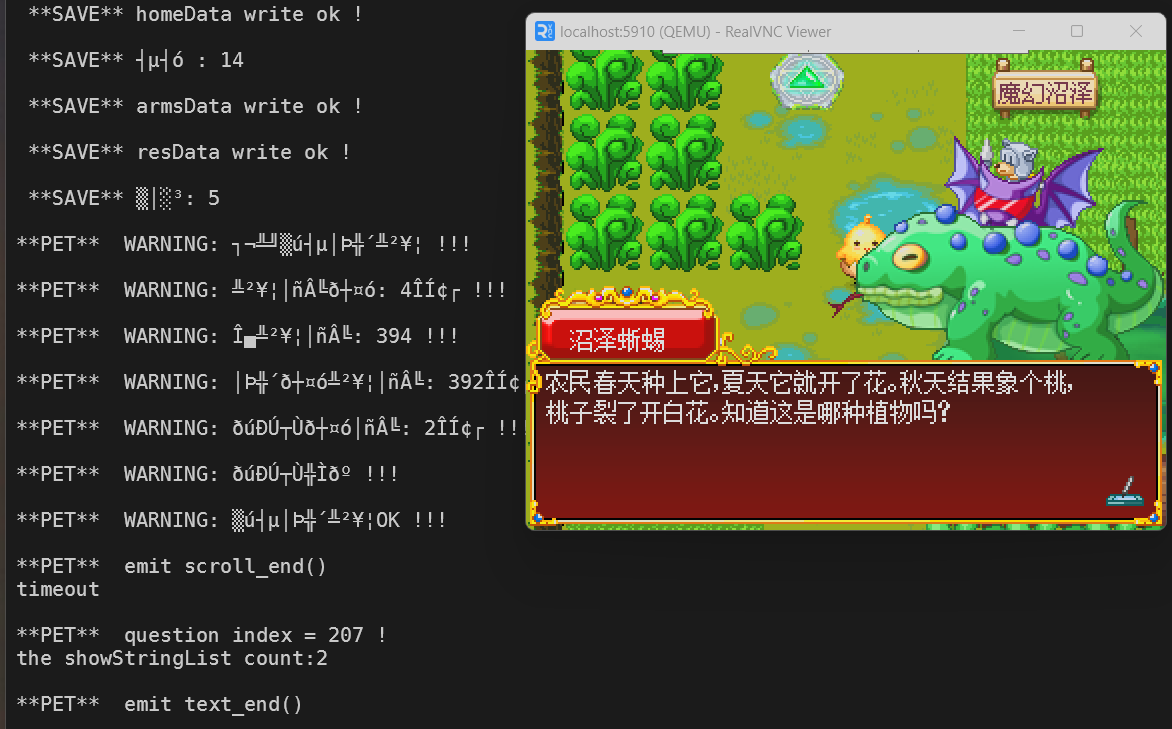
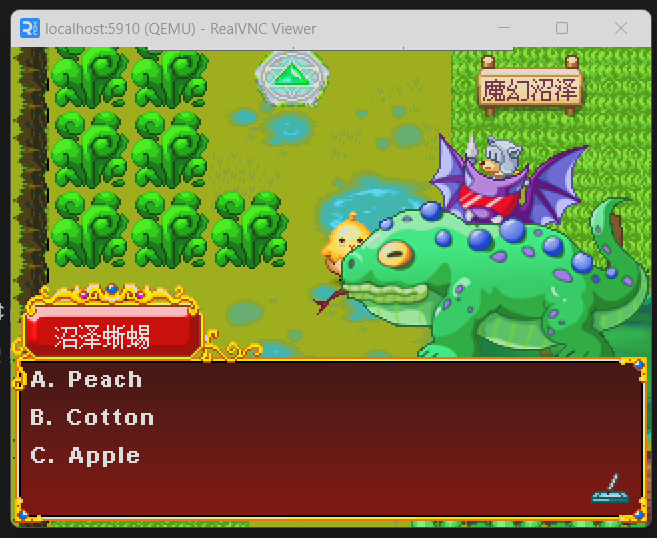
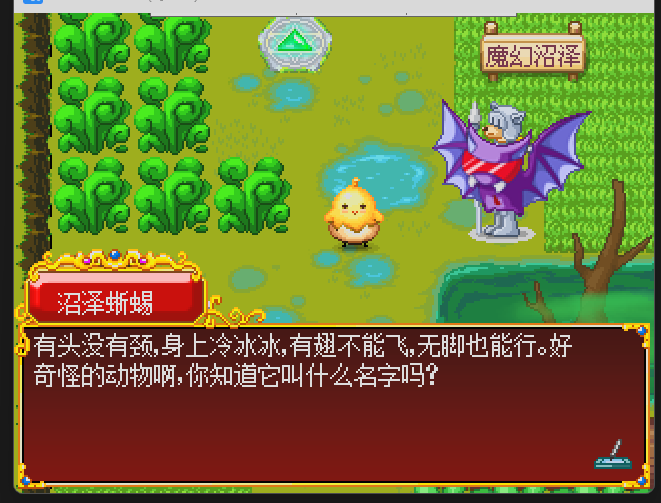
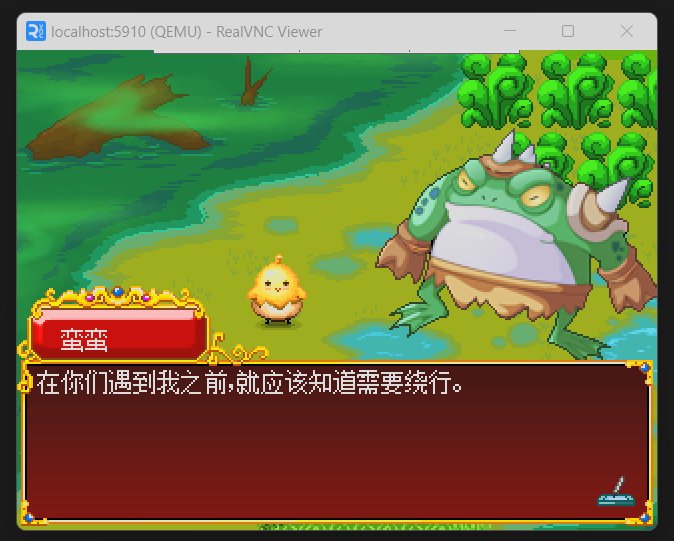
NP1380 Emulation
Download source code from:
https://github.com/OpenNoah/nandboot/tree/bootrom_jz4740
Build file build/bootrom.bin:
make clean
makeDownload source code from:
https://github.com/OpenNoah/NoahSplit
Build mkpkg tool:
make mkpkgThis tool is used to extract upgrade.bin.
Download upgrade.bin from official website:
https://downloads.youxuepai.com/source/list.shtml#80&name=NP1380
Get scripts from:
https://github.com/OpenNoah/tools
See: qemu/create_nand_image.sh
#!/bin/bash -x
src=$1 #upgrade.bin
pkg=upgrade.pkg
nand=nand_image.bin
qcow2=nand_image.qcow2

# Extract data sections from upgrade.bin
[ -f $pkg ] || ./mkpkg --type=np1000 --extract $src $pkg

# Create NAND image
# Ignore errors as it does not support ubifs file system format yet
rm -f $nand
./create_nand_image.py -s $((2*1024*1024*1024)) -p 4096 -o 128 $pkg $nand

# (Optional) Write fake serial number
./write_serial.py -p 4096 -o 128 0x00201000 "QEMU $(date -Iseconds)" $nand

# (Optional) Convert NAND image to qcow2 format
qemu-img convert -f raw -O qcow2 $nand $qcow2See: qemu/create_mmc_image.sh
Script needs to be run as root.
#!/bin/bash -ex
in=upgrade.bin
out=mmc.bin
out_qcow2=mmc.qcow2

# Create sparse image file
rm -f $out
touch $out
truncate -s 4G $out

# Create partition table
sfdisk $out <<SFDISK
label: dos
start=2048, size=8386560, type=0c
SFDISK

# Format drive
lo=$(losetup -f --show $out -o $((512*2048)))
mkfs.vfat -F 32 $lo
mkdir -p mnt
mount -t vfat $lo mnt

# Copy files to mmc
cp $in mnt/upgrade.bin

# Done, clean up
df -h mnt
umount mnt
rmdir mnt
/sbin/losetup -d $lo

# (Optional) Convert to qcow2
qemu-img convert -f raw -O qcow2 $out $out_qcow2Optionally create qcow2 overlay files, as snapshots.
qemu-img create -f qcow2 -F qcow2 -b nand_image.qcow2 nand_overlay.qcow2
qemu-img create -f qcow2 -F qcow2 -b mmc.qcow2 mmc_overlay.qcow2Download source code from:
https://github.com/OpenNoah/qemu
mkdir -p build
cd build
../configure --target-list=mipsel-softmmu --disable-docs --disable-plugins --enable-spice
make -j$(nproc)
Keypad is now supported.
The gpio-matrix-keypad device includes a very basic config parser for mapping keyboard input to matrix keypad.
Key names can be found in qemu/qapi/ui.json
Create a yaml mapping file named keymap_noah-np1380.yaml:
---
# For key names, check QKeyCode_lookup in qapi-types-ui.c
keymap:
  row-0:
    col-0: "right"  # RIGHT
    col-1: "left"   # LEFT
    col-2: "f2"     # SOUND
    col-3: "equal"  # VOL+
  row-1:
    col-0: "up"     # UP
    col-1: "down"   # DOWN
    col-2: "f1"     # MENU
    col-3: "minus"  # VOL-
  row-2:
    col-0: "ret"    # ENTER
    col-1: "esc"    # ESCAPE
    col-2: "pgdn"   # PAGE DOWN
    col-3: "pgup"   # PAGE UP
  row-3:
col-4: "f12" # POWERsystem_image=nand_overlay.qcow2
mmc_image=mmc_overlay.qcow2
./qemu-system-mipsel \
-M noah_np1380 -cpu JZ4740 \
-d guest_errors,unimp \
-bios bootrom.bin \
-parallel null \
-serial mon:stdio \
-global gpio-matrix-keypad.map-file=keymap_noah-np1380.yaml \
-spice port=5910,disable-ticketing=on \
-display none \
-audio spice \
\
-blockdev driver=file,node-name=nand_qcow2,filename=$system_image \
-blockdev qcow2,node-name=nand,file=nand_qcow2 \
-global ingenic-emc-nand.drive=nand \
\
-blockdev driver=file,node-name=mmc_qcow2,filename=$mmc_image \
-blockdev qcow2,node-name=mmc,file=mmc_qcow2 \
-device sd-card,spec_version=3,drive=mmc \This starts a SPICE server at port 5910.
SPICE is used instead of VNC for remote audio support.
Here is an example spice.vv file for SPICE connection using virt-viewer (also available on Windows):
[virt-viewer]
type=spice
host=localhost
port=5910
delete-this-file=0
fullscreen=0
Force PD1 to 0 in qemu/hw/mips/noah_np1380.c to flash firmware.
See FIRMWARE_UPGRADE in that file.