NP6800 Emulation
NP6800-specific steps.
Download upgrade.bin from official website:
https://downloads.youxuepai.com/source/list.shtml#118&name=NP6800/NP6800+
See: qemu/create_system_image.sh
#!/bin/bash -x
src=$1 #upgrade.bin
pkg=upgrade.pkg
image=image.bin
qcow2=image.qcow2

# Extract data sections from upgrade.bin
[ -f $pkg ] || ./mkpkg --type=np1000 --extract $src $pkg

# Create NP6800 system image
# Ignore errors as it does not support ext3 file system format yet
rm -f $image
./create_system_image.py -s $((8*1024*1024*1024)) $pkg $image

# (Optional) Convert NAND image to qcow2 format
qemu-img convert -f raw -O qcow2 $image $qcow2Optionally create qcow2 overlay files, as snapshots, like this:
qemu-img create -f qcow2 -F qcow2 -b image.qcow2 image_overlay.qcow2system_image=image_overlay.qcow2
mmc_image=mmc_overlay.qcow2
./qemu-system-mipsel \
-M noah_np6800 -cpu JZ4750 \
-d guest_errors,unimp \
-bios jz4750.bin \
-parallel null \
-serial none \
-serial none \
-serial none \
-serial mon:stdio \
-spice port=5910,disable-ticketing=on \
-display none \
-audio spice \
\
-blockdev driver=file,node-name=mmc0_qcow2,filename=$system_image \
-blockdev qcow2,node-name=mmc0,file=mmc0_qcow2 \
-device sd-card,spec_version=3,drive=mmc0,bus=sd-bus-msc0 \
\
-blockdev driver=file,node-name=mmc1_qcow2,filename=$mmc_image \
-blockdev qcow2,node-name=mmc1,file=mmc1_qcow2 \
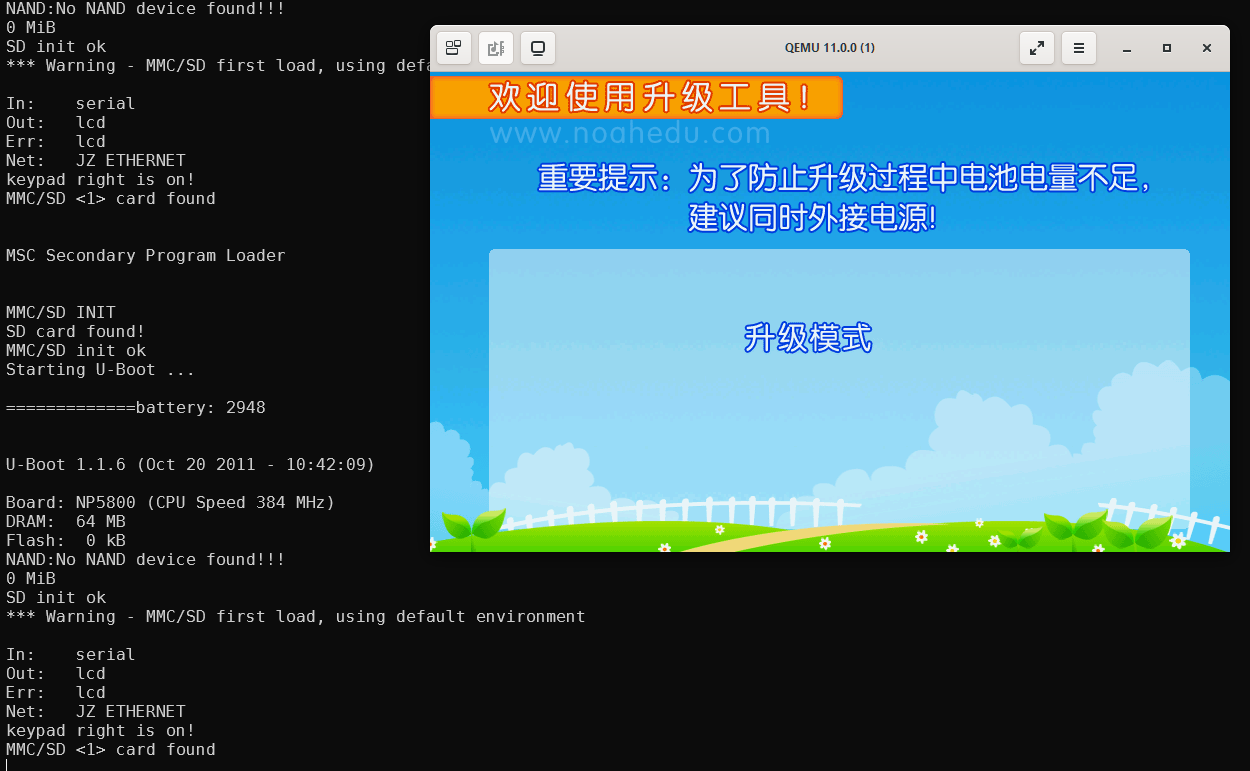
-device sd-card,spec_version=3,drive=mmc1,bus=sd-bus-msc1Force PC17 to 0 in qemu/hw/mips/noah_np6800.c to flash firmware.
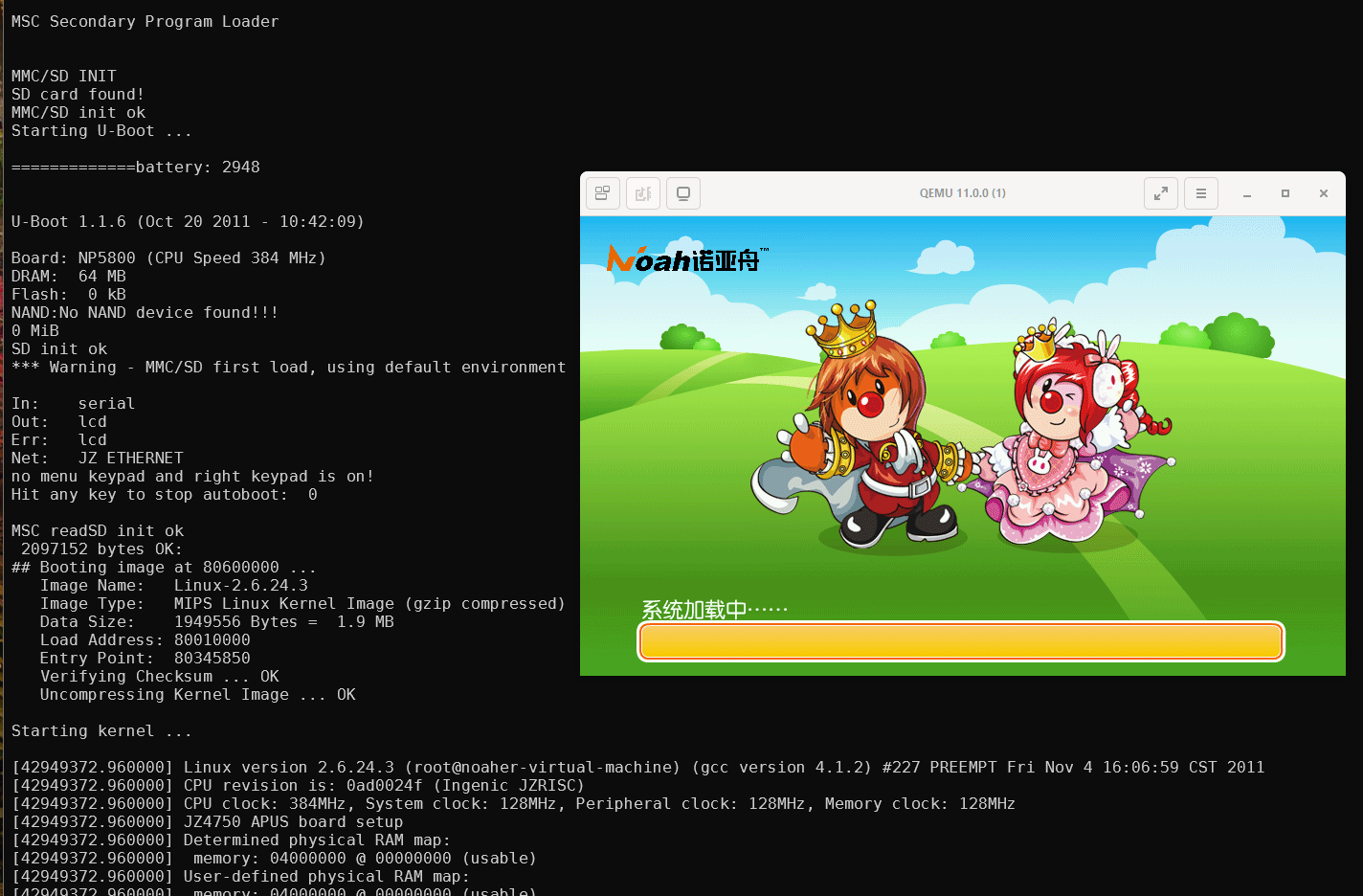
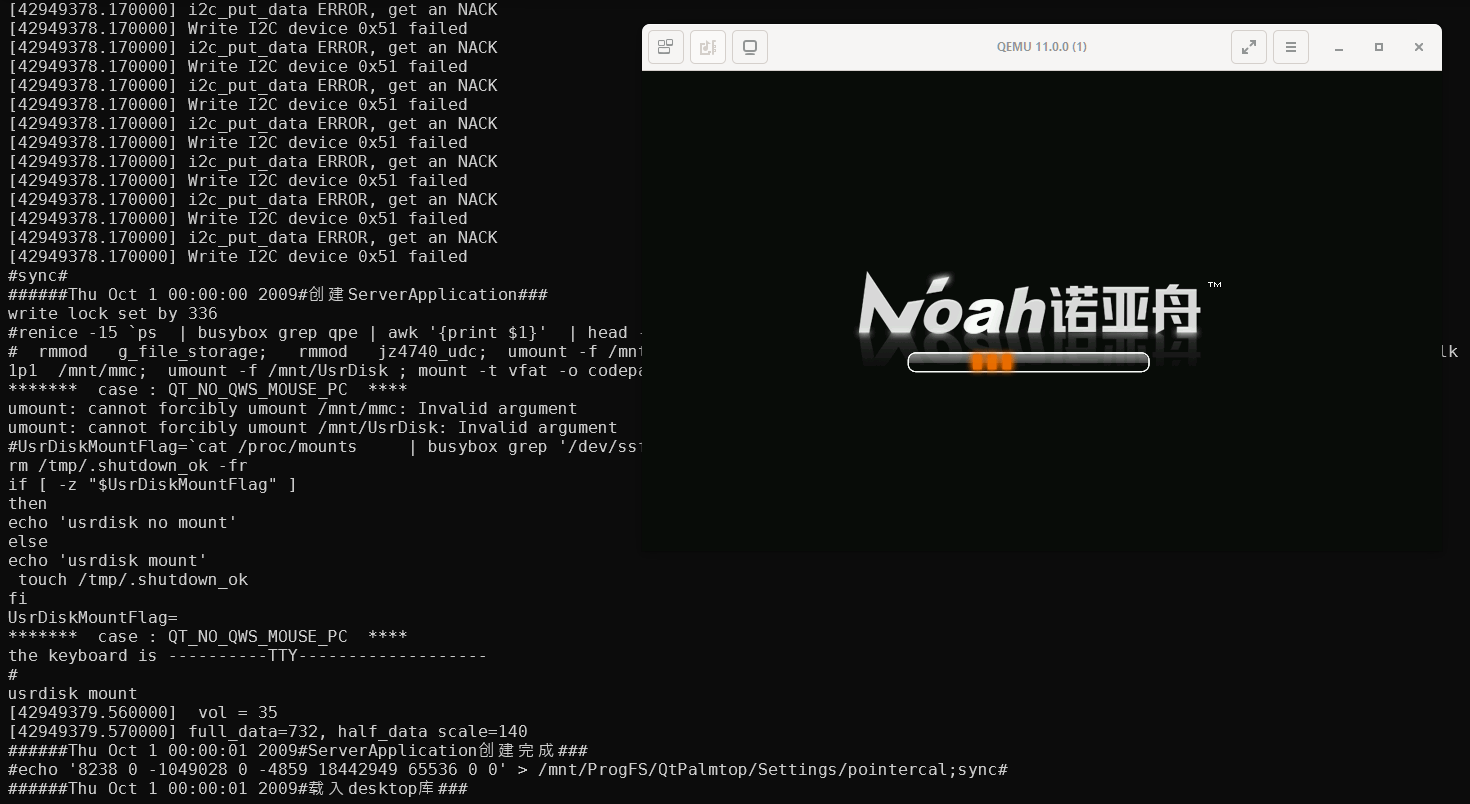
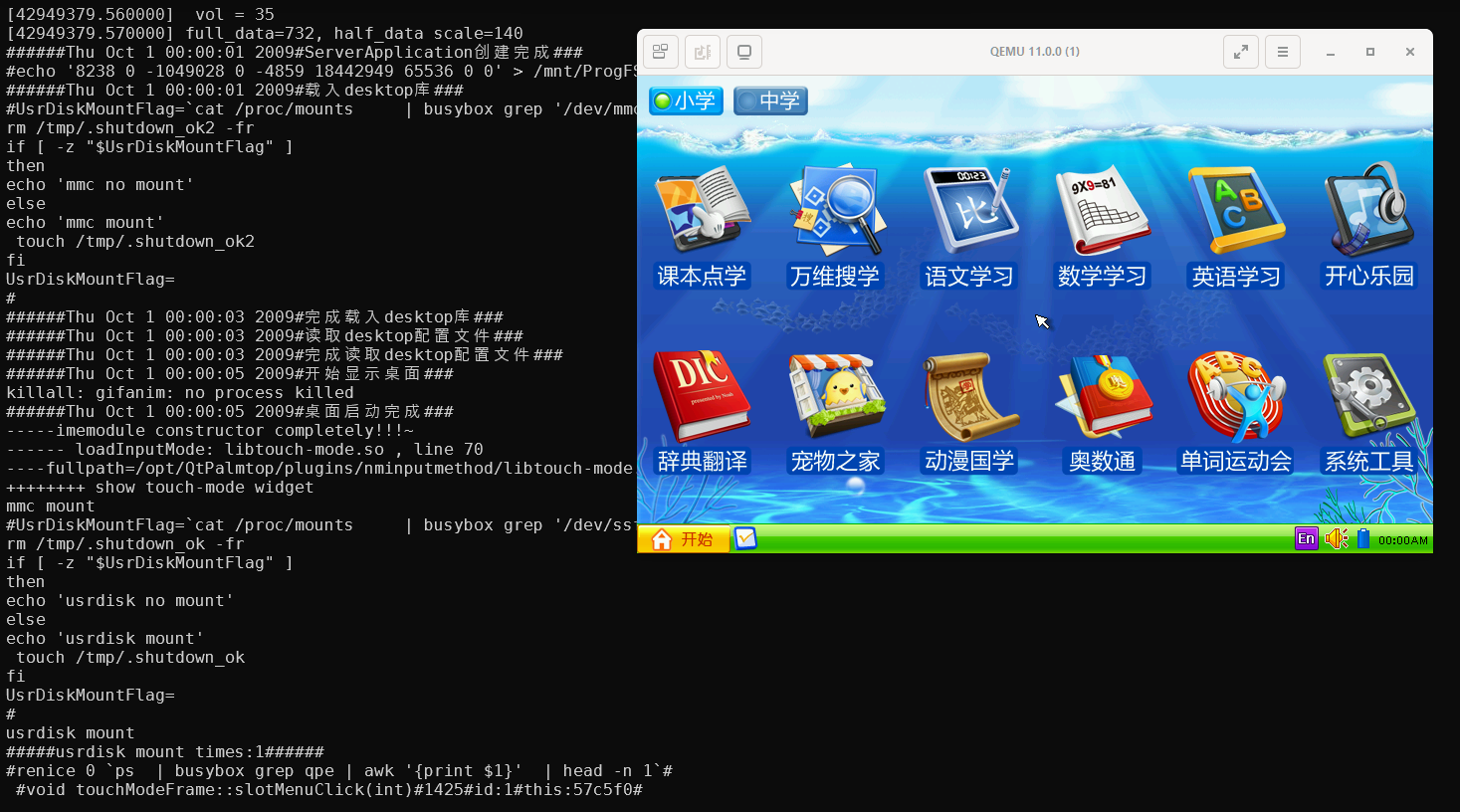
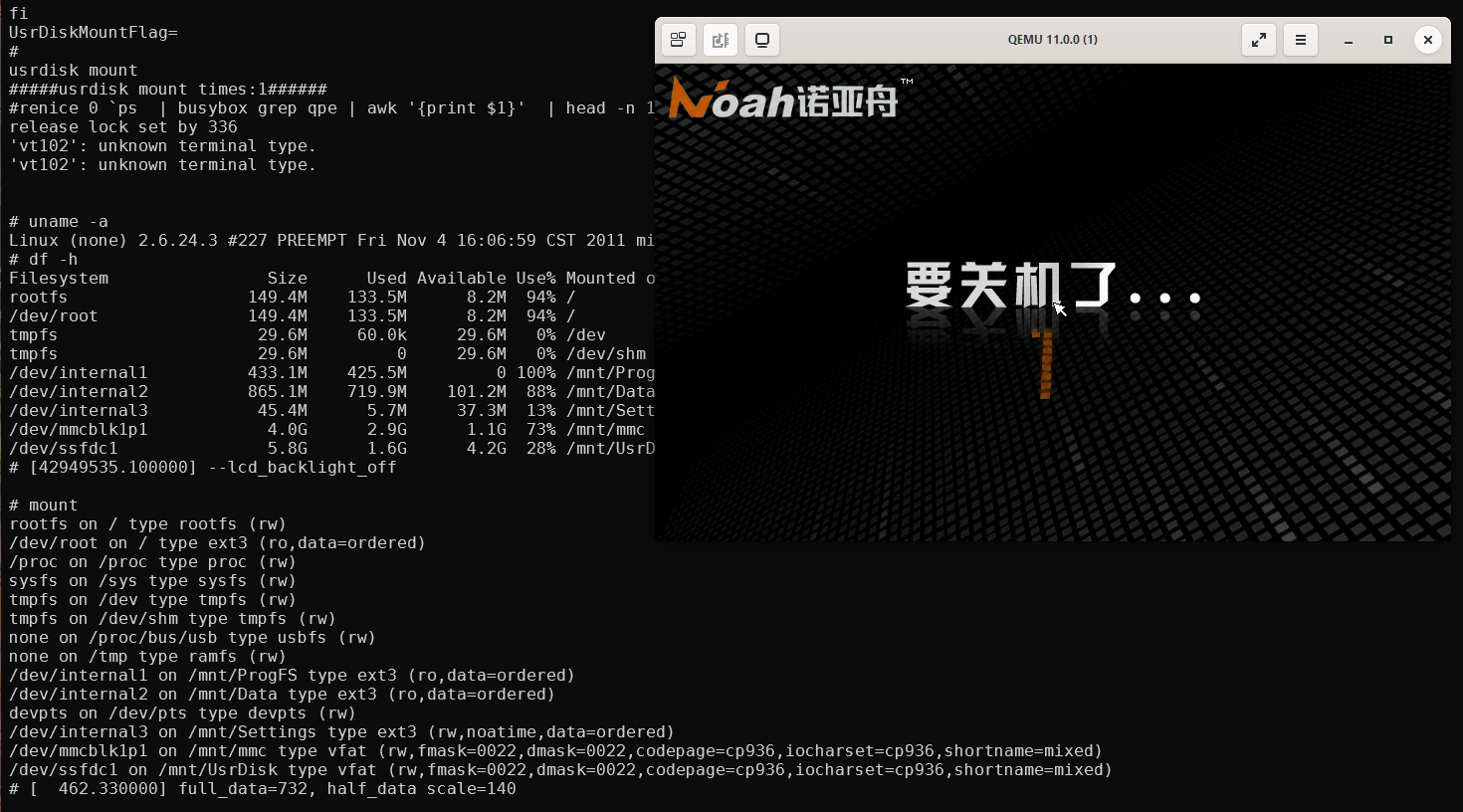
System
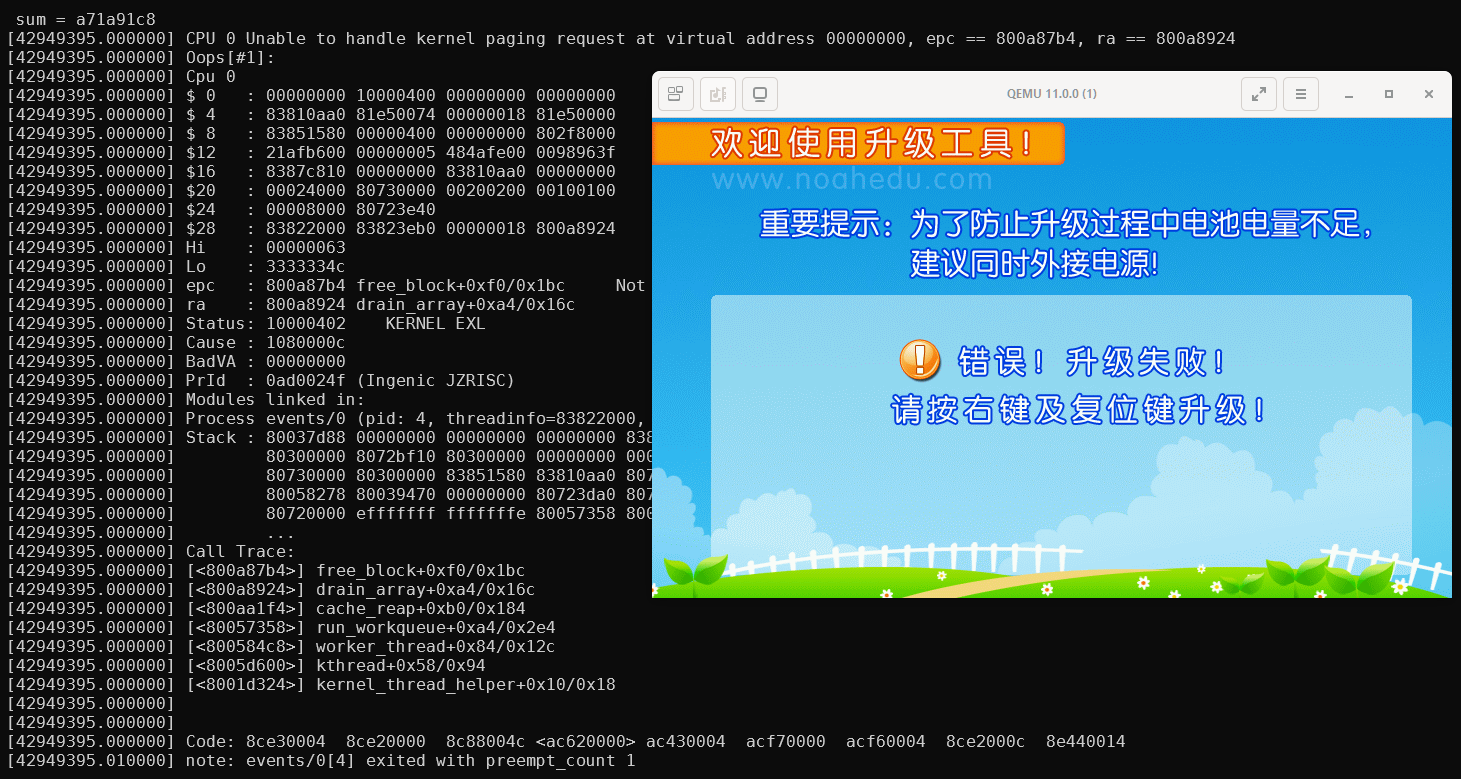
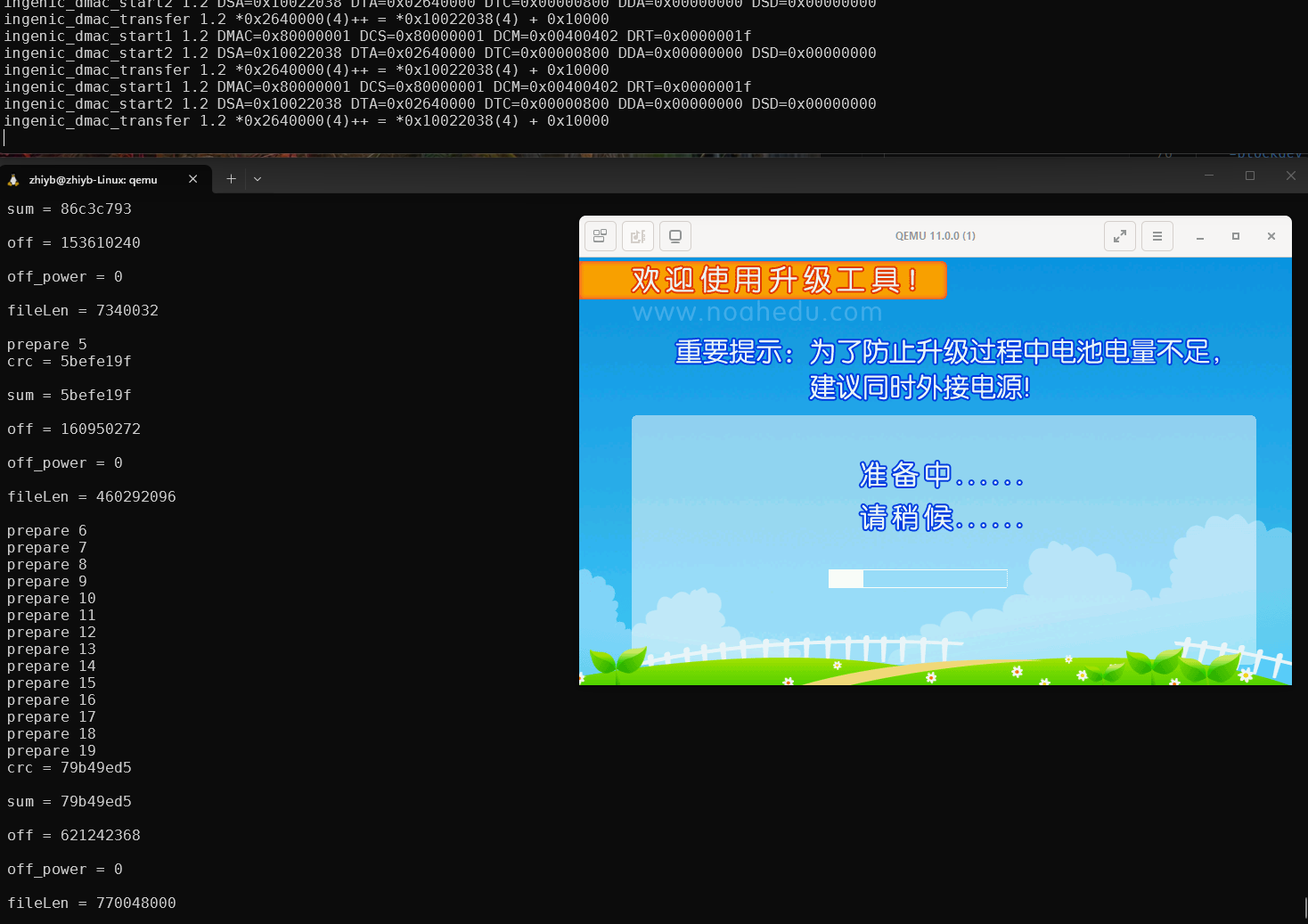
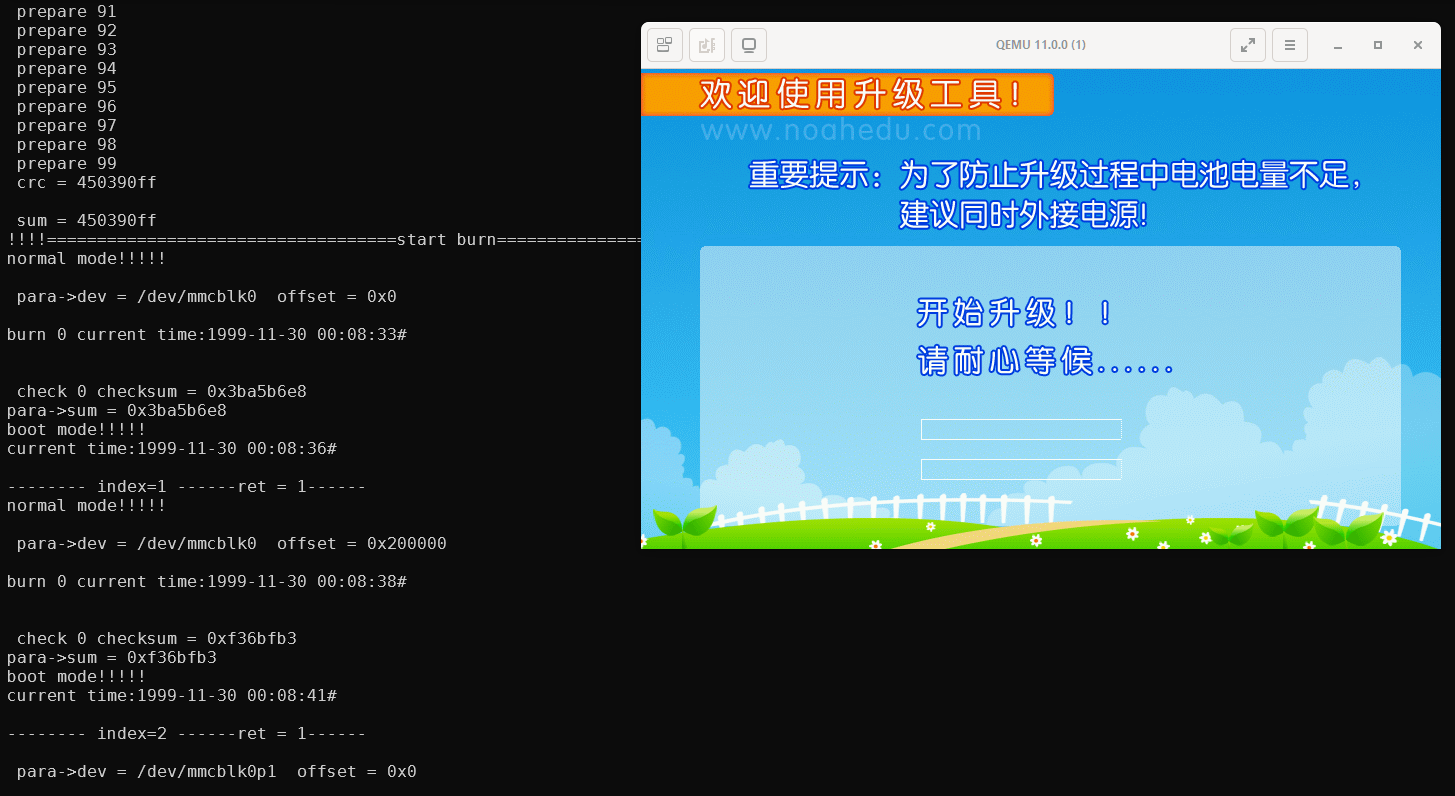
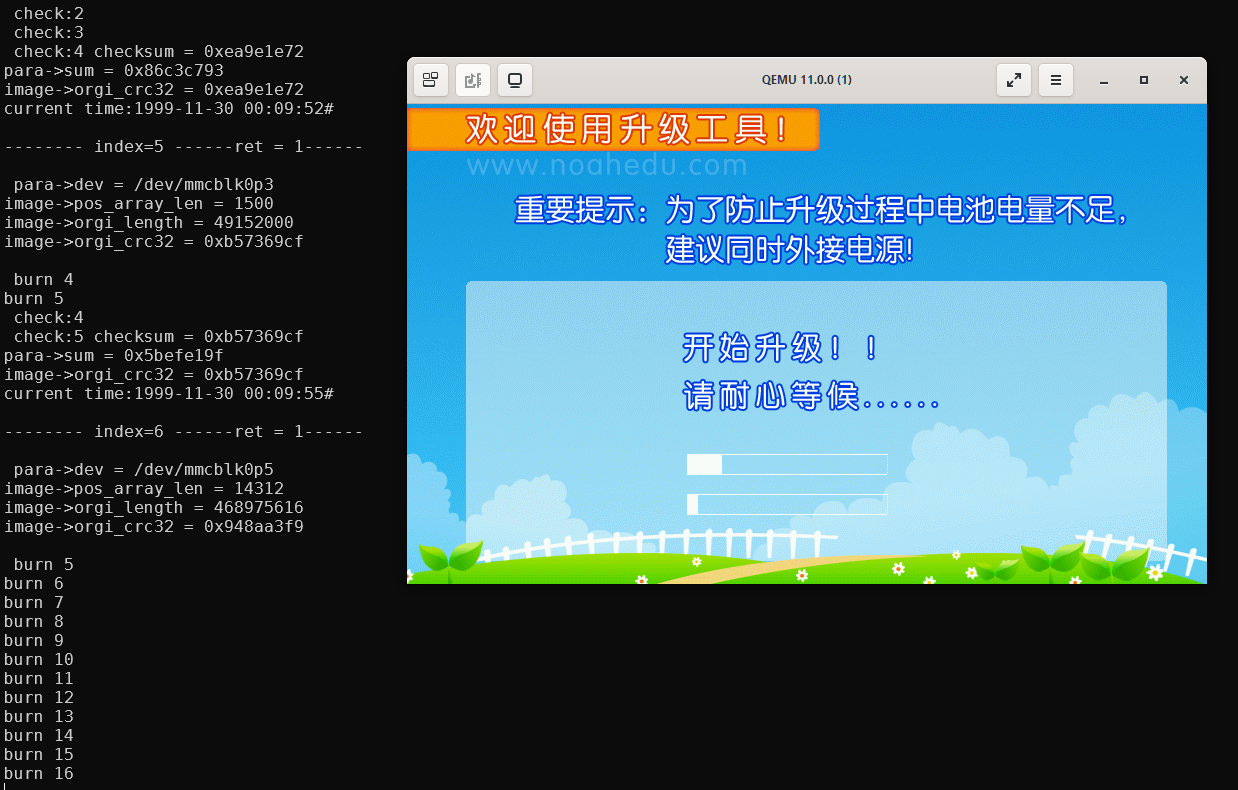
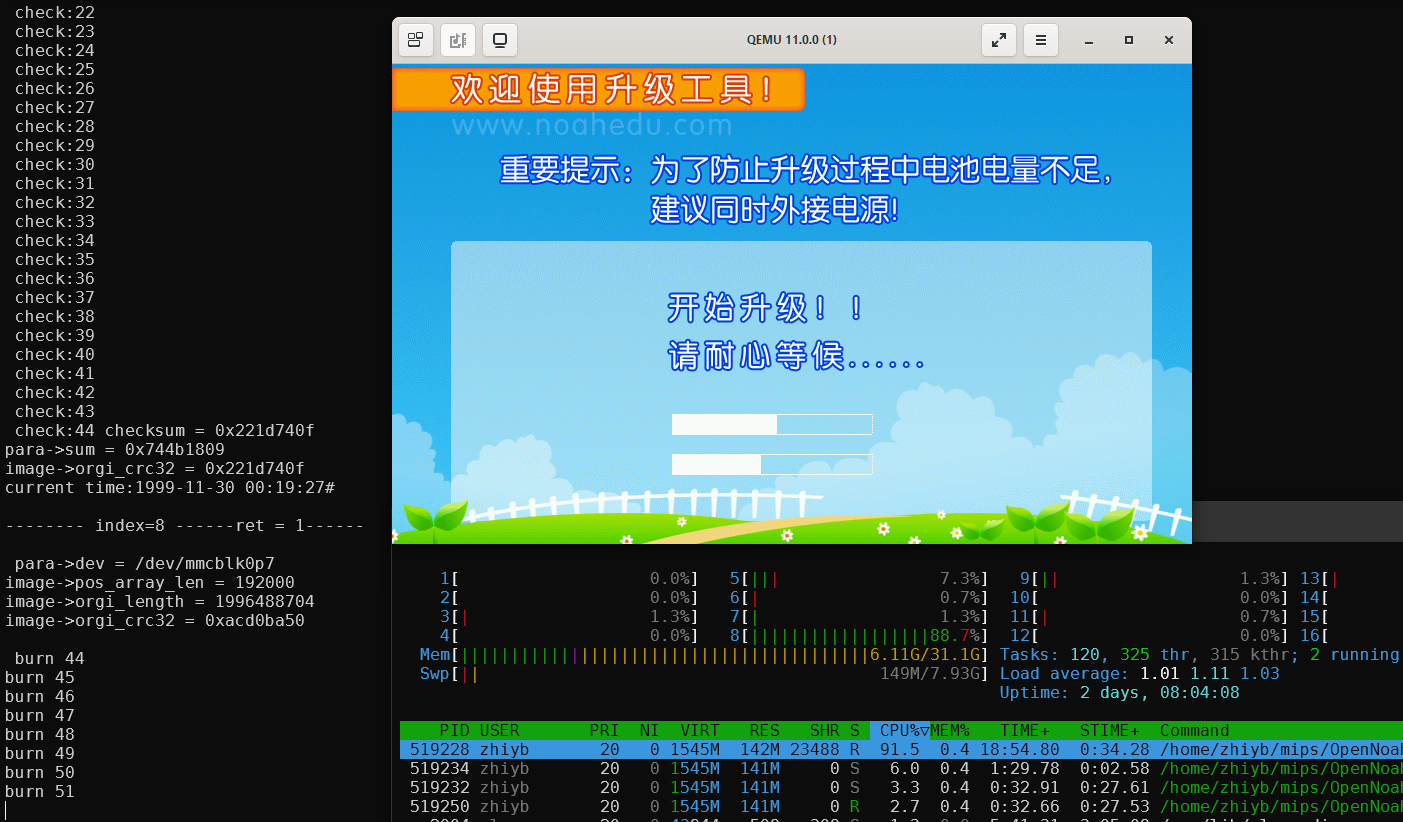
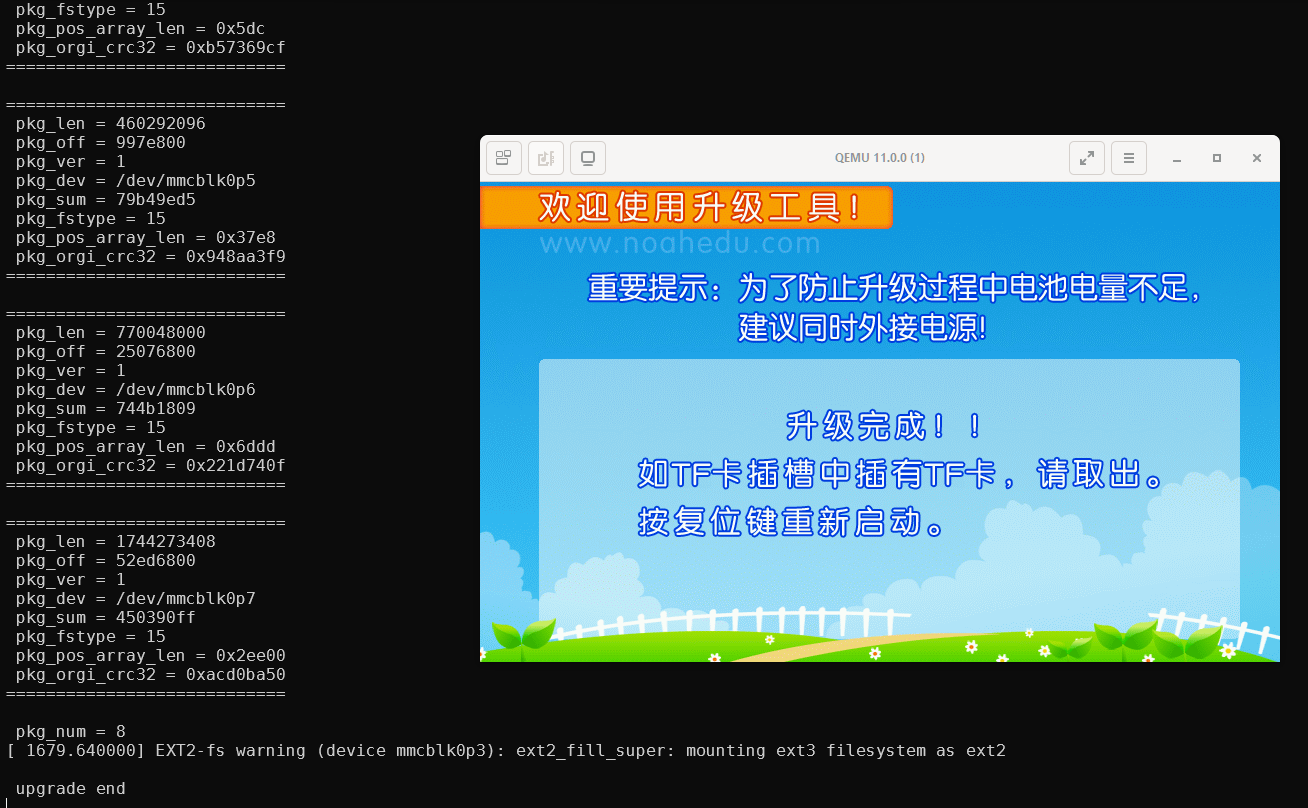
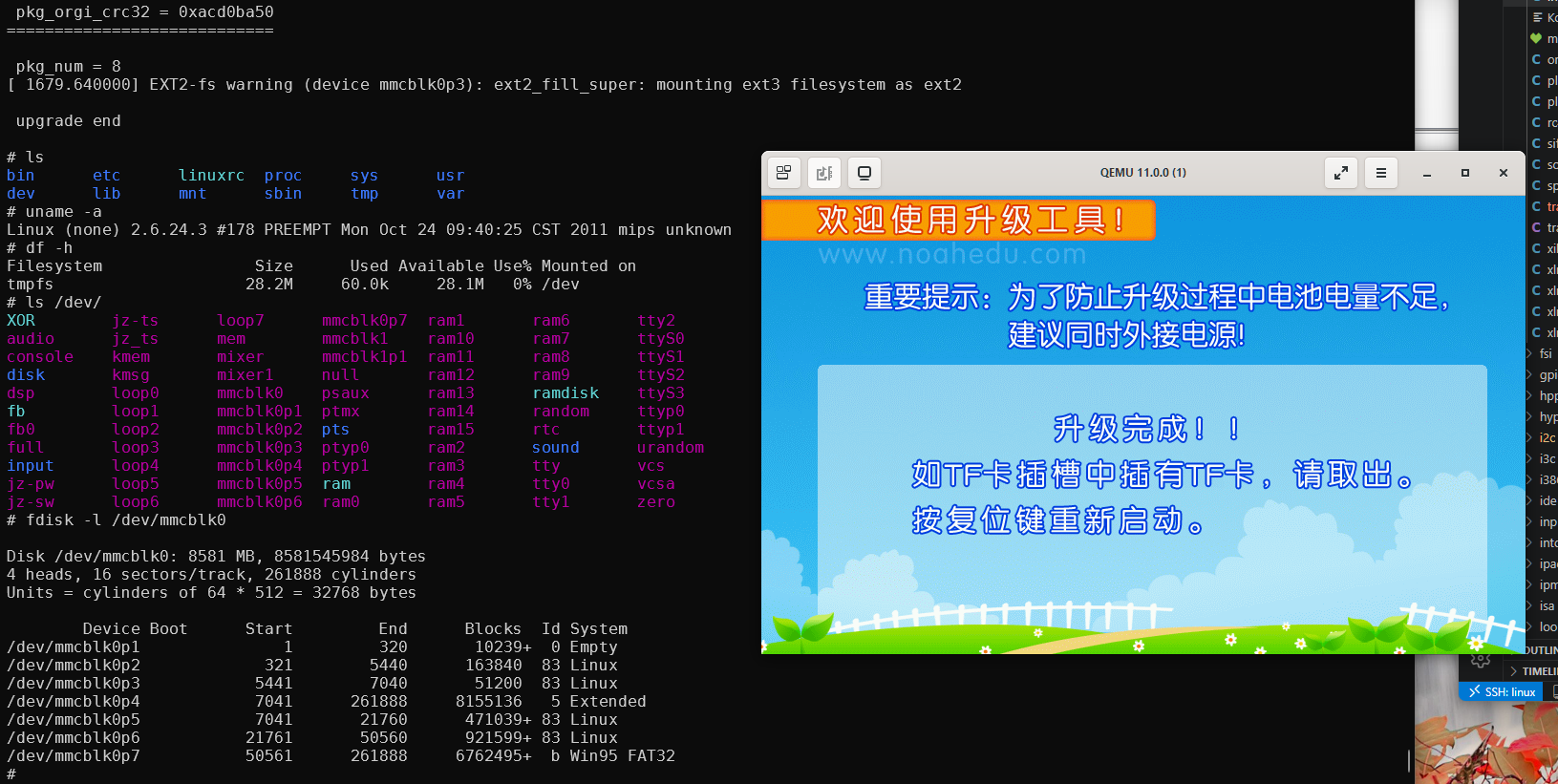
Firmware update
Working in progress...