Repository navigation
Design Splash Screen

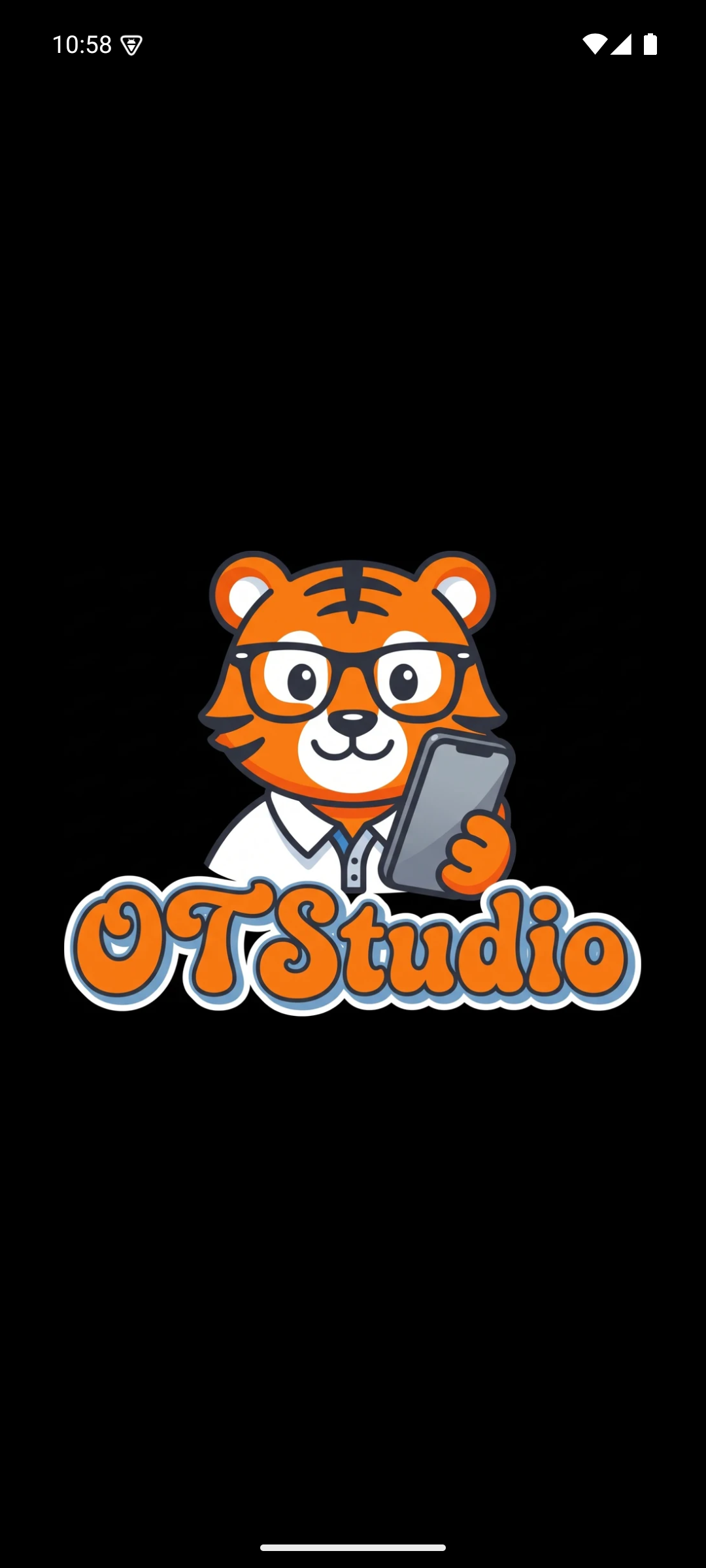
The splash screen greets the user with the full OT Studio logo while the app starts. It runs in two stages, because Android limits what a system splash screen may show.
| Box | What it holds | Why |
|---|---|---|
| Background | Solid black | Matches the app canvas, so the hand-off to stage 2 shows no flash |
| Center icon | The tiger head, without the phone | Android 12 and later allow only a centered icon on the system splash, cropped to a circle. The tiger head fits that circle cleanly. The full logo with its lettering would be cut off. |
Android draws this stage itself before any app code runs. On Android 10 and 11 the compatibility library recreates the same look.
| Box | What it holds | Why |
|---|---|---|
| Background | Solid black, full screen | Keeps one continuous black surface from launch to the main screen |
| Logo | The OTStudio artwork, centered, up to 340 dp wide or 82 percent of the screen width | Shows the complete brand, lettering included, which stage 1 cannot do |
The logo stays for 0.9 seconds and then fades out over 0.35 seconds. The main screen is already built underneath, so the app is ready the instant the fade ends. The splash blocks taps while it shows, so a stray tap cannot press a hidden button.
Stage 2 appears only on a fresh launch. Turning the phone or returning from another app skips it, because the logo should welcome the user rather than interrupt them.
OT Studio by OrangeTiger. Prices and provider steps were checked in October 2026 and can change.
Start
Design
- Design System
- Splash Screen
- Main Screen
- Output Actions
- API CALL Panel
- Settings
- Model Manager
- Memory
- Job Card
- Help Screen
- LoRA Library
Procedures