





Linux system monitor with the compactness and usefulness of windows task manager to allow higher control and monitoring.
To install the binary for ubuntu and its family members (only for: 16.04,18.04,20.04 and 20.10 and equivalent)
$ sudo add-apt-repository ppa:camel-neeraj/sysmontask
  ....
$ sudo apt install sysmontask
  ....
$ sysmontask   // optional to run via terminal but recommended for the first time
If you get the warning about psutil module version(require >=5.7.3) then install the newest one(system-wide) by running:
$ sudo pip3 install -U psutil
 ....
[for Ubuntu<=20.04, the python3-psutil comes with <=5.5.1, hence it is highly recommended to install to the newest one(system-wide)]
Alternatively, if you don't want to add ppa(Personal Package Archives) then download the binaries from releases. And install by double clicking on it.
Then start application from menu or by command "sysmontask"(recommended only in case of error/crashed) on terminal.
Hurray, You're good to go in understanding capabilities of your system:)


[Update]
- Added support for multiple users processes.
- About logo icon fixed.
- Back to zenity for privilege uplifting.
- Removed auto installing of psutil.
- hardcode path removed when running from source
- Logical and Overall CPU Utilisation.
- Option to change graph movement(Newer on Left/Newer on Right).
- Icons on Menu.
- Mac Address on Network tab.
- Resident and Shared Memory Columns on performance tab.
- Show/Hide process tab columns(click on column headers).
- [Bug Fix] optimised code.
- [Bug Fix] Refresh not working after Adding a process tab.
- [Bug Fix] Update speed not working after Adding a process tab.
- [Bug Fix] Graph resizing on full screen.
- [Bug Fix #2] Application crashes start after adding process tab.
Previous highlight:
- Processes filtering for user for fast look-ups. (Read More)
- rCPU, rMemory (recursive-CPU,recursive-Memery) columns. (Read More).
To set theme, Run:
By Default sysmontask will use the system-wide setting for themes. If you use any of dark theme(dark mode), that dark theme(dark mode) will be applied to sysmontask. If you use any of light theme(default/light mode), that light theme(default/light mode) will be used by sysmontask.
To Force apply a particular available theme(light or dark) regardless of system-wide theme, use the below commands:
$ sudo sysmontask.set_light
  0 : Raleigh
  1 : HighContrast
  2 : Pop
  3 : Default
  4 : Adwaita
  5 : Emacs
  Index for Corresponding Theme that you want to apply?:2
  Setting of Light Theme Done:)
$ sudo sysmontask.set_dark
  0 : Pop-dark
  1 : Adwaita-dark
  Index for Corresponding Theme that you want to apply?:0
  Setting of Dark Theme Done:)
This setting will be permanent. If you want to revert back to system-wide theme settings for sysmontask, run:
$ sudo sysmontask.set_default
  Setting done:)
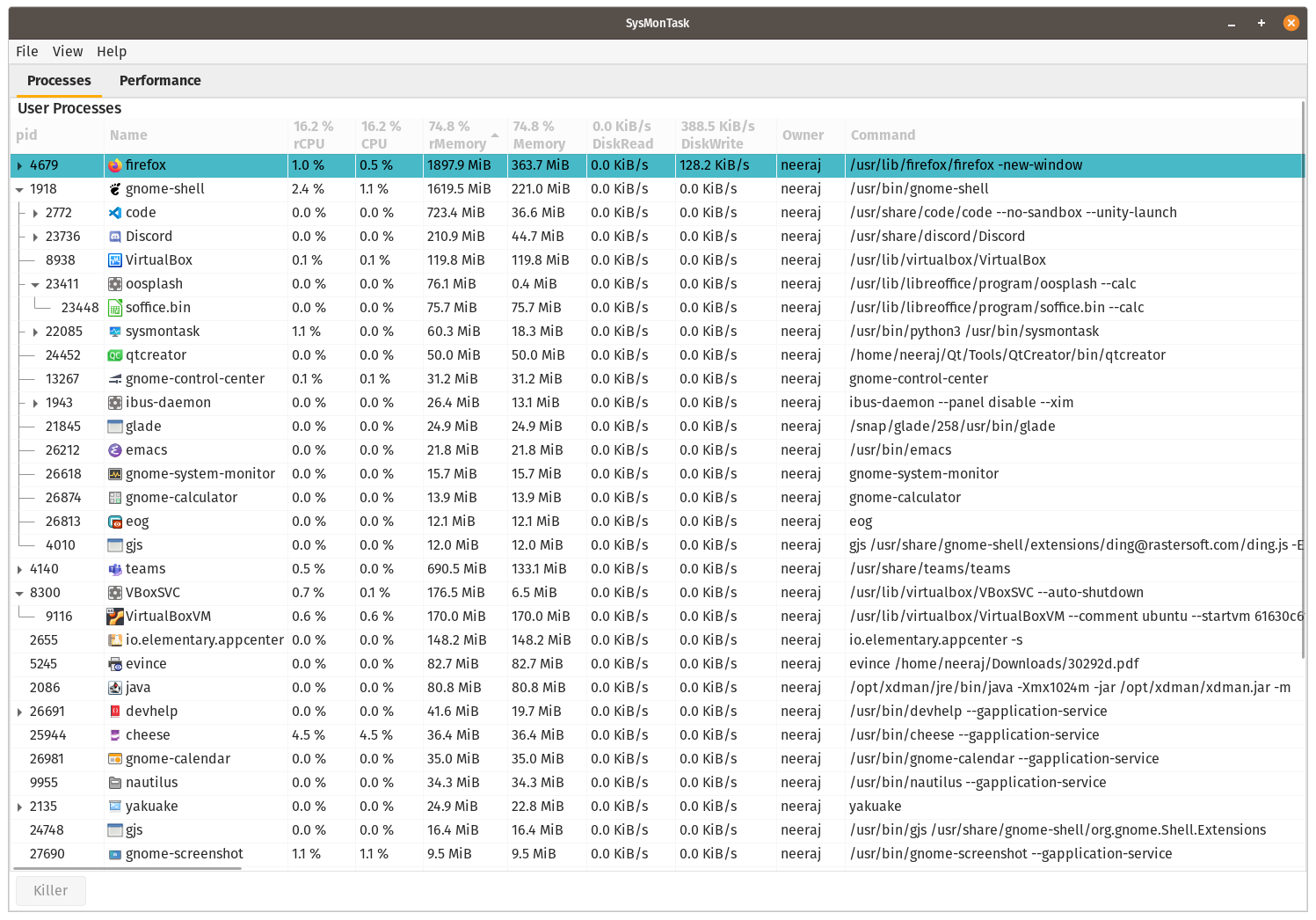
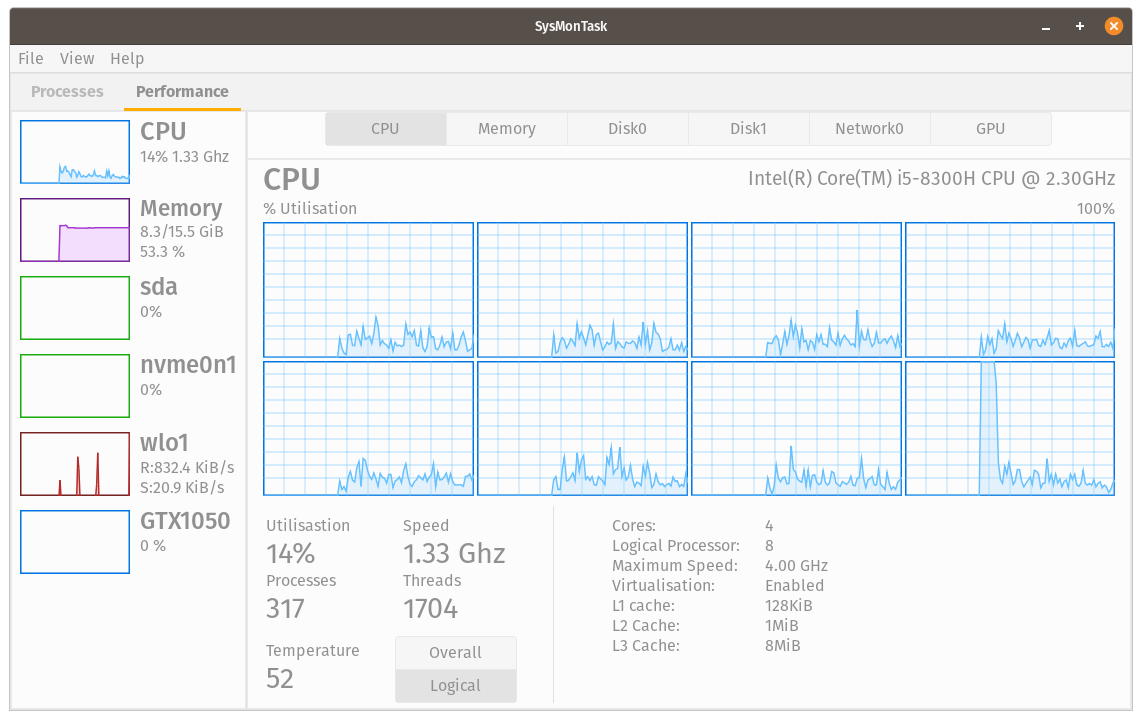
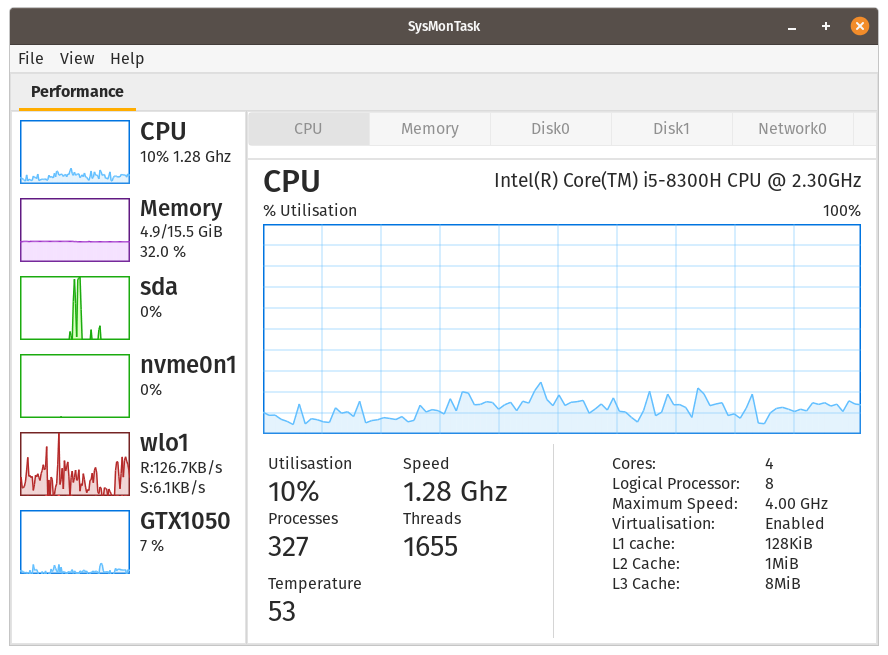
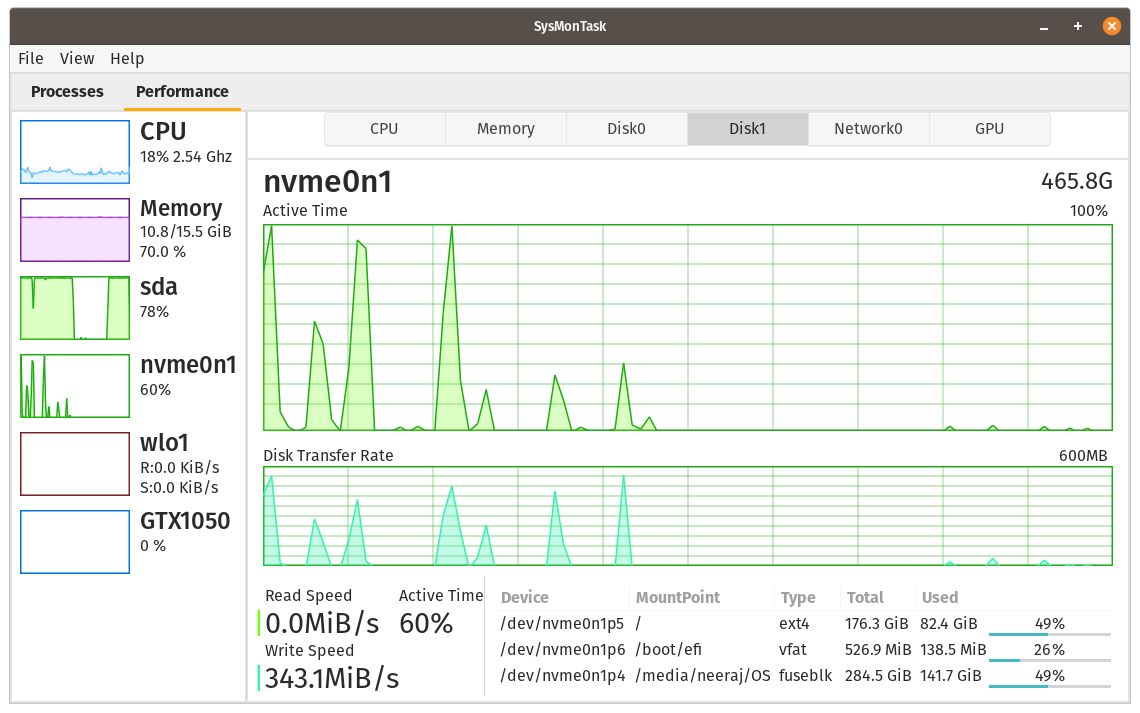
- User Processess Tab
- Mounted Disk List
- Can start with different system themes
- Performance monitoring graphs
- Devices supported:
- CPU
- Memory
- Disks
- Network adapters
- only single Nvidia GPU